AI Dragon Generator
WHY GENERATE WITH FLICK?
Sketch a dragon once. Character Reference keeps the same creature across GPT Image 2, Nano Banana Pro, and every video model on the canvas.
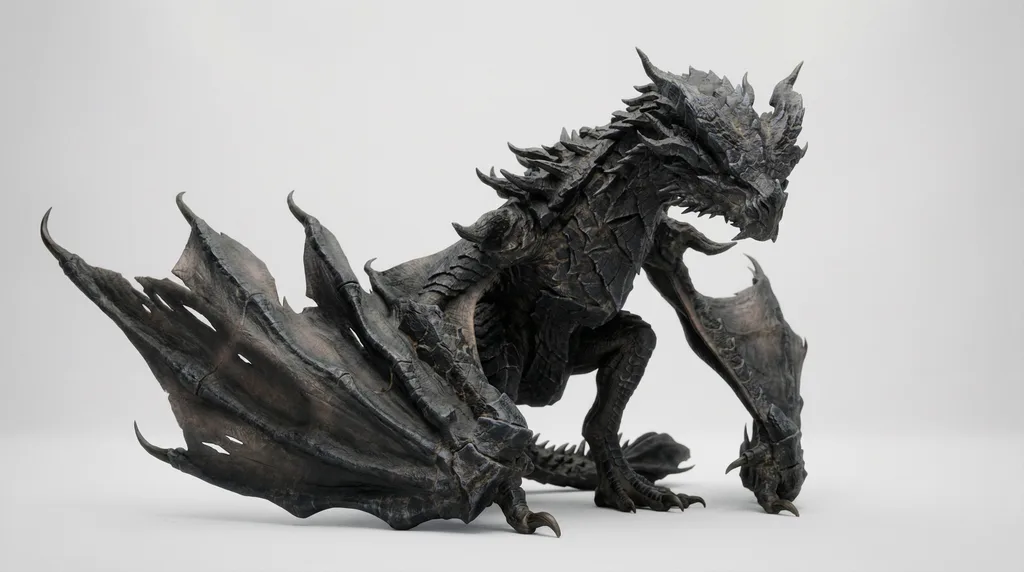
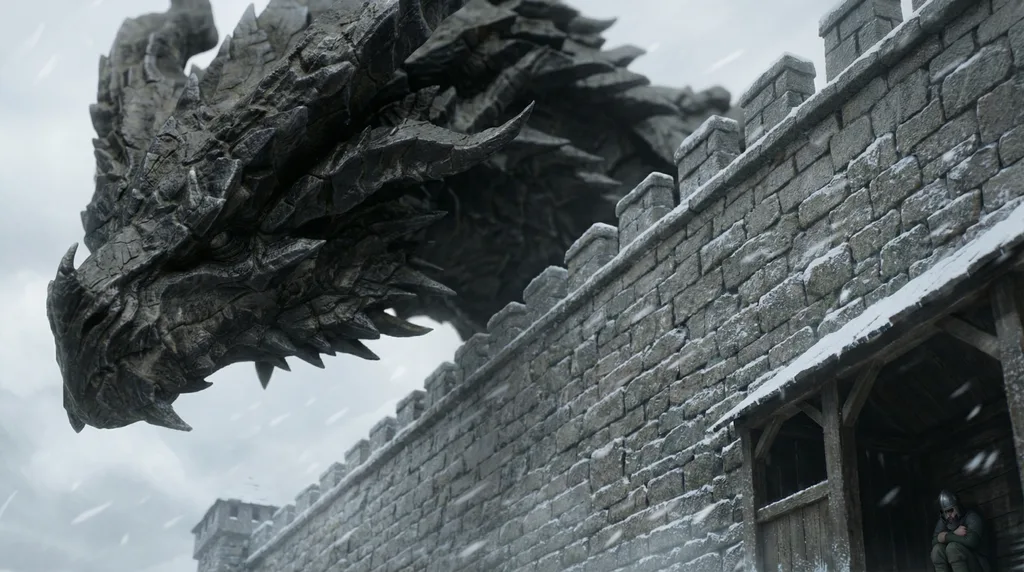
AI DRAGON GENERATOR EXAMPLES
HOW IT WORKS
STEP 1
SKETCH YOUR DRAGON
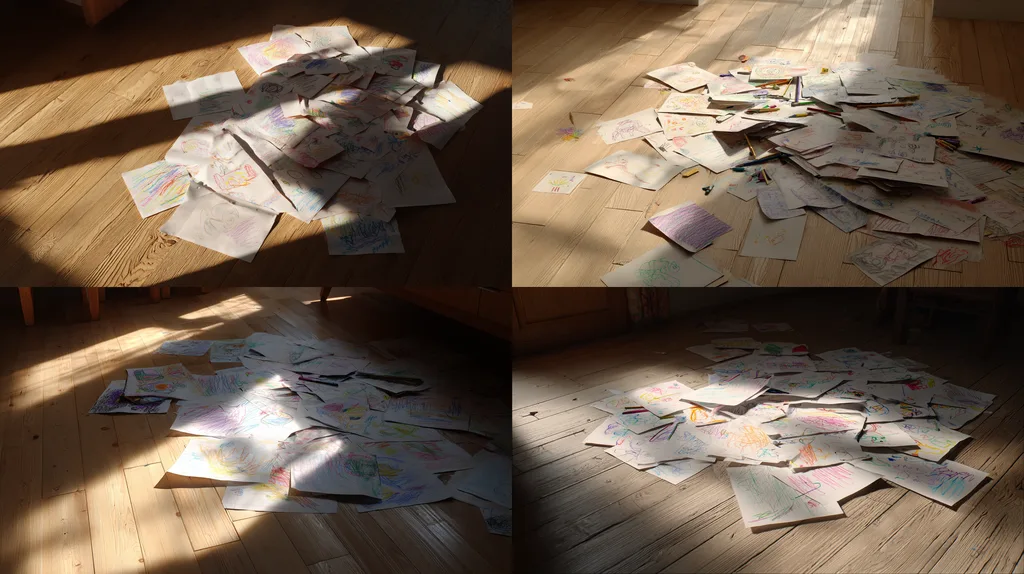
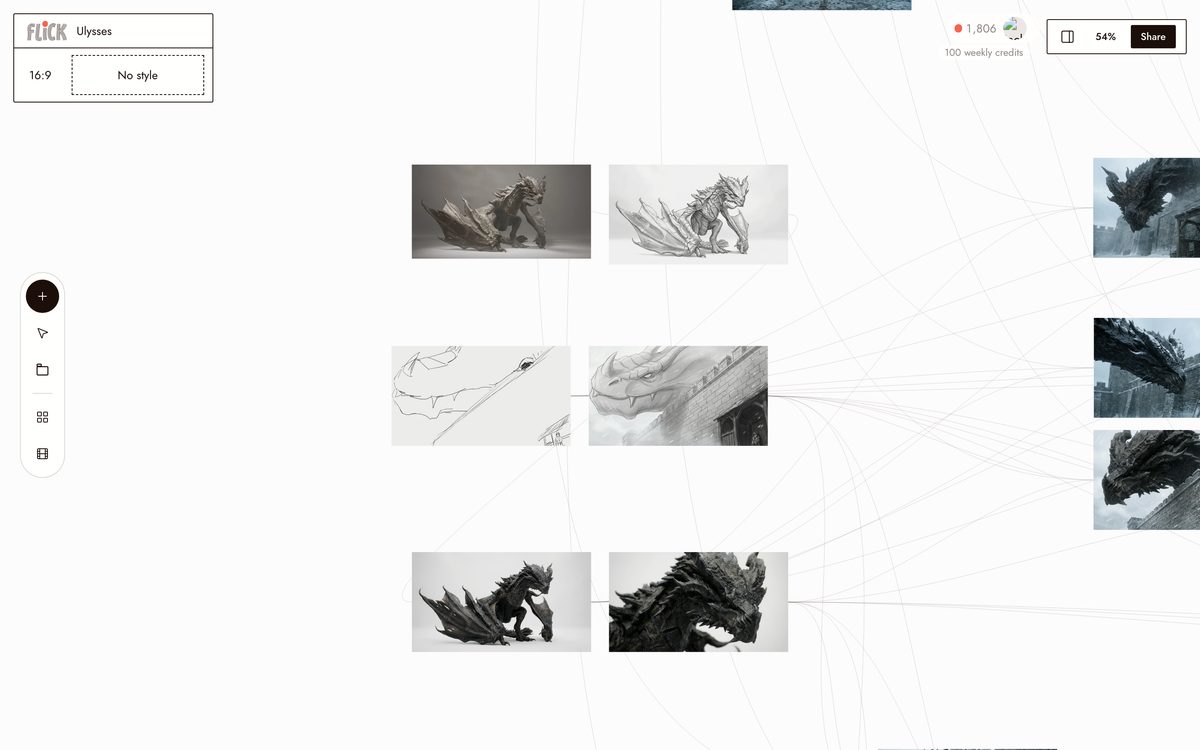
Draw or generate a rough dragon sketch and let it decide the anatomy and silhouette. On the Ulysses canvas, Nano Banana Pro turns any base image into that sketch with the working prompt: Convert the image into a hand-drawn pencil sketch / storyboard sketch. Composition 100% unchanged. GPT Image 2 and Nano Banana Pro then convert the sketch into a photoreal creature design with the pose locked.
From the Ulysses canvas STEP 2
LOCK THE DESIGN AS YOUR REFERENCE
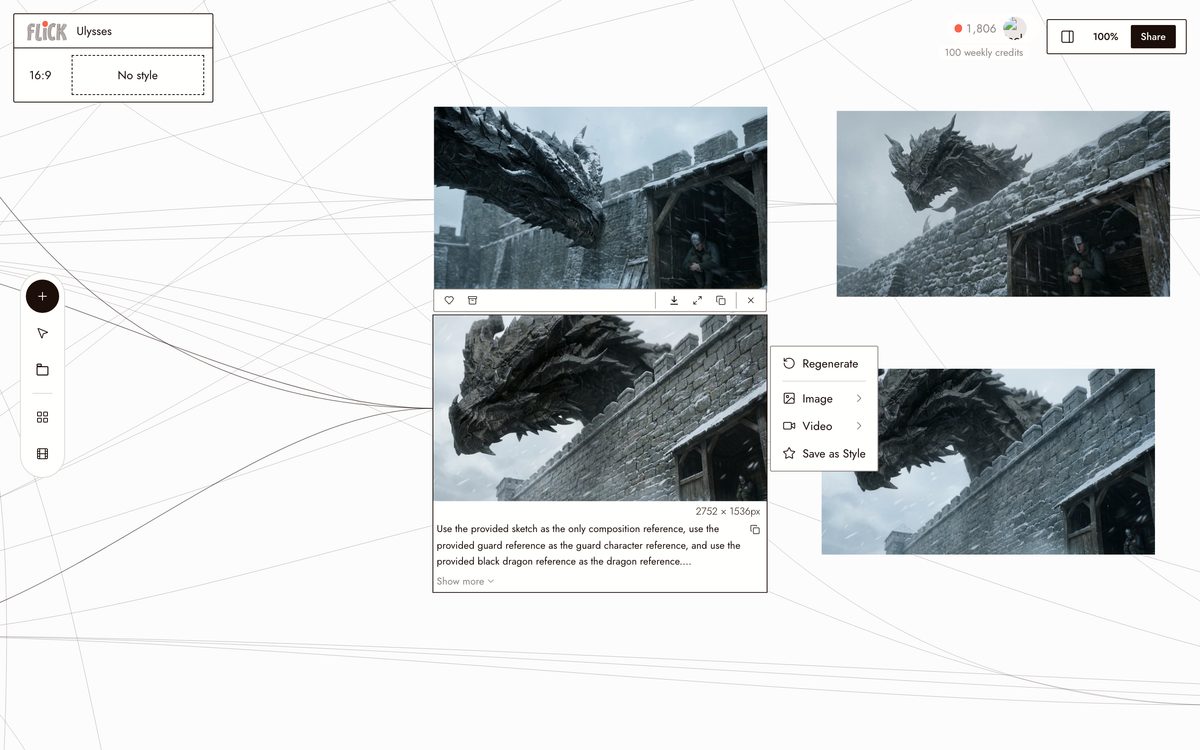
Promote the design you like to the exact character reference and wire it into every later shot. Close-ups, wides, and new poses all inherit the same dragon, and base-image locks keep camera, framing, and dragon scale honest from edit to edit.
From the Ulysses canvas STEP 3
MAKE IT FLY
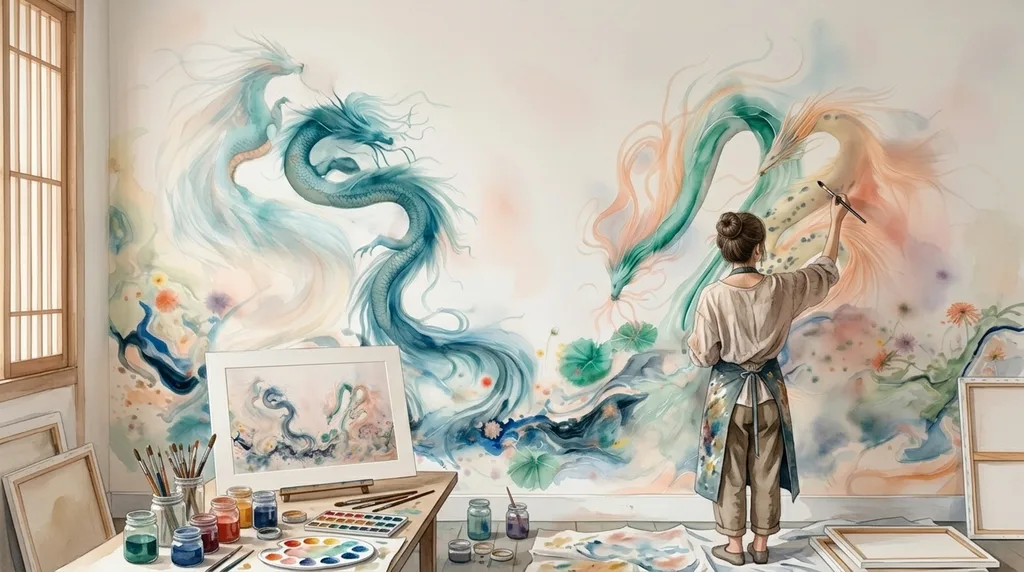
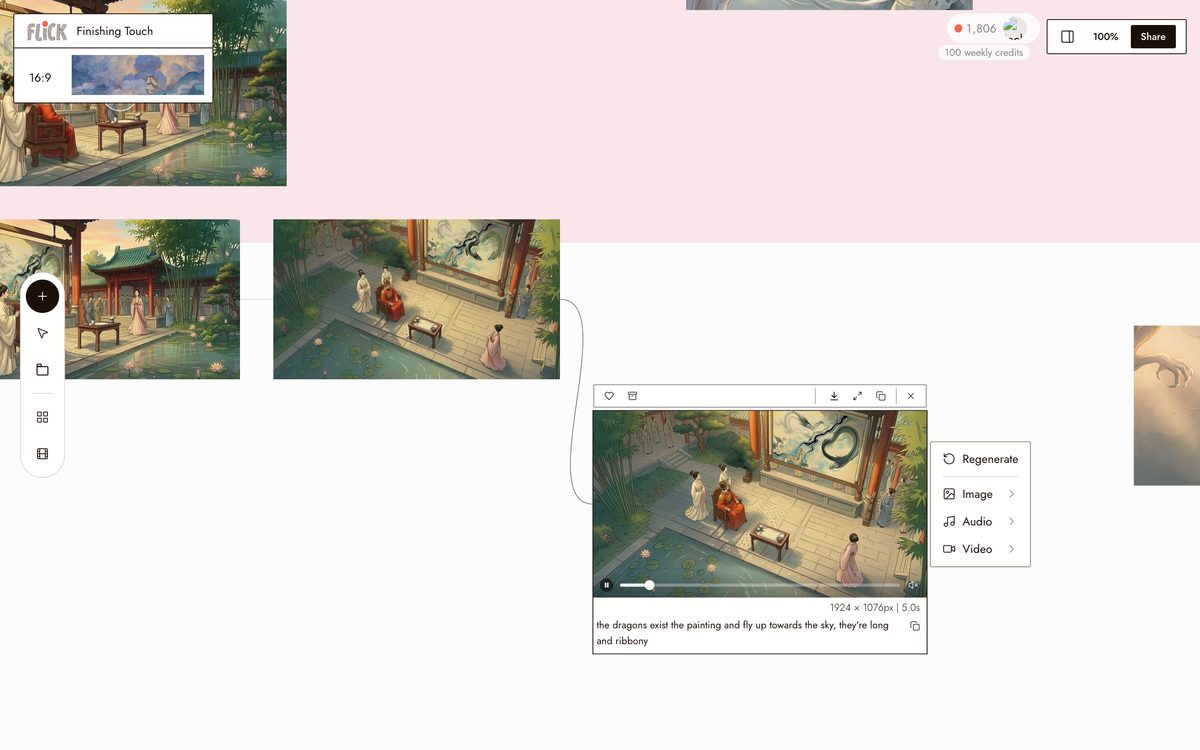
Pin an approved still as the first frame and describe one motion. On Finishing Touch, Kling O3 lifts the mural dragons into the sky with the working prompt: the dragons exist the painting and fly up towards the sky, they're long and ribbony. One clear move per clip animates far more reliably than long aerial choreography.
From the Finishing Touch canvas


AI DRAGON GENERATOR FAQS
WHAT IS AN AI DRAGON GENERATOR?
An AI dragon generator builds dragon designs from text, sketches, or reference images. On Flick, creators generated 607 dragon images and shots in the last 60 days, and published films like Ulysses and Finishing Touch are built around dragons made this way.
CAN I TURN MY DRAGON SKETCH INTO A REALISTIC DRAGON?
Yes, and it is the strongest workflow we see. The Ulysses canvas uses the sketch as the exact base image and pose reference, then converts it into a photoreal creature design. Your anatomy survives the render.
HOW DO I KEEP THE SAME DRAGON ACROSS SHOTS?
Promote one approved design to the character reference and wire it into every generation with Character Reference. The working prompts also lock camera position, framing, dragon placement, and dragon scale on each edit. Change the scene, the lighting, the angle. The dragon stays.
CAN THE DRAGON FLY?
Yes. Pin an approved still as the first frame and describe one motion. In Finishing Touch, the mural dragons take flight through Kling O3 from a single prompt, and short single-objective moves like that animate far more reliably than long aerial choreography.
IS THIS FREE?
Flick has a free tier: up to 300 free credits (100 at signup plus 200 for joining our Discord) plus 100 weekly credits, no credit card required. That covers a real number of dragon designs and Character Reference locks. Paid plans start at 500 credits a month for $5, or $4/month billed yearly. Every image model, including Nano Banana and GPT Image, is on every plan, free included, and so are MiniMax H3 Fast, MiniMax H3 Max and Pruna Draft video. Kling, Veo 3.1, Seedance and the full video model list come with the Standard plan.
HOW IS THIS DIFFERENT FROM GENERATING A DRAGON IN MIDJOURNEY?
Midjourney makes strong dragon stills, and creators on Flick reached for it 31 times in the last 60 days for exploration. Flick runs the full pipeline on one canvas: design the creature, lock it with Character Reference, animate it with Seedance, and cut the shots into a film. The image models and video models share the same workspace and the same reference.

TRY THE AI DRAGON GENERATOR FREE