AI Clip Generator
WHY GENERATE WITH FLICK?
Most tools stop at a single clip. Flick generates from a prompt or image, then lets you trim and chain every shot into a full sequence.
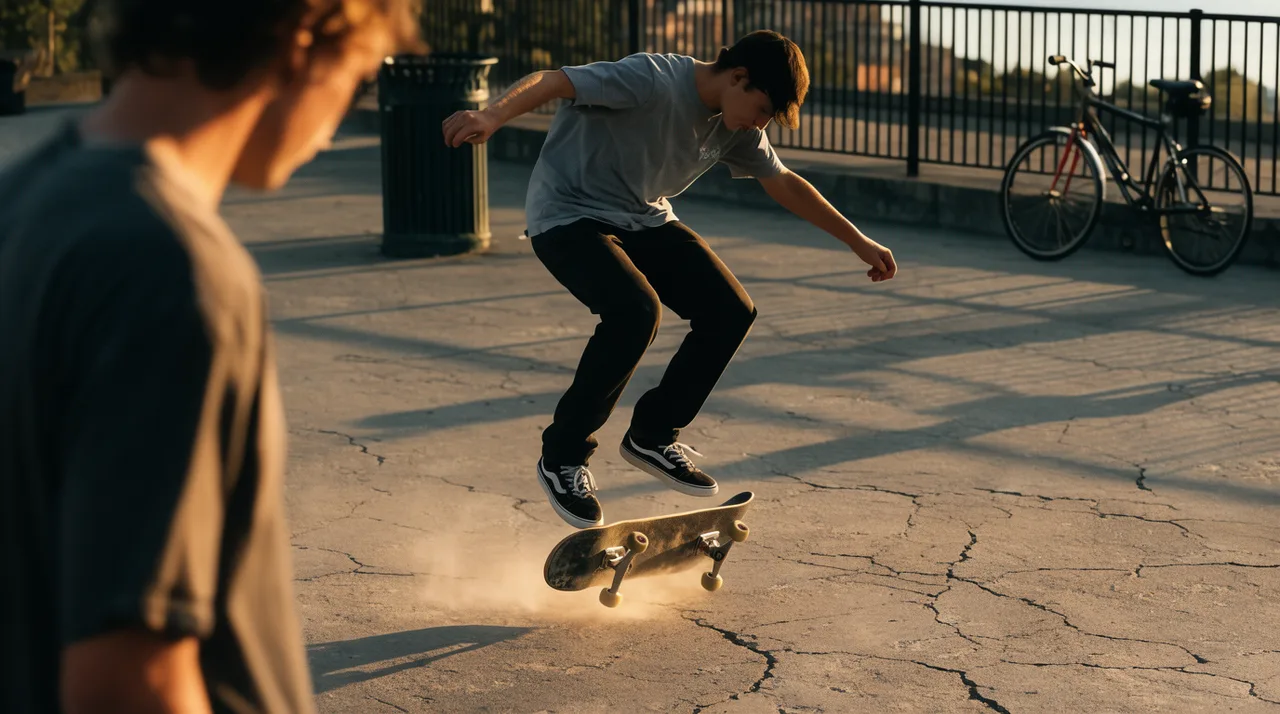
AI CLIP GENERATOR EXAMPLES
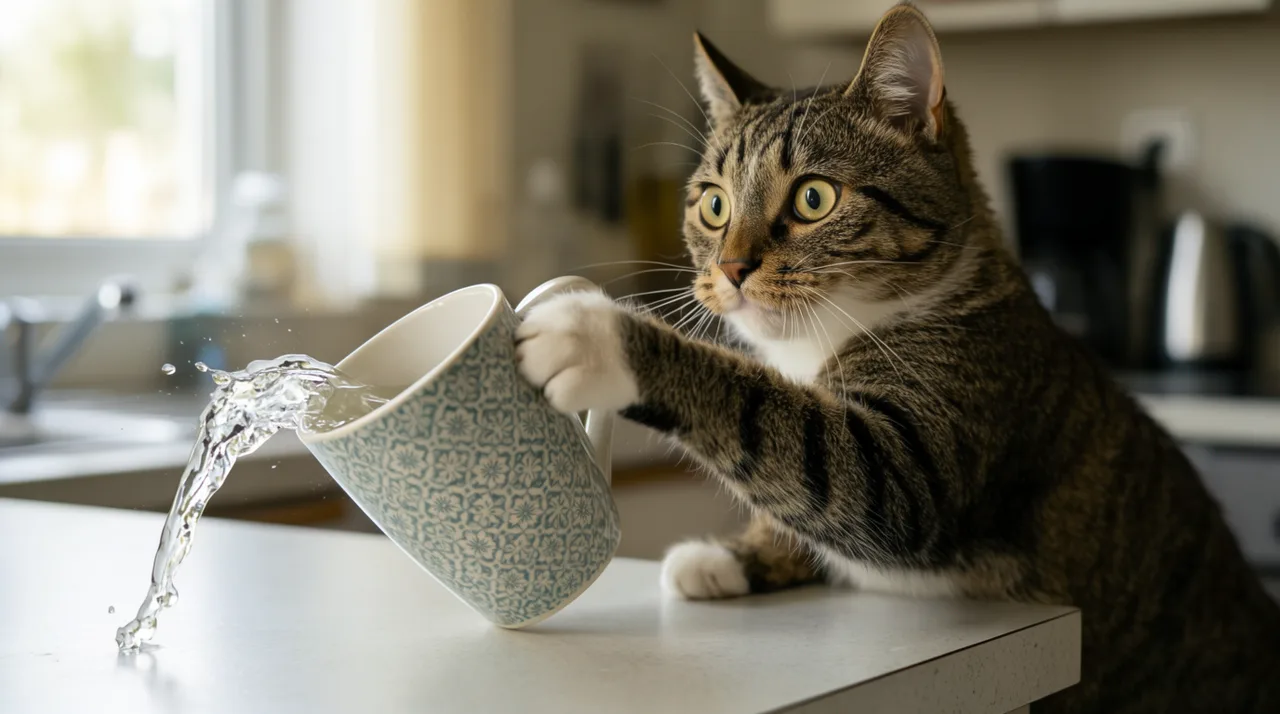
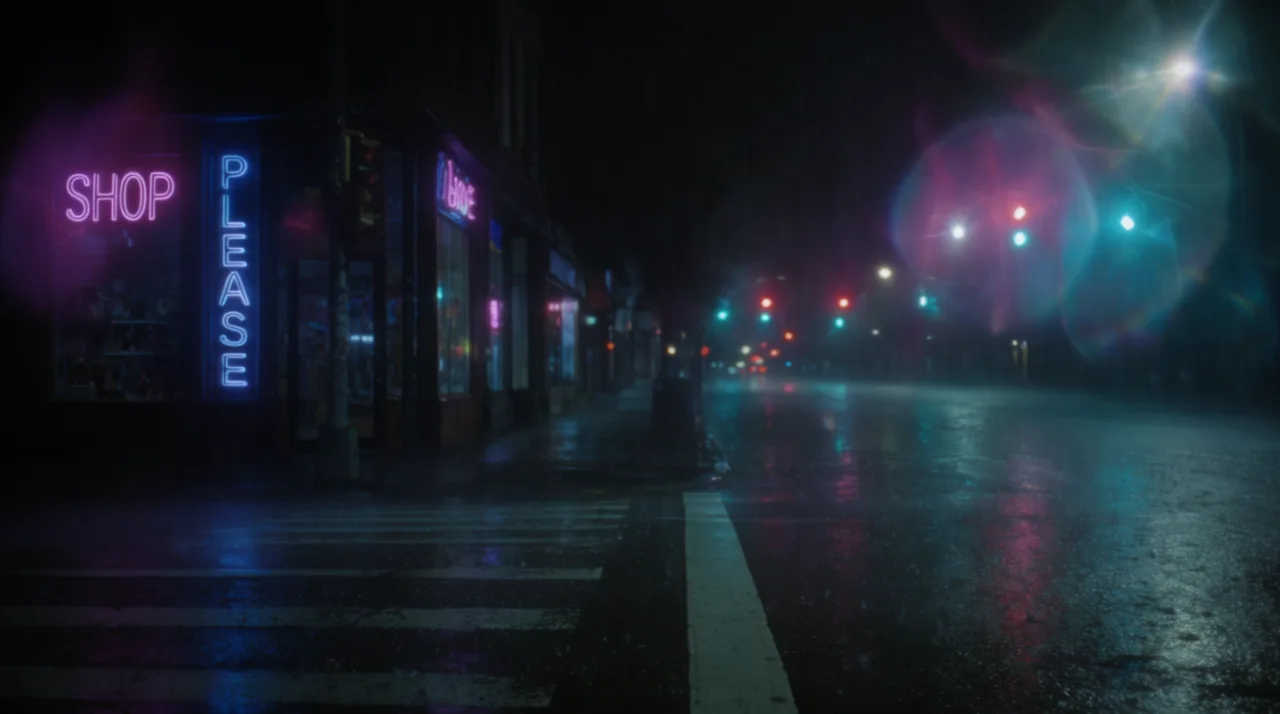

HOW IT WORKS
STEP 1
DESCRIBE THE CLIP
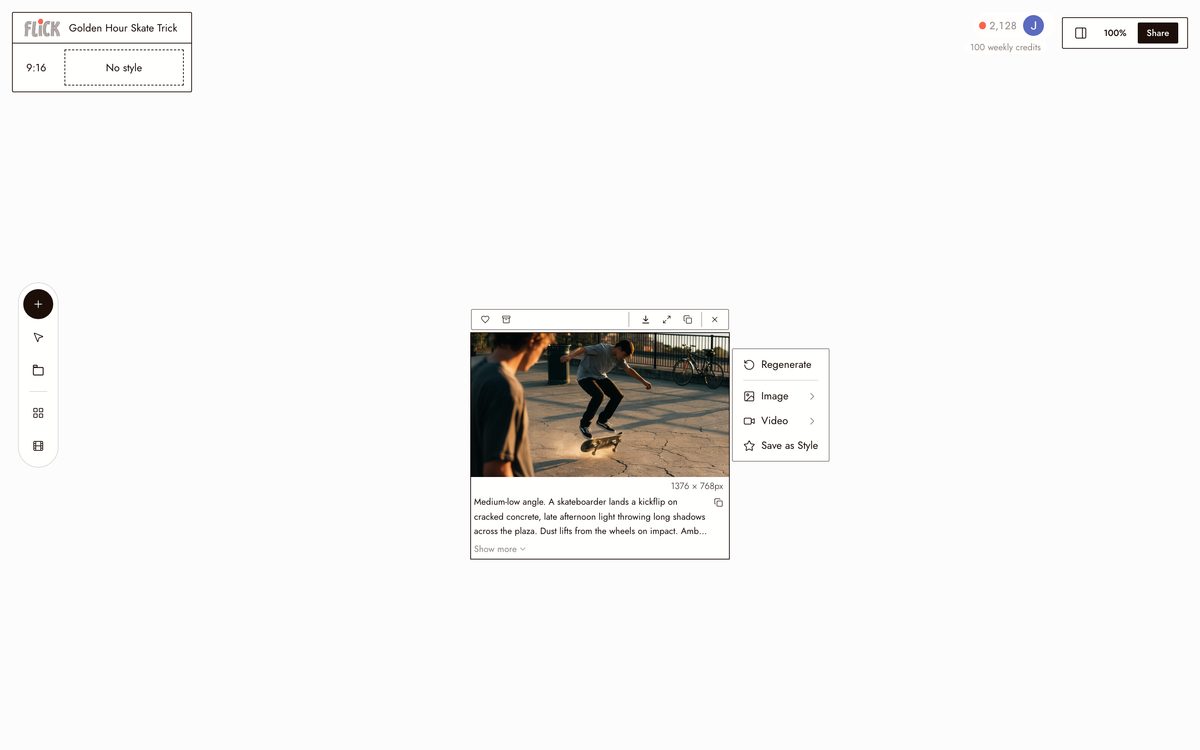
Put the action, the setting, and the light in one prompt: a skateboarder lands a trick in golden hour, neon rain on an empty crosswalk. That single line is enough to generate the shot on the canvas.
Made in Flick STEP 2
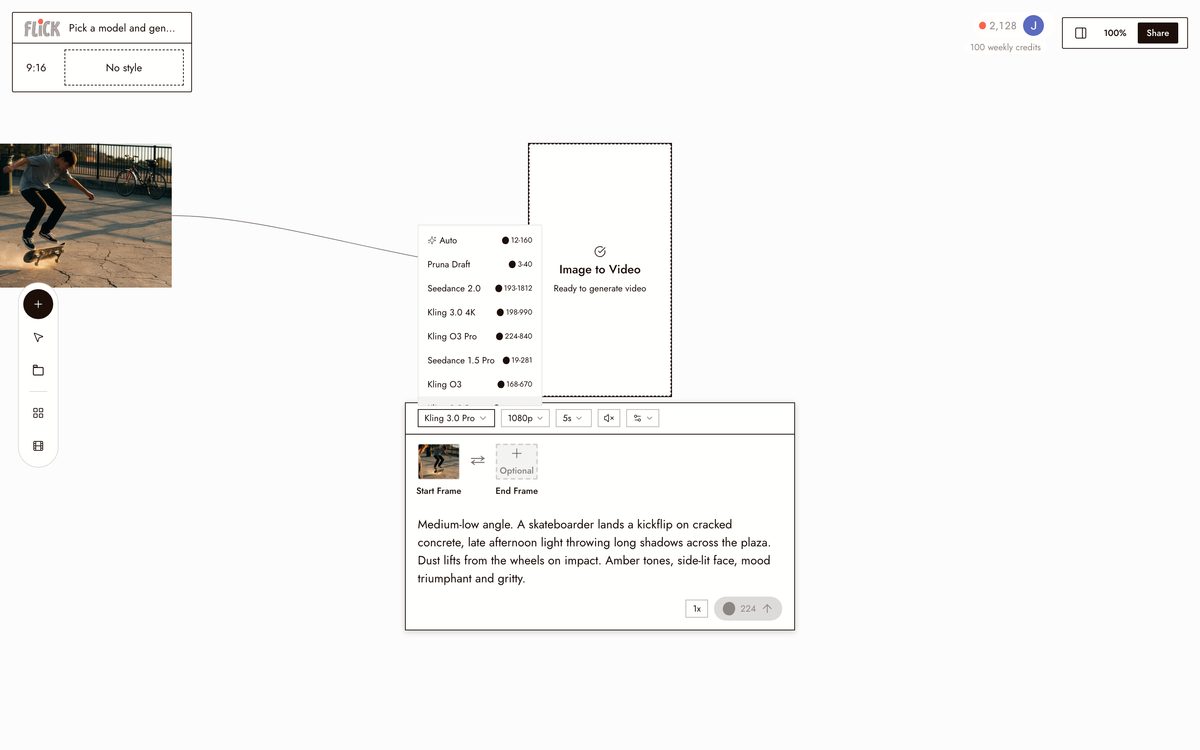
PICK A MODEL AND GENERATE
Choose Kling for physics-driven motion or Seedance for a fast, high-quality take, and generate. Review it on the canvas and regenerate any take that misses before you move on.
Made in Flick STEP 3
CHAIN THE SHOTS
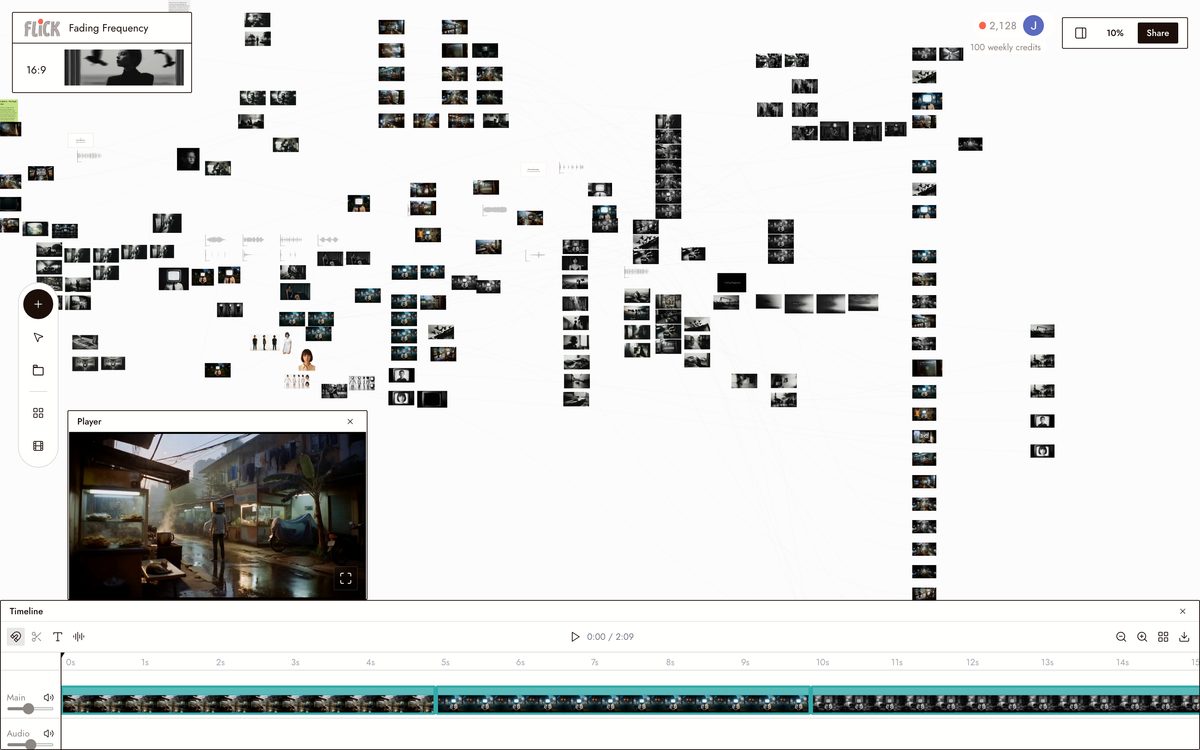
Drop a second prompt node, generate the next shot, and stitch the two clips together. Repeat for as many shots as the scene needs, all on the same canvas.
Made in Flick


AI CLIP GENERATOR FAQS
WHAT IS AN AI CLIP GENERATOR?
An AI clip generator produces short video from a text prompt or reference image. Describe the action, setting, and mood, and the model renders motion footage. Flick hosts multiple generation models on one canvas: Kling for physics-driven motion, Seedance for fast high-quality output. Trim and chain the results without leaving the workspace.
CAN I GENERATE A CLIP FROM AN IMAGE I ALREADY HAVE?
Upload any still into Flick and send it directly into an image-to-video model. Pick Kling for realistic motion and physics, Seedance for fast generation, or Veo 3.1 for cinematic quality with native audio and dialogue. The source image locks as the first frame.
CAN I KEEP THE SAME CHARACTER CONSISTENT ACROSS MULTIPLE CLIPS?
Character Reference locks a character's face, proportions, and outfit from a single reference image. Generate that character into any clip, on any model, without re-describing them. The identity carries across every take on the canvas.
HOW DO I BUILD A LONGER SCENE FROM SHORT CLIPS?
Generate each take on the canvas, trim the in and out points in the video editor, then chain the clips into a sequence. Kling and Seedance each produce 10-second clips you can stack indefinitely. The timeline is part of the same workspace.
IS FLICK FREE TO USE?
Flick has a free tier: up to 300 free credits (100 at signup plus 200 for joining our Discord) plus 100 weekly credits, no credit card required. Every image model, including Nano Banana and GPT Image, is on every plan, free included, and so are MiniMax H3 Fast, MiniMax H3 Max and Pruna Draft video. Kling, Veo 3.1, Seedance and the full video model list come with the Standard plan. Paid plans start at $5 per month and add more credits per billing cycle.
IS THE OUTPUT MINE TO USE?
Clips you generate in Flick are yours to use commercially. Check individual model provider terms for any model-specific restrictions. Flick does not claim ownership over your generations or require attribution.




TRY THE AI CLIP GENERATOR FREE