Best for: Cutting AI-generated shots into a film
Flick
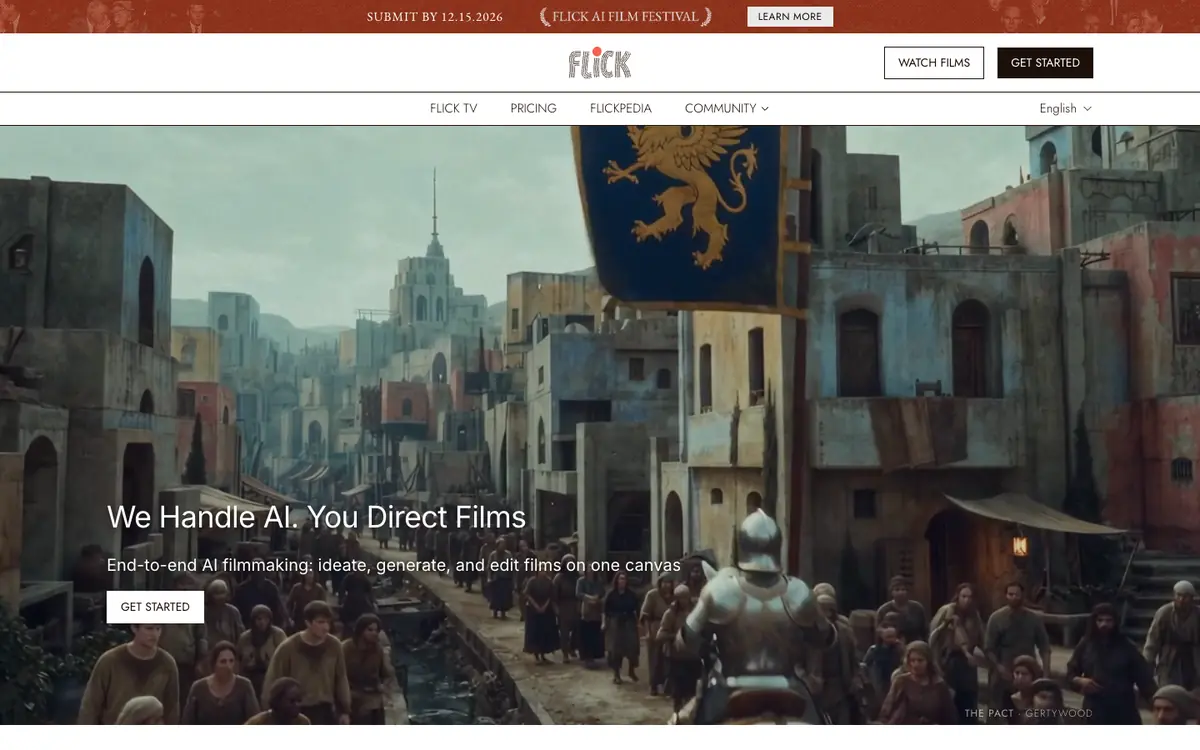
Flick is an AI filmmaking canvas where you generate every shot and then cut them into a film on a timeline in the same project, so a retake is one generation away from the edit.
- Editing: a multitrack timeline with trims, splits, speed, volume, transitions, effects and color, keyframes and motion titles; see timeline basics and the AI video editor.
- AI: the agent can build the first timeline from your shots and make edits you describe in chat, and captions are generated from the dialogue.
- Export: 720p, 1080p or 4K, or continue in another editor: Premiere, Final Cut Pro or DaVinci Resolve open the timeline with its media.
- Price: 100 free credits a day; Casual is $5 a month, and Standard, $20 a month for 2,500 credits, adds most video models and exports without a watermark.
Pros
- Generate a shot, then drop it straight onto the timeline in the same project
- An AI agent that builds the first cut and edits it with you in chat
- Hands the finished timeline to Premiere, Final Cut Pro or DaVinci Resolve
Cons
- Exports without a watermark start on the Standard plan