AI Shorts Generator
WHY GENERATE WITH FLICK?
Prompt a 9:16 shot, trim it on the canvas, chain clips into a finished short.
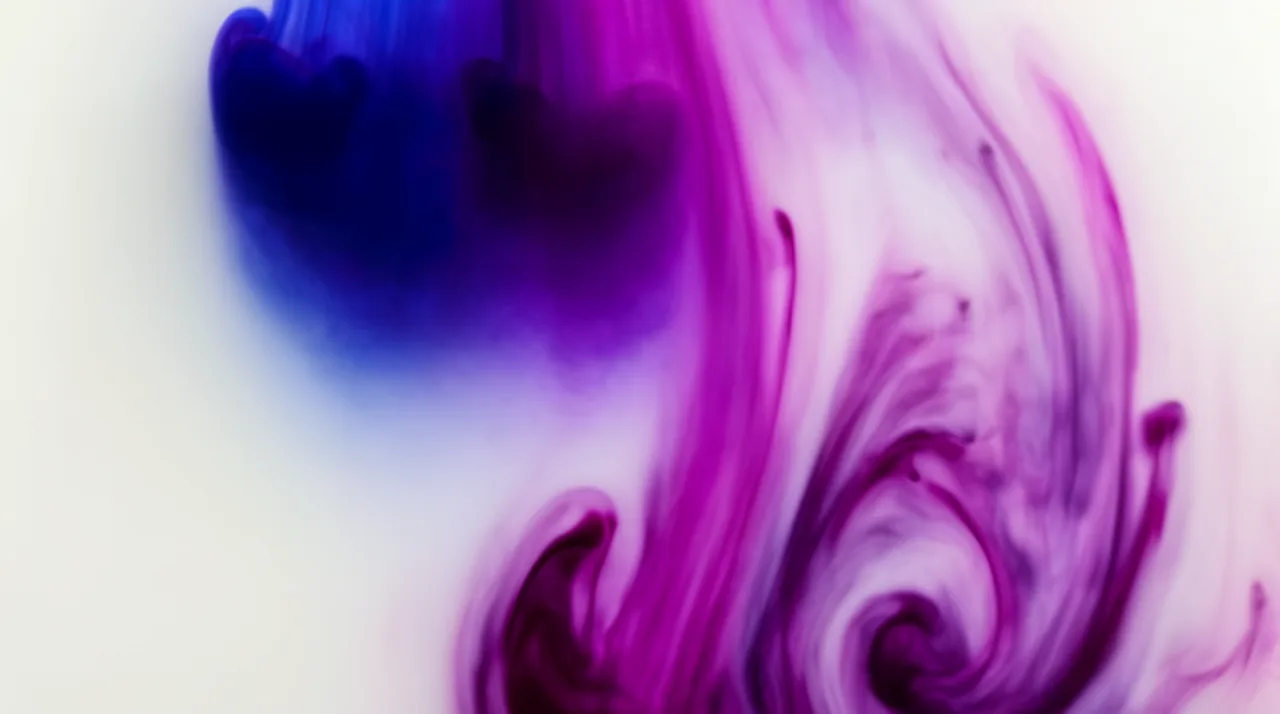
AI SHORTS GENERATOR EXAMPLES
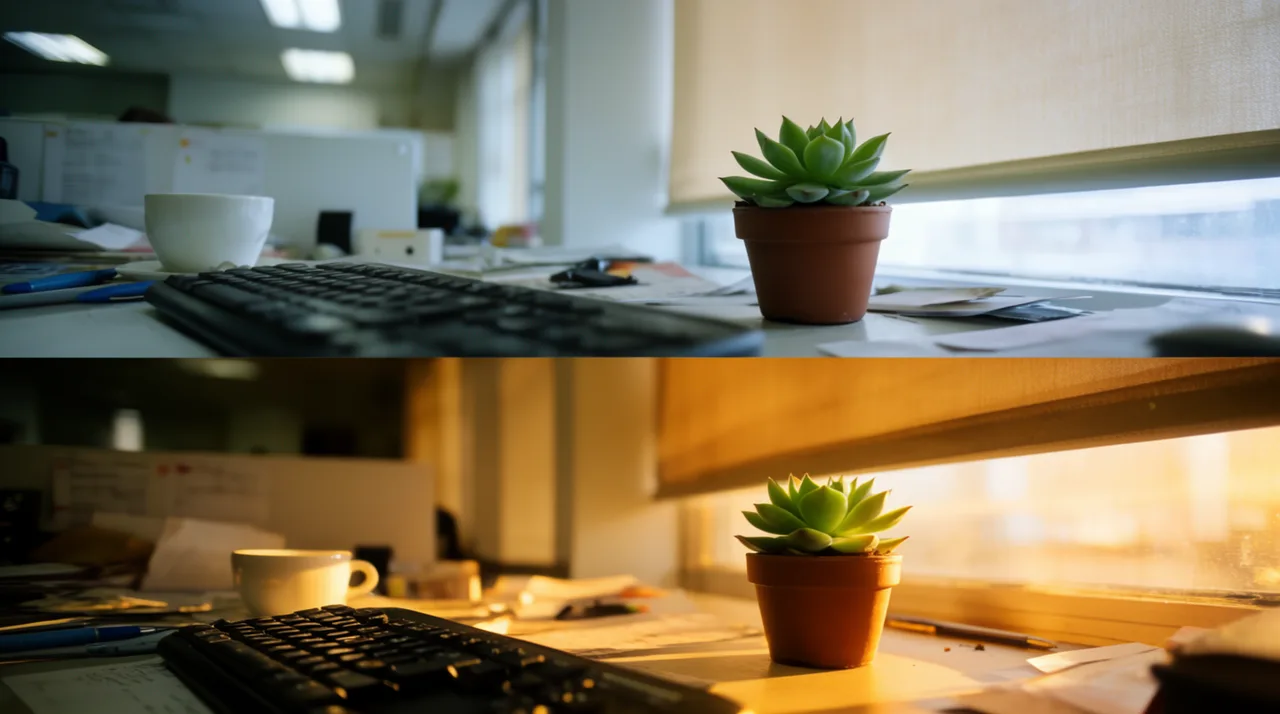
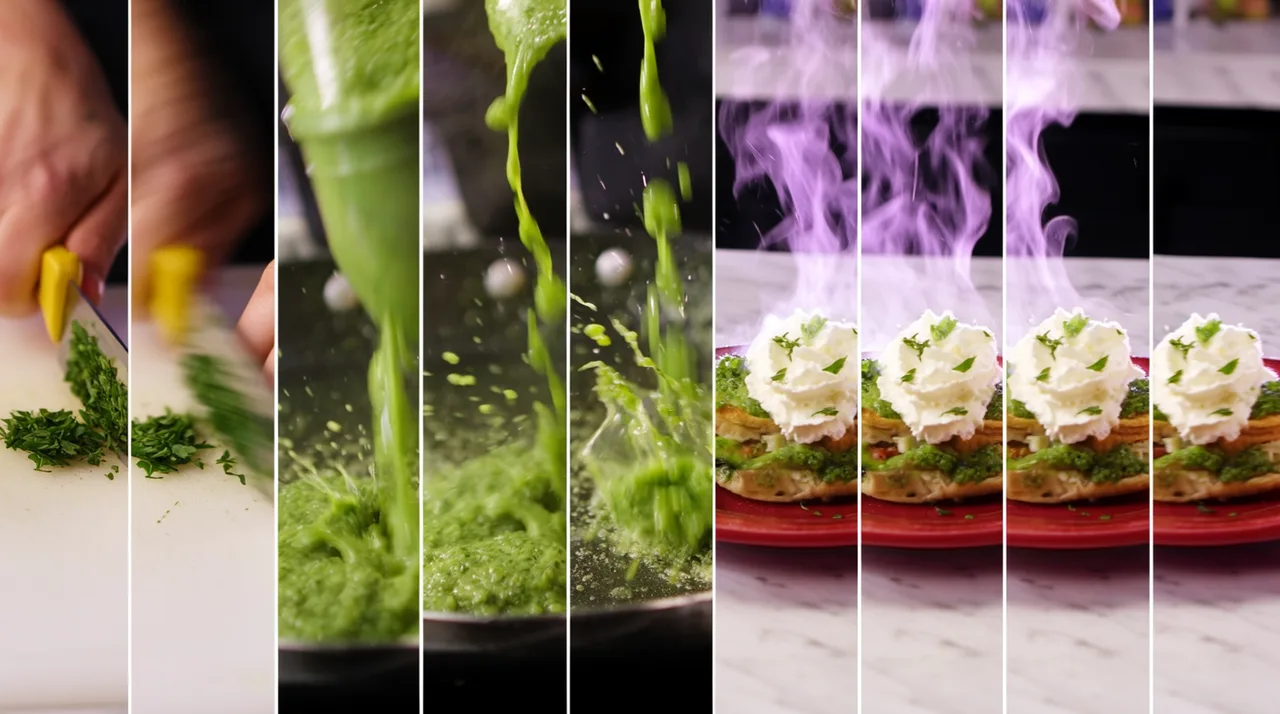

HOW IT WORKS
STEP 1
SET UP YOUR SHORT
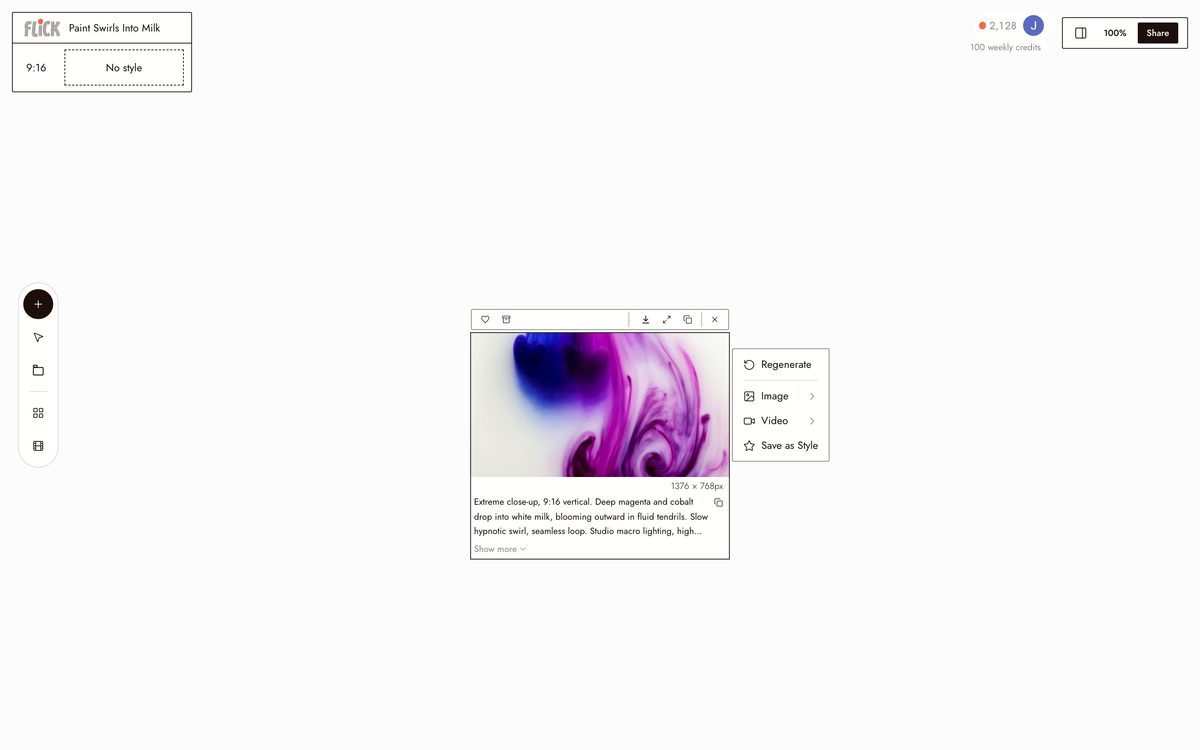
Write the subject, the mood, and the movement, then set the frame to 9:16 before you generate so everything comes back vertical.
Made in Flick STEP 2
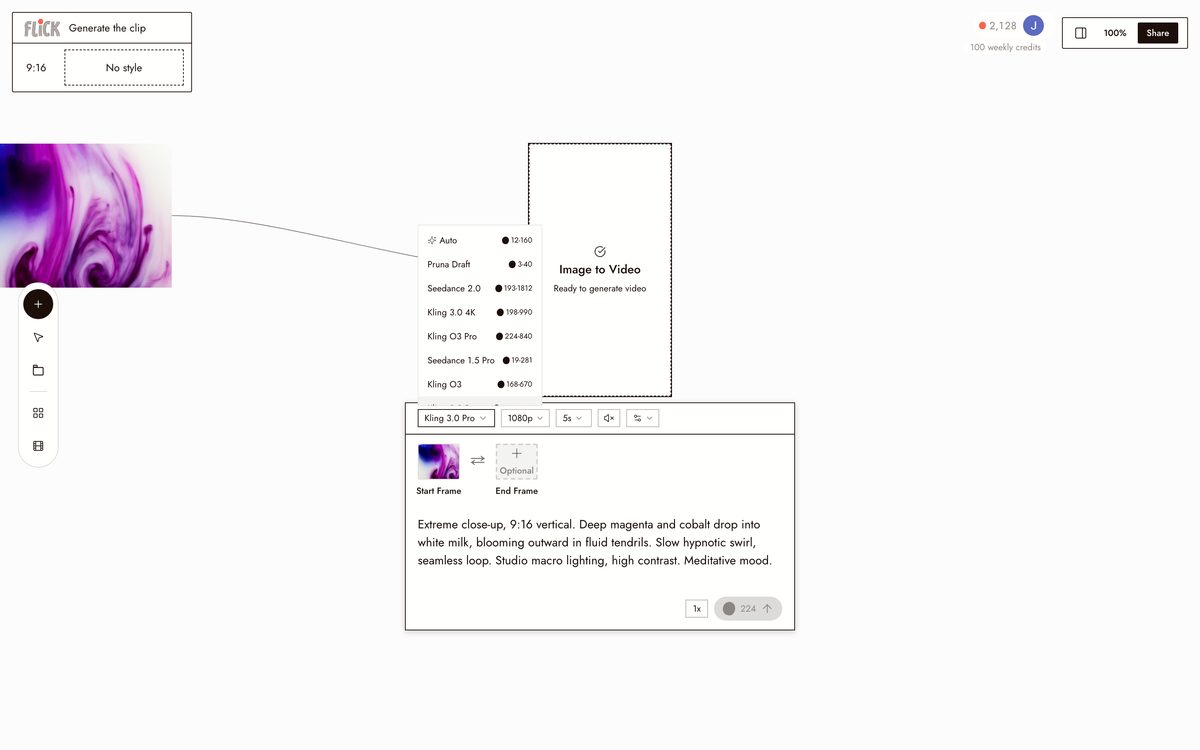
GENERATE THE CLIP
Pick Kling for motion-heavy shots or Seedance for fast, clean output, and generate the vertical clip on the canvas.
Made in Flick STEP 3
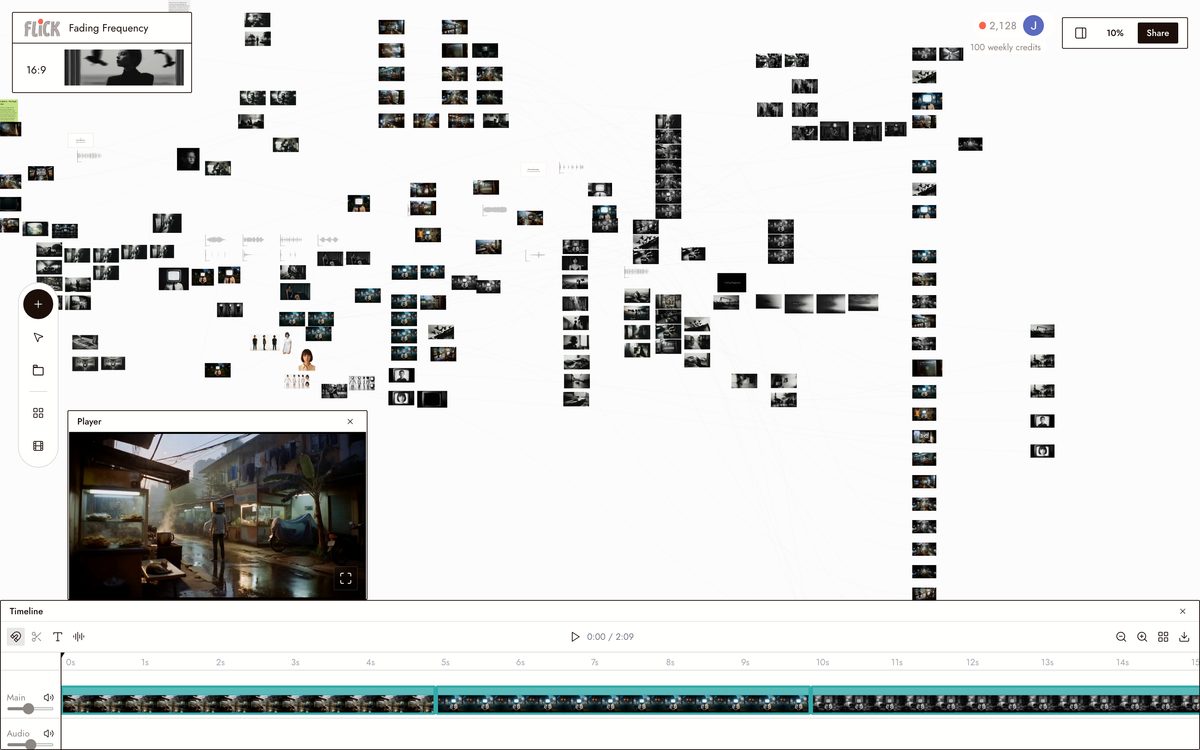
CHAIN THE CLIPS
Trim each clip in the canvas editor and chain your vertical shots into one continuous short ready for the feed.
Made in Flick


AI SHORTS GENERATOR FAQS
WHAT IS AN AI SHORTS GENERATOR?
An AI shorts generator creates original vertical video from a text prompt, formatted for TikTok, Reels, and YouTube Shorts. Flick generates 9:16 clips using Kling or Seedance, then lets you trim and chain those clips into a finished short on the same canvas.
WHICH MODELS GENERATE THE VERTICAL CLIPS?
Pick the model that fits the shot. Kling handles strong motion and physical realism. Seedance is faster when you are iterating quickly. Veo 3.1 adds cinematic quality with native audio and dialogue. All three output 9:16 natively and are available on every Flick plan.
CAN I KEEP THE SAME CHARACTER ACROSS MULTIPLE CLIPS IN ONE SHORT?
Character Reference locks a character's face, outfit, and proportions from a single reference image. Generate that character into every clip in your short, across different models, without re-describing them each time.
IS FLICK FREE TO USE?
Flick has a free tier: up to 300 free credits (100 at signup plus 200 for joining our Discord) plus 100 weekly credits, no credit card required. That covers real generations across Kling, Seedance, and Veo. Paid plans start at $5/month, or $4/month billed yearly, for more credits. Every image model, including Nano Banana and GPT Image, is on every plan, free included, and so are MiniMax H3 Fast, MiniMax H3 Max and Pruna Draft video. Kling, Veo 3.1, Seedance and the full video model list come with the Standard plan.
IS THE OUTPUT MINE TO USE?
Video you generate in Flick is yours to publish, monetize, and distribute. Flick places no restriction on commercial use of your generated clips. Check the terms of whichever platform you post to.
HOW IS THIS DIFFERENT FROM A PROMPT GENERATOR OR A TEMPLATE TOOL?
A prompt generator stops at the prompt. A template tool hands you pre-cut stock footage. Flick generates original 9:16 footage from your description, then gives you a canvas to trim and chain those clips into a complete short.





TRY THE AI SHORTS GENERATOR FREE