Best AI Video Generators in 2026: 11 Tools Compared

The best AI video generator depends on the job: Kling, Seedance and Veo make the longest takes with sound, HeyGen and Synthesia on talking avatars, and Flick on making whole short films.

An ink drawing of a trophy cup with a strip of film curling up out of it

There are now more AI video generators than anyone can test, and each tool also prices video its own way, in credits, seconds or plans, so a cheap headline can hide an expensive minute. So we read each maker's own pricing and model pages for 11 tools on November 17, 2026, and counted what 7,128 people actually made on Flick in the last 30 days. This page gives the best AI video generators by job, what each gives free, what it costs, and the model filmmakers pay for most.

Which AI video generator is best?

Seedance 2.5 is the best AI video generator in 2026 by what filmmakers actually pay for: on Flick they spend 67% of their video credits on it, and it makes clips of up to 30 seconds with sound. Use it in Flick to build a film shot by shot beside Kling 4.0 and Veo 3.1, or on its own in Dreamina; for talking avatars, pick HeyGen.
11 AI video generators, from each maker's own pricing and model pages, checked November 17, 2026
ToolBest forFreePaid fromSound
FlickShort films and series100 credits a day$5/monthYes
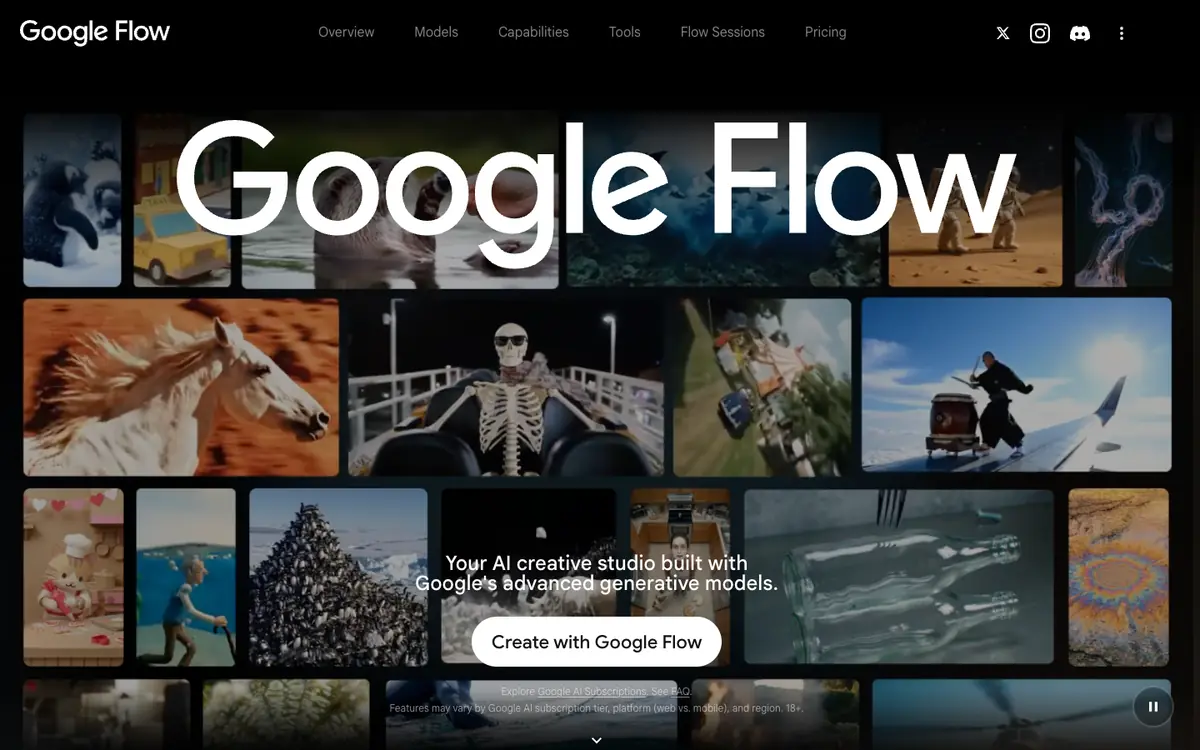
Google FlowGoogle's Veo models50 credits a day$4.99/monthYes
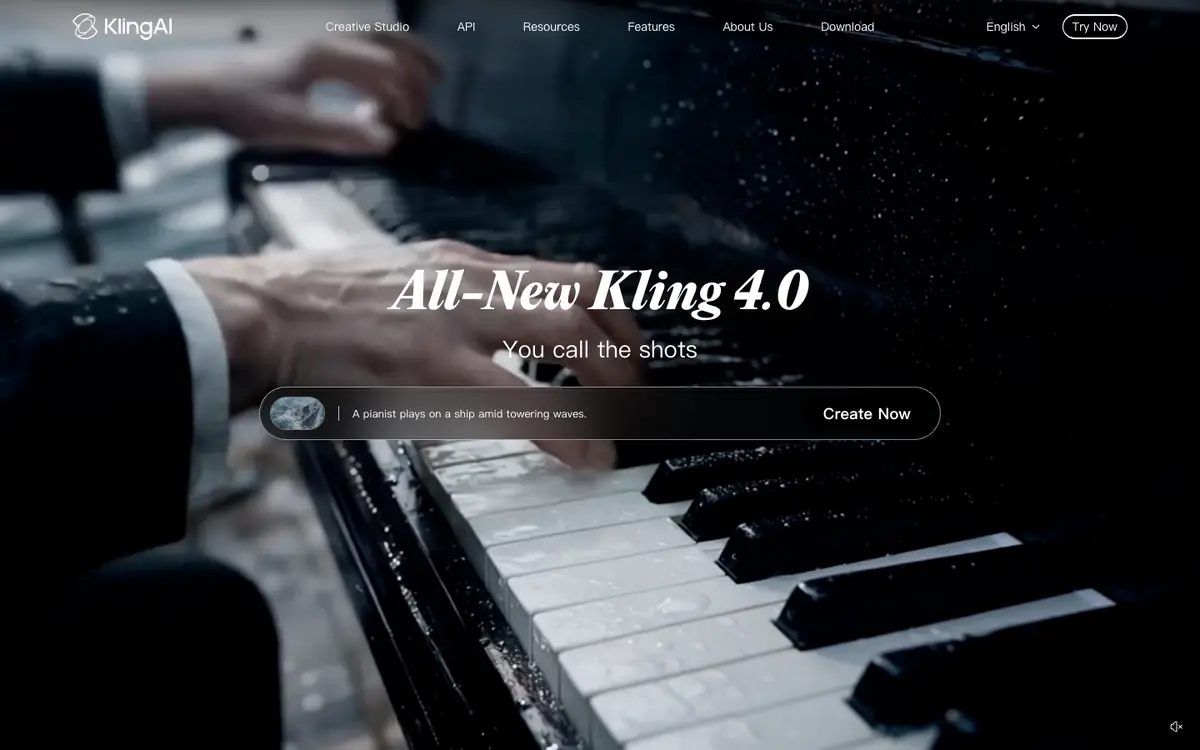
Kling AILong takes, stereo soundNo monthly credits$8.80/monthYes
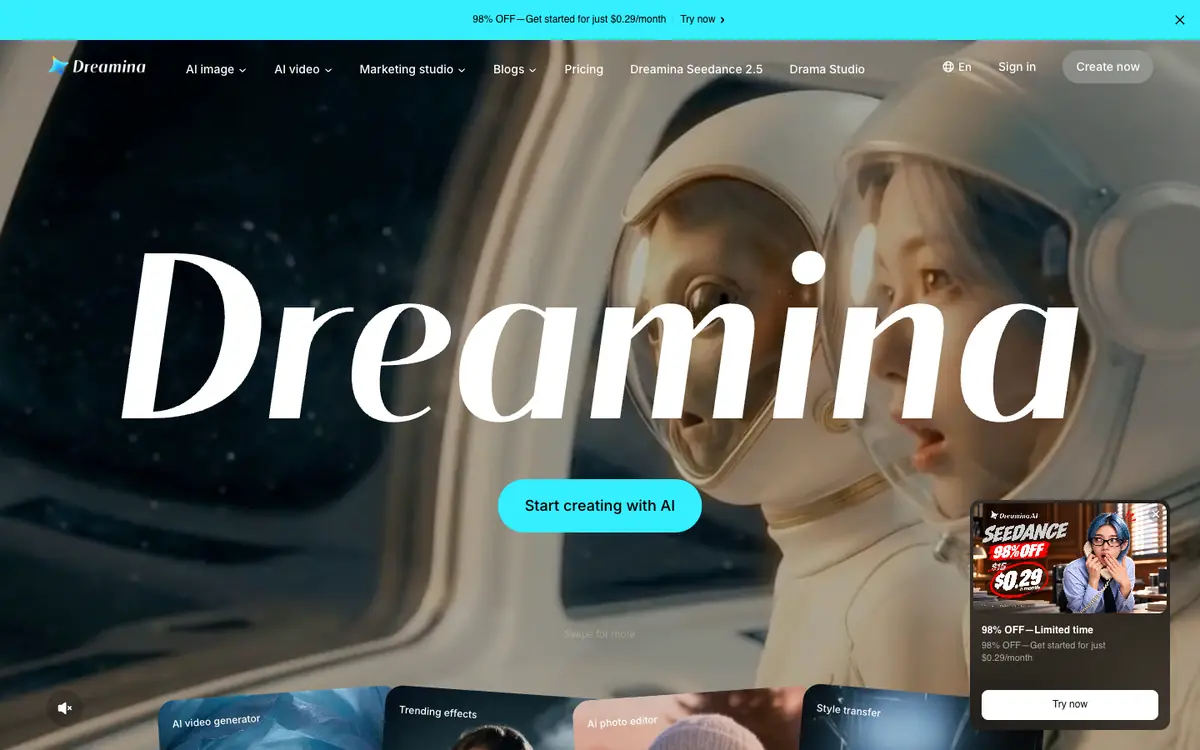
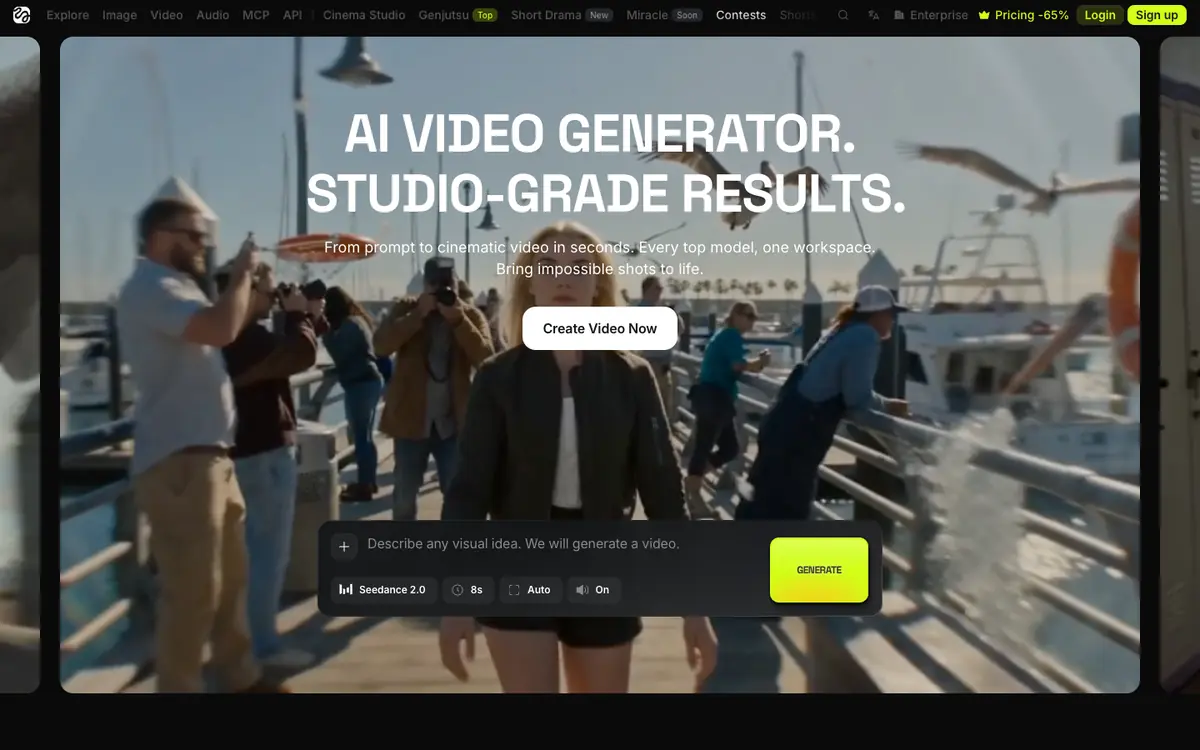
DreaminaSeedance on its own120 credits a day, US$15/monthYes
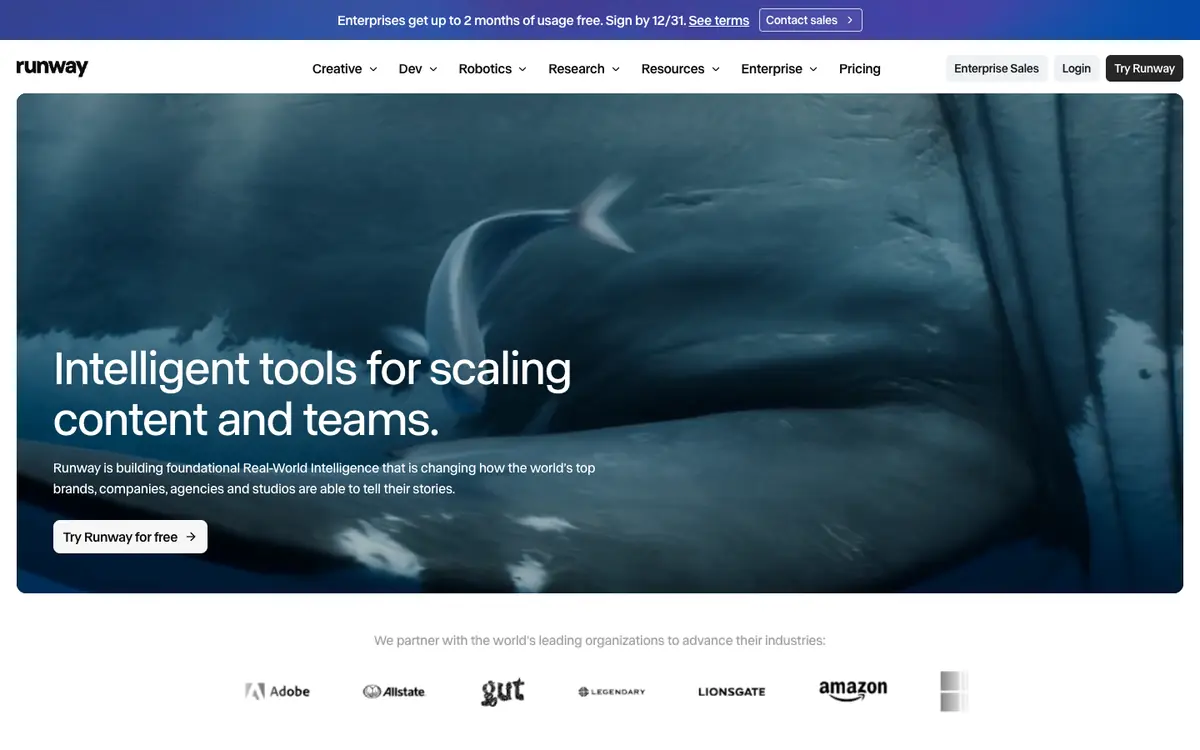
RunwayOwning your output125 credits, once$12/month, yearlyYes
HiggsfieldMany models, one planNo monthly credits$15/monthBy model
LumaKeyframes in one clipNone listed$30/monthNot on Ray3.2
Adobe FireflyCommercially safe videoDaily generations$9.99/monthSome models
invideo AIEditing with an AI agentNone listed$20/monthBy model
HeyGenTalking avatars3 videos a month$29/monthAvatar voice
SynthesiaTraining videos10 minutes$19/monthAvatar voice
How we picked and checked these tools
  • Who is on the list: the tools that rank for "best AI video generator" in Google's US results and the tools those pages name, minus ones whose pricing pages we could not read.
  • What we checked: each figure comes from the maker's own site on November 17, 2026, never a reseller or review site; prices are US dollars, billed monthly unless the row says yearly.
  • What we did not do: we did not buy the other tools to run them, so this page does not rank their picture quality; the clips on this page are all made in Flick.
  • What Flick figures mean: Flick prices and limits are read from the app's model config on the same day.

Which AI video model do filmmakers actually pay for?

On Flick, Seedance took 67% of all the credits people spent on video in the last 30 days, while 379 of the 7,128 people who made video used it.
  • Seedance is the model people pay for: few people use it, but they make long, finished shots with it, so it outweighs every other model in credits spent.
  • MiniMax H3 is the model the most people use, and Flick's Free plan runs it; it leads in people and clips but not in credits.
  • How we counted: successful video generations on Flick from October 18 to November 16, 2026, by model family, with upscaling and Flick team accounts left out.
Credits spent on video generation in Flick by model family, October 18 to November 16, 2026, team accounts excluded
Model familyShare of credits spentPeople who used it
Seedance (ByteDance)67%379
MiniMax H321%6,454
Kling (Kuaishou)7%183
Wan (Alibaba)4%109
Others1%
Aerial shot of an English country house with formal gardens and a pond in warm evening light, from Churchill's Mum00:25

Seedance

ByteDance's Seedance 2.5 makes shots of up to 30 seconds with sound from a start frame or references, and it is the model Flick filmmakers spend most on.

Sandi Jerome, director of Churchill's Mum

A woman with a long braid rolls dough on a floured table beside bowls of fruit and herbs, from Seasons00:10

Kling

Kuaishou's Kling 4.0 runs 3 to 30 seconds in one pass with stereo sound in Flick, and Kling O3 adds Omni Reference for keeping characters the same.

Raj Rishi More, director of Seasons

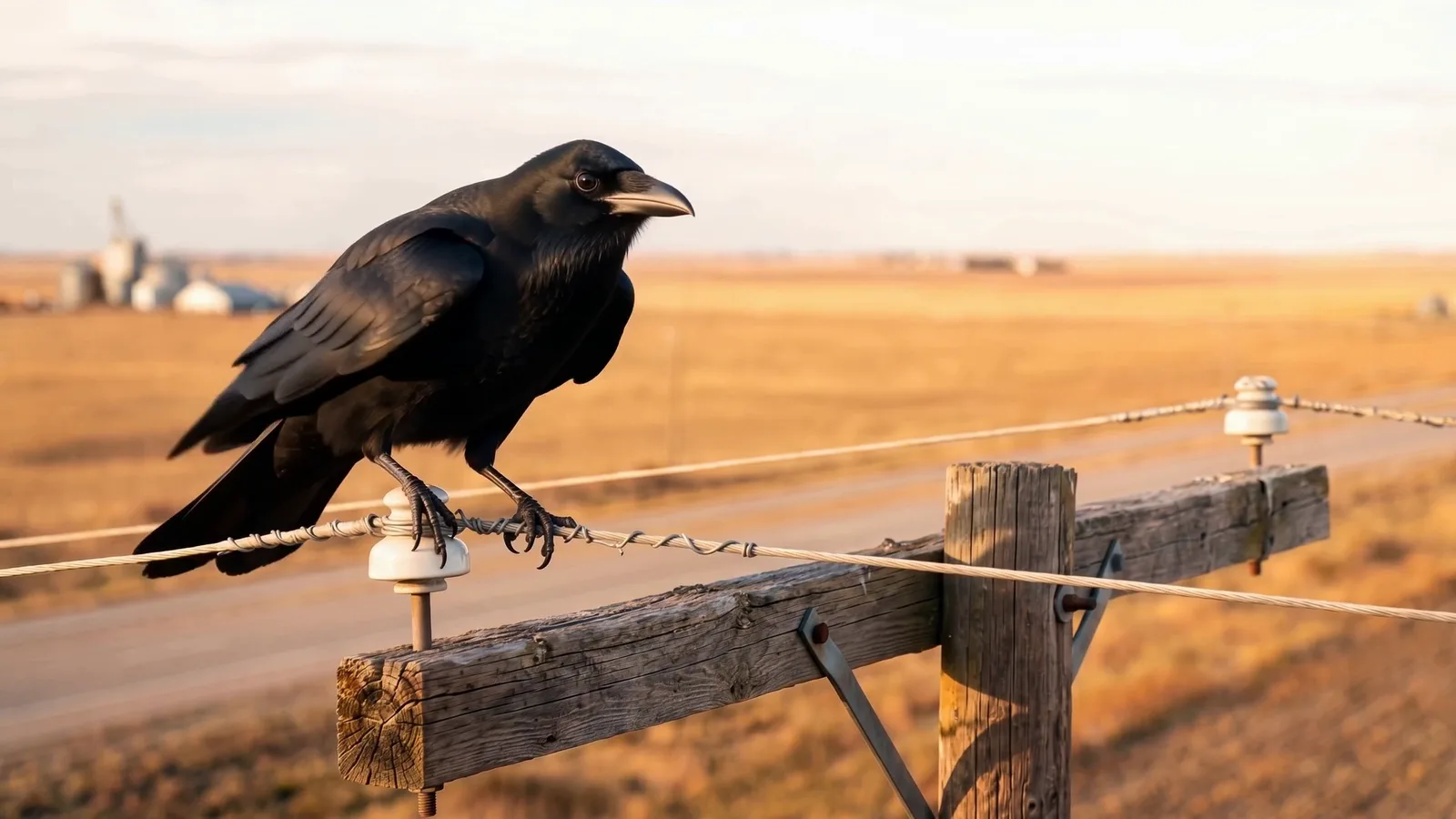
Three crows perched on a wooden fence post beside a country road and golden fields, from Still Time00:08

MiniMax H3

MiniMax's H3 runs on Flick's Free plan as MiniMax H3 Fast and MiniMax H3 Max, and more people used it on Flick in the last 30 days than any other model.

Marius Jensen, director of Still Time

Red glowing letters rising out of dark cracked rock, the title of the film Xenogenesis00:10

Wan 3.0

Alibaba's Wan 3.0 makes 2 to 30 second shots with sound and costs 60 credits at its default settings in Flick.

Gertywood, director of Xenogenesis

A dancer leaps between stone pillars over waterfalls with stepped pyramids rising from the mist, from Dreamland00:06

Grok Imagine

xAI's Grok Imagine 1.5 makes 4 to 15 second shots, and its Multi version takes several reference images at once.

MaxVOAO, director of Dreamland

The best AI video generators, one by one

Each tool below has one line on what it is best for, then its model, its free tier, its price and the catch worth knowing before you pay.

Best for: Short films and series, many models on one canvas

Flick

Flick's home page, November 17, 2026
Flick is an AI filmmaking canvas for short films and series, where you write the story, design characters and make each shot with the model that suits it.
  • Models: Seedance 2.5, Kling 4.0, Veo 3.1, MiniMax H3, Wan 3.0, Grok Imagine 1.5 and more, side by side on one canvas.
  • Free: 100 credits at signup and 200 for joining Discord, then 100 free credits every day, and MiniMax H3 Fast, MiniMax H3 Max and Pruna Draft run on the Free plan.
  • Price: most video models need the Standard plan, $20 a month for 2,500 credits; a Seedance 2.5 shot costs 240 credits at its default settings.

Pros

  • Write the script, make every shot and edit the film in one project
  • An AI agent that makes shots and edits them on the timeline with you
  • 3D Stage turns an image into a 3D scene you can frame new shots in

Cons

  • Downloads without a watermark start on the Standard plan

Best for: Trying Google's models a little every day

Google Flow

Google Flow's home page, November 17, 2026
Google Flow is Google's filmmaking tool for its own video models, Veo 3.1 and Omni Flash 1.2, and gives 50 free Flow credits a day without a subscription.
  • Price: Google AI Plus is $4.99 a month for 200 Flow credits, Pro is $19.99 for 1,000, and Ultra starts at $99.99.
  • Length and sound: Veo makes 8 second clips with native audio; Omni Flash 1.2 goes to 15 seconds on paid plans.

Pros

  • 50 free credits a day without a subscription
  • Native audio with Veo

Cons

  • Veo clips run 8 seconds
  • Veo 3.1 Fast and Quality retire on December 5, 2026

Best for: Long single takes with stereo sound

Kling AI

Kling AI's home page, November 17, 2026
Kling AI is Kuaishou's own app for Kling 4.0, launched October 15, 2026, which makes single takes of 3 to 30 seconds with two-channel stereo sound.
  • Price: Standard is $6.99 for the first month, then $8.80 a month for 660 credits.
  • Free: the Basic plan has no monthly credits, and Kling lists commercial use on its paid plans.

Pros

  • Single takes up to 30 seconds with stereo sound
  • Up to 15 reference assets in one generation

Cons

  • The Basic plan has no monthly credits
  • Commercial use is listed on paid plans only

Best for: Seedance with free daily credits

Dreamina

Dreamina's home page, November 17, 2026
Dreamina is ByteDance's creative app for Seedance: free accounts in the US get 120 credits a day with Seedance 2.0, and Seedance 2.5 is rolling out to subscribers.
  • Price: Basic is $15 a month billed monthly, for 1,575 credits.

Pros

  • 120 free credits a day in the US
  • Seedance 2.0 on free accounts

Cons

  • Downloads without a watermark need a paid plan
  • Seedance 2.5 reaches subscribers first

Best for: Owning your output from the free plan up

Runway

Runway's home page, November 17, 2026
Runway's own video model is Gen-4.5, which now makes native audio, and Runway says you own your work on every plan, the free one included.
  • Free: 125 one-time credits.
  • Price: Standard is $12 a month billed yearly for 625 credits, with no watermark; Pro is $28 and Max $76, also billed yearly.

Pros

  • You own your work on every plan
  • Gen-4.5 makes native audio

Cons

  • Free credits are 125, once

Best for: Many models behind one subscription

Higgsfield

Higgsfield's AI video page, November 17, 2026
Higgsfield bundles other makers' video models, such as Kling and Seedance, with its own Cinema Studio tools behind a single credit plan.
  • Free: the free plan has no monthly credits, runs one generation at a time, and its videos can carry a visible Higgsfield watermark.
  • Price: Higgsfield's pricing guide puts Starter at $15 a month for 200 credits, with commercial use.

Pros

  • Many makers' video models behind one plan
  • Cinema Studio tools on top

Cons

  • The free plan has no monthly credits and can carry a watermark
  • The free plan runs one generation at a time

Best for: Keyframe control inside one clip

Luma

Luma's home page, November 17, 2026
Luma's current video model is Ray3.2, which makes 5 or 10 second clips and lets you set up to 16 keyframes inside a single clip.
  • Price: Plus is $30 a month, or $25 a month billed yearly, for 10,000 credits with commercial use.

Pros

  • Up to 16 keyframes inside one clip
  • Commercial use on Plus

Cons

  • Ray3.2 makes no sound
  • Clips of 5 or 10 seconds

Best for: Commercially safe video from Adobe's own model

Adobe Firefly

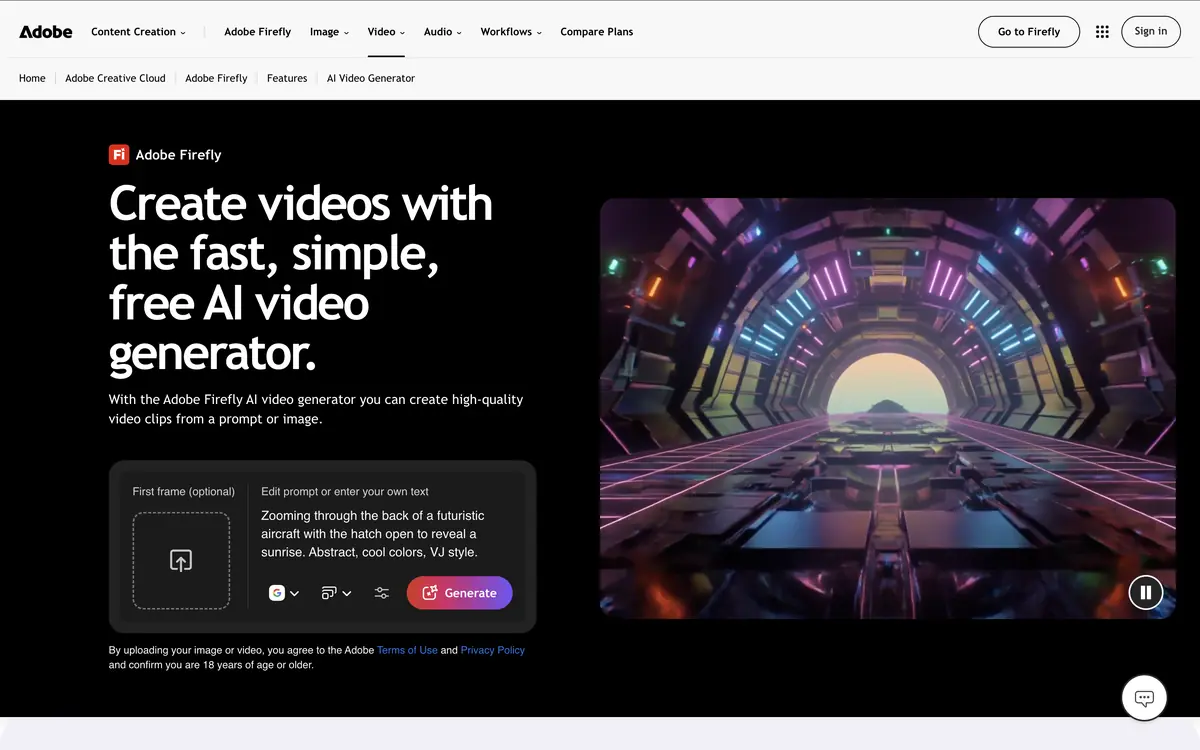
Adobe Firefly's AI video generator page, November 17, 2026
Adobe Firefly runs Adobe's own Firefly Video Model beside partner models such as Veo 3.1, Kling 4.0, Seedance 2.5, Runway Gen-4.5 and Luma Ray3.14.
  • Free: a daily allotment of generations that resets every day.
  • Price: Firefly Standard is listed at US$9.99 a month for 2,000 credits, which Adobe says covers up to 20 five-second videos.

Pros

  • Adobe's own Firefly models are safe for commercial use
  • Partner models from Google, Kling, ByteDance, Runway and Luma in one app

Cons

  • Partner models may have different terms
  • Standard covers about 20 five-second videos a month

Best for: Editing with an AI agent on a timeline

invideo AI

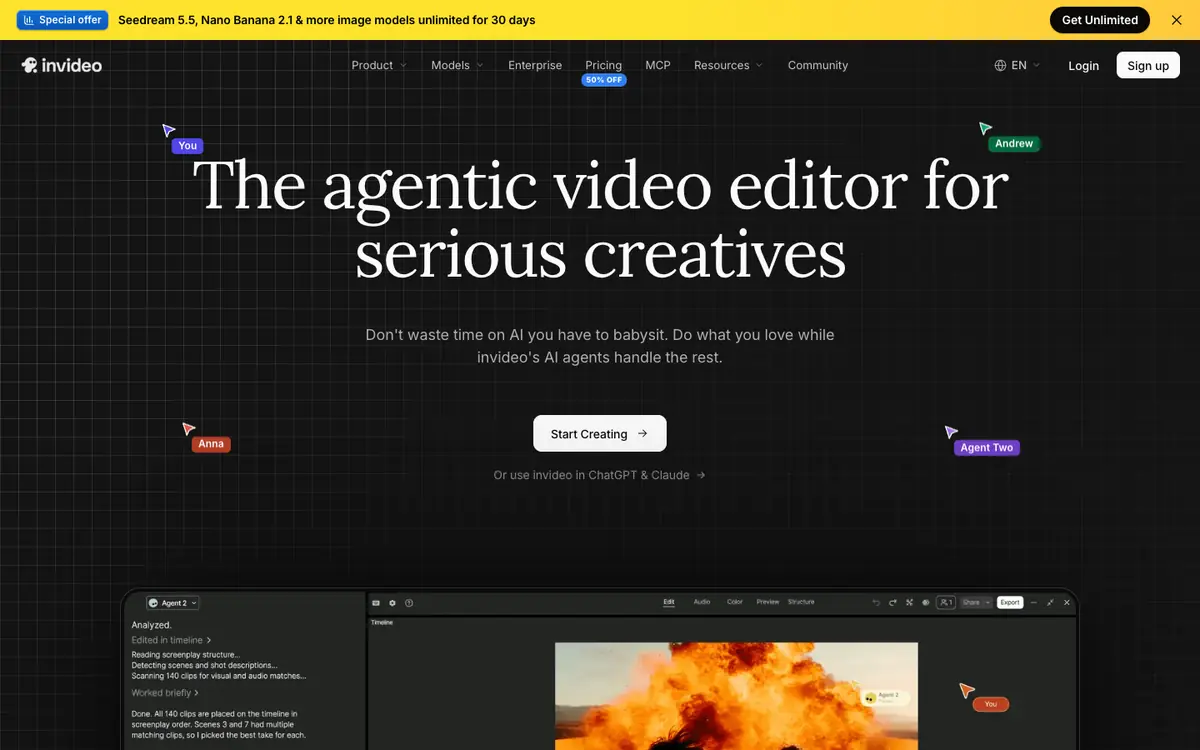
invideo AI's home page, November 17, 2026
invideo AI now calls itself an agentic video editor: you describe an edit in plain words and its agent makes it on a real multitrack timeline.
  • Models: Starter includes Seedance 2.0 Fast and 2.0 Mini; Plus and Max add every Seedance model.
  • Price: Starter is $20 a month, or $10 a month billed yearly, for 400 credits per seat.

Pros

  • Edit in plain words on a real multitrack timeline
  • Seedance models built in

Cons

  • Starter includes only Seedance 2.0 Fast and 2.0 Mini

Best for: Talking avatar videos

HeyGen

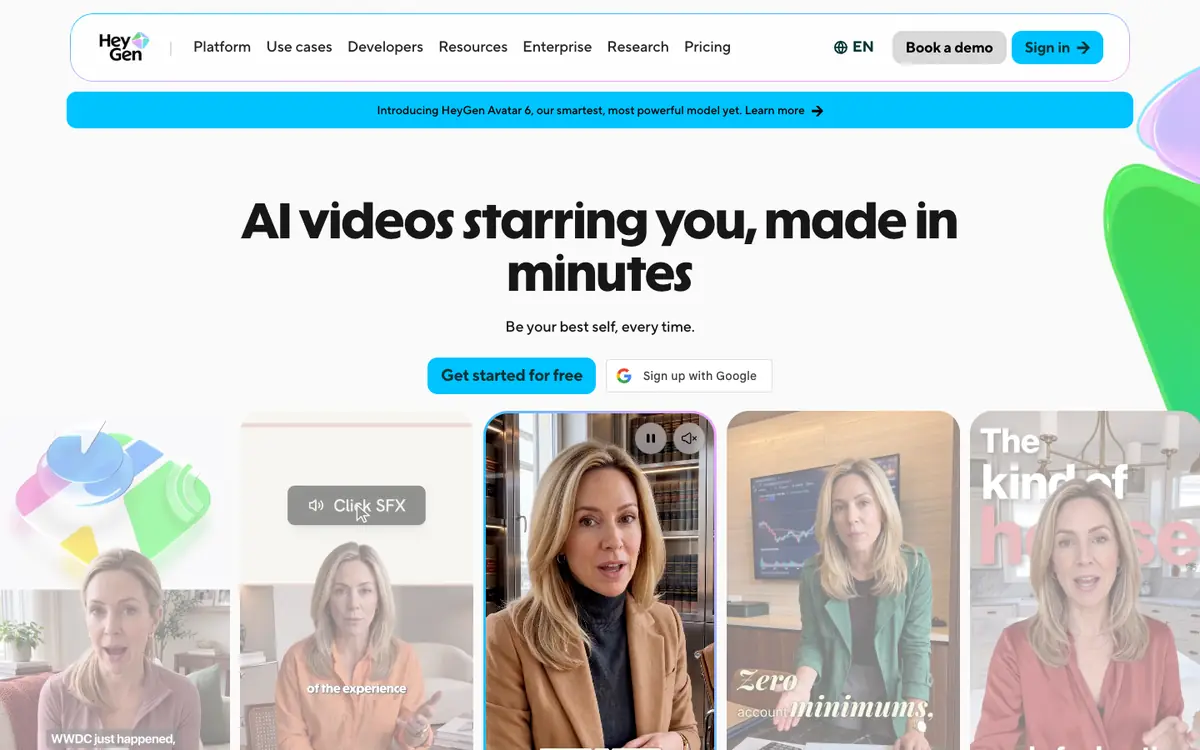
HeyGen's home page, November 17, 2026
HeyGen makes talking avatar videos, a presenter speaking your script, with Avatar 6 Turbo on its Creator plan and Avatar 6 Pro on Pro.
  • Free: 3 videos a month, watermarked, up to 1 minute each.
  • Price: Creator is $29 a month, or $24 a month billed yearly, with 1080p export, no HeyGen branding and videos up to 30 minutes.

Pros

  • 3 free videos a month
  • Videos up to 30 minutes on Creator

Cons

  • Free videos are watermarked and up to 1 minute
  • Built for presenters, not scenes

Best for: Training and business videos

Synthesia

Synthesia's home page, November 17, 2026
Synthesia is an avatar video platform for training, HR, sales and marketing teams, made to create, translate and share video at work.
  • Free: 10 minutes of Studio video on the Basic plan, with a Synthesia watermark.
  • Price: Starter is $19 a month, or $14 a month billed yearly, with videos up to 60 minutes.

Pros

  • Videos up to 60 minutes on Starter
  • Made to translate and share video across a team

Cons

  • The free 10 minutes carry a watermark
  • Built for presenters, not scenes

What is the best free AI video generator?

For free video every day, Flick gives 100 credits a day across its free models, Dreamina gives US accounts 120 credits a day for Seedance 2.0, and Google Flow gives 50 credits a day.
  • Flick gives 100 credits at signup, 200 for joining Discord and 100 every day after, which expire at your next local midnight, and runs MiniMax H3 Fast, MiniMax H3 Max and Pruna Draft on its Free plan.
  • Runway gives 125 credits once, and says you own what you make even on the free plan.
  • Read the terms before you post: Kling lists commercial use on its paid plans, and HeyGen and Synthesia watermark their free videos.

How do you choose an AI video generator?

Start from what you are making, then check length, sound, the cost of a finished minute and the commercial terms, in that order.
  1. 1Name the job

    A film made of many shots, one striking clip, a talking presenter or an edit of footage you already have each point to a different kind of tool.

  2. 2Check length and sound

    Single takes run from about 5 to 30 seconds depending on the model, and some, like Luma Ray3.2, make no sound at all.

  3. 3Price a finished minute

    Multiply the cost of one clip by the clips a minute needs, plus the takes you throw away, since plans price in credits that each model spends differently.

  4. 4Read the commercial terms

    Free plans are often limited to personal use or watermarked, and on multi-model tools each partner model can carry its own usage terms.

Questions about AI video generators

What is the best AI video generator in 2026?

Seedance 2.5 is the best AI video generator in 2026 by what filmmakers actually pay for: on Flick they spent 67% of their video credits on it in the last 30 days. It makes clips of up to 30 seconds with sound. You can run it in Flick beside Kling 4.0 and Veo 3.1, or in ByteDance's Dreamina. For a talking presenter, HeyGen is the better pick.

Is there a completely free AI video generator?

Several tools have free tiers: Dreamina gives US accounts 120 credits a day, Google Flow 50 credits a day, and Flick 100 credits a day with MiniMax H3 on its Free plan, though free videos often carry watermarks or personal-use limits.

Can I use Google Veo for free?

Google Flow gives 50 free credits a day without a subscription for Veo 3.1 and Omni Flash, while video in the Gemini app is moving to Gemini Omni and needs a Google AI plan.

Which AI video generator makes the longest clips?

Kling 4.0, Seedance 2.5 and Wan 3.0 make single takes of up to 30 seconds according to their makers, against 8 seconds for Veo and 10 seconds for Luma Ray3.2.

Which AI video generators make sound with the video?

Kling 4.0, Seedance 2.5, Veo 3.1, Runway Gen-4.5, MiniMax H3, Wan 3.0 and Grok Imagine 1.5 generate audio alongside the picture, while Luma Ray3.2 makes silent clips.

Can I use AI generated videos commercially?

It depends on the plan: Runway says you own your work on every plan, Kling lists commercial use on its paid plans, and Adobe calls its own Firefly models safe for commercial use while partner models have their own terms.

What is the best AI video generator for short films?

A short film needs many consistent shots, a script and an edit, so a canvas like Flick that keeps characters, references and its video models in one project fits better than a single-clip generator.

Sources

More on AI video models in Flick

Films on this page

Try the models filmmakers use most, on one canvas

Seedance, Kling, Veo, MiniMax and more sit side by side in Flick, so you can pick the model per shot instead of per subscription.

Try and compare video models

Try for free, no credit card required.

Ask AI about this page:ChatGPTPerplexityClaude