AI Voiceover for Video: How to Narrate a Short Film
For an AI voiceover, write the narration as short lines that fit your shots, voice each one with an AI voice model, keep the best take and lay it under the picture.
By Zoey Z.Last updated

Most AI voiceover tools turn a script into one long audio file, which suits an explainer but flattens a story, where a line has to land on the right shot and stop before the next. Narration for a film works better as separate lines, each written for a moment and voiced on its own. We followed To My Grandma, a 1:38 animated short by Zoey Zhang of the Flick team, whose whole story is told by a narrator in 6 lines voiced with Text to Voice. This guide shows how to make an AI voiceover for video in four steps, with the real lines, takes and timing from that film.
What is an AI voiceover for video?
- In Flick, Text to Voice makes the narration, with Eleven v3, Eleven v4 or Seed Audio 1.0, and the Video Editor puts it under the shots.
- A voiceover is heard, not seen: when a character has to speak on camera with moving lips, that is a talking shot, covered in the AI talking avatar guide.
How does a real short film use AI narration?
| The line | Starts at | Takes |
|---|---|---|
My grandma, when I think of her, somehow I always remember her from behind. | 0:00 | 3 |
She would always secretly tuck food into my hands. | 0:21 | 2 |
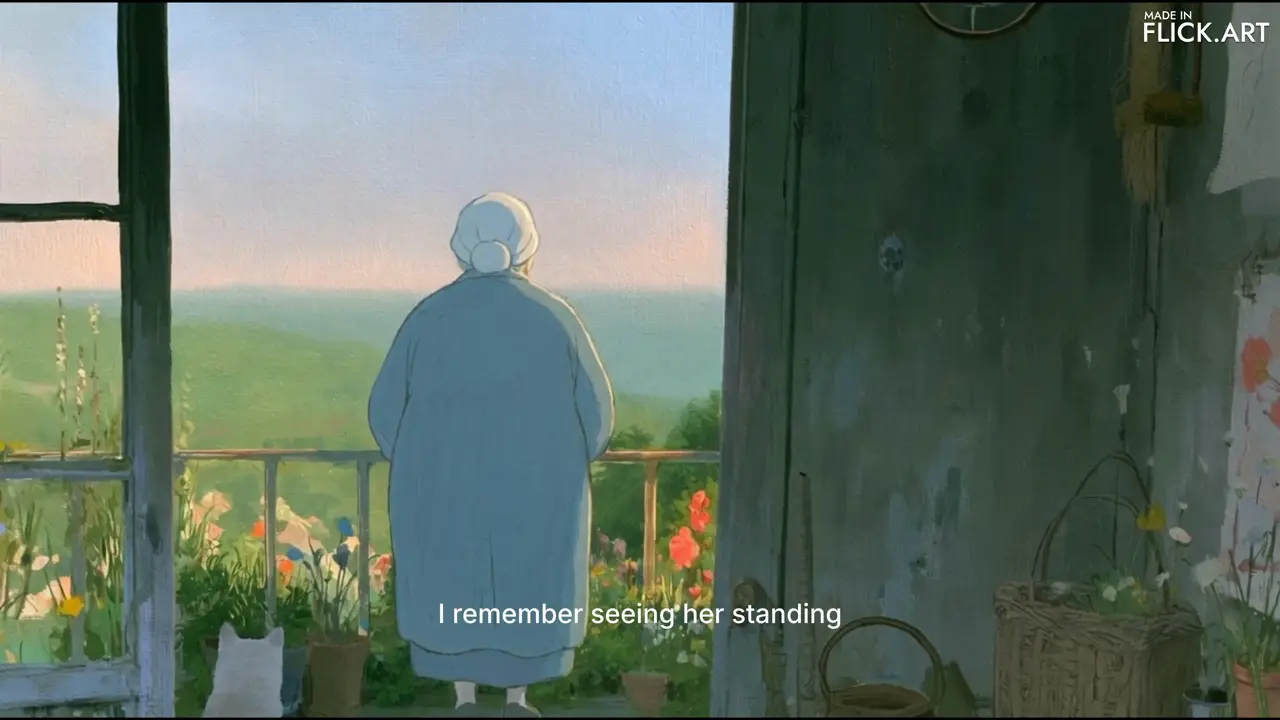
I remember seeing her standing alone on the balcony, lost in thought. I sometimes wonder if she was thinking of grandpa. | 0:38 | 1 |
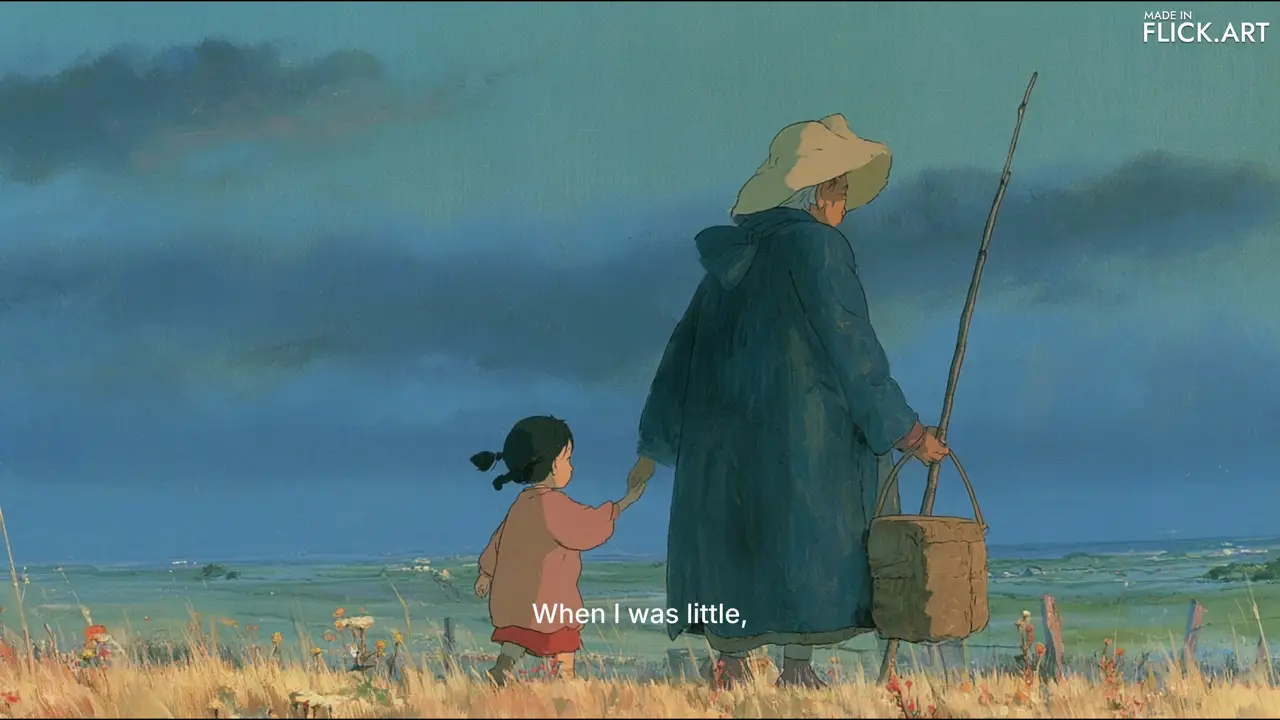
When I was little, she would always hold my hand tightly, afraid that I might get lost. | 0:48 | 1 |
But as I grew older, our hands slowly let go of each other. | 0:56 | 1 |
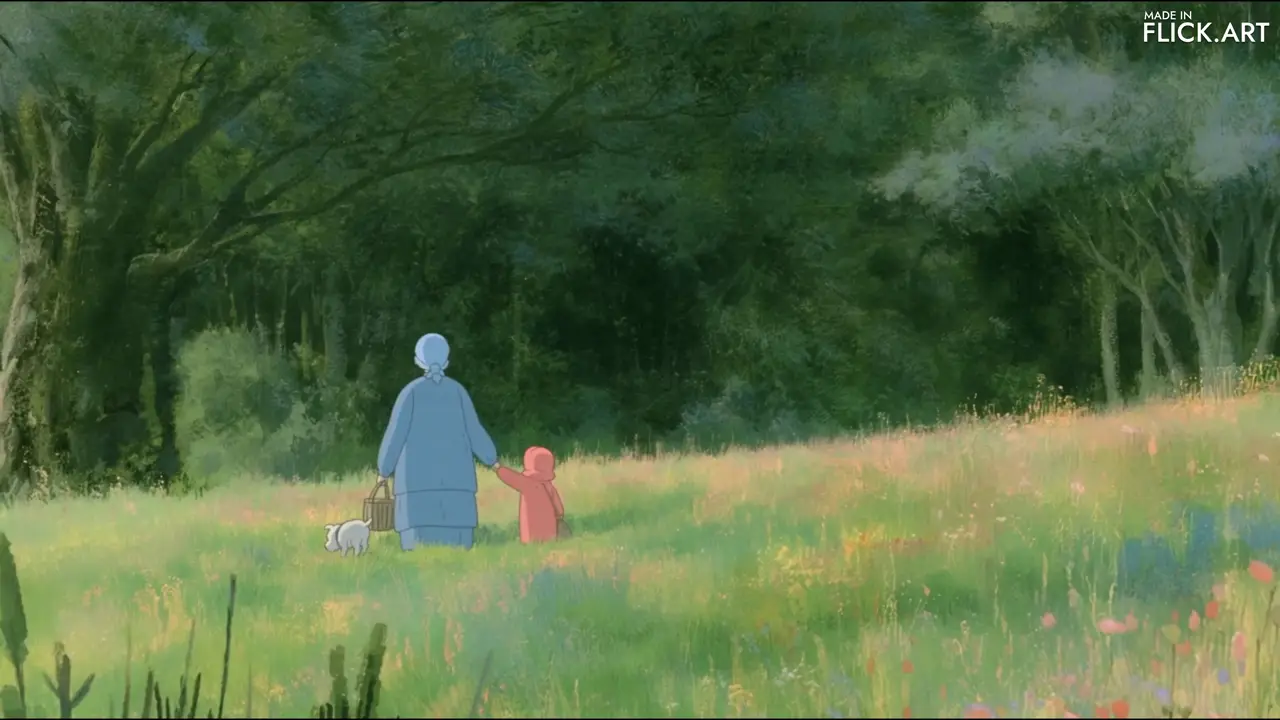
But I wish I could go back to when I was little, when you held my hand so tightly. Now, when I reach out to hold yours again, there's nothing left for me to hold. | 1:19 | 2 |
- Every take was made with Eleven v3, and each line is one generation, so a line can be redone without touching the rest.
- The last line turns from "her" to "you", the one line spoken to the grandmother herself, as the title is.
How do you add an AI voiceover to a video, step by step?
Step 1
Write lines for shots
Write one or two sentences for each moment, and let each say what the shot cannot show, because a narrator who just describes the picture repeats it.
- Over the grandmother on the balcony, the narration names what we see, "standing alone on the balcony, lost in thought".
- Then it adds what no picture holds: "I sometimes wonder if she was thinking of grandpa."
- Read the lines aloud against the cut, since a line that runs past its shot pushes every later line late.
 00:09
Zoey Z., director of To My Grandma · 0:38 Step 2
Voice each line
Open Text to Voice, choose one voice for the narrator and enter one line per generation, so each line becomes its own audio clip you can move, trim or redo.
- The line “When I was little, she would always hold my hand tightly, afraid that I might get lost.” is one Eleven v3 generation of 4.6 seconds, laid across three shots.
- Text to Voice with Eleven v3 or Eleven v4 is on the Free plan, at 8 credits a generation.
- Cues in square brackets, such as [whispers] or [dramatic pause], direct how a line is read.
 00:05
Zoey Z., director of To My Grandma · 0:48 Step 3
Keep the best take
Generate a line again when the pace or feeling is off and compare the takes side by side, because the same words can come back faster, slower or warmer each time.
- The closing line, heard here, has two takes on the canvas, of 9.6 seconds and 8.8 seconds.
- The opening line has three, of 5.0 seconds, 5.6 seconds and 6.0 seconds.
- Of the other four lines, the tuck-food line has two takes and the rest one each.
 00:14
Zoey Z., director of To My Grandma · 1:19 Step 4
Leave room for silence
Place each line under its shot in the Video Editor and leave stretches with no narration, so the pictures and the music carry the moments between lines.
- After the first line ends, To My Grandma runs about 16 seconds without a word, over shots like the grandmother dozing in her kitchen.
- The second line starts at 0:21, as the picture cuts to her tucking food into the girl's hands.
- In the Video Editor, audio sits on the Music track, where each line takes its own volume and fades.
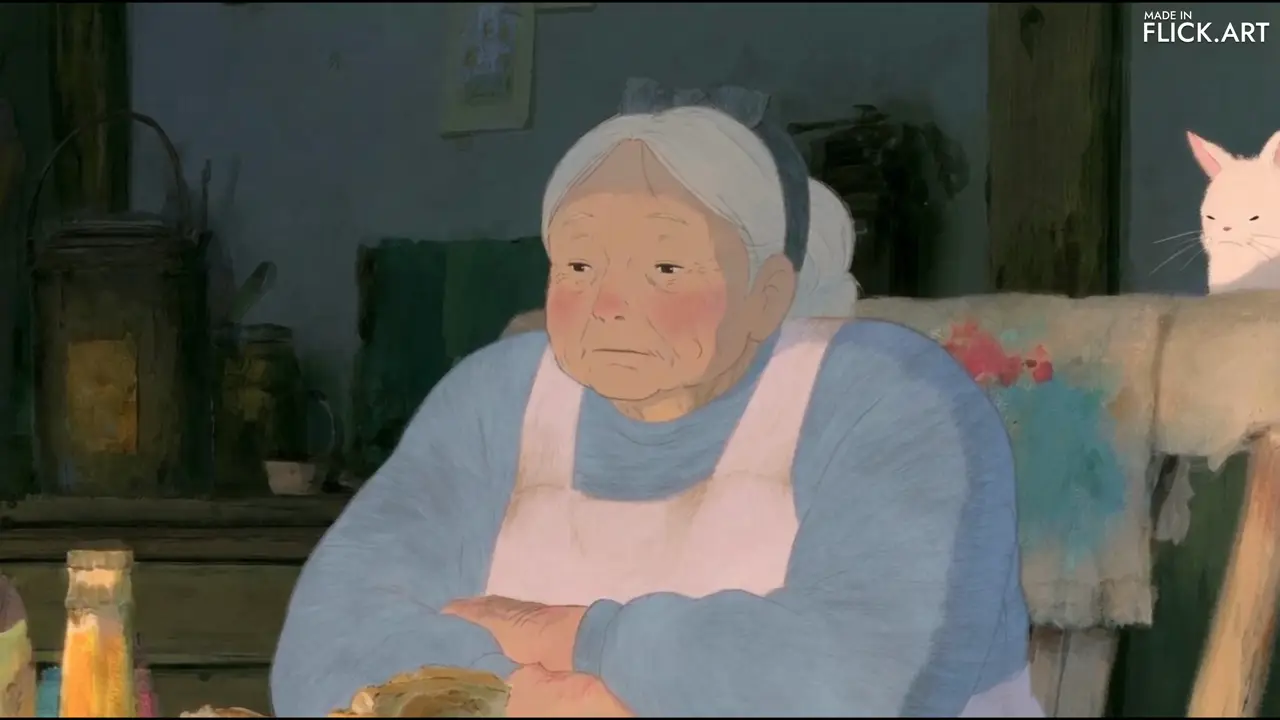 00:10
Zoey Z., director of To My Grandma · 0:15
More detail: how we read the film
The lines are transcribed from the audio of the film and of its Text to Voice clips, since a Text to Voice clip's text is not shown on the public canvas. Start times are where each line's Text to Voice clip sits in the film published on Flick TV, found by matching the clip's sound against the film's and checked against the film's subtitles, rounded to the second. The moments that play on this page are cut from that film, with its sound. Takes are the Text to Voice clips generated on the public To My Grandma canvas, read on 2026-10-27, archived ones included; uploaded audio such as music is not counted.
What makes an AI voiceover sound right?
1. Add what the picture cannot
Use the narration for thought, memory and feeling, as To My Grandma wonders whether the grandmother "was thinking of grandpa" over a shot of her back.2. Keep each line short
Write lines a listener takes in at once, as the 6 lines of To My Grandma do, the longest of them two sentences.3. Punctuate for pauses
Put a comma or a full stop where the voice should breathe, because the voice model pauses at punctuation rather than at line breaks you imagine.4. One line per generation
Voice each line on its own, so a weak read is redone alone and every line can be moved to fit the cut.5. Let the picture breathe
Leave whole shots without narration, as the film does for about 16 seconds after its opening line, so the voice never sounds like a running commentary.6. Save the turn for the end
Keep the change in the narrator's voice for the last line, as To My Grandma shifts from "she" to "you" in the line where the narrator reaches for her grandmother's hand.
Questions about AI voiceover for video
What is an AI voiceover?
An AI voiceover is narration spoken by a generated voice, made from written text instead of a recording session. It is laid over video as a narrator's voice, unlike dialogue, which a character speaks on screen.
How do I add an AI voiceover to a video?
Write the narration as short lines, generate each line with a text to speech model, then place the audio clips under the shots in a video editor. In Flick, Text to Voice makes the lines and the Video Editor's Music track holds them under the picture.
Is there a free AI voiceover for video?
Yes. Text to Voice in Flick, with Eleven v3 or Eleven v4, is on the Free plan at 8 credits a generation, and a new account gets 100 credits when it signs up.
Can I make an AI voiceover in my own voice?
Yes. In Flick, Text to Voice with Seed Audio 1.0 takes up to three voice clips you attach as references and speaks new lines in that voice. You can also import your own recording as audio and place it on the timeline. Use only voices you have the right to use.
How long should narration be in a short film?
As short as the story allows: narration works best as a few lines with silence between them, not a continuous track. To My Grandma, a short made in Flick, tells its story in 6 narrated lines over a film of 1:38.
Can an AI voiceover sound emotional?
Yes. Write the line the way it should be spoken, with punctuation where the voice should pause, and add cues in square brackets such as [whispers] or [laughs] in Text to Voice. Generate a few takes and keep the one whose feeling fits the shot.
Can AI voiceover speak other languages?
Yes. Eleven v4 speaks more than 90 languages, and the voice picker in Text to Voice filters voices by language. Not every voice supports every language, so preview the voice first.
More on sound and story in Flick


Films on this page
- Zoey Z. · To My Grandma
- Jaime Yao · A Proper Introduction
The moments that play on this page are from the finished To My Grandma film, with its narration, and the takes and timings from its public canvas; both are credited to its filmmaker. The related cards show shots from the To My Grandma canvas and from A Proper Introduction by Jaime Yao.
Give your film a narrator
Write the lines, voice them in Text to Voice and lay them under your shots, all on one canvas.
Try for free, no credit card required.
Ask AI about this page:ChatGPTPerplexityClaude