Consistent Character AI
WHY GENERATE WITH FLICK?
Character Reference runs on Nano Banana inside the Flick canvas: connect a character sheet, describe the new scene, and the character is placed in it, from 10 credits a run on Nano Banana 2 Lite, on the Free plan. Those frames then start your video shots.

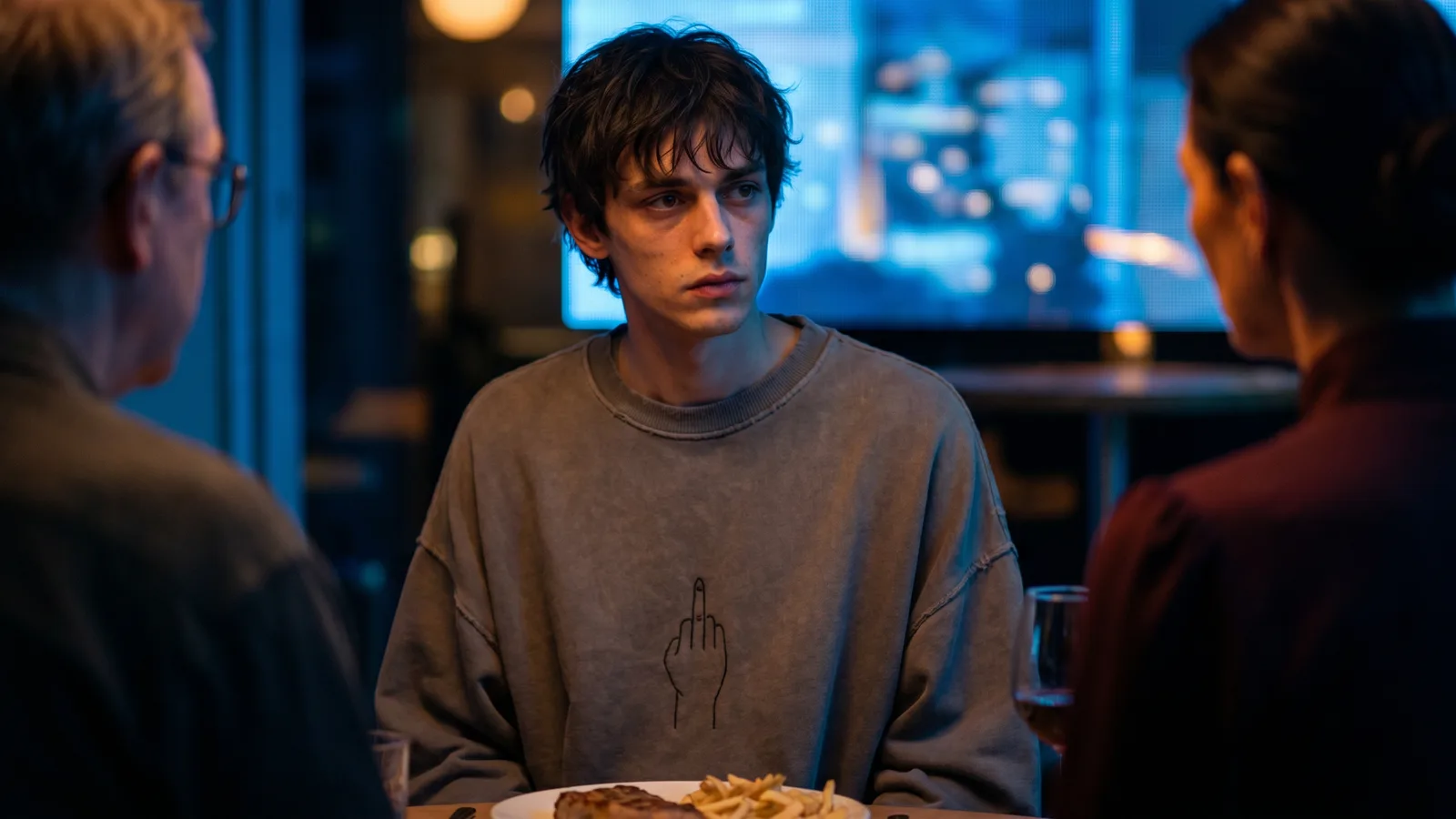
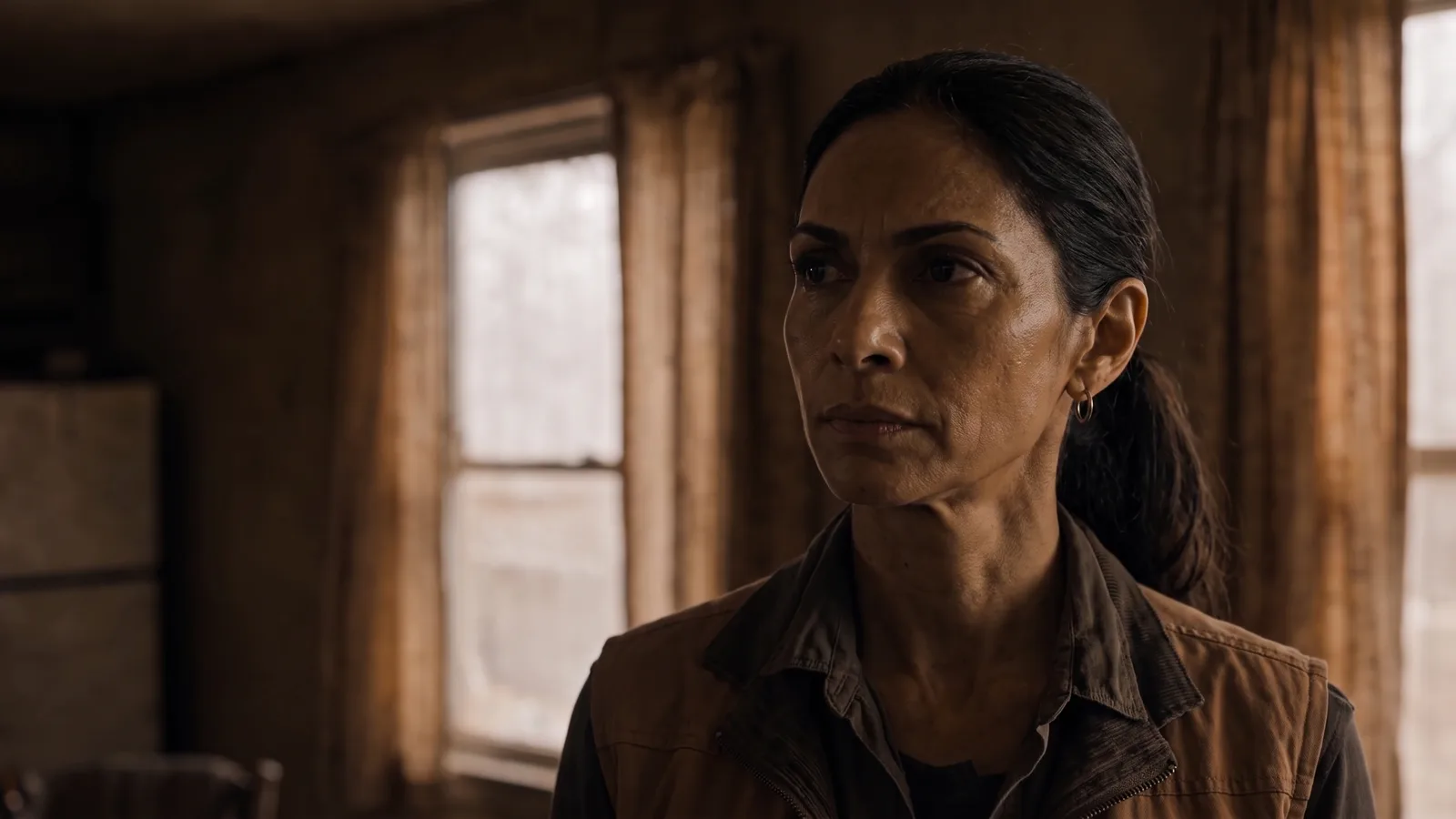
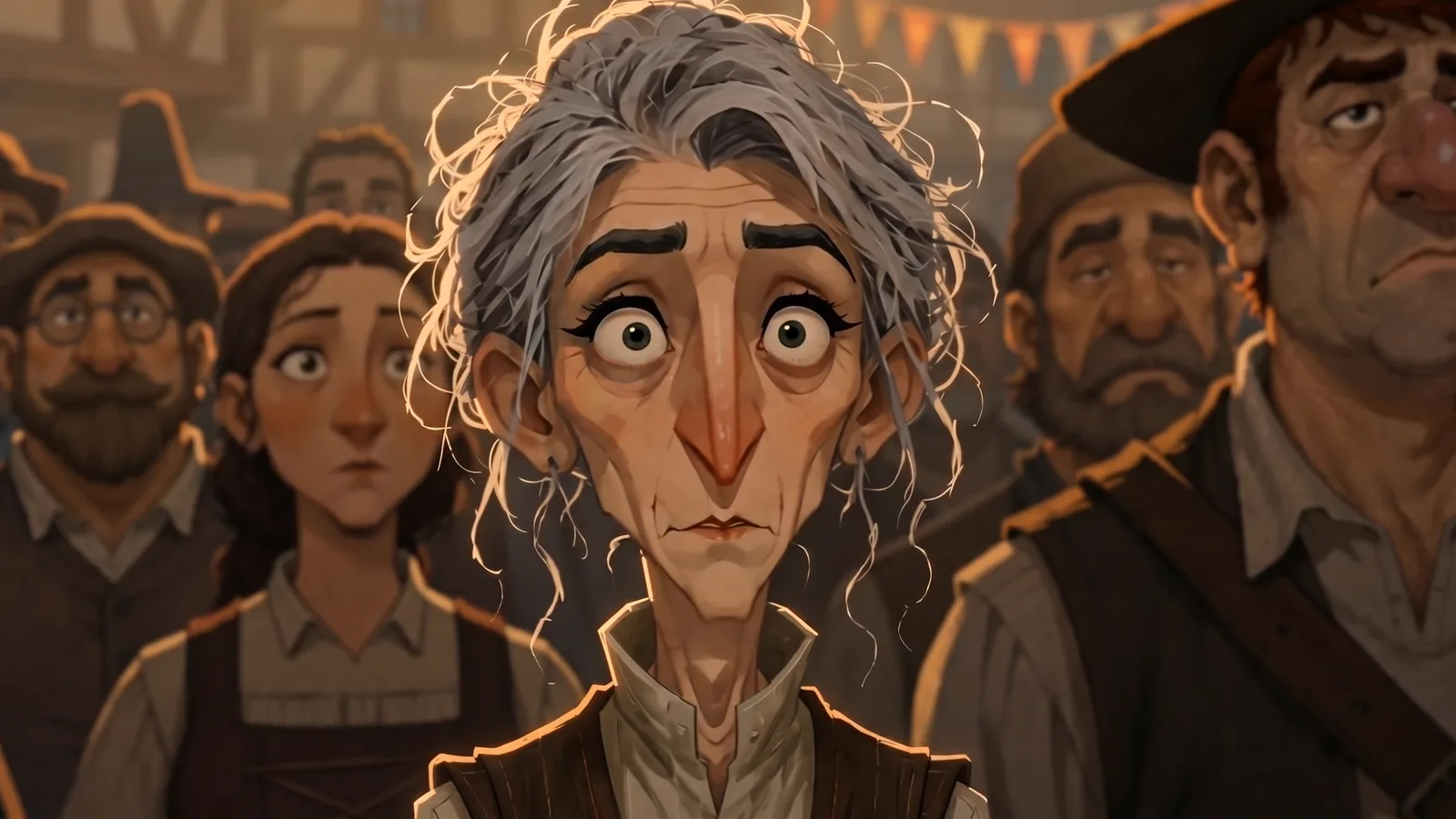
CONSISTENT CHARACTER AI EXAMPLES
An expression reference sheet of one woman, from Woman Sleeping in Living Room

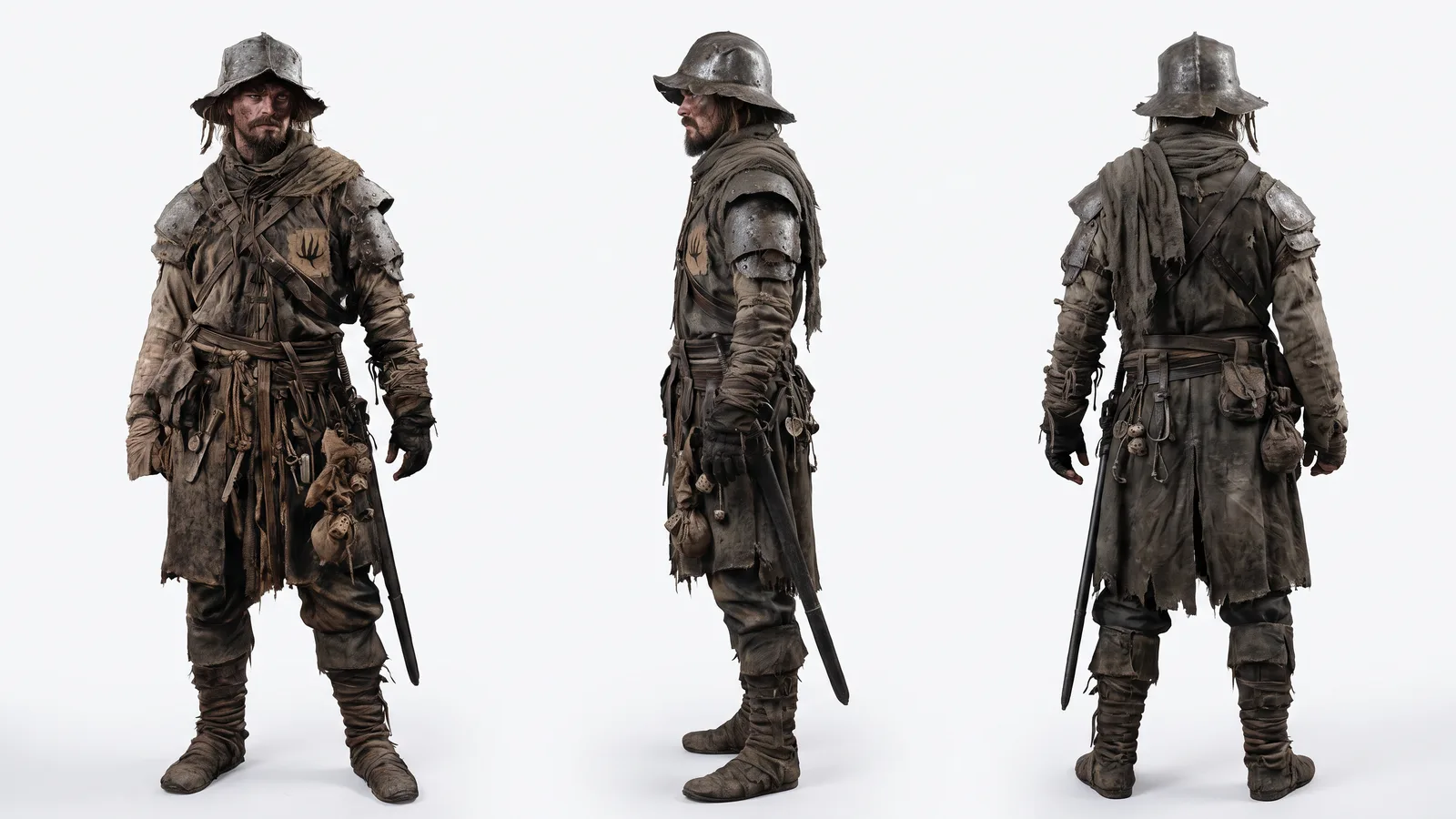
A model sheet with front, side and back views, from Visual & Character Consistency Templates

A character from a sheet placed in a new location, from Happy Souls Alive

The same character matched to a sketch's pose, from Happy Souls Alive
HOW IT WORKS
STEP 1
BUILD A CHARACTER SHEET
Generate the character with an image node, then ask Nano Banana Pro for an expression sheet or a model sheet with front, side and back views, so the angles you need are on one page.
STEP 2
PLACE THE CHARACTER WITH CHARACTER REFERENCE
Add a Character Reference node, connect the sheet and a scene or pose reference, and describe the shot. It runs on Nano Banana Pro (30 credits), Nano Banana 2 (20), Nano Banana 2.1 (10) and Nano Banana 2 Lite (10).
STEP 3
ANIMATE THE FRAMES
Connect each frame to a video node as a start frame. The character carries into Seedance, Kling, Veo or Wan clips, and the shots chain on the same canvas.
CONSISTENT CHARACTER AI FAQS
HOW DO I KEEP A CHARACTER CONSISTENT WITH AI?
Make one character sheet, then generate each new shot from it with Character Reference, which places the character from the sheet into the scene you describe. Flick is a browser canvas for making AI films, so those frames feed video nodes directly. For a method by method comparison, see AI Character Consistency: 5 Methods Compared.
HOW MUCH DOES CHARACTER REFERENCE COST ON FLICK?
Per run: Nano Banana 2 Lite 10 credits, Nano Banana 2.1 10, Nano Banana 2 20, Nano Banana Pro 30. See pricing. Credit costs on this page were checked against Flick's live prices in October 2026.
IS CONSISTENT CHARACTER AI FREE ON FLICK?
Yes for the images. Character Reference with the four Nano Banana versions is on the Free plan, and the free plan gives up to 300 free credits (100 at signup plus 200 for joining our Discord) plus 100 weekly credits. Animating the frames with Seedance, Kling, Veo or Wan needs the Standard plan. Paid plans start at $5 a month, or $4 a month billed yearly.
WHICH NANO BANANA VERSION SHOULD I USE?
Our pick: Nano Banana Pro when the face must hold closely; Flick's model notes describe it as high fidelity, identity consistent character placement. Nano Banana 2.1 and Nano Banana 2 Lite suit quick drafts at a lower price. Run the same sheet through two versions and compare.
CAN I KEEP THE CHARACTER CONSISTENT IN VIDEO TOO?
Yes, by starting each clip from a frame that already has the character. Connect the frame to a video node with Seedance, Kling, Veo or Wan; in Omni Reference, Seedance 2.5 also takes up to 30 reference images. See image to video.
DOES THIS WORK WITH A CHARACTER I DREW MYSELF?
Yes. Upload your drawing or sheet as an image node and connect it to Character Reference. A sketch also works as a pose reference, as in the tailor shop frame above.


LOCK YOUR CHARACTER ONCE