AI Image Editor
WHY GENERATE WITH FLICK?
Edit & Merge Images runs inside the Flick canvas: connect the image and up to 10 references, describe the change, and pick Nano Banana Pro, Nano Banana 2, GPT Image 2.5 or Seedream 4.5. An edit costs 5 credits on GPT Image 2.5 and 20 on Nano Banana 2, on the Free plan.

AI IMAGE EDITOR EXAMPLES
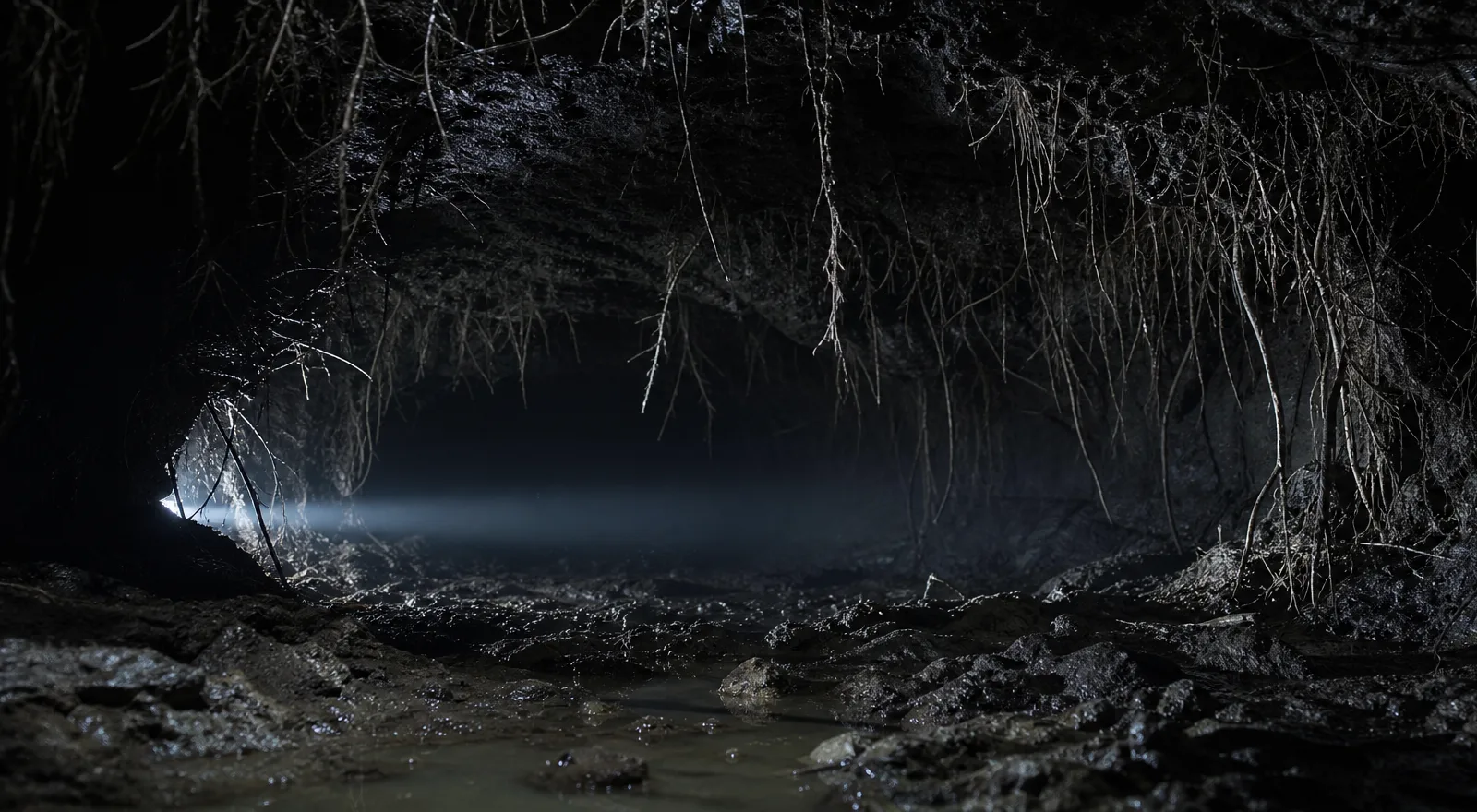
A figure removed and the day turned to a starry night, from The Little Fox’s Dream

A red second hand added to a clock, the lighting kept, from Summer time

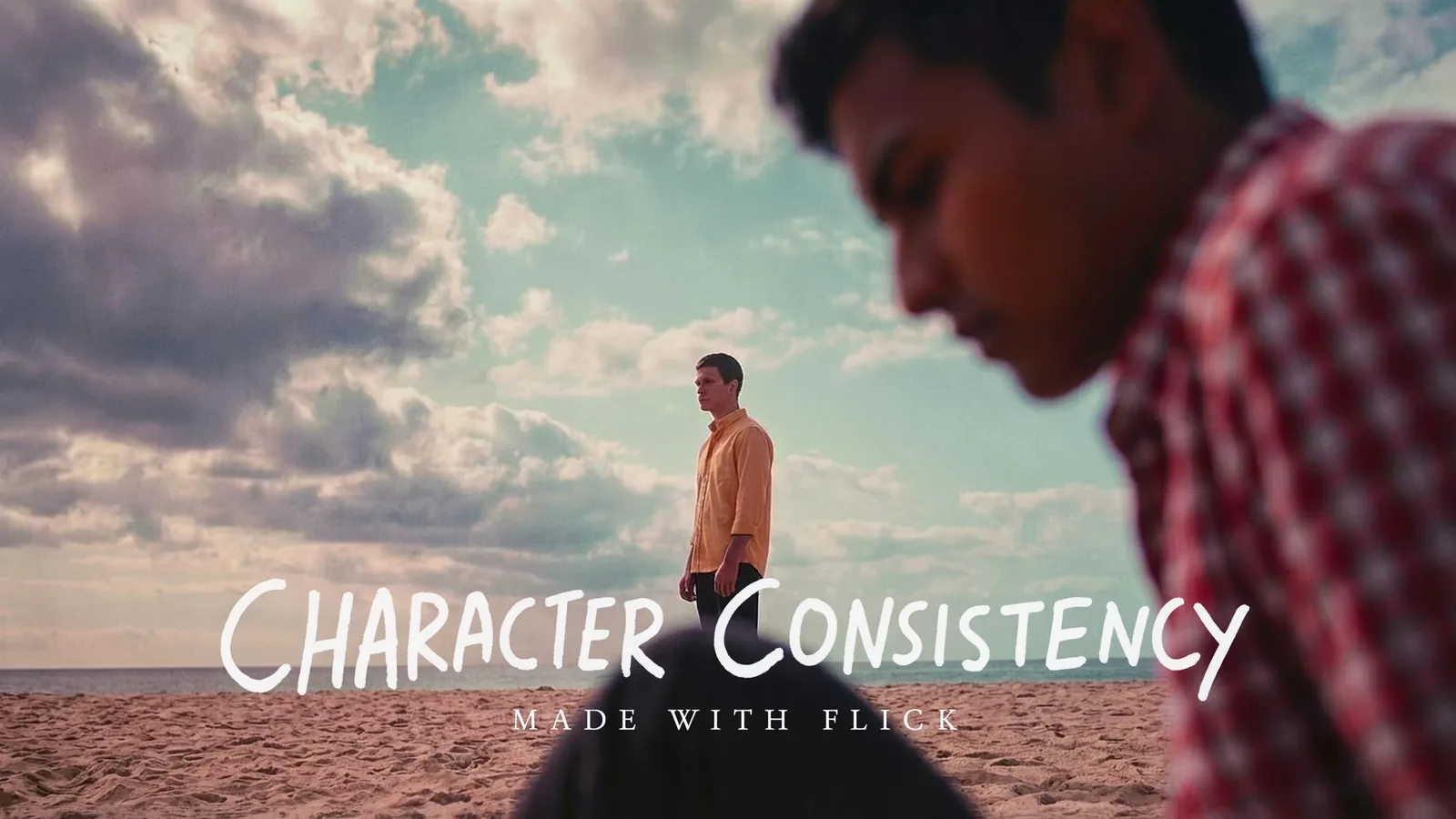
A man shrunk to half height beside an archway, from Visual & Character Consistency Templates

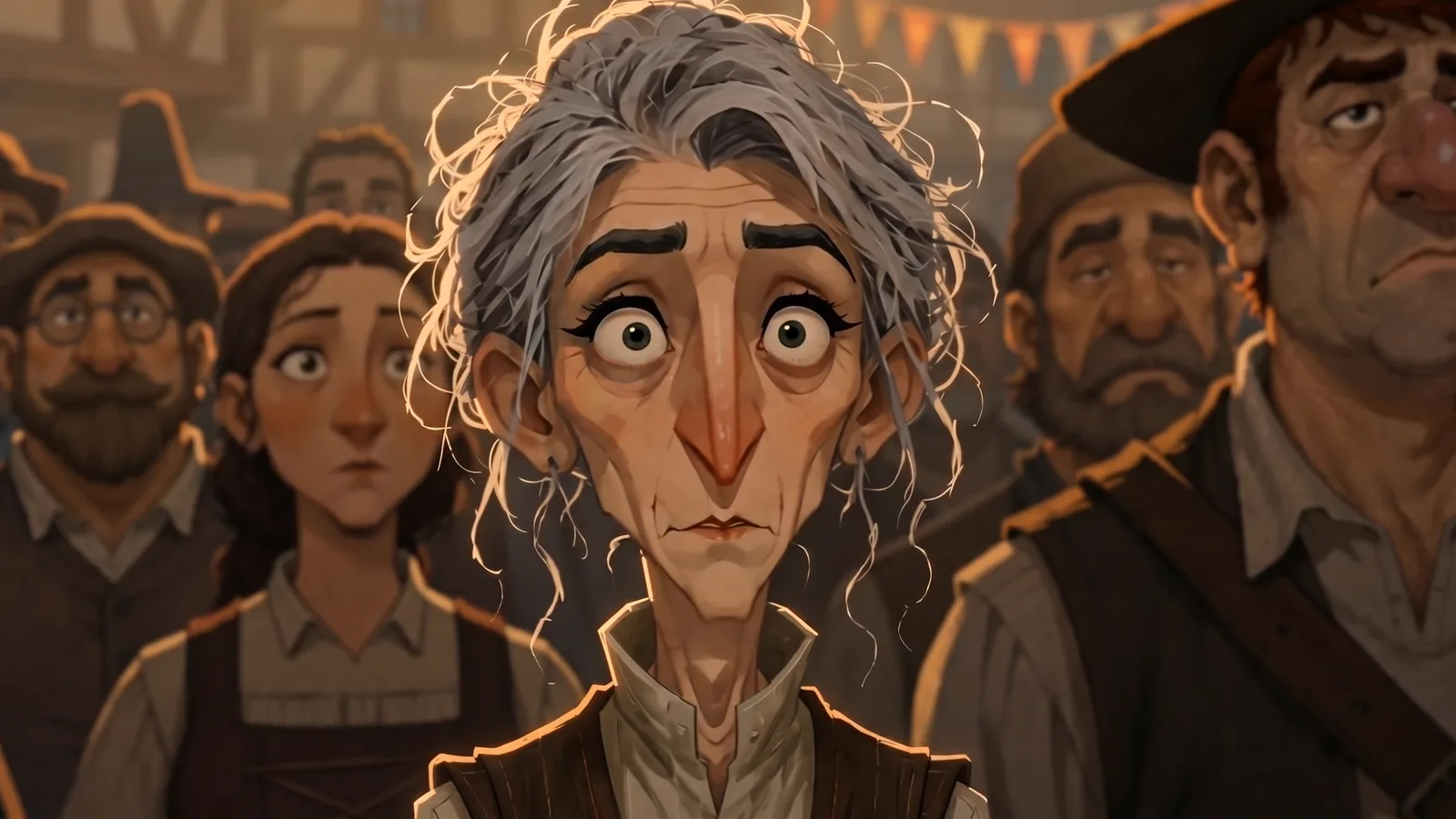
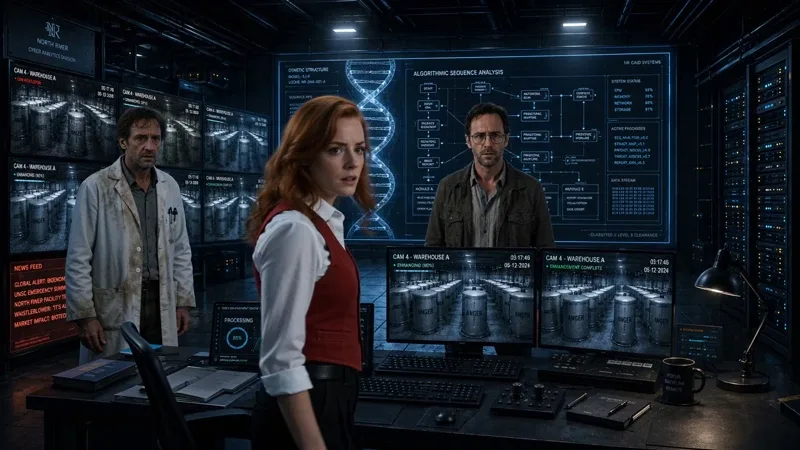
A frame redrawn as a pencil storyboard sketch, from Nightmare
HOW IT WORKS
STEP 1
CONNECT THE IMAGE
Add an Edit & Merge Images node and connect the image you want to change. Connect more images as references, up to 10 on Nano Banana Pro, to merge a product, a face or a prop into the scene.
STEP 2
DESCRIBE THE CHANGE AND PICK A MODEL
Write the edit in plain words: remove the person, make it night, add a clock hand, turn it into a sketch. Pick Nano Banana Pro (30 credits), Nano Banana 2 (20), GPT Image 2.5 (5) or Seedream 4.5 (20).
STEP 3
KEEP EDITING, OR ANIMATE IT
The result appears as a new node, so the original stays on the canvas. Edit it again, compare versions side by side, or connect it to a video node as a start frame.
AI IMAGE EDITOR FAQS
HOW DO I EDIT AN IMAGE WITH AI ON FLICK?
Add an Edit & Merge Images node to the canvas, connect your image, describe the change and run it. Flick is a browser canvas for making AI films, so the edited frame can go straight into a video node. See Generate Image.
HOW MUCH DOES AN AI IMAGE EDIT COST ON FLICK?
Per edit at default settings: GPT Image 2.5 5 credits, Nano Banana 2 20, Seedream 4.5 20, Nano Banana Pro 30. The GPT Image 2.5 price is a launch price in Flick's model notes. See pricing. Credit costs on this page were checked against Flick's live prices in October 2026.
IS THE AI IMAGE EDITOR FREE?
Yes. Edit & Merge Images with Nano Banana Pro, Nano Banana 2, GPT Image 2.5 and Seedream 4.5 is on the Free plan. The free plan gives up to 300 free credits (100 at signup plus 200 for joining our Discord) plus 100 weekly credits. Paid plans start at $5 a month, or $4 a month billed yearly.
CAN I MERGE SEVERAL IMAGES INTO ONE?
Yes. Connect up to 10 reference images to the node and say in the prompt what each one brings. Seedream 4.5 reads them as Figure 1, Figure 2 and so on, per Flick's model notes.
WHICH MODEL IS BEST FOR EDITING IMAGES?
Our picks: Nano Banana Pro for edits that must keep a face or the lighting, Nano Banana 2 for faster edits at a lower price, GPT Image 2.5 for precise prompt following and masked edits, and Seedream 4.5 for text, product swaps and layouts. See GPT Image vs Nano Banana.
CAN I TURN AN EDITED IMAGE INTO A VIDEO?
Yes. Connect the edited frame to a video node as a start frame and pick a model such as Seedance, Kling, Veo or Wan. See image to video.


EDIT YOUR FIRST IMAGE