AI Vlog Generator
WHY GENERATE WITH FLICK?
Describe a shot. Flick generates the footage across Kling, Seedance, or Veo, then you cut and arrange every clip on the same canvas.
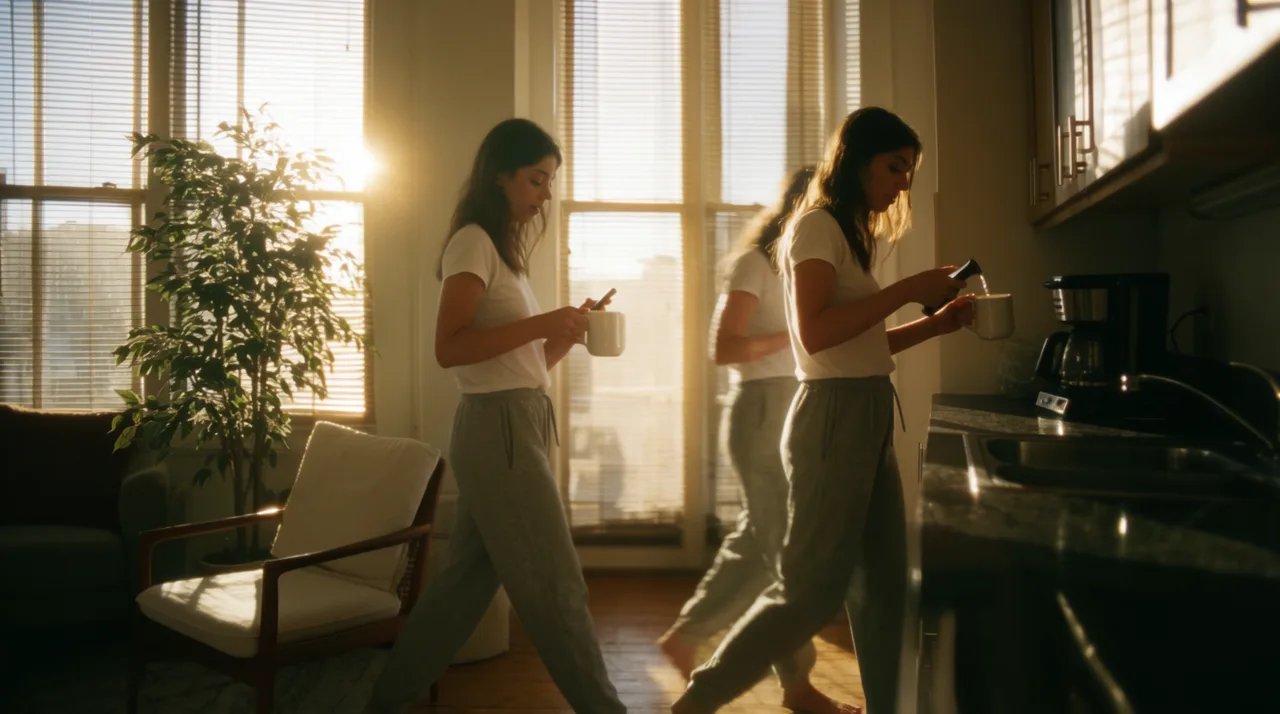
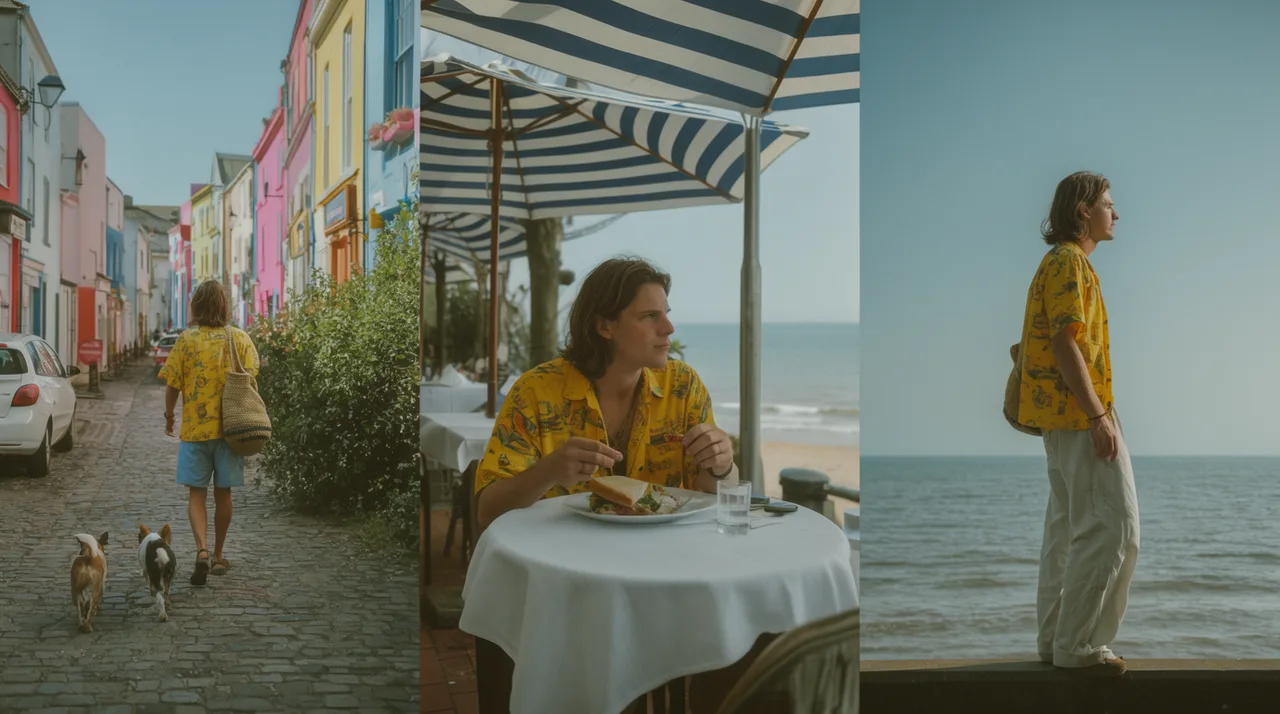
AI VLOG GENERATOR EXAMPLES

HOW IT WORKS
STEP 1
DESCRIBE THE MOMENT
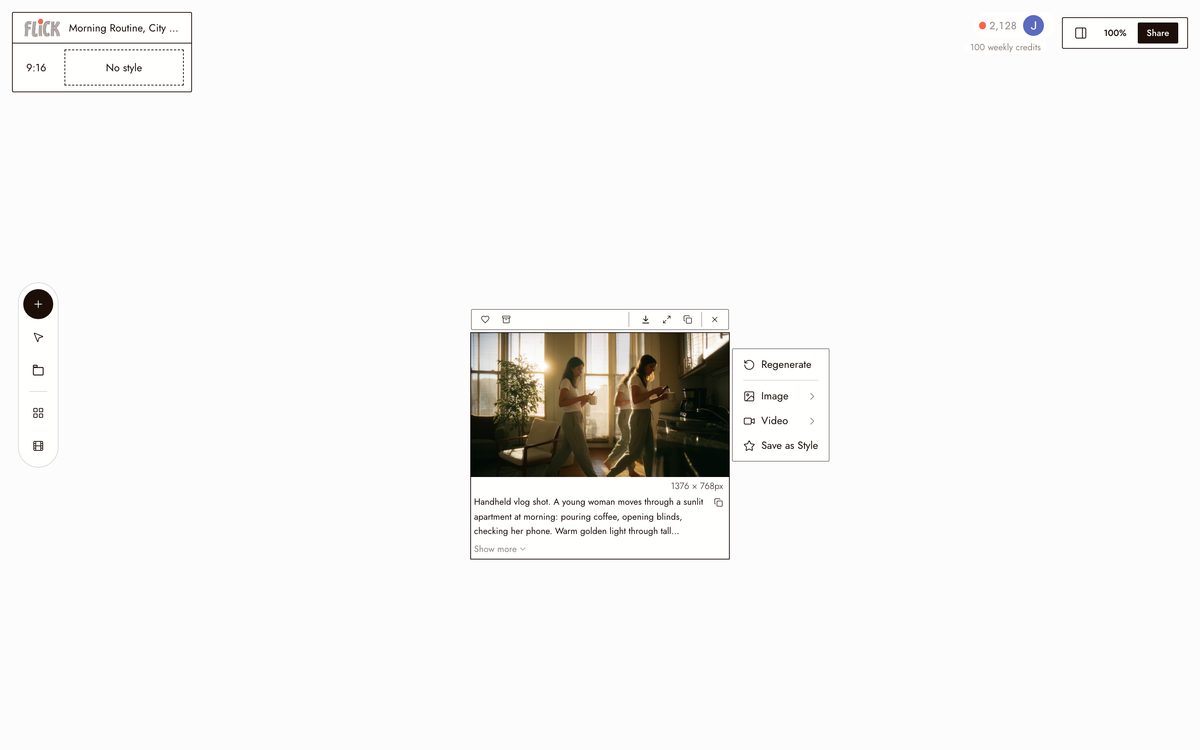
Write the scene you want to film: a morning routine in a sunlit apartment, a 2 AM edit session, a travel day on the coast. Flick generates it as handheld, vlog-style footage in the grade you set.
Made in Flick STEP 2
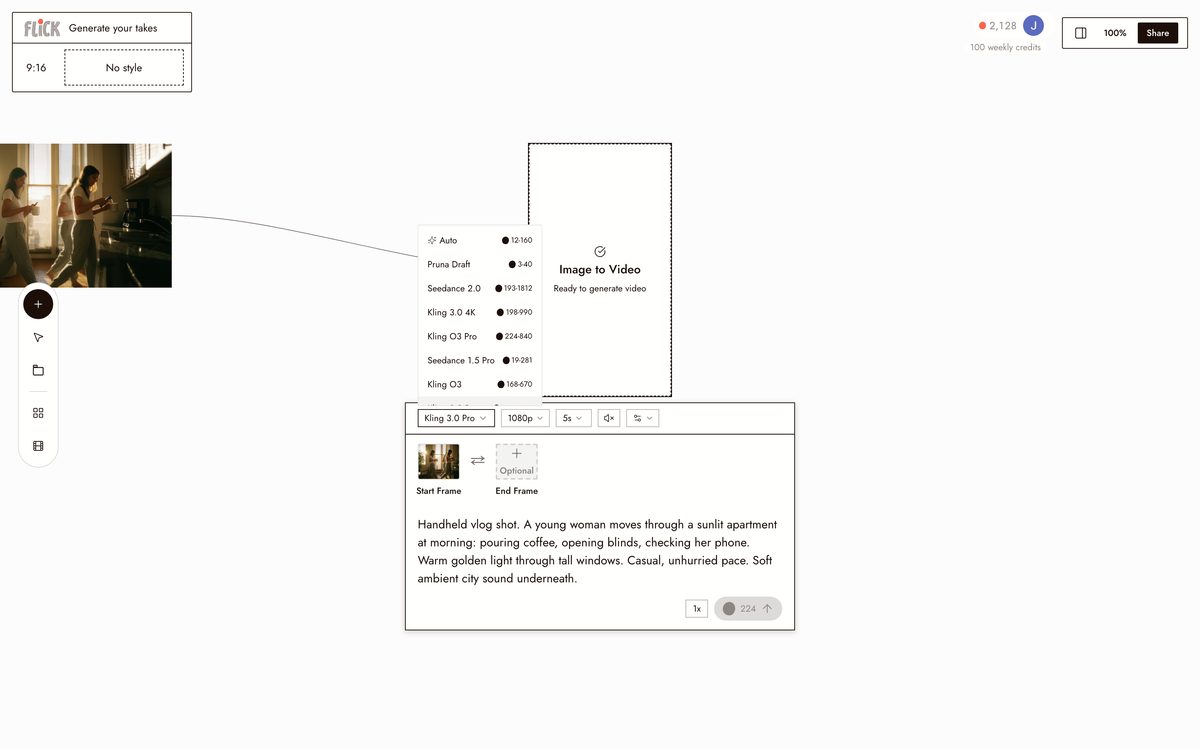
GENERATE YOUR TAKES
Pick Kling for natural handheld motion or Seedance for fast, clean takes, and generate as many angles as the day needs. Each take lands on the canvas as its own clip you can regenerate until it feels shot, not rendered.
Made in Flick STEP 3
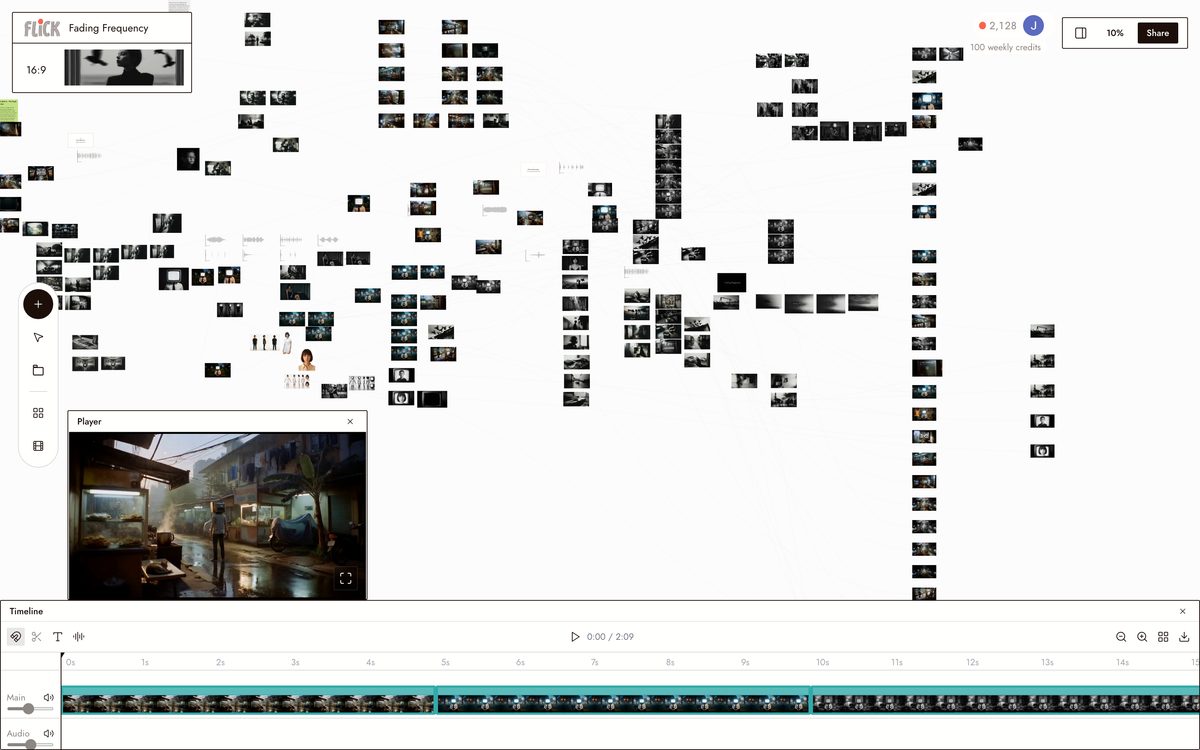
CUT IT TOGETHER
Drag the takes onto the timeline in the order the day happened, trim each to length, and build the full vlog on the same canvas the footage lives on. Export when the cut feels right.
Made in Flick


AI VLOG GENERATOR FAQS
WHAT DOES AN AI VLOG GENERATOR ACTUALLY DO?
It turns a text prompt into vlog-style footage, then lets you trim, arrange, and finish the clips on one canvas. Describe a scene — a morning routine in a sunlit apartment, a travel day through a coastal town — and Flick generates the b-roll using Kling or Seedance. Cut and sequence every clip without leaving the workspace.
DO I NEED TO FILM ANYTHING MYSELF?
No. Write a scene description, pick a model, and the clip appears on the canvas. Bring in existing footage and Flick lets you mix it with generated clips in the same editor.
CAN I KEEP THE SAME PERSON ACROSS EVERY SHOT?
Character Reference locks a character's face, outfit, and proportions from one reference image. Generate that character into any vlog scene — different lighting, angles, settings — and the identity holds across Kling, Seedance, and every other model on the canvas.
WHICH MODEL SHOULD I USE FOR VLOG FOOTAGE?
Use Kling for scenes with realistic motion and physical interaction — pouring coffee, walking a street market. Use Seedance when you need fast generation across multiple shots. Use Veo 3.1 when cinematic quality and native audio matter, such as a narrated travel sequence with ambient sound.
IS FLICK FREE TO USE?
Flick has a free tier: up to 300 free credits (100 at signup plus 200 for joining our Discord) plus 100 weekly credits, no credit card required. Every image model, including Nano Banana and GPT Image, is on every plan, free included, and so are MiniMax H3 Fast, MiniMax H3 Max and Pruna Draft video. Kling, Veo 3.1, Seedance and the full video model list come with the Standard plan. Paid plans start at $5/month and add more credits per generation cycle.
IS THE FOOTAGE I GENERATE MINE TO USE?
Generations you create in Flick belong to you. Export clips and use them in your own projects, including commercial work. Check the terms of service for full usage rights detail, since individual model providers may carry their own output licensing terms.





TRY THE AI VLOG GENERATOR FREE