Nano Banana 2 vs Nano Banana Pro
WHY LOOK FOR NANO BANANA VS NANO BANANA PRO ALTERNATIVES
Nano Banana 2.1 is our everyday pick: 8 credits, about 15 seconds by the app's estimate, better text than Nano Banana 2. Nano Banana Pro is our pick when surface detail or a 4K master is the point of the frame, at 30 credits (60 at 4K). Nano Banana 2 Lite is the 7 credit, four second draft, and Nano Banana 2, the version before 2.1, costs 15. On Flick all four are one dropdown on the image node, on every plan, so you draft in Lite and finish in Pro without leaving the canvas.


HOW TO SWITCH
STEP 1
WRITE THE PROMPT ONCE
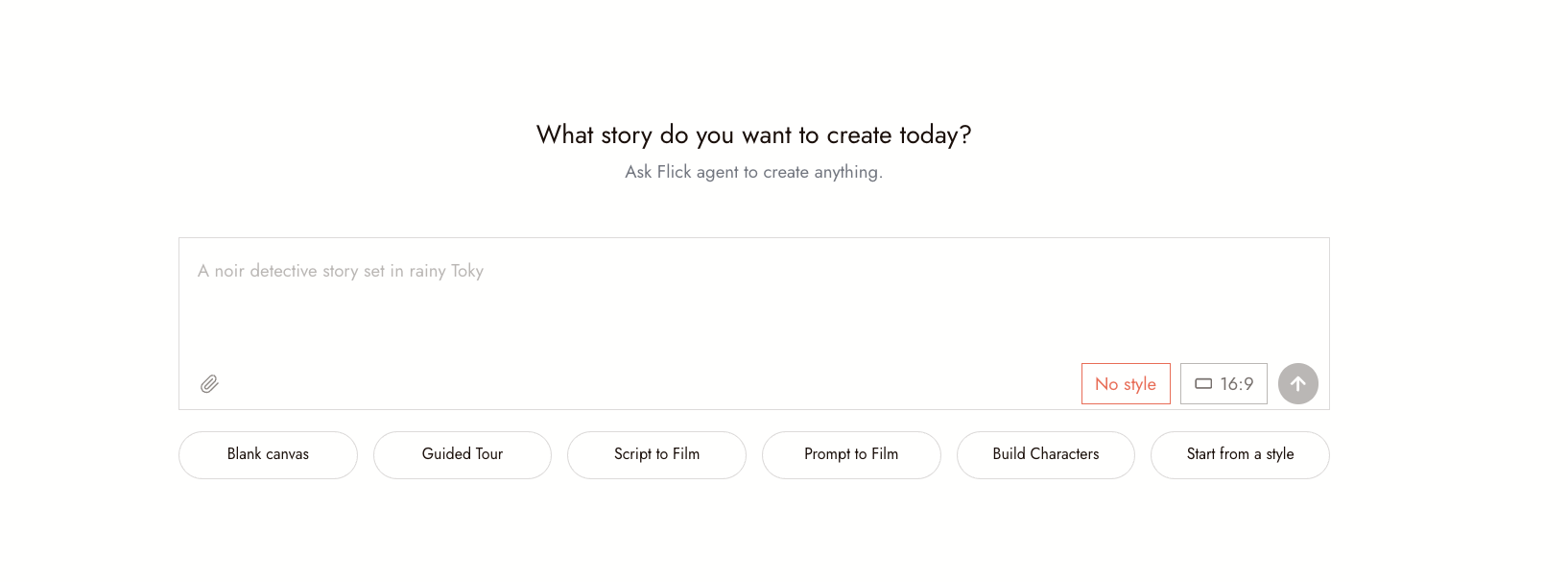
Open the Flick canvas, add an image node and describe the frame, or ask the chat to generate it. Drop reference images on the node; the four current Nano Banana versions take up to nine, and each also takes a style reference from the Style menu.
STEP 2
PICK THE VERSION PER FRAME
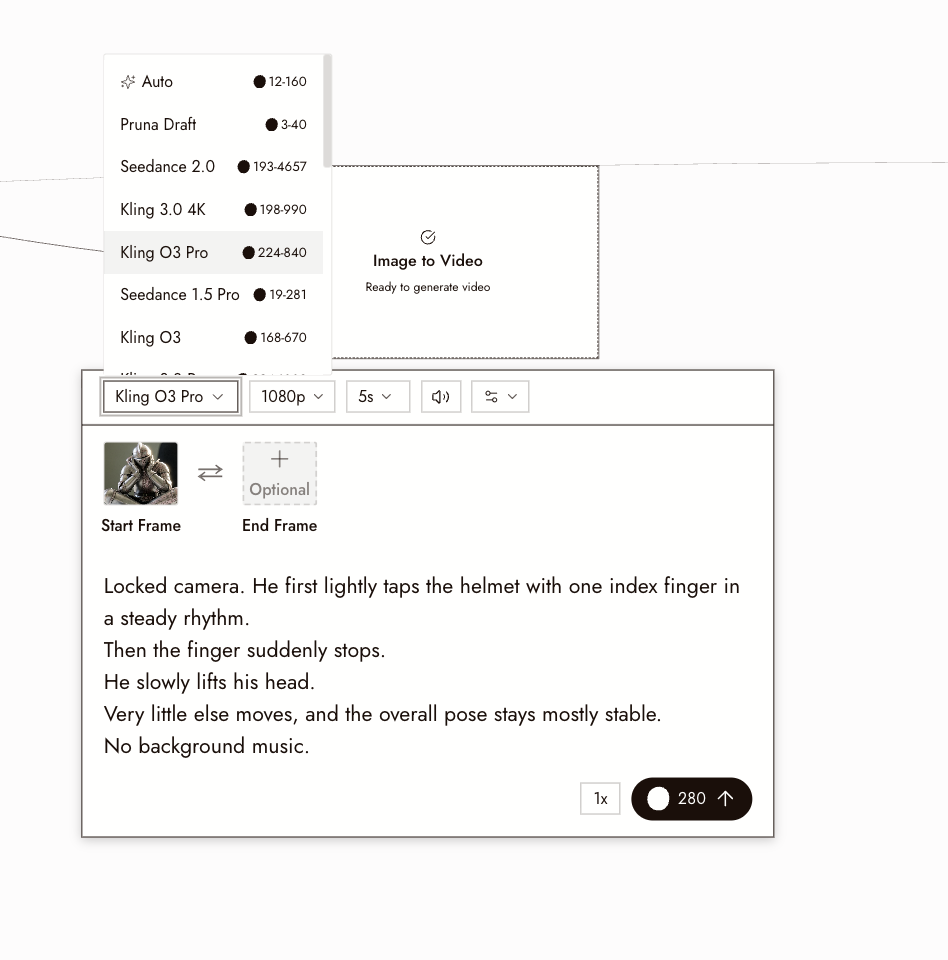
Choose Nano Banana 2 Lite, 2, 2.1 or Pro in the model picker on the node, and 1K, 2K or 4K where the version allows it. Duplicate the node, connect the same reference images to the copy, switch the version and run both from the same prompt.
STEP 3
SEND THE BETTER FRAME INTO VIDEO
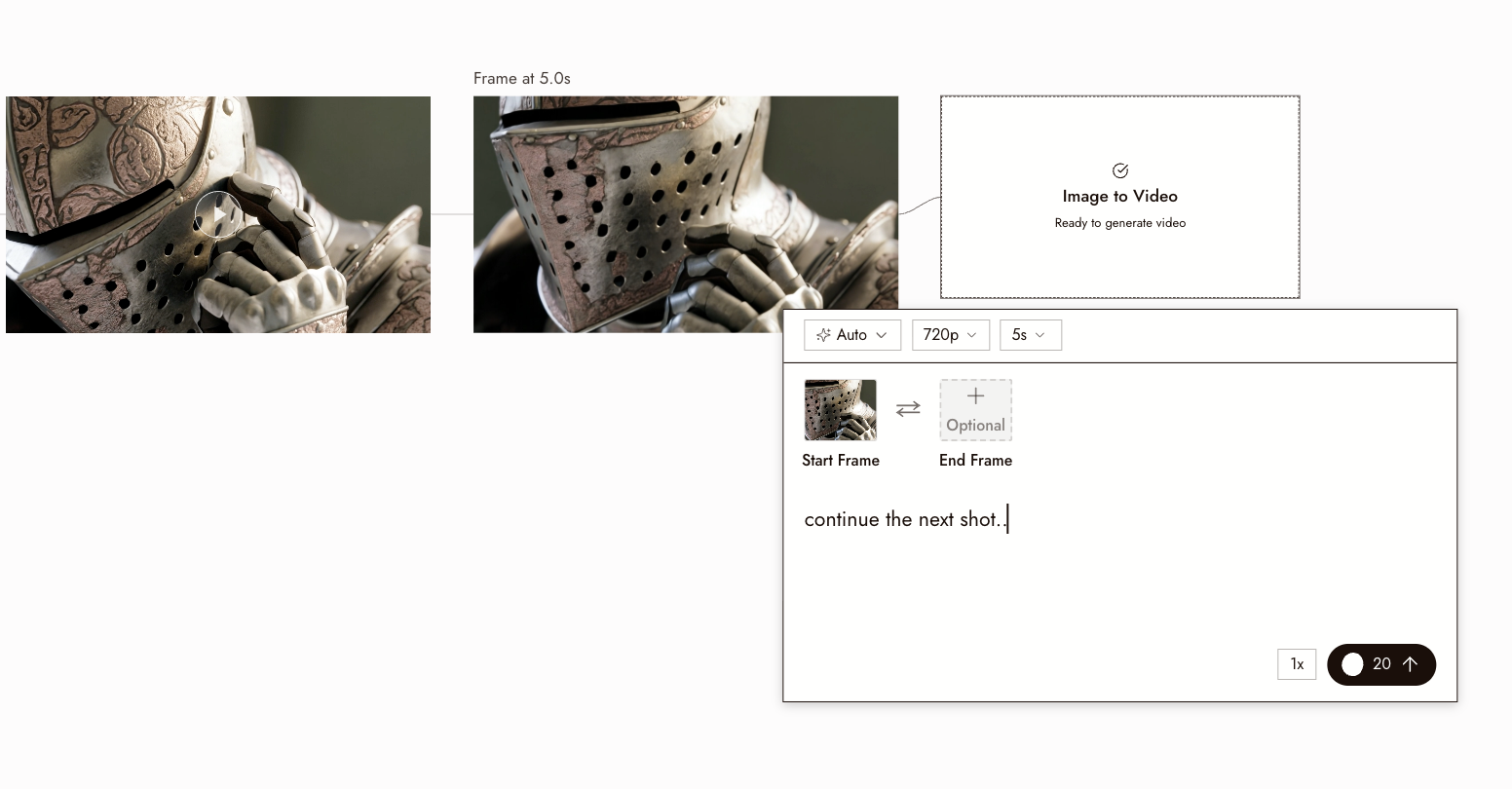
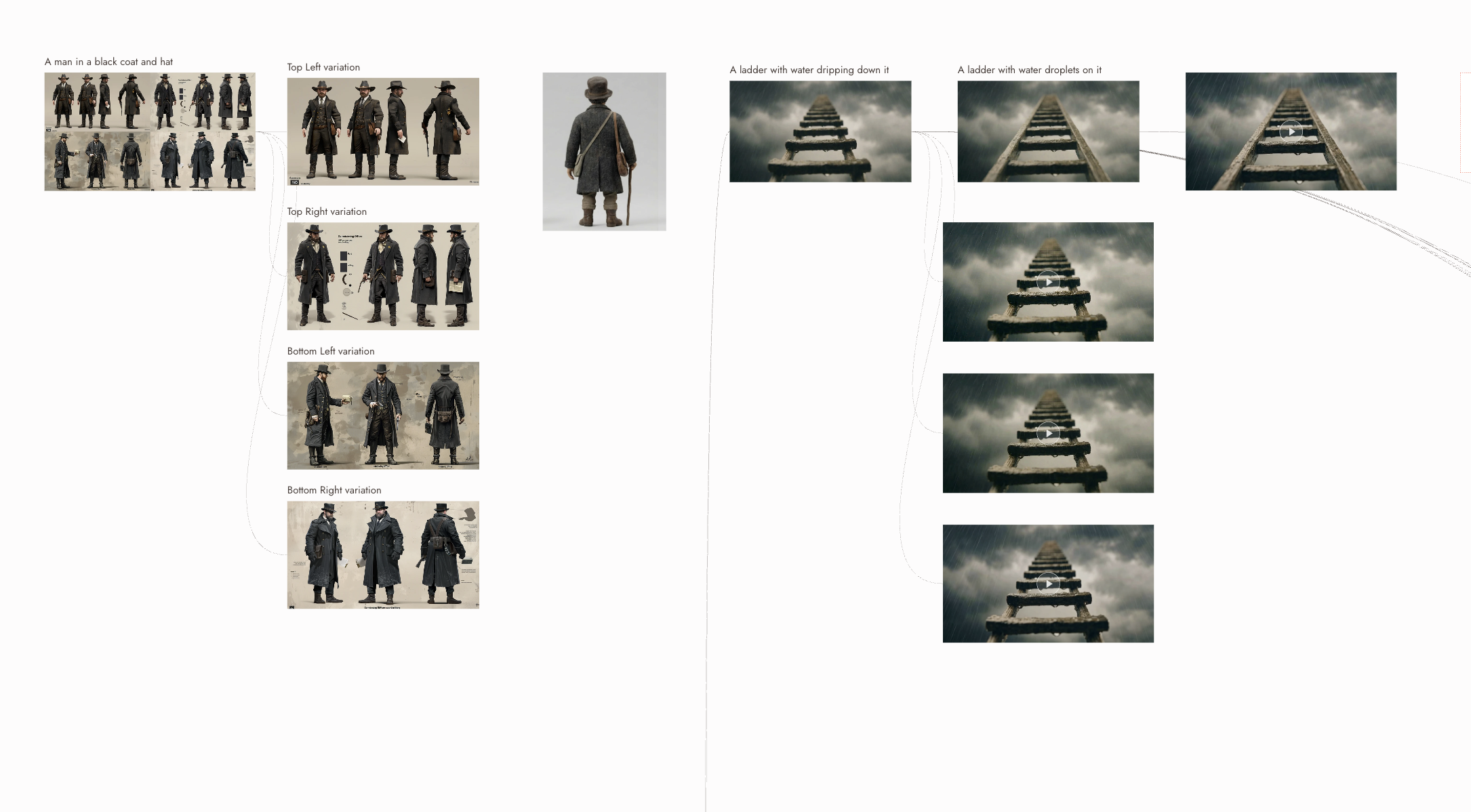
Connect the frame you keep to a video node. In Image to Video, Kling, Seedance, Veo, FLUX 3 and Wan all accept it as the start frame, so the still becomes the first frame of a shot without leaving the canvas.
WHY CHOOSE FLICK
DRAFT IN LITE, FINISH IN PRO
On Flick the four current versions are one dropdown, so a frame drafted in Nano Banana 2 Lite for 7 credits is rerun in Pro at 4K from the same node when it earns it. No second app, no re-uploading references.
ONE CHARACTER ACROSS ALL FOUR VERSIONS
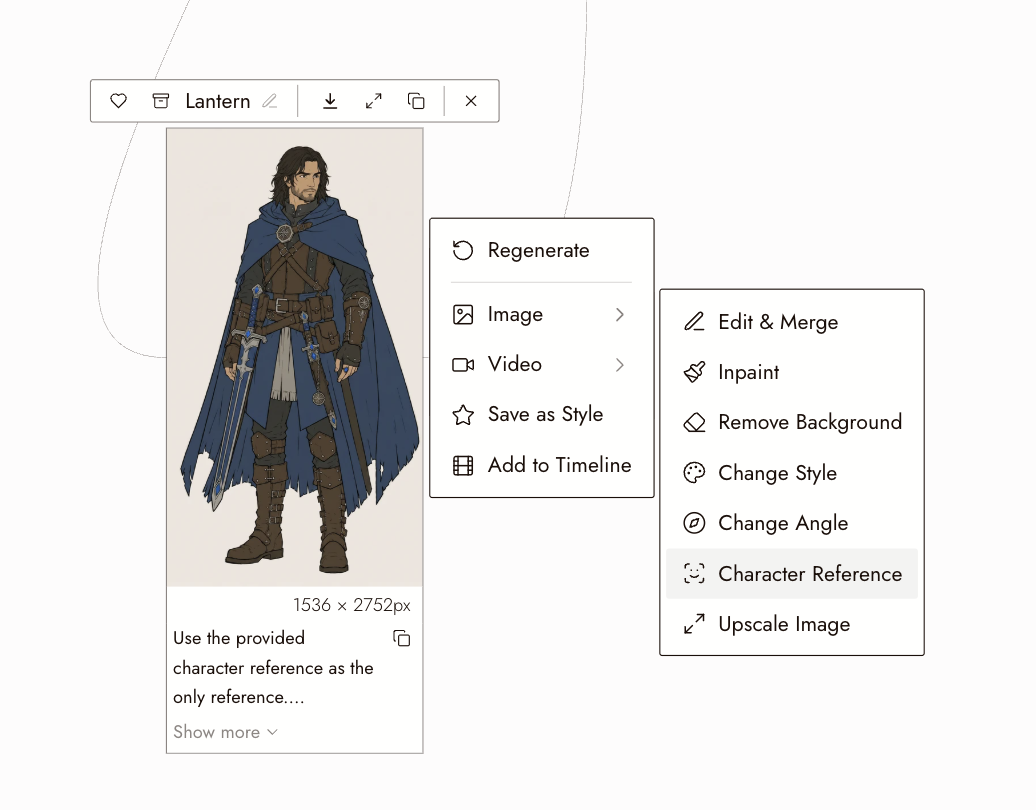
Character Reference runs on the four current Nano Banana versions (10 to 30 credits a run) and is available on the free plan. Lock a face once and the Lite draft and the Pro master can show the same person.
FROM STILL TO SHOT
Every image node on the canvas can feed a video node. The frame you chose becomes the start frame of a Kling, Seedance or Veo clip, and the clip lands back on the same canvas for trimming and export.
THE BEST NANO BANANA VS NANO BANANA PRO, COMPARED
NANO BANANA VS NANO BANANA PRO FAQS
NANO BANANA 2 VS NANO BANANA PRO: WHAT IS THE DIFFERENCE?
Price, speed and detail. By the app's estimates, Nano Banana 2 is 15 credits and about 55 seconds; Nano Banana 2.1 is the newer, cheaper and faster version of it at 8 credits with better text; Nano Banana 2 Lite is 7 credits at 1K and about four seconds. Nano Banana Pro is 30 credits and about 45 seconds, and offers what the app calls superior detail preservation in edits; its 4K is 60 (Nano Banana 2 is 30 at 4K, 2.1 is 28). Flick is a browser canvas for making AI films where all four are one dropdown on the image node, on every plan.
WHICH NANO BANANA SHOULD I USE?
Nano Banana 2.1 for most frames. Nano Banana 2 Lite when you are iterating fast on composition. Nano Banana Pro when the frame is a hero still or ships at 4K. Nano Banana 2 only when you like its look better than 2.1's. On Flick you can rerun the same node in another version in one click.
HOW MUCH DOES NANO BANANA PRO COST? AND NANO BANANA 2?
Nano Banana Pro is 30 credits at 1K and 2K and 60 at 4K. Nano Banana 2 is 15 credits at 1K and 30 at 4K; Nano Banana 2.1 is 8 at 1K and 28 at 4K; Nano Banana 2 Lite is 7 at 1K. Every version is on the free plan, which gives up to 300 free credits plus 100 a week, and on every paid plan from $5 a month. See pricing. Credit costs on this page were checked against Flick's live prices in October 2026.
IS NANO BANANA PRO FREE ON FLICK?
Yes. Nano Banana Pro, 2, 2.1 and 2 Lite are all on the free plan: up to 300 free credits (100 at signup plus 200 for joining our Discord) plus 100 weekly credits, no credit card required. The 300 free credits cover about ten Pro frames or about 37 Nano Banana 2.1 frames. Paid plans start at $5/month, or $4/month billed yearly.
HOW MANY REFERENCE IMAGES CAN NANO BANANA PRO TAKE? AND NANO BANANA 2?
The four current Nano Banana versions on Flick (Pro, 2.1, 2 and 2 Lite) each take up to nine reference images on the image node and ten in Edit & Merge Images, and Character Reference takes up to five character images and five scene references on each version. Each of them also takes one style reference from the Style menu. On the canvas, references are dropped on the node and named in the prompt.
WHICH VERSION KEEPS A CHARACTER CONSISTENT?
All four current versions, through Character Reference, which runs on each of them at 10 to 30 credits a run and is available on the free plan. The app estimates about 15 seconds for a Nano Banana 2.1 placement and about 35 for Nano Banana Pro, our pick for the most faithful placement, so a project can block with 2.1 and master with Pro.
GENERATE THE SAME FRAME WITH BOTH VERSIONS