AI Edit Generator
WHY GENERATE WITH FLICK?
Change a shot, tighten a cut, swap a background. Image edits and video edits on one canvas.
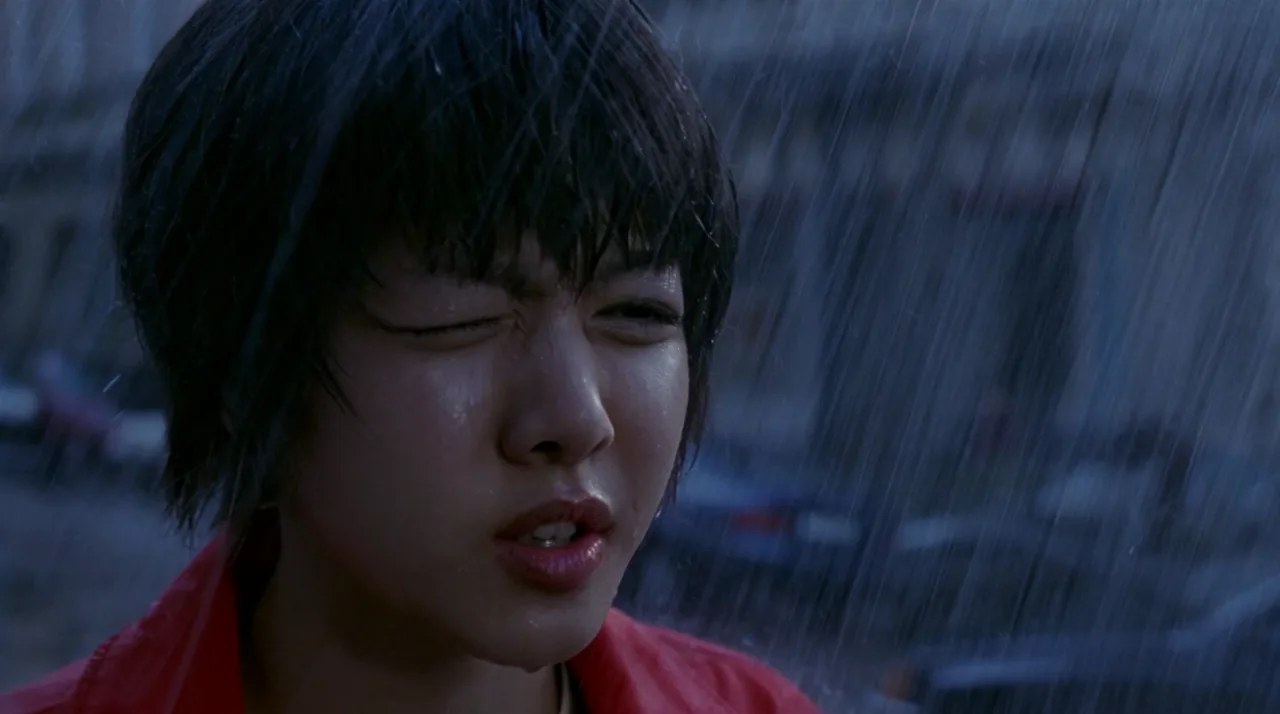
AI EDIT GENERATOR EXAMPLES
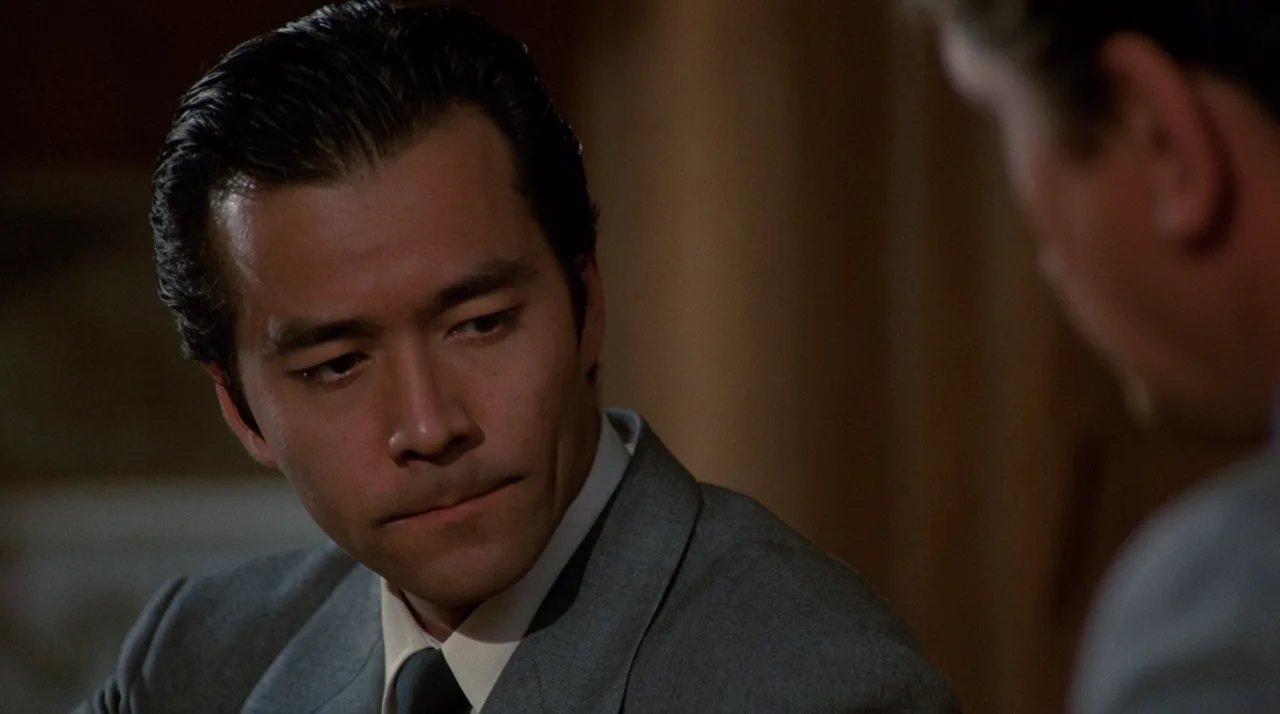
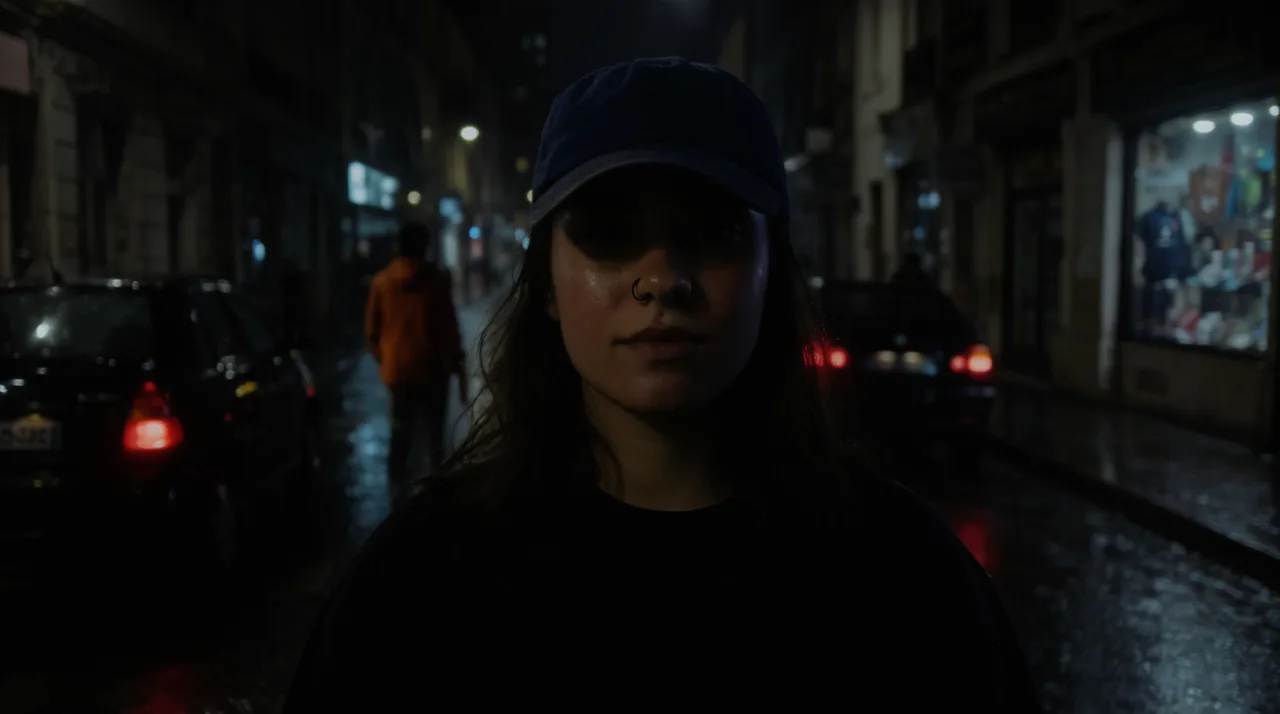
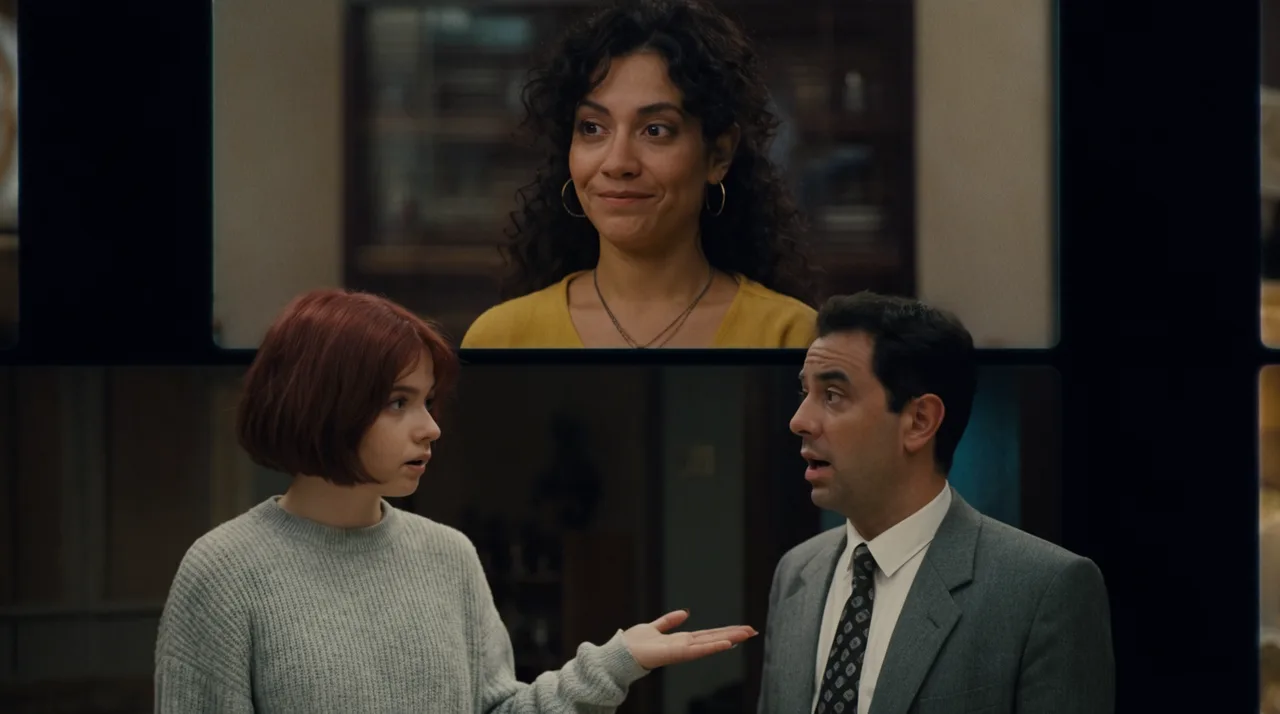
HOW IT WORKS
STEP 1
TYPE THE EDIT
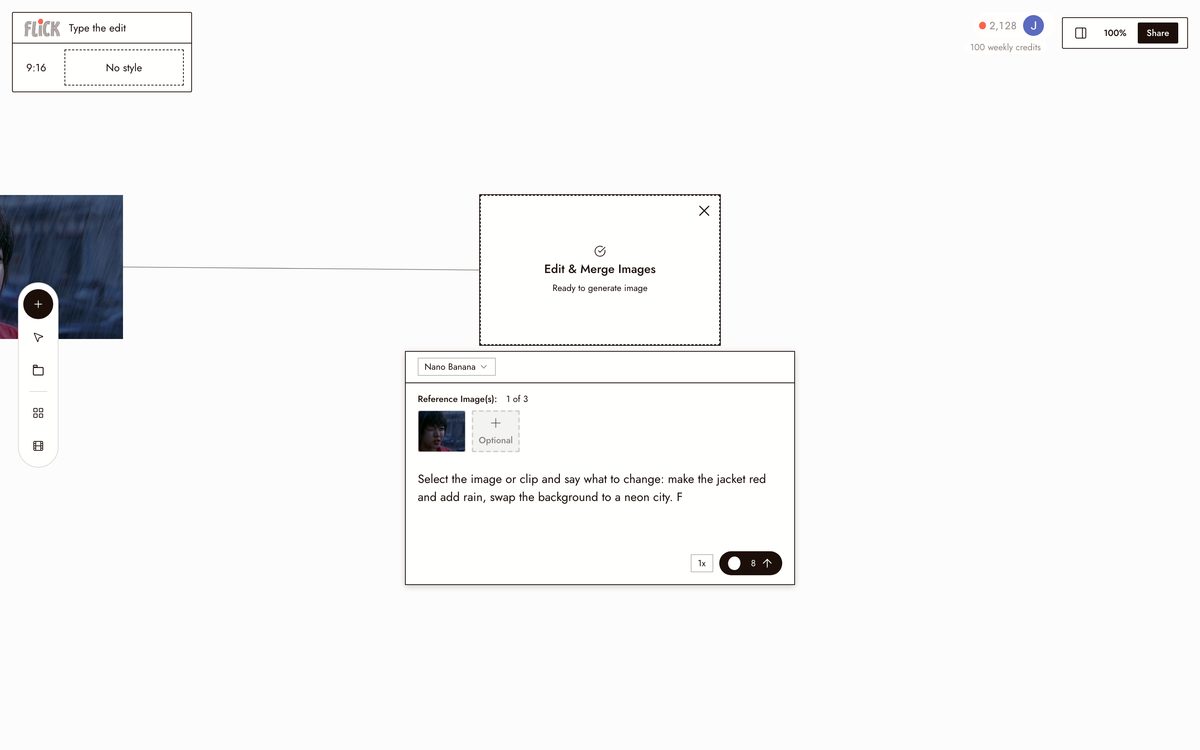
Select the image or clip and say what to change: make the jacket red and add rain, swap the background to a neon city. Flick reads the instruction and applies it straight to that asset, keeping the character consistent through the change.
Made in Flick STEP 2
EDIT STILLS OR CLIPS IN PLACE
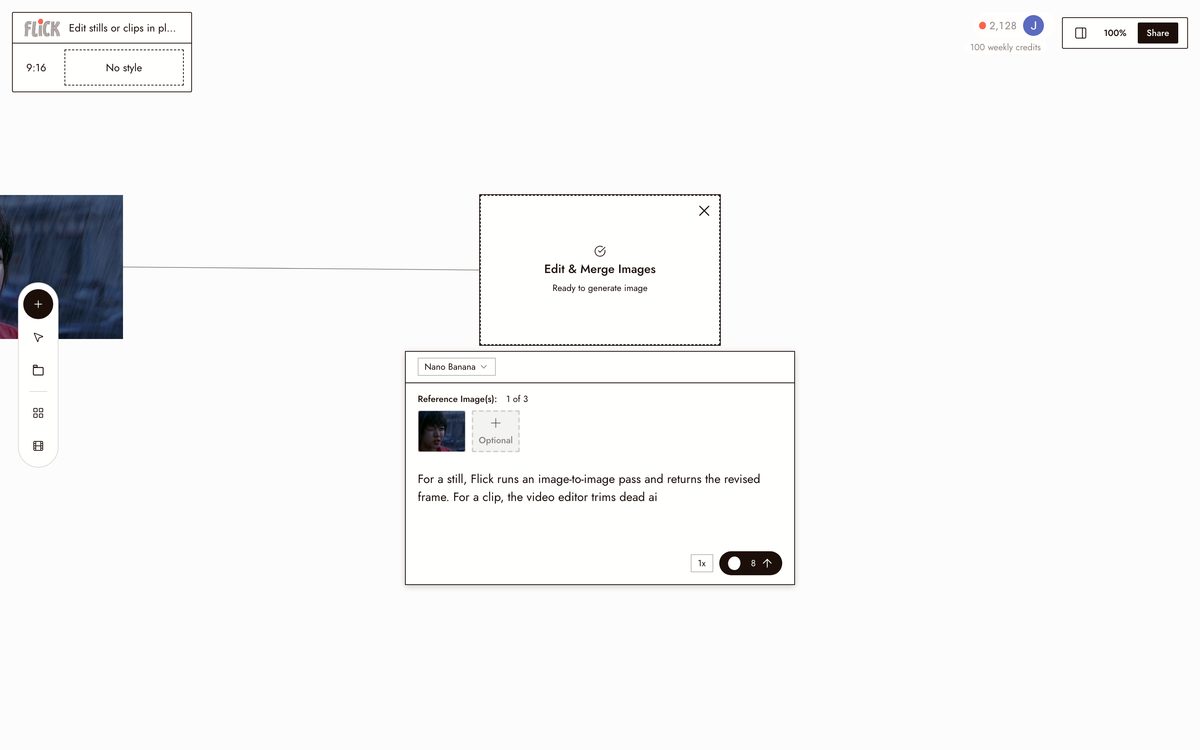
For a still, Flick runs an image-to-image pass and returns the revised frame. For a clip, the video editor trims dead air, tightens a cut, or reorders scenes. Same chat, same canvas.
Made in Flick STEP 3
REORDER THE SEQUENCE
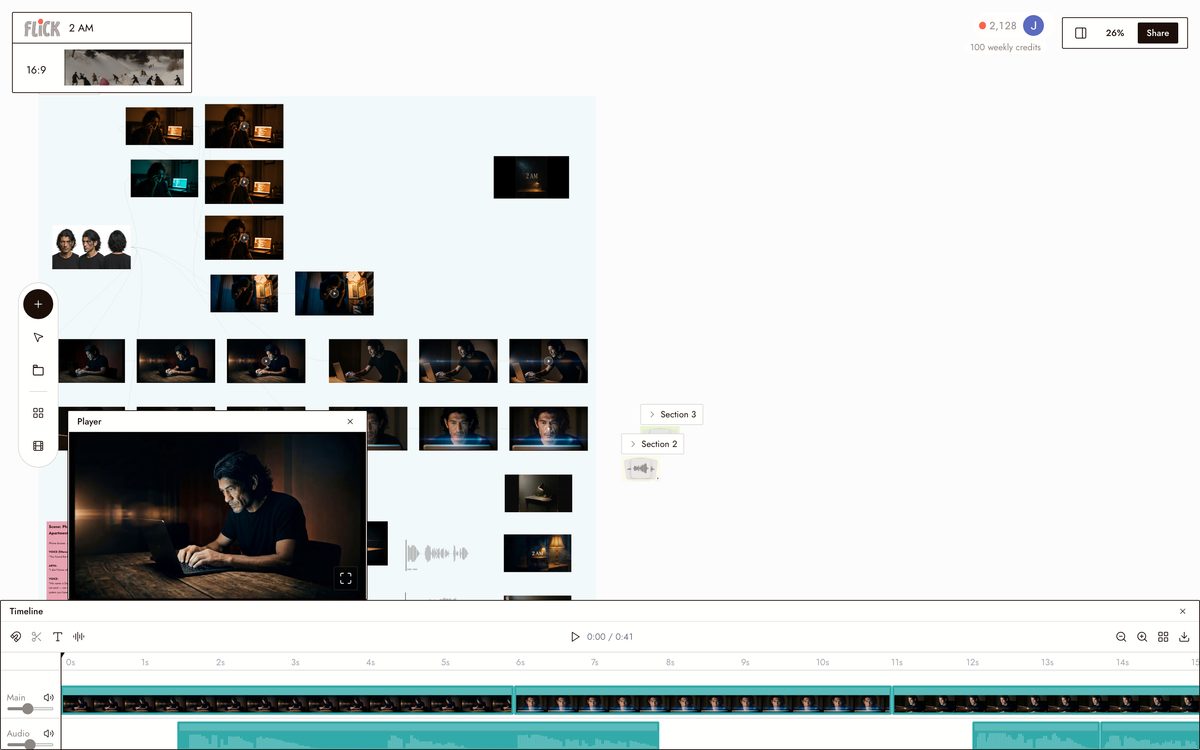
Once every shot reads right, drag the clips into order on the canvas. Ask chat to open on the reveal or pull the reaction shot earlier, and it repositions the sequence for you.
Canvas by Baskoro Schnyder


AI EDIT GENERATOR FAQS
WHAT IS AN AI EDIT GENERATOR?
An AI edit generator applies edits to images and video from a plain-language instruction. Type "swap the background" or "tighten this cut" and the change happens to the asset directly. Flick handles image edits and video timeline edits from one canvas, no file moves between apps.
CAN I EDIT BOTH IMAGES AND VIDEO IN THE SAME PLACE?
Edit a still with an image-to-image instruction, then trim and arrange clips in the video editor, all from chat on the same canvas. Ask Flick to cut dead air, reorder scenes, or swap a background and the edit applies where the asset already lives.
WHAT KINDS OF EDITS CAN I ASK FOR?
Image edits include swapping backgrounds, changing clothing colors, and adding weather or lighting effects to a shot. Video edits include trimming clips, tightening cuts, and reordering scenes. Type the instruction in chat, for example "open on the reveal" or "add rain to this shot", and Flick applies it.
CAN I KEEP A CONSISTENT CHARACTER THROUGH THE EDITS?
Use Character Reference to lock a character from a single reference image. Face, outfit, and proportions stay consistent across new shots and image-to-image edits, on every model on the canvas.
IS FLICK FREE TO USE?
Flick has a free tier: up to 300 free credits (100 at signup plus 200 for joining our Discord) plus 100 weekly credits, no credit card required. Every image model, including Nano Banana and GPT Image, is on every plan, free included, and so are MiniMax H3 Fast, MiniMax H3 Max and Pruna Draft video. Kling, Veo 3.1, Seedance and the full video model list come with the Standard plan. Paid plans start at $5 per month and add more credits per generation.
IS THE OUTPUT MINE TO USE?
Content you generate on Flick is yours to use commercially. Flick claims no rights to what you create. Read the Terms of Service for the full detail.





TRY THE AI EDIT GENERATOR FREE