Midjourney vs Nano Banana
WHY LOOK FOR MIDJOURNEY VS NANO BANANA ALTERNATIVES
Midjourney wins for a frame with a look from a short prompt. Nano Banana wins for control. Midjourney gives you composition, light and mood from a few words, 10 credits for four images, no quality or resolution settings to tune. Nano Banana 2, 2.1 and Pro take reference images, edit one element of a frame while keeping the rest, put text in the picture and go to 4K. On Flick both are in the same picker on every plan, so the concept frame comes from Midjourney and the matched shots come from Nano Banana.


HOW TO SWITCH
STEP 1
FIND THE LOOK WITH MIDJOURNEY
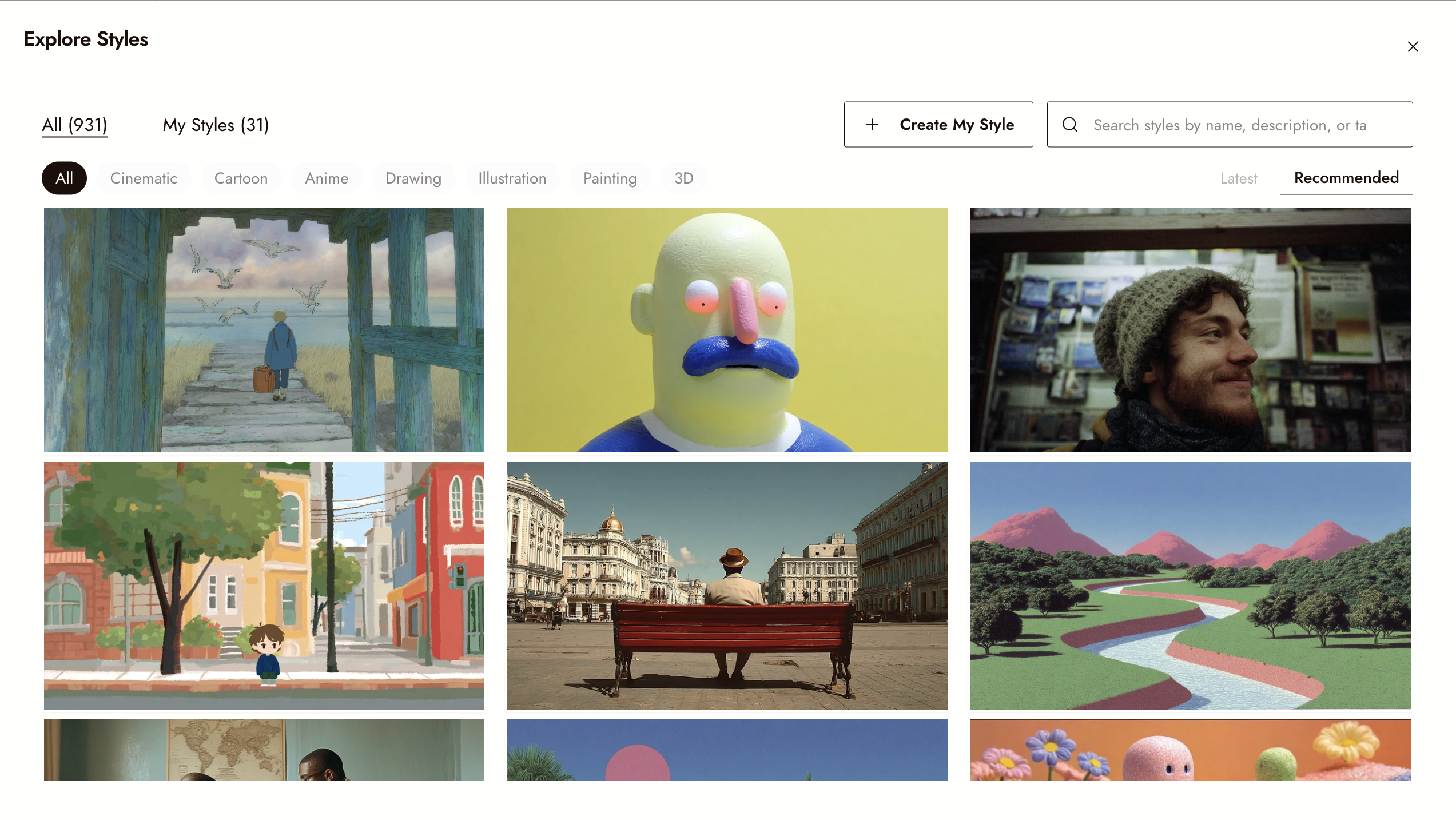
Add an image node on the Flick canvas, pick Midjourney, and describe the frame in a line or two. Pick an aspect ratio (16:9, 9:16, 1:1, 21:9, 4:3 or 3:4) and generate; one run is 10 credits and returns four images, and the app estimates about 40 seconds.
STEP 2
MATCH AND EDIT WITH NANO BANANA
Connect the Midjourney frame to a new image node, switch the model to Nano Banana 2, 2.1 or Pro, and ask for the change: a new angle, a costume fix, text on the poster. The connected frame is the reference image; these Nano Banana versions take up to nine per node.
STEP 3
SEND THE FRAME INTO VIDEO
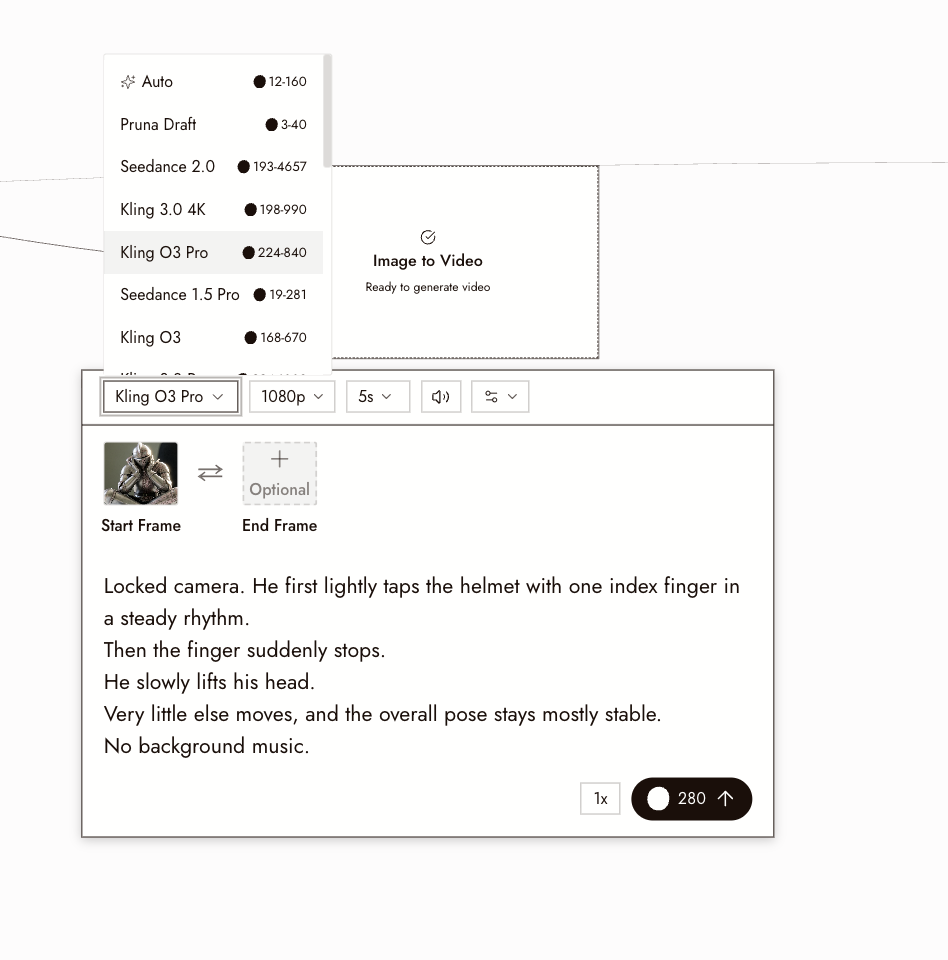
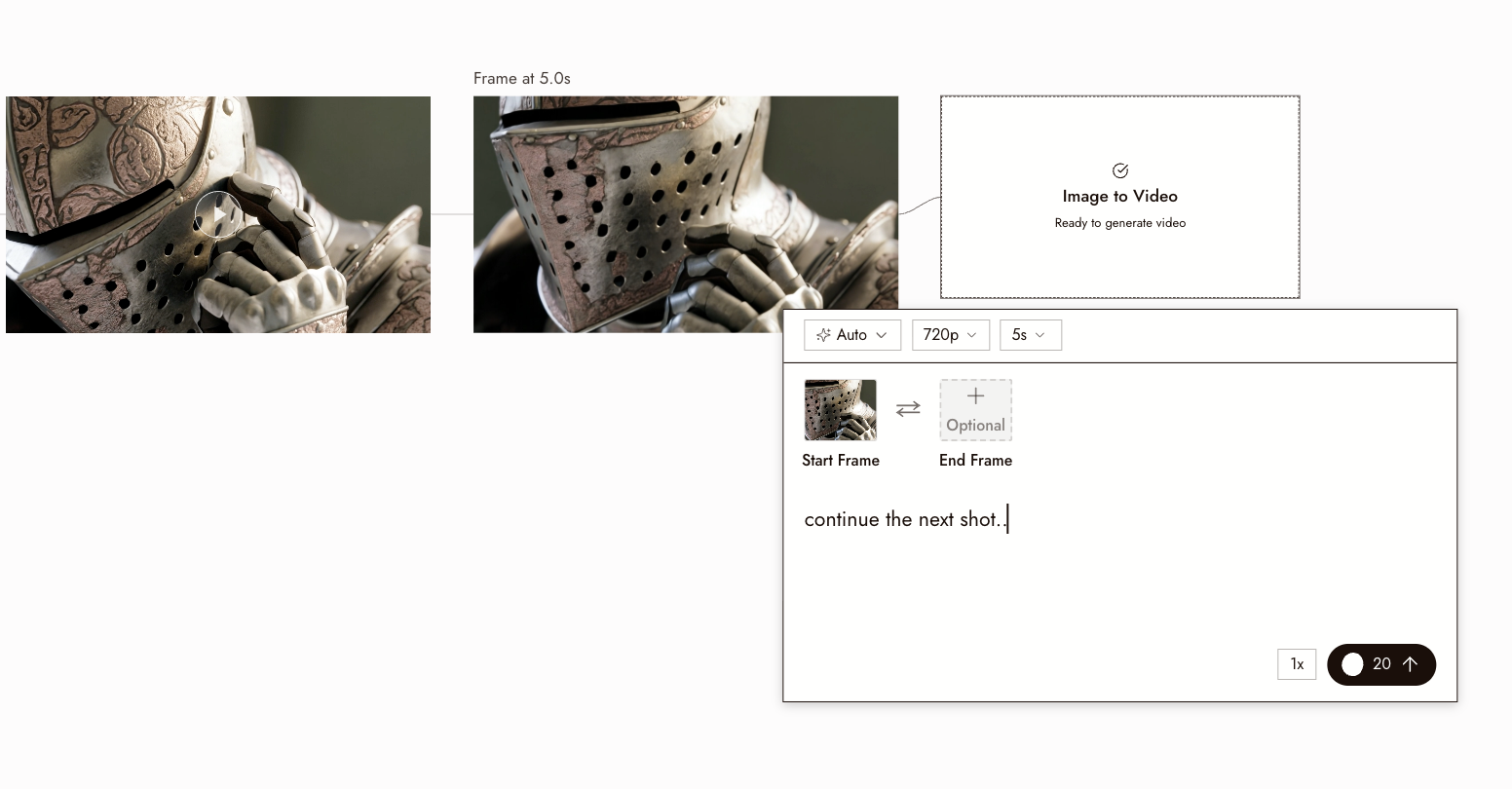
Connect the frame you keep to an Image to Video node. Kling, Seedance, Veo and MiniMax accept it as the start frame, so the still becomes a shot on the same canvas.
WHY CHOOSE FLICK
MIDJOURNEY WITHOUT A SEPARATE SUBSCRIPTION
Midjourney runs on Flick at 10 credits for four images on the free plan, in the same picker as Nano Banana, GPT Image and Seedream. The look you find in Midjourney is one node away from a Nano Banana edit.
ONE CHARACTER ACROSS BOTH MODELS
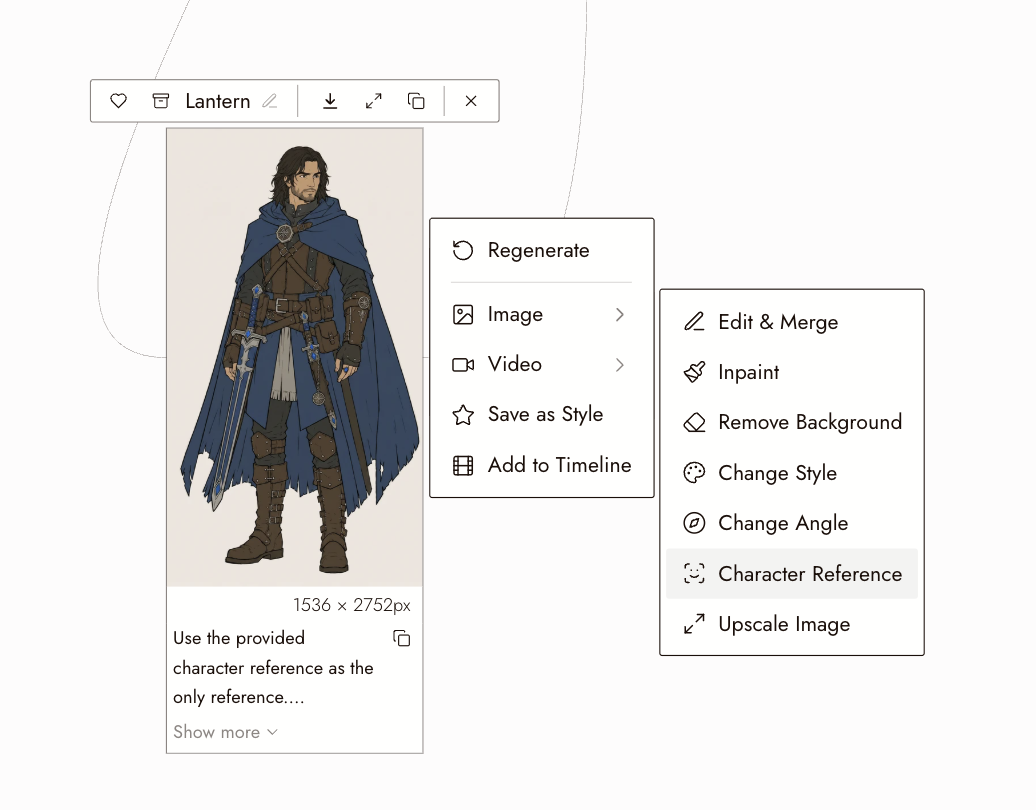
Character Reference locks a face from one image. It runs on the four current Nano Banana versions (Pro, 2.1, 2 and 2 Lite) at 10 to 30 credits a run, and the frames it makes feed any model that takes a reference image, so the Nano Banana shots can carry the same person; Midjourney takes no connected reference, so its concept frame comes from the prompt and an optional style reference. Available on the free plan.
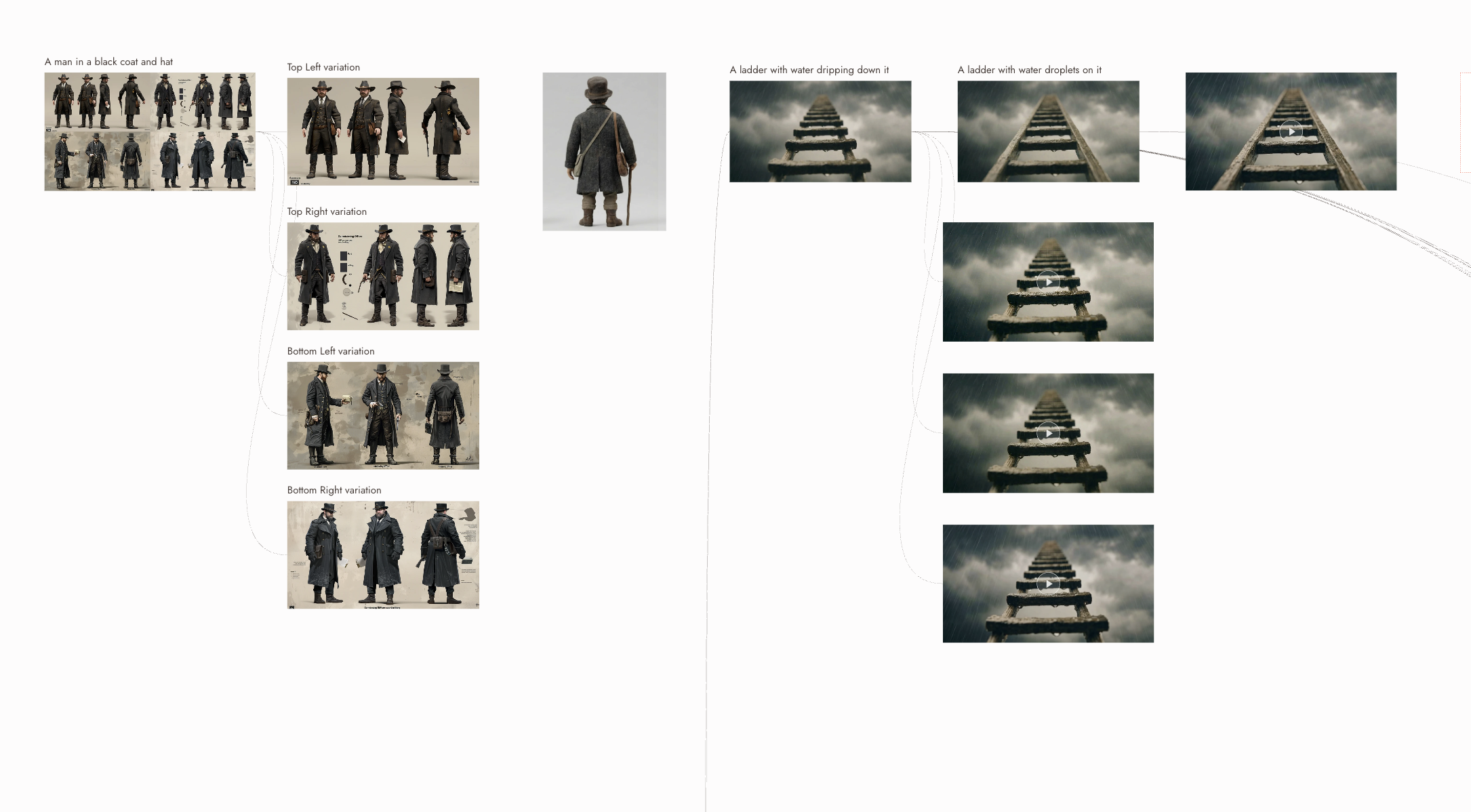
FROM STILL TO SHOT
Every image node can feed a video node. The frame becomes the start frame of a Kling, Seedance or Veo clip, and the clip lands back on the same canvas for trimming and export.
THE BEST MIDJOURNEY VS NANO BANANA, COMPARED
MIDJOURNEY VS NANO BANANA FAQS
CAN I USE MIDJOURNEY ON FLICK?
Yes. Midjourney is one of the image models in the Flick model picker, at 10 credits for four images on every plan including the free plan. You do not need a Midjourney subscription or a Discord server to run it.
NANO BANANA VS MIDJOURNEY: WHICH IS BETTER?
For a frame that needs a look from a short prompt, Midjourney. For a frame that must match a reference, change one thing in an existing picture, carry readable text or come out at 4K, Nano Banana 2.1 or Pro. On Flick you run both from the same canvas and keep the better frame.
IS NANO BANANA MORE REALISTIC THAN MIDJOURNEY?
Nano Banana Pro and 2.1 lean photographic and hold fine surface detail; Midjourney leans painterly and composed. Both can be pushed either way with the prompt, but the default tendencies are a fair guide to which model to start with.
HOW MUCH DO MIDJOURNEY AND NANO BANANA COST ON FLICK?
Midjourney is 10 credits a run, which returns four images. Nano Banana 2 is 15 credits (30 at 4K), Nano Banana 2.1 is 8 (28 at 4K) and Nano Banana Pro is 30 (60 at 4K). Connecting a reference image raises Nano Banana 2 to 20 and 2.1 to 10 at 1K. The free plan gives up to 300 free credits plus 100 a week; paid plans start at $5 a month. See pricing. Credit costs on this page were checked against Flick's live prices in October 2026.
IS MIDJOURNEY FREE ON FLICK? IS NANO BANANA FREE?
Both are on the free plan: up to 300 free credits (100 at signup plus 200 for joining our Discord) plus 100 weekly credits, no credit card required. Paid plans start at $5/month, or $4/month billed yearly.
CAN I KEEP THE SAME CHARACTER ACROSS MIDJOURNEY AND NANO BANANA FRAMES?
For the Nano Banana frames, yes. Character Reference locks a face from one image. It runs on the four current Nano Banana versions at 10 to 30 credits a run, and the frames it makes feed any model that takes a reference image. Midjourney takes no connected reference, so its frames follow the prompt and an optional style reference. It is available on the free plan.
FIND THE LOOK IN MIDJOURNEY, MATCH IT IN NANO BANANA