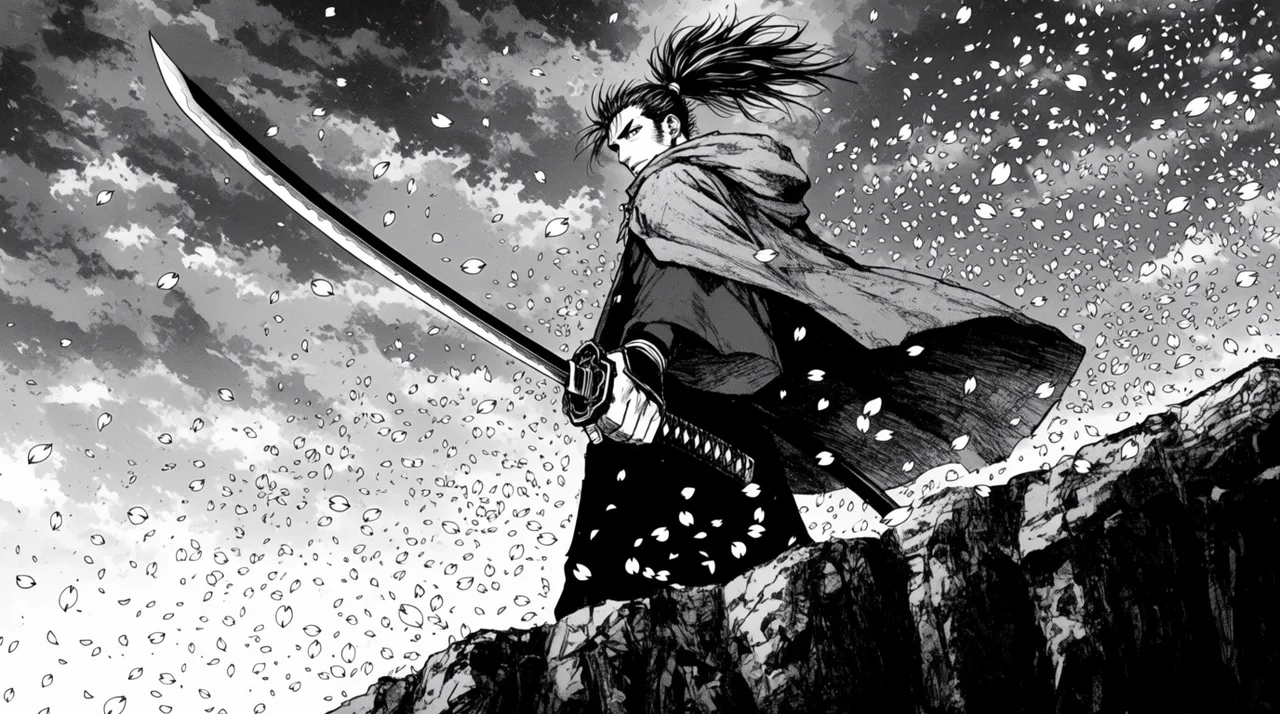
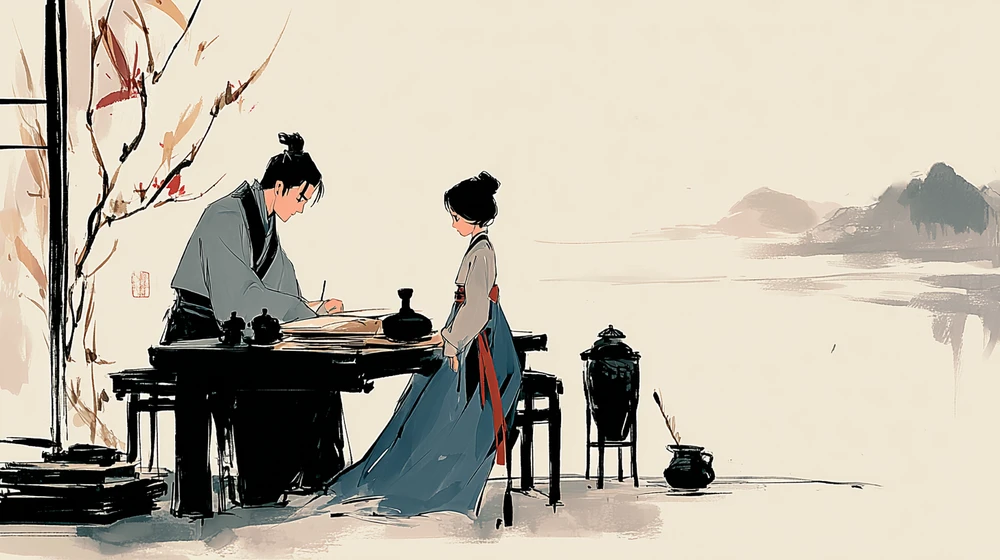
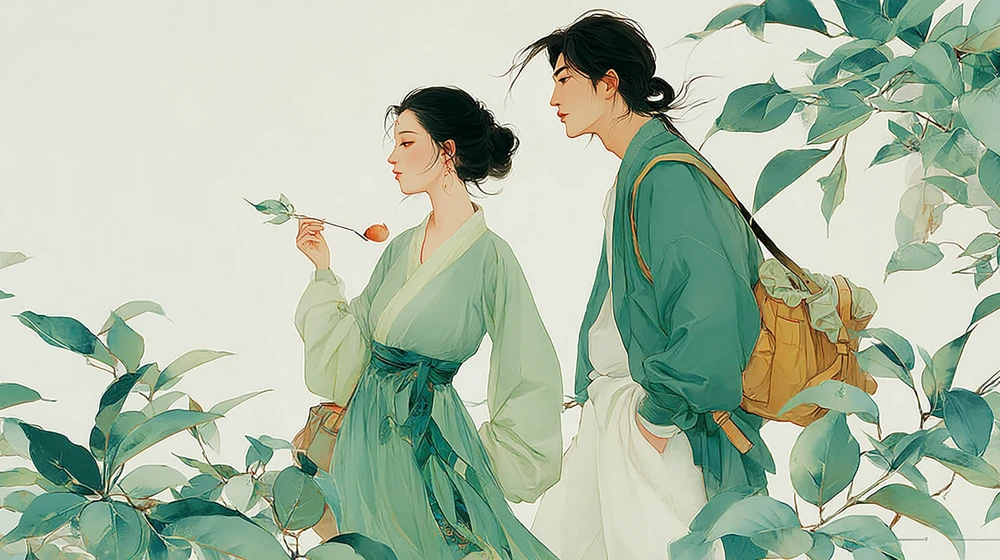


벽화 속 드래곤들이 그림을 떠나 하늘로
the dragons exist the painting and fly up towards the sky, they're long and ribbony
Sue Ellen Zhang 감독의 Finishing Touch
의미:용들이 그림에서 나와 하늘로 날아오르며 길고 리본처럼 흔들립니다.
대부분의 AI 용 생성기는 인상적인 정지 이미지 하나를 제공하지만, 다음 샷에서는 다른 크리처가 나타나며 요청한 대로 날지 않습니다. 우리는 Flick에서 용이 등장하는 세 편의 영화 뒤에 숨겨진 프롬프트를 분석했습니다: Flick Filmmaker Residency의 Sue Ellen Zhang이 제작한 4분 13초 단편 Finishing Touch(궁전 벽화에서 그려진 용들이 깨어나 날아오름), Jaime Yao의 단편 Ulysses(연필 스케치에서 시작하는 검은 돌 용), 그리고 역시 Jaime의 작품인 In 'twixt Vows(성벽의 모자이크 용). 아래는 각 샷의 정확한 프롬프트와 함께 실제 용 클립들, 스케치에서 비행까지의 세 단계, 그리고 효과적인 프롬프트들의 공통점을 보여줍니다.
1단계
먼저 대략적인 용 스케치를 그리거나 생성하세요. 스케치는 재질이나 조명이 주의를 분산시키기 전에 해부학, 포즈, 실루엣을 확정하기 때문입니다.
dragon pose, head angle, wing placement, leg placement, tail placement를 유지합니다.
Use the provided image as the exact base image.
Transform it into a refined hand-drawn creature design sketch / fantasy concept art illustration.
Keep the camera position, framing, perspective, dragon pose, head angle, wing placement, leg placement, tail placement, and overall composition 100% unchanged.

Convert the entire image into elegant graphite-and-ink hand-drawn linework.
Use clean contour lines, controlled interior structure lines, soft grayscale tonal shading, subtle crosshatching, and refined sketch texture.
Keep the dragon’s anatomy highly readable, especially the horns, jawline, eye socket, neck plates, chest structure, claws, wing membranes, tail spikes, and layered scale forms.
Preserve the same crouched grounded pose and the same silhouette exactly as in the original image.

The drawing should feel like a polished creature concept sketch made by a professional fantasy production artist.
The linework should clearly separate hard horn material, layered armor-like scales, leathery wing membranes, and bony claw structure.
Add hand-drawn material indication for rough scales, cracked horn surfaces, stretched wing skin, and sharp bony protrusions.
Keep the background minimal and soft, like a studio concept sketch backdrop, with only faint tonal shading and no distracting detail.

Overall feeling: high-quality hand-drawn dragon design sheet / creature concept sketch, realistic anatomy, dramatic but clean, highly readable.
3단계
마음에 드는 렌더링을 모든 샷의 레퍼런스로 승격시킨 다음, 승인된 스틸을 첫 프레임으로 고정하고 클립당 하나의 움직임을 설명합니다. 이것은 그려진 용들이 살아나는 레지던시 영화 Finishing Touch의 캔버스 일부입니다.
Use the provided dragon image as the exact character reference.로 시작됩니다.Sue Ellen Zhang의 Finishing Touch
드래그해서 둘러보고, 스크롤해서 확대/축소하세요.
the dragons exist the painting and fly up towards the sky, they're long and ribbony


the eye blinks a couple times and the dragon starts flying away, the camera zooms out and follows the dragon as it flies away


the dragons start moving on the painting and leaving the scroll


She slowly extends her hand toward the dragon painting, indicating its unfinished face with a composed, almost sacred gesture. Looking at it with quiet certainty, she says, “If I paint the eyes, they will fly away.” The line should land with mystical confidence and an air of prophecy.


Locked close-up shot of the dragon mural’s eye area, framed tightly so only the eye region and surrounding parchment are visible.

The dragon’s eye is initially **closed**, appearing as a smooth painted eyelid shape with no visible pupil.

A painter’s hand enters slowly from the right holding a fine calligraphy brush.

The brush tip moves in a straight controlled path toward the center of the closed eye area.

The motion is **one single ceremonial dotting gesture only**:
1. slow approach
2. one precise vertical touch
3. immediate lift

The brush places **one small circular black ink dot exactly at the eye center**.

No dragging.
No brush stroke.
No line painting.
No repeated touches.
No extra marks.

The brush lifts immediately and exits frame.

The black ink dot softly blooms into the parchment texture for a brief moment.

Then the ink dot **transforms into the dragon’s pupil**.

After a short pause, the dragon’s eyelid begins to **slowly open from closed to open**, revealing a luminous living eye.

The opening motion is gradual, sacred, and deliberate.

The rest of the mural remains completely still and unchanged.

Camera remains locked and motionless.

Warm golden ceremonial light, slow pacing, mystical awakening atmosphere.


A close-up of a delicate hand holding a traditional bamboo calligraphy brush. The brush tip moves in a single, deliberate, and precise tapping downward motion. The tip of the brush lightly touches the exact center of the dragon's blank, white eye socket, depositing a single, crisp black dot to form the pupil. Crucial detail: The brush makes only one brief point of contact and immediately lifts up slightly. The brush does absolutely zero dragging, sweeping, or drawing of lines. The final result is a single, perfect black dot resting right in the middle of the dragon's eye, slightly toward the front of the snout.
 00:07
 Opening shot8is the start-frame and composition reference for this shot. Dragon Descending Over Peninsula Mosaic is only for the reference of the same complete mosaic mural, used to keep the moving shot within the same mural design.

The start frame matches Opening shot8 100%. Continuous single shot.

The camera pulls back toward the right at an almost imperceptible, constant speed, with an extremely slight upward drift. This movement continues throughout the entire shot and covers only a very short distance by the end. No sudden acceleration. No reframing.

A dim blue moonlit glow gradually appears within a small number of seams between the mosaic pieces. The blue light extends along the seams at an extremely slow pace throughout the entire shot, spreading only a short distance by the end. The glow remains low-intensity and soft, gently illuminating nearby piece edges and fine airborne dust.

Only a small amount of dust and faint haze drifts at an almost imperceptible speed.

End with Frame at 2.5s.
 00:07
Opening shot8 is the start-frame and composition reference for this shot. Dragon Descending Over Peninsula Mosaic is the full reference of the same complete mosaic mural, used to keep the moving shot within the same mural design.

The start frame matches Opening shot8 100%. Continuous single shot.

The camera slowly pulls back toward the right with a slight upward drift. No sudden acceleration. No reframing.

A dim blue moonlit glow gradually appears within the seams between the mosaic pieces. The blue light slowly spreads along the seams, remaining low-intensity, soft, and restrained, gently illuminating nearby piece edges, seams, and fine airborne dust.

Only a small amount of dust and faint haze drifts slowly through the air.
the dragons fly and ascend further into the clouds와 같은 문장으로 이륙합니다.No dragging.과 No repeated touches.로 배제하여 붓이 선을 그리지 않도록 긴 문장으로 작성됩니다.카메라 위치, 프레이밍, 원근감, 포즈를 100% 변경하지 않고 유지하며, In 'twixt Vows는 카메라가 움직이는 동안 모자이크 드래곤 디자인을 유지합니다.동일한 완전한 모자이크 벽화의 레퍼런스로만 사용하므로, 모델이 두 이미지를 혼합하지 않습니다.AI 드래곤 생성기는 텍스트, 스케치 또는 레퍼런스 이미지로부터 드래곤 디자인을 만들며, Flick에서는 동일한 캔버스에서 해당 드래곤을 애니메이션화하고 장면을 영화로 편집합니다.
네. 스케치를 정확한 기본 이미지와 포즈 레퍼런스로 사용한 다음, 사실적인 크리처 렌더링을 요청하고 재질만 설명하면 스케치의 해부학적 구조가 렌더링 과정에서 유지됩니다.
승인된 디자인 하나를 캐릭터 레퍼런스로 지정하고 Character Reference를 사용하여 모든 생성에 활용하세요. 각 편집 프롬프트에서 카메라 위치, 프레이밍 및 드래곤의 크기를 고정한 다음, 드래곤은 그대로 유지하면서 장면, 조명 또는 각도를 변경하세요.
네. 승인된 드래곤 정지 이미지를 첫 프레임으로 고정하고 드래곤이 이륙하여 구름 속으로 나선형으로 날아오르는 것과 같은 하나의 동작을 설명하세요. 짧고 단일한 동작이 긴 비행 시퀀스보다 더 안정적으로 애니메이션됩니다.
네, 무료로 시작할 수 있습니다: 가입 시 100 크레딧, Flick Discord 가입 시 200 크레딧 추가, 그리고 매일 100 크레딧을 신용카드 없이 받습니다. Nano Banana Pro 및 GPT Image 2와 같은 이미지 모델은 무료 플랜에서 사용 가능하며, Kling 및 Seedance 영화는 Standard 플랜($20/월)이 필요하고, 유료 플랜은 $5/월부터 시작합니다.
Midjourney는 강력한 드래곤 정지 이미지를 만드는 반면, Flick은 하나의 캔버스에서 전체 파이프라인을 실행합니다: 크리처를 디자인하고, Character Reference로 고정하며, Kling 또는 Seedance와 같은 영상 모델로 애니메이션화하고, 장면을 영화로 편집합니다.
무료로 사용해 보세요. 신용카드가 필요하지 않습니다.
이 페이지에 대해 AI에게 묻기:ChatGPTPerplexityClaude