Image to 3D Scene Generator
¿POR QUÉ GENERAR CON FLICK?
Pick a picture on your canvas and choose To 3D Stage. Flick reads the photo and builds a 3D scene from it: the people, the set and the camera position. Move the characters, add cameras and record the shots. For one quick new angle of a picture, Change Angle renders it with Qwen Camera Control in about ten seconds.


CÓMO FUNCIONA
PASO 1
BUILD THE SCENE FROM ONE PICTURE
Select an image on your canvas, open its menu and choose To 3D Stage. Flick reads the photo and, after about a minute, puts grey blocks where the big shapes are. Then it builds the full scene: people as posable figures, the set from simple shapes, and a camera already placed to frame it. The whole build takes about five minutes, and a stop button keeps what is built so far.
PASO 2
SHOOT IT LIKE A REAL SET
In the 3D Stage, give each character a walking path or a preset action, add cameras and give each one a move: Orbit, Dolly in, Dolly out, Dolly zoom, Crane up, Crane down, Spiral, or a path you draw. Set the focal length and the aspect ratio (16:9, 9:16, 1:1, 4:3, 1.85:1 or 2.39:1), then record. Every take lands on your canvas as a video node, every camera still as an image node.
PASO 3
OR CHANGE THE ANGLE OF THE PICTURE ITSELF
For a single new angle, choose Change Angle instead. Set the camera with three controls: rotate up to 90 degrees to either side, tilt from a low angle up to a bird's-eye view, push in from a wide shot to a close-up. Qwen Camera Control renders the new angle in about ten seconds for 10 credits, and the result is a start frame for a Kling, Seedance or MiniMax H3 clip.
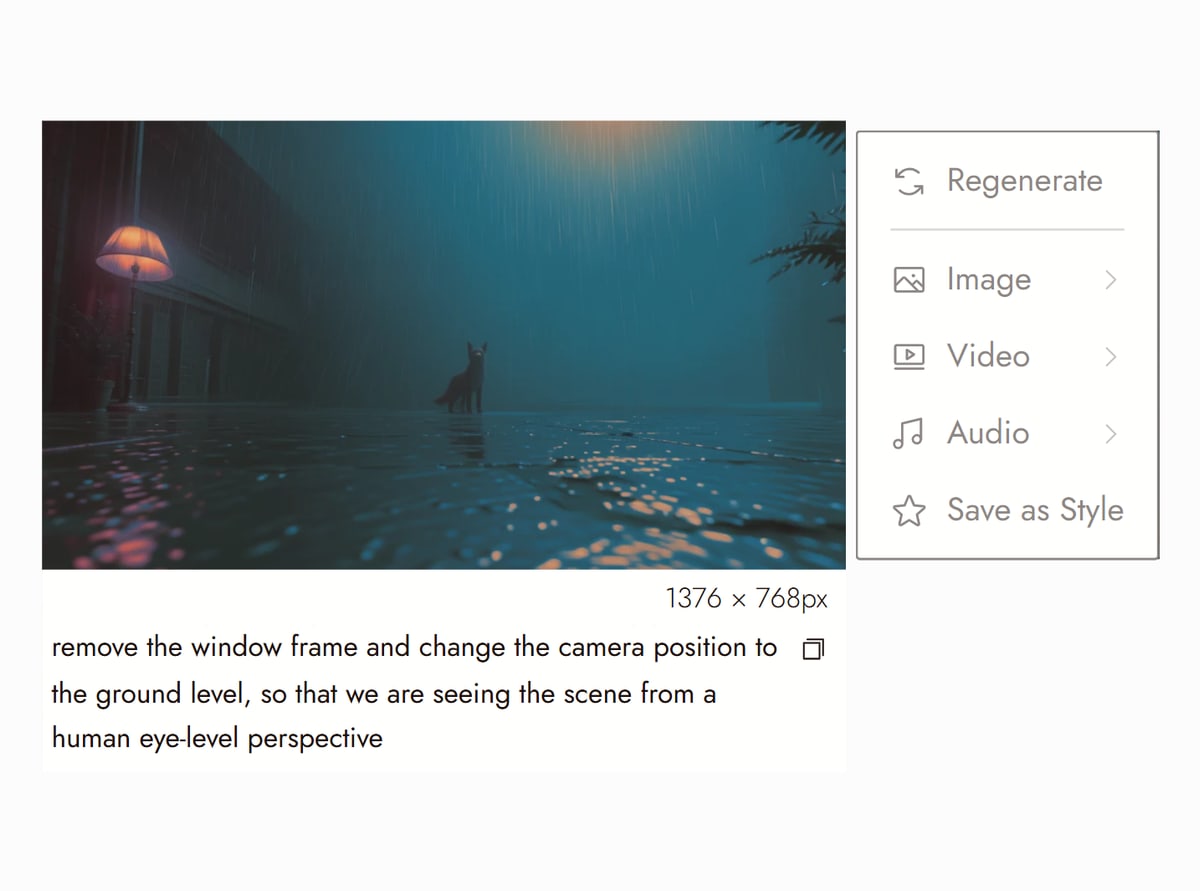
Canvas from Tired Eyes on Flick TV

DESCUBRE LO QUE HAN CREADO LOS CREADORES
IMAGE TO 3D SCENE GENERATOR FAQS
WHAT DO I GET OUT OF THE 3D STAGE?
A scene you can move through and shoot inside Flick, in the browser, with nothing to install. The scene stays inside Flick, so there is no 3D file to download. What comes out of it is footage: the takes you record and the camera stills you save. Each one lands on your canvas as a video or image node, and you can download it from there. The takes are made to be references: extract the first frame, turn it into a finished reference image, then in Omni Reference use that image for the opening frame and the take for the motion. The 3D Stage export docs show the steps.
HOW MUCH DOES IT COST?
Building the scene with To 3D Stage uses no credits. Recording a take or saving a still in the 3D Stage is not a generation and uses no credits either. Change Angle is 10 credits per rendered angle on Qwen Camera Control, about ten seconds each, so five angles of one scene are 50 credits. The paid step is the clip you generate from the take, priced by the video model you choose.
IS IT FREE?
Flick has a free tier: up to 300 free credits (100 at signup plus 200 for joining our Discord) plus 100 weekly credits, no credit card required. The free plan includes MiniMax H3 Fast, MiniMax H3 Max and Pruna Draft video and every image model, so Change Angle with Qwen Camera Control is on the free plan, and the 3D Stage is a tab in every project. Paid plans start at $5/month, or $4/month billed yearly, for more credits.
HOW WELL DOES CHANGE ANGLE HOLD THE SCENE BETWEEN ANGLES?
Best on a picture with a clear subject and visible depth, and on small moves: the larger the move, the more of the unseen scene the model has to invent. The rotation control stops at 90 degrees to either side, so one render cannot give you the full reverse. Compare the result with the original, and if the subject changed, reduce the angle change. For a true reverse shot, build the scene with To 3D Stage and put a camera behind the subject. The Camera Control docs cover the controls.
HOW IS THIS DIFFERENT FROM A GAME ENGINE OR BLENDER?
A game engine or Blender starts empty: you model or import the scene before a camera can show anything. To 3D Stage builds that scene from one photo: people become posable figures, animals, vehicles and weapons come from a prop library, and everything else is built from simple shapes, up to about 1,500 objects. So the scene is a blocking set for camera and performance, not a finished render. The finished look comes from the video model you reference the take into.
WHICH FILMS ON FLICK TV USED THESE TOOLS?
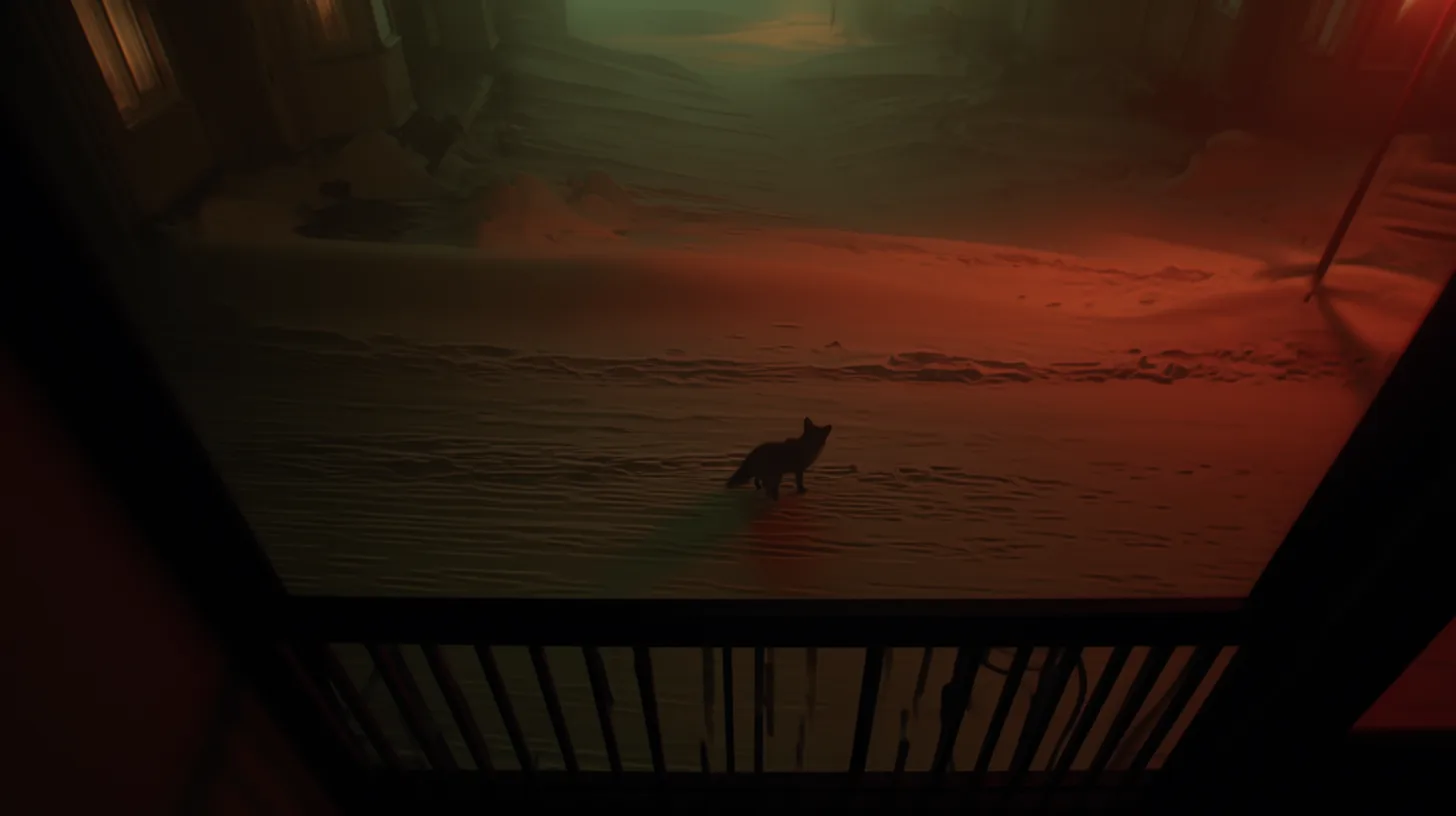
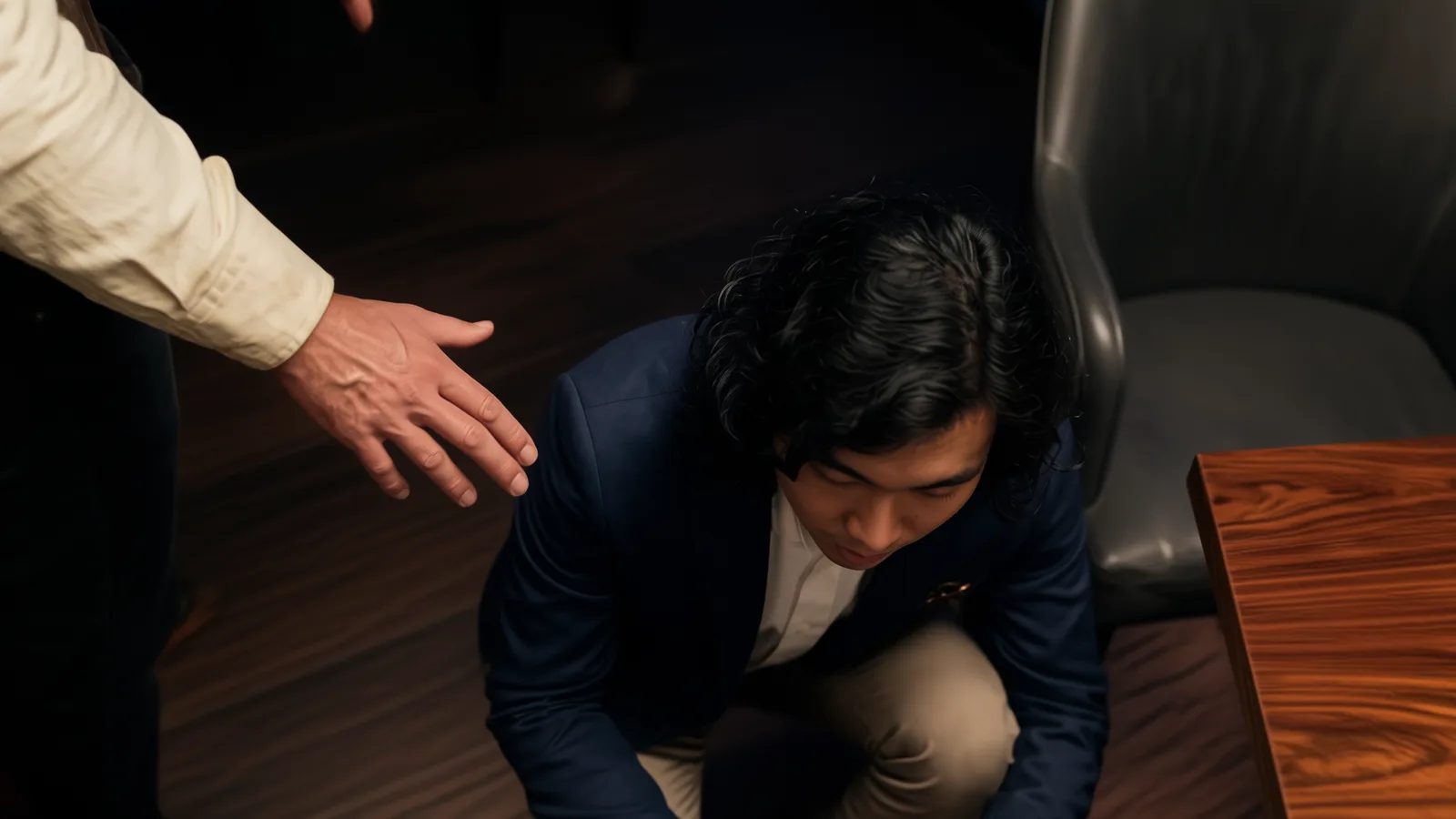
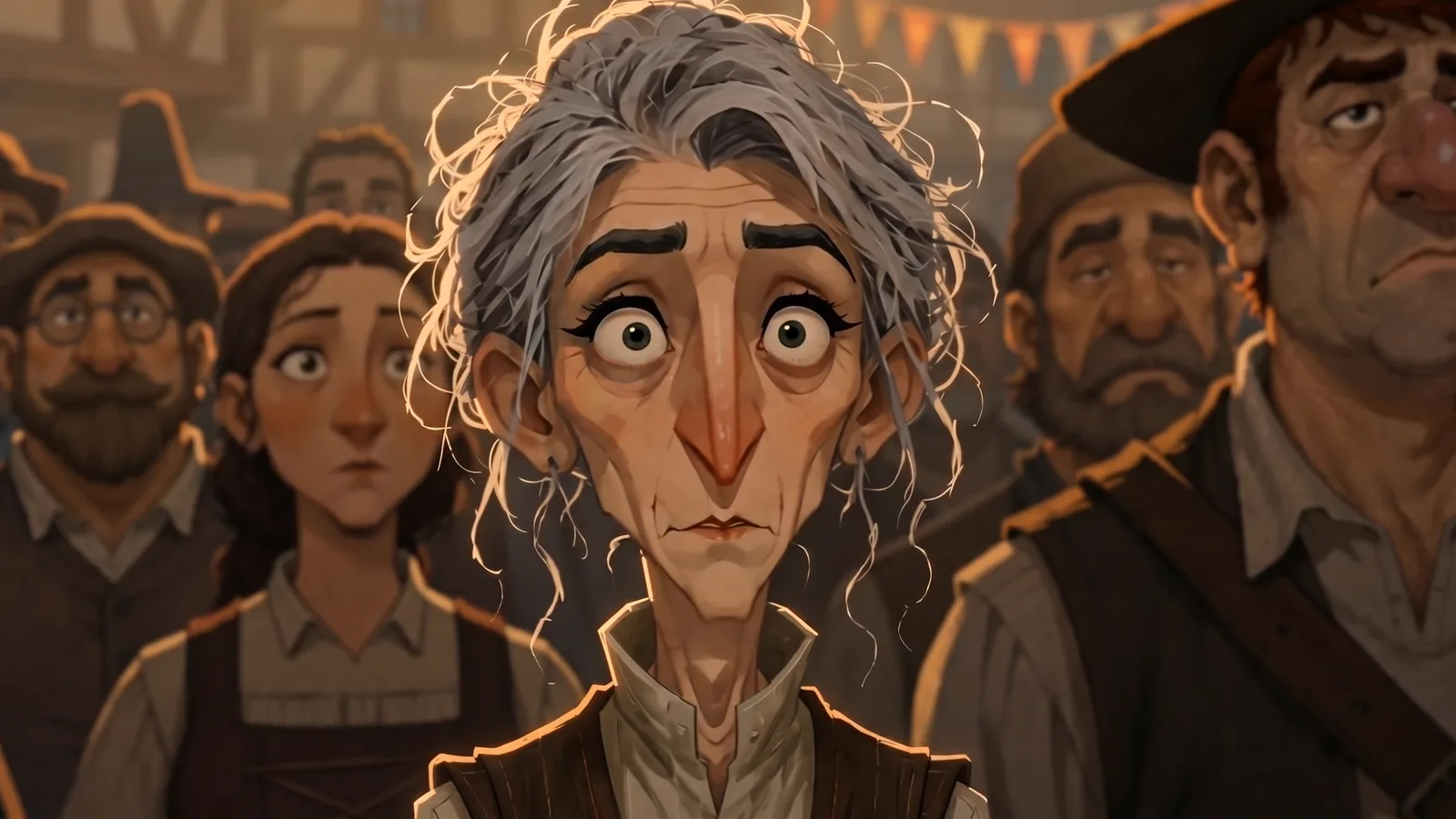
The four example frames above are Change Angle renders. Finishing Touch by Sue Ellen Zhang (40 re-angled frames), The Denoise Protocol by Zita, Tired Eyes by Alejandro Alarcón, Death of Julius Caesar by Code And Create, YOU by Srinu Burle and human.skill by Shiying Zhang all have Change Angle renders on their canvases, which are public on Flick TV with the source still and each rendered angle.



RELATED
TRY THE IMAGE TO 3D SCENE GENERATOR FREE