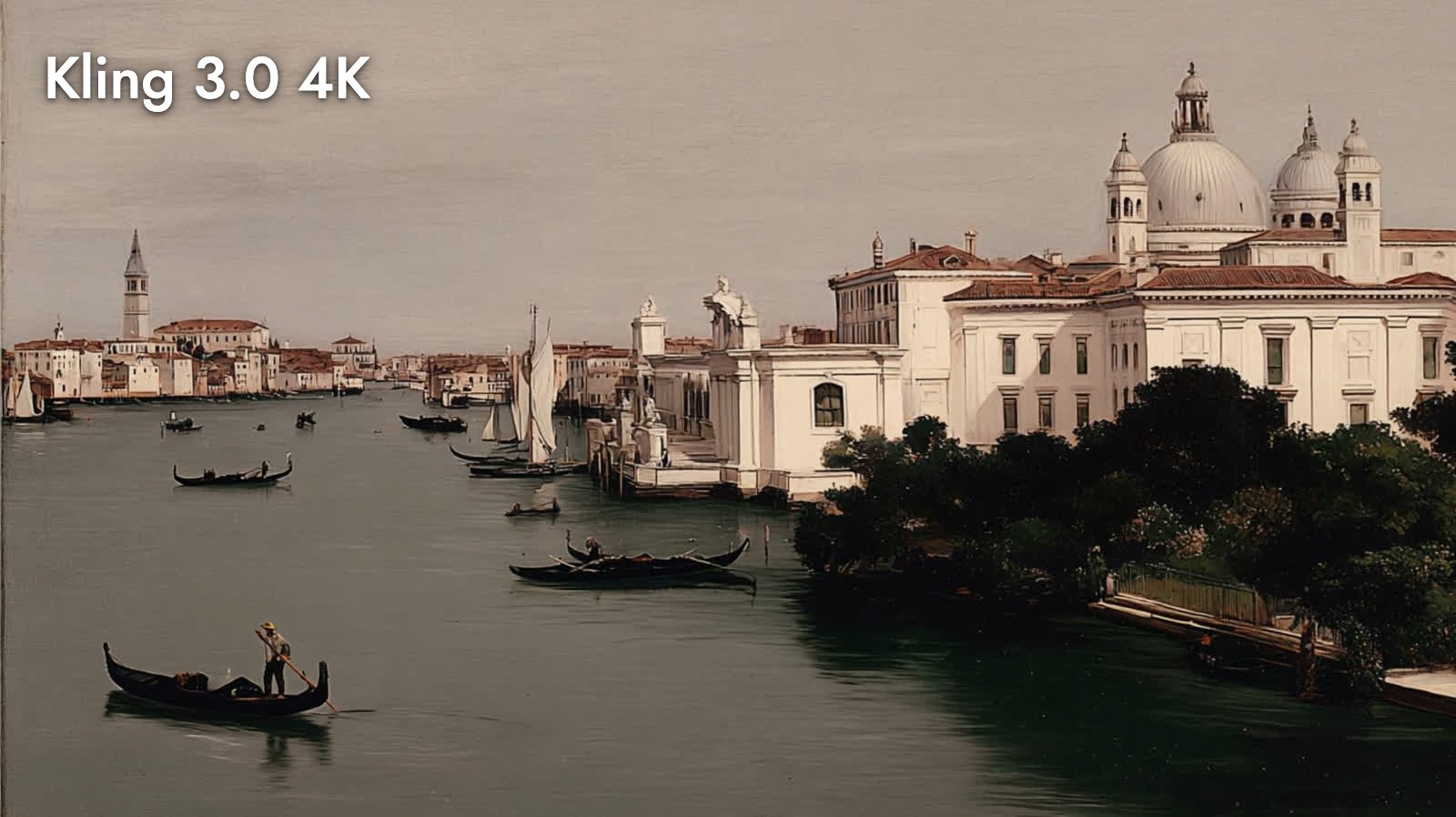
Kling 3.0 4K: How to Make Native 4K AI Video in 2026
Oct 2026
Kling 3.0 4K is the version of Kling 3.0 that renders 4K directly, with sound, from a start frame. No upscaler: the frames come out of the model at about 3840 × 2160. On Flick it is a model in the image-to-video node, and premium video models are available on Standard and above.
We ran it on four of our own frames and checked the files: every clip came back 4K at 24 fps. Whether 4K helps depends on the shot, and the 100% crops below show where it does.
Quick answer: how do you make a 4K video with Kling 3.0?
Connect a start frame to a video node, pick Kling 3.0 4K, and write the action. Then:
- Use a sharp, high-resolution start frame. The aspect ratio follows the frame, and so does a lot of the detail.
- Pick 3, 5, 10 or 15 seconds. 198 to 990 credits; 5 seconds is 330.
- Find the shot on a cheaper model first. Render 4K only for the take you will deliver.
| Spec | Kling 3.0 4K on Flick |
|---|---|
| Maker | Kling AI (Kuaishou) |
| Output we measured | 3844 × 2156 to 3856 × 2148, 24 fps, H.264 |
| Length | 3, 5, 10 or 15 seconds |
| Aspect ratio | Follows the start frame |
| Audio | Native, on by default |
| Optional inputs | End frame, negative prompt, CFG scale (default 0.5) |
| Price | 330 credits for 5 s (66 per second) |
| Plans | Standard and above |
| Prompt length | Up to 2,500 characters |
Render your final shot in 4K
Find the take cheaply, then deliver it at 3840 wide.
What "native 4K" means here
Kuaishou launched Kling 3.0 in February 2026, and its API lists 4K as a resolution option for the model. fal, which serves it, describes the endpoint as "Native 4K, no post-processing upscale": the model renders the 4K frames itself instead of making a smaller video and enlarging it.
We checked our files rather than take that on trust. All seven 4K clips we inspected were about 3840 pixels wide at 24 fps, with video bitrates of 12 to 40 Mbit/s. That is heavy: a 10 second clip was 40 MB, a 15 second clip 53 MB.
Four shots in 4K
A bird in a peach tree, 10 seconds
A small bird suddenly flies into the frame, lands on a branch, and then flies away.It did all three beats: the bird blurs in, lands within a second, sits, and leaves at about 9 seconds.
A frog in a pond, 5 seconds
The frog croaks, then hops away.The croak lands at about 1 second and the hop at about 4.5, both in order.
Venice, 5 seconds
"animate it" on a painterly view of Venice from Flick's style library:
Felt stop-motion, 3 seconds
"animate it" on a Nano Banana Pro still of a felted office scene, framed between a giant's legs:
What 4K shows at 100%

The crops tell you when 4K is worth it. The felt texture on the blazer, the weave of the tie and the gondolier's oar are crisp at 100%: material, texture and small far-off figures are where the extra pixels pay. The bird and the frog, which move fast and sit in shallow focus, are soft at 100%; at those moments 4K adds file size, not detail.
What it costs
| Length | Credits |
|---|---|
| 3 s | 198 |
| 5 s | 330 |
| 10 s | 660 |
| 15 s | 990 |
Credits on Flick, with audio on or off. Rates for every model are on model credit costs; a failed generation is refunded (how credits work).
When to use 4K, and when not to
Use it when:
- The shot is the final delivery and will be seen large: a cinema screen, a 4K TV, a projection.
- You need to crop or reframe in the edit and keep a sharp 1080p.
- The picture is about texture: fabric, stop-motion materials, architecture, landscapes with small figures.
Skip it when:
- You are still finding the shot. Explore on a cheaper model and re-render the keeper.
- The shot is fast motion or shallow focus; our bird and frog were soft at 100% anyway.
- The video will be watched on phones or social feeds, where it is downscaled.
For exploring, Kling O3 and the character consistency workflow for Kling 3.0 are cheaper ways to land a shot first.
Tips
- Start from a large, clean frame. A small or compressed start frame gives 4K pixels without 4K detail.
- Write the action in order. "Flies in, lands, flies away" and "croaks, then hops away" both played in sequence.
- Plan storage. At 25 to 53 MB per clip, a 4K sequence fills a project quickly; export at the size you deliver (export your film).
Sources
- Kling 3.0 4K image to video, fal, checked October 21, 2026
- Video models, Kling AI API reference, checked October 21, 2026
- Kling 3.0 AI video model introduced, CineD
- Clips, file measurements and credit rates from Flick canvases, October 2026
Verwandte Anleitungen
- Generate a video
- Model credit costs
- Export your film
- Choosing a model
- How to use Kling O3
- Kling 3.0 character consistency
- How to use Wan 3.0
Häufig gestellte Fragen
Is Kling 3.0 4K real 4K or upscaled?
How much does Kling 3.0 4K cost on Flick? 330 credits for 5 seconds; 198 for 3, 660 for 10 and 990 for 15.
How much does Kling 3.0 4K cost on Flick?
How long can a Kling 3.0 4K clip be? 3, 5, 10 or 15 seconds.
How long can a Kling 3.0 4K clip be?
Does it generate sound? Yes. Audio is on by default and does not change the price.
Does it generate sound?
Which plan do I need? Premium video models, including Kling 3.0 4K, are available on Standard and above.