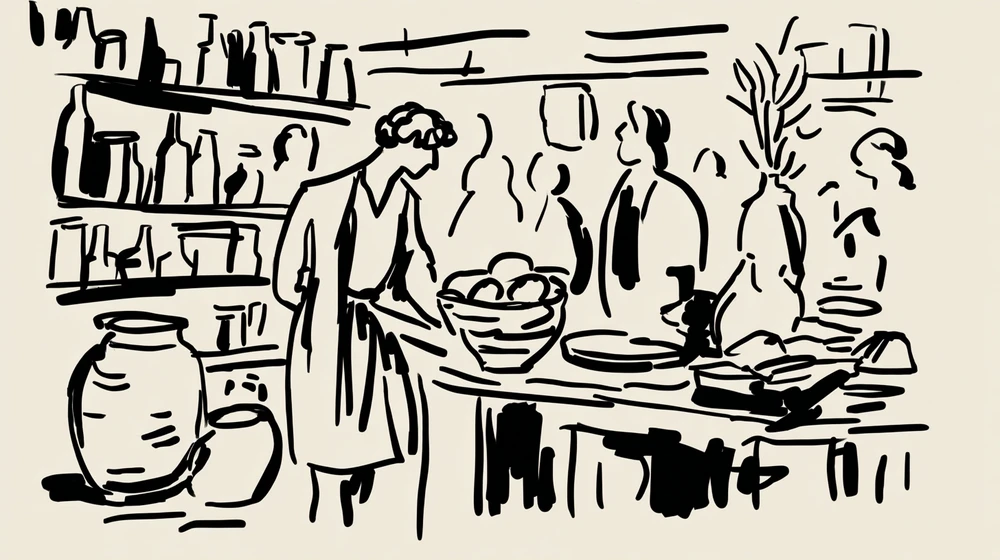
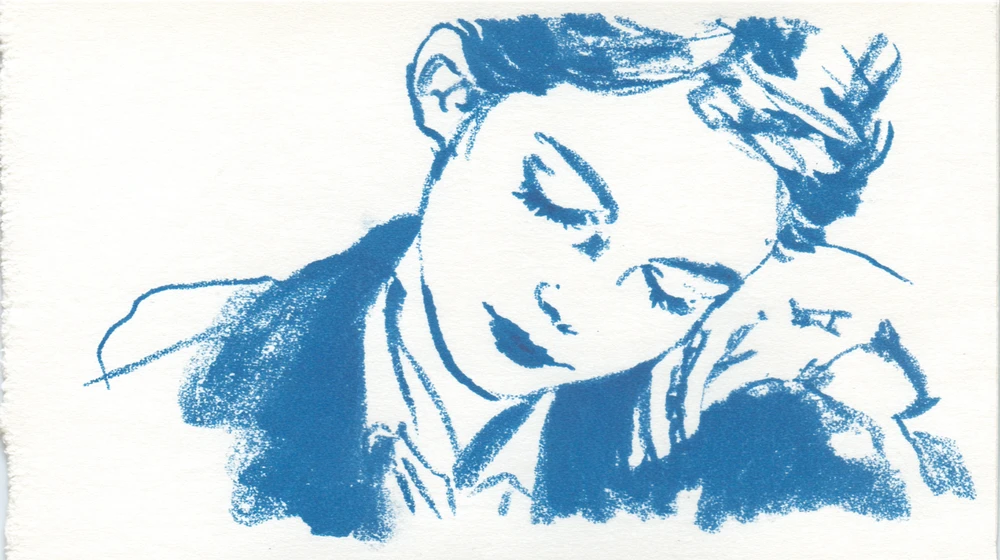
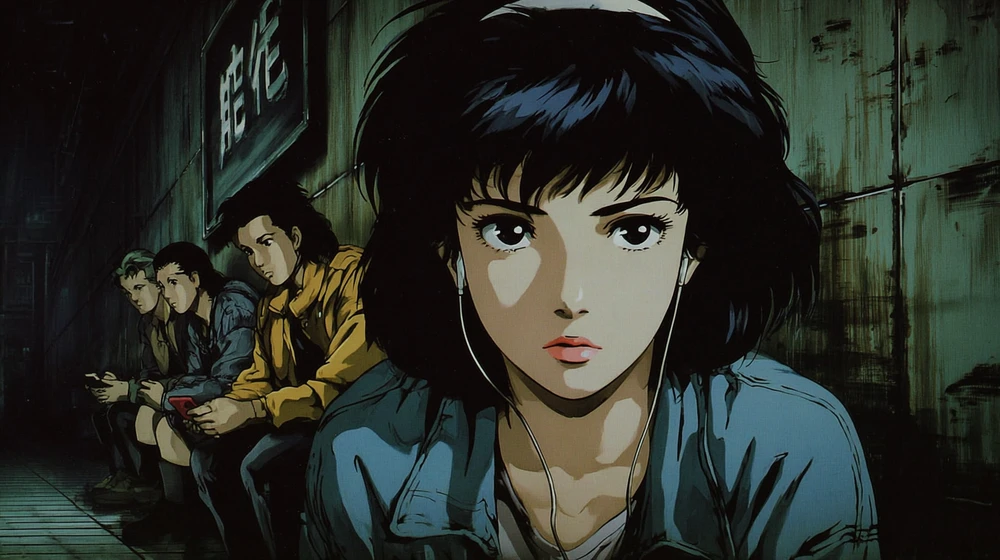
AI Rotoscope Animation Generator

Make rotoscope animation from a prompt or a frame of your footage: real human motion traced into ink, pencil, paint or flat colour. Free to try.

Why AI rotoscope animation?

Rotoscoping is animation drawn over live-action footage frame by frame, so the characters move with the weight and timing of real people. By hand that means tracing every frame of every shot; with AI you describe the traced look, or restyle a frame of your own footage, and animate it from there. Every example on this page was made in Flick for this page with GPT Image 2.6, and the cycling clip with MiniMax H3 Fast, each with its exact prompt.

How do you make rotoscope animation with AI?

In three steps: describe a shot with real human motion and the traced look, pick a drawn style, then animate and build the short on one canvas.
  1. Step 1

    Describe the shot.

    Ask for the real-world proportions first, then how the line and colour are traced over them, thin wobbly outlines, flat posterized fills, two tones of shadow, so the figure moves like a filmed person but looks drawn.

    Rotoscope style frame of a woman in a yellow raincoat cycling down a rainy city street at dusk
    A frame from a rotoscoped animated film, traced over live-action footage: a woman in a yellow raincoat rides a bicycle through a rainy city street at dusk, her body, face and the turn of the pedals keeping exact real-world proportions. Every shape is outlined in a thin, slightly wobbly black line traced from the footage, with flat posterized colour fills and two tones of shadow, wet asphalt reflections simplified into flat bands of orange and teal, and rain drawn as short white strokes. Shot from a low handheld camera beside the kerb. No text, no logos.
  2. Step 2

    Pick the style.

    Pick a drawn style once and every traced shot keeps the same line and colour, from pencil sketch to graphic novel ink and neo-noir; each opens in Flickpedia.

  3. Step 3

    Build the whole short.

    Block the action out as a rough video first and use it as the motion reference for each painted shot, the way rotoscoping borrows real movement; this is part of the canvas behind Tomris and Ferret, Simay Ezer Pekcan's painted chase film.

    Tomris and Ferret by Simay Ezer Pekcan

    Drag to look around, scroll to zoom.

    See film and full workflow

Rotoscope videos made with Flick

Pencil, flat colour, oil paint, stark ink, sepia and anime line work, each traced over a real-looking pose and made from one written prompt.
Pencil sketch of a dancer mid-spin in a rehearsal studio with faint earlier poses around her

A dancer in pencil

Half-erased earlier poses around the figure show the frames of motion she was traced from.
A frame of pencil-sketch rotoscope animation drawn over live-action footage: a dancer mid-spin in an empty rehearsal studio, her arms and skirt caught with real motion and weight, drawn in loose graphite lines with hatched shadows, construction lines and half-erased earlier poses left visible around her, white paper texture, the studio mirror and barre sketched in a few strokes. No text, no logos.
Flat colour animation of two men talking in a diner booth at night lit by pink and blue neon

A diner talk in flat colour

Real faces and hands broken into flat colour shapes give the digital rotoscope look of an animated drama.
A frame of digitally rotoscoped animation traced over a live-action conversation: two men in a diner booth at night, one leaning in to talk while the other stares into his coffee, realistic faces and hands, flat vector colour shapes with soft gradients, outlines that shift slightly from shape to shape, neon from the window broken into flat pink and blue planes. No text, no logos, no signage.
Oil painted animation frame of a young woman at a ferry rail with wind blowing her hair and red scarf

A ferry deck in oil paint

A photographically accurate face under thick paint strokes is how painted rotoscope keeps a real actor recognisable.
A frame of painted rotoscope animation over live-action footage: a young woman stands at the rail of a ferry crossing a grey sea, the wind pulling at her hair and scarf, her face and posture photographically accurate, rendered in thick oil-paint strokes and flat painted light, the horizon and gulls loose and expressive, muted greens and warm skin tones. No text, no logos.
High contrast black and white ink drawing of a boxer throwing a punch in a dark gym under a bulb

A boxer in stark ink

Solid black and white with no mid-tones turns a real fighter's anatomy into a graphic, comic-like frame.
A frame of high-contrast ink rotoscope animation traced over live-action footage: a boxer shadowboxing alone in a gym at night, the muscles, stance and blurred fists of a real fighter, drawn as solid black shapes and stark white highlights with no mid-tones, a single hanging bulb casting hard light, spatter texture in the shadows. No text, no logos.
Sepia ink and wash drawing of a rider on a galloping horse with all four legs off the ground

A galloping horse in sepia

Anatomically real leg positions in ink and wash recall the earliest animation tests traced from film.
A frame of early rotoscope-style animation traced from film of a galloping horse and rider, every leg position anatomically real, drawn in sepia ink line on cream paper with light watercolour washes, the ground suggested by a few strokes and a cloud of dust, like a hand-traced animation test from the early twentieth century. No text, no logos.
Anime style frame of a teenager crouched on a skateboard rolling down a steep street at sunset

A skater in anime line art

Anime line art on realistic proportions shows the weight and balance that rotoscoped anime takes from footage.
A frame of rotoscoped anime-style animation: a teenager skateboards down a steep suburban hill at sunset, the crouch, balance and shifting weight taken from real footage, clean anime line art with realistic proportions instead of big eyes, flat cel colour with a soft gradient sky, telephone wires and houses rushing past. No text, no logos.

Can you rotoscope your own footage with AI?

Yes: take a frame of the live action, restyle it into the drawn look while keeping the pose and framing, then animate it, or restyle the whole clip with a video edit model.
  • Restyle a still: ask to keep the exact poses and proportions and the camera framing, then name the line and colour.
  • Restyle a clip: Edit Video in Flick restyles footage with Kling 4.0, on the Standard plan.
  • Move a drawn character like a filmed one: Motion Reference transfers the motion of a video onto an image, with Kling 2.6, also on the Standard plan.
Live action night shot of a man in a grey overcoat walking a scruffy dog across a wet pedestrian crossing

The live-action frame

A live-action film still: a man in a grey overcoat walks his dog across a wet pedestrian crossing at night under orange streetlights, shot on 35mm film with natural motion and shallow depth of field, reflections pooling on the asphalt. No text, no logos, no readable signs.
The same man and dog redrawn with thin black outlines and flat orange and brown colour, poses unchanged

The same frame, traced

Turn this live-action frame into rotoscope animation: keep the man, the dog, their exact poses and proportions and the camera framing, trace every shape with a thin black ink outline, fill it with flat posterized colours and two tones of shadow, and simplify the streetlight reflections into flat shapes. No text, no logos.

How do you keep the motion real?

Describe real, everyday movement with weight, such as pedalling, walking or turning, and ask for the outlines to boil slightly from frame to frame, so the clip reads as traced film rather than smooth 3D.
  • Keep the camera filmed: the handheld camera tracks alongside her at kerb height.
  • Keep the drawing alive: the traced black outlines boil slightly from frame to frame.
Animated rotoscope style clip of the woman in the yellow raincoat cycling through the rain
Start frame: Animated rotoscope style clip of the woman in the yellow raincoat cycling through the rain
Start frame
00:05
The cyclist from step one, animated from its still
The woman pedals steadily through the rain, her knees and the pedals turning with real cycling motion and her raincoat flapping, while the handheld camera tracks alongside her at kerb height. The traced black outlines boil slightly from frame to frame and the flat colour shapes shift as streetlights pass, like hand-traced rotoscope animation. Rain keeps falling in short white strokes.

AI rotoscope animation generator FAQs

What is rotoscope animation?

Rotoscope animation is made by drawing over live-action footage frame by frame, so the animated characters keep the real proportions, weight and timing of the filmed actors.

Who invented rotoscoping?

The rotoscope was invented by the animator Max Fleischer, who patented it in 1917; it projected film frames onto a drawing surface one at a time so they could be traced.

Can AI do rotoscoping?

Yes. Flick can generate the rotoscoped look from a text description, restyle a frame of your own footage while keeping the pose, and animate the result into a clip.

What is the difference between rotoscoping and motion capture?

Rotoscoping traces the filmed image itself into drawings, while motion capture records an actor's movement as data that drives a 3D character; both borrow real human motion.

Why does rotoscope animation look uncanny?

Real human timing and proportions under flat drawn colour can feel neither live action nor cartoon, which is why many rotoscoped films lean into it for dreamlike or unsettling scenes.

Is the rotoscope generator free?

Yes, it is free to start: the free plan gives 100 credits every week with no credit card, and GPT Image 2.6 and MiniMax H3 Fast both run on it. Restyling a video clip needs the Standard plan ($20 a month).

More rotoscope styles in Flick

Try the rotoscope style in Flick

Try for free, no credit card required.

Ask AI about this page:ChatGPTPerplexityClaude