How to Make AI Animation
To make AI animation that holds together, work like an animation studio: fix the idea, lock one style, design characters as model sheets, storyboard and block every shot, then generate each shot from matched references.
By Zoey Z.Last updated


Most AI animation starts with a prompt and ends looking generic. Tomris and Ferret, a comedy chase on a night train by motion designer and filmmaker Simay Ezer Pekcan, started the way traditional animation does: idea, design, storyboard, layout, animation. Her previous film, Happy Souls Alive, was made in the Flick Residency; she says it won best AI film at the New York Focus Independent Film Festival. This guide walks through her five stages in Flick, with the prompts from the film's public workflow.
Describe your animation
What is the animation production pipeline?
| Stage | What it settles | With AI in Flick |
|---|---|---|
| Idea | The story and what the film is for | Reference images on a canvas, and one sentence of intent |
| Design | The world, the style and the characters | Environment images, one locked style description, model sheets |
| Storyboard | How many shots, which angles, in what order | Rough panels, then a written shot list for the prompt |
| Layout | Where the camera and characters stand | Shots blocked in 3D Stage, rendered as camera references |
| Animation | The movement in every shot | Video takes made from matched references |
| Edit | Rhythm and what stays | The best parts of each take, cut together |
How to make AI animation in 5 steps
Each step works for any animated film. "With AI" shows how it was done in Flick, with the real prompts from Tomris and Ferret.
1. Find your idea, and name your intent
What it is: the one thing the film has to pull off, written down before you design anything.
Why it matters: every later choice, from the set to the shot list, gets judged against it. Without it, a film drifts toward whatever the model makes easily.
How to do it
- Gather images whose light and color you want, and keep them on one board.
- Study scenes like the one you want to make: the tempo, how the shots are built, where the tension comes from.
- Write your intent in one sentence, and cut anything that doesn't serve it.
With AI
Simay wanted a chase. A train sequence in a Sherlock Holmes film gave her a wanted thief disguised as a lady; a ferret became the thief's partner, and the real thief. The intent was one line: pull off this chase scene, as a period comedy thriller. She searched Flickpedia for images with the cold blue and warm tones of a winter night, and added them to the canvas as color and lighting references.
2. Build the world, then lock the style in words

What it is: the places your story happens, each designed once, plus one written description of the look that every prompt repeats.
Why it matters: AI fills every gap with something generic. A locked description keeps every shot in the same world, so they cut together.
How to do it
- Start from real references: lamps, fabrics, how a compartment is actually built. They give you the words to ask for.
- Explore the mood loosely, then make clean, detailed images of each location.
- Ask an assistant to describe the style of the image you love in detail, brushwork, texture, light and color, and paste those exact words into every prompt that has to cut together.
With AI
Simay explored the tone in Midjourney, shaped the idea with Claude, and made each location in Flick with GPT Image 2.5. Her video prompts open with the same style block: 44 of the film's 55 generated videos carry it.
Model: Seedance 2.5 Final · Note: the style lock from a video prompt, trimmed to that block
STYLE LOCK
==========================================================
Soyuzmultfilm and DreamWorks Prince of Egypt character design. Painterly matte-rendered realism, hand-painted gouache with visible dry brush texture on every surface. Graphic-folk sensibility, simplified geometric forms, angular proportions, silhouette-driven shapes; faces built from flat angular painted planes. Deep chiaroscuro: rich shadows, light held in pools. Cinematic depth, gentle film grain, clear crisp air. Victorian night train, 1891. Every frame stays painted illustration.
LIGHT & PALETTE — Warm orange-amber from the glass oil-lamp sconces, cold cyan-blue night light falling across the table and glowing through the frosted door glass. Mahogany, crimson damask velvet, antique tarnished brass. The pocket watch is the single bright polished gold in the film.
3. Design characters that read from far away

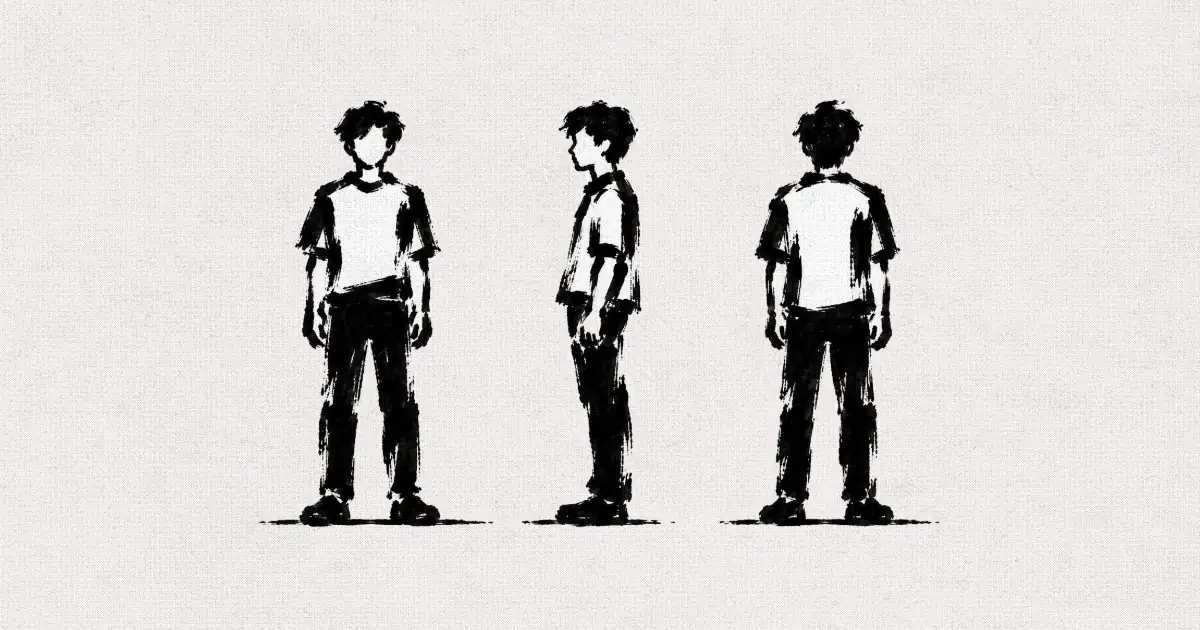
What it is: a model sheet for each character: turnaround views and expressions on a plain background, in high quality.
Why it matters: a character you can recognize from the far end of a corridor reads in every shot. The sheet is what every frame and video copies.
How to do it
- Start from the silhouette: can you tell who it is from far away?
- Make the characters different in shape: one tall and thin, one short and big.
- Upscale every sheet, and update it when the story changes a character (continuity).
With AI
Tomris has a big hat you spot from the end of a corridor; the ferret is white, so it never gets lost in the low light or the dark dress. Once the ferret jumps onto Tomris's shoulder, they move together, so Simay made a sheet of the two of them instead of describing it in every prompt. She upscaled the sheets with Topaz Upscale.
Model: GPT Image 2.5 · Note: an edit of Tomris's sheet with two more references, the ferret's sheet and a frame
tomris is Tomris original character sheet (Base character sheet to edit; exact Tomris identity, clothing, all six panels and layout). FERRETFINAL is FERRETFINAL (Exact ferret identity, anatomy, fur colors and proportions). Frame at 29.8s is Shoulder perch reference (Ferret shoulder placement, scale, posture and watch carrying continuity only). Edit the Tomris original character sheet by adding the identical FERRETFINAL ferret perched on Tomris's anatomical right shoulder in every one of its six panels, using the Shoulder perch reference for the exact scale and crouched shoulder posture, paws resting on the shoulder, head near Tomris's neck, long tail hanging down behind the upper arm. In the front view this is the shoulder on the viewer's left. Rotate the same coherent placement correctly with Tomris in the profile and rear views and all three expression portraits; respect natural occlusion, including when the bonnet or body hides part of the animal. Match FERRETFINAL identity faithfully rather than inventing another animal. As in the shoulder perch reference, the ferret carries the gold pocket watch in its mouth with the full gold chain hanging naturally against the shoulder and chest, consistent across angles. Preserve absolutely everything else from the original Tomris sheet: identical face and each original expression, head angles, bonnet, feathers, dress, brooch, gloves, body proportions, poses, paint texture, white background, panel positions, six panel layout and original aspect ratio. Do not import the train background or the smiling expression from the scene reference. Only add the ferret and its carried watch and chain, with minimal contact shadows necessary for integration. Keep the entire original sheet visible without cropping.

The same goes for the big detective: once the ferret steals his watch, it can't be on his costume anymore.
Model: GPT Image 2.5 · Note: a continuity edit, in full
Remove only the gold pocket watch and its entire gold chain, including attachment hardware, from every view and panel in this exact character sheet, including the front full body view and the small visible gold detail in the side full body view. Restore the underlying dark waistcoat or clothing seamlessly using matching painted fabric, folds and shading. The character must have no watch or chain in any angle. Change absolutely nothing else. Preserve the identical face, moustache, expressions, anatomy, proportions, poses, hat, coat, waistcoat buttons, clothing, colors, brushwork, white background, six panel layout, original framing and aspect ratio. This is a strictly local object removal, not a redesign or redraw.
4. Storyboard, then block your shots in 3D

What it is: quick panels that decide how many shots you need and from which angles, then a simple 3D model of the set to place the camera exactly.
Why it matters: a panel costs almost nothing to change. Redrawing a panel takes seconds; regenerating a shot doesn't. Blocking keeps the layout the same from shot to shot.
How to do it
- Draw rough panels. Use one color for the camera and another for the character, and write what each does, and when.
- Turn each panel into one shot of the prompt: what the camera does, what the character does, and when.
- Build the set as an untextured 3D model, place your cameras, and render each composition as a reference.
With AI
Simay gave her panels and notes to Claude, which turned them into a prompt shot by shot. For layout, she had a white clay model of the whole train made from a floor plan, then set up cameras in 3D Stage, which is free to use. Each render becomes the strict camera reference for a painted frame.
3D blocking

Frame

Model: GPT Image 2.5 · Note: four references, the 3D render first; trimmed
5. Match your references, then generate
 00:16
What it is: every video prompt opens with a roster: each reference image, and the one job it does in this shot.
Why it matters: whatever the camera sees that isn't in your references, the model guesses, and that guess can change your style and break continuity.
How to do it
- Attach an image of every place the character interacts with, and of the previous shot's last moment.
- To match a shot closely, render the 3D set from the same angle and say in the prompt what that image is.
- Describe the general idea of the action; it helps the performance. Then edit, keeping the parts you like.
With AI
Simay made 34 draft takes with Seedance 2.5 Draft and 13 finished ones with Seedance 2.5 Final, then cut the best parts together in the Flick editor.
Model: Seedance 2.5 Final · Note: the reference roster of a six shot scene; trimmed
REFERENCE ROSTER ========================================================== TOMRISGRIN = TOMRIS'S GRIN. Continuity reference for the table, the teacup on its saucer, Tomris's seated position and the ferret on her right shoulder, at the moment this scene begins. Each shot composes its own framing; this image is a reference, never the opening frame. TRIOCOMPTEA= THE THREE IN THE COMPARTMENT, AT THE TEA. Staging and positions reference for every shot inside Tomris's compartment: the big man standing in front of the left-hand bench, the thin man just behind him beside the open doorway, Tomris seated on the right-hand bench. Used for positions only; the tea hits the big man in Shot 2. Each shot composes its own framing; this image is a reference, never the opening frame. DOORTOMRIS= TOMRIS'S COMPARTMENT, DOOR VIEW. Environment, lighting and staging reference for every shot inside Tomris's compartment that looks toward the corridor door. Each shot composes its own framing; this image is a reference, never the opening frame.
Why does AI animation change style between shots?
For the shot of the chase seen from outside the train, a take whose one place reference was the dining car's interior came back flat and brightly lit, not painted. With a painted image of the carriage from outside added, the take matched the film.
No outside reference
 00:04
With the outside reference
 00:04
Saying it in the prompt isn't always enough. That is why Simay moved to blocking in 3D: the render fixes the layout, and the references fix the look.
AI animation examples from films made in Flick
Example 1: Tomris runs the length of the train in one shot
Previs
 00:08
Shot
 00:08
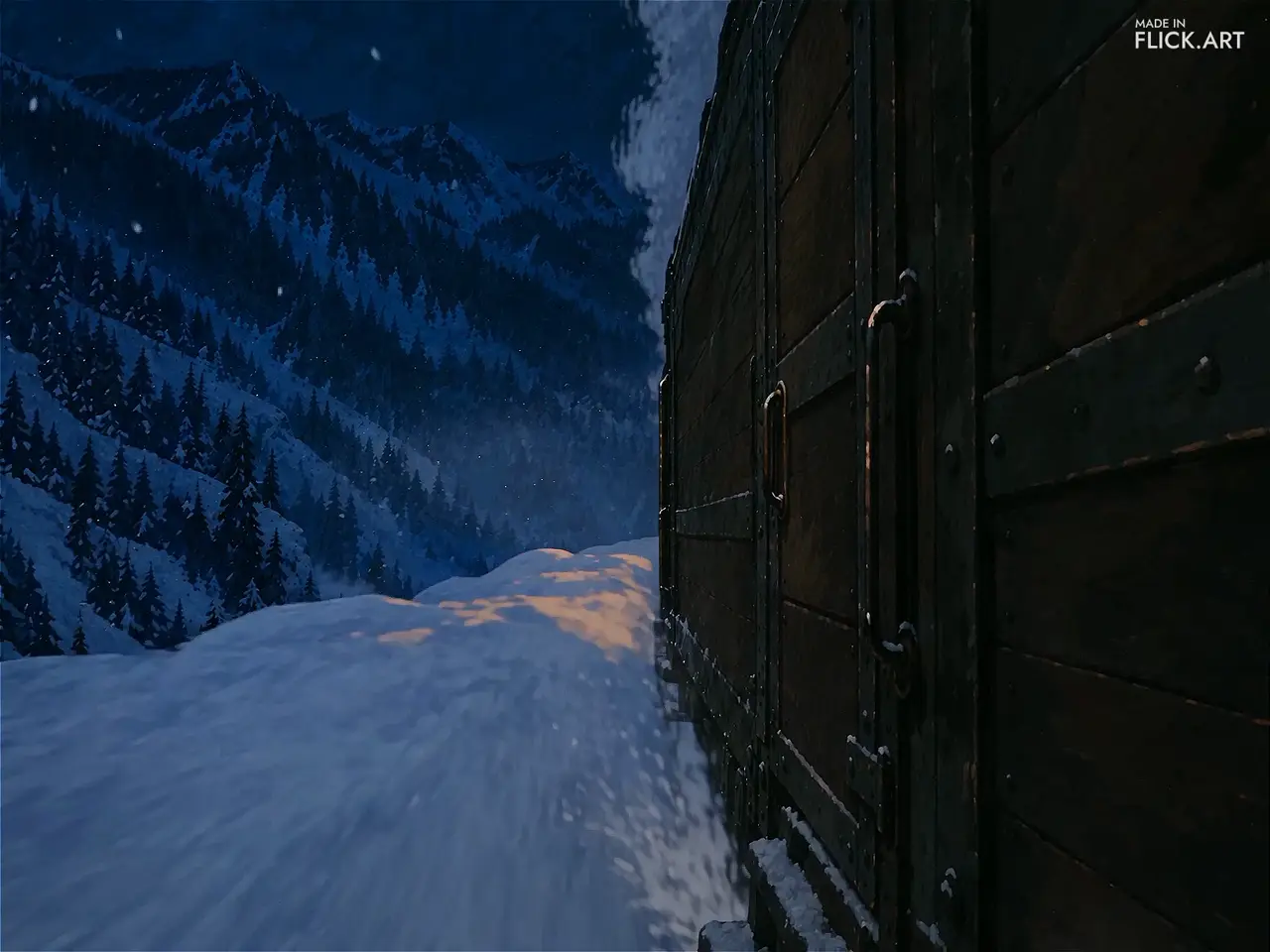
What the blocking fixed: the camera path, its height and speed, and where Tomris sits in the frame, from the corridor through the dining car into the baggage car.
How it was made: a 3D Stage previs with a red block for Tomris, used as a motion reference, plus one reference image for each car and the Tomris and ferret sheet.
Use it when: a shot moves through several spaces and has to keep its framing the whole way.
Model: Seedance 2.5 Final · Note: the shot section of the prompt; trimmed
SHOT 1 — 0.0–8.1 — ONE CONTINUOUS TRACKING SHOT ========================================================== The camera follows the movement, height, speed and framing of
 00:06
What do people ask about making AI animation?
What are the stages of the traditional animation process?
Idea, design, storyboard, layout, animation, then the edit and sound. Pre-production covers the first four, production is the animation, and post-production finishes the film.
How do I keep one style across AI animation shots?
Describe the style once in detail, brushwork, texture, light and color, and paste the exact same words into every prompt that has to cut together. Tomris and Ferret opens 44 video prompts with the same style block.
How do I keep characters consistent in AI animation?
Make a model sheet for each character, attach it to every frame and video, and update the sheet when the story changes a character, such as a prop that is stolen or an animal that rides on a shoulder.
Do I need to draw to storyboard an AI animation?
No. Rough sketches work, as long as they show the camera and the character. See how to storyboard for other ways without drawing.
Which AI model is best for animation?
Tomris and Ferret used GPT Image 2.5 for its frames and sheets and Seedance 2.5 Draft for draft takes, then Seedance 2.5 Final for finished ones, which needs the Standard plan in Flick.
Can I make AI animation for free?
You can start free: you get 100 credits when you sign up and 100 credits every week, enough for references, sheets and frames, and 3D Stage is free to use.
Keep going



Films on this page
- Simay Ezer Pekcan · Tomris and Ferret
Make your AI animation in Flick
References, model sheets, 3D blocking and shots, all on one canvas.
Try for free, no credit card required.
Ask AI about this page:ChatGPTPerplexityClaude