First and Last Frame AI Video

Give the model the frame a shot starts on and the frame it ends on, and it generates the motion between them.

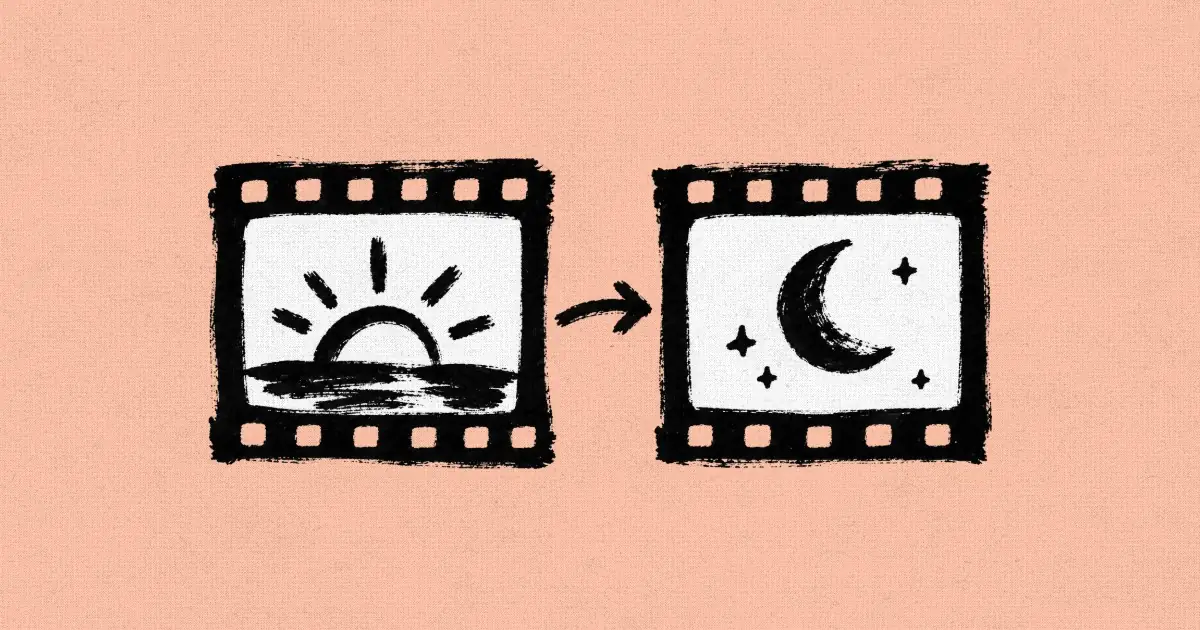
Two ink-drawn film frames, a sunrise and a crescent moon, joined by an arrow

A start frame alone tells an AI video model where a shot begins and leaves the ending to chance, so the camera drifts, the reveal lands in the wrong place, and the next shot no longer cuts in. First and last frame video, also called keyframe video, fixes both ends of the shot with two images and lets the model interpolate, or invent, the motion in between. We read the prompts behind 6 shots from 5 films made in Flick, 2 of them made from a start and an end frame, including a 25-second opening shot from the Summer 2026 Filmmaker Residency. This page shows those shots with their exact prompts, the models in Flick that take an end frame, and how to write the move between the two frames.

Describe a first and last frame shot

Describe your two frames and the move between them, or pick an example, and it opens in a new Flick project as your first request.

What is first and last frame AI video?

It is a clip generated from two images, a start frame it opens on and an end frame it lands on, with the model creating the motion between them.
  • A keyframe is a frame you set yourself; the frames between two keyframes are interpolated, or generated to join them.
  • In Flick, the end frame is an optional second image on the Image to Video node, and it always goes with a start frame.

When should you add an end frame to a start frame?

Add an end frame when the shot must land on an exact picture, like a reveal or a framing the next shot cuts from.
A start frame alone, or a start and an end frame: what you set and what the model decides
Start frame aloneStart and end frame
What you give the modelOne image and a promptTwo images and a prompt
What the model decidesThe motion and where the shot endsThe path between two fixed pictures
Best forSmall motion: a flame, a glance, weatherCamera moves, reveals, a shot that must match the next
RiskThe ending drifts from what you picturedTwo frames too far apart can morph

First and last frame examples from real films

Each of the two shots below was made from a start frame and an end frame, and each prompt names the single move that joins them.
  • The small picture in the corner of each clip is its start frame; the prompt describes the end frame.
  • The prompts are copied exactly as the filmmakers wrote them.
Two robbers in cowboy hats aim revolvers in a rooftop restaurant at night above city lights
Start frame: Two robbers in cowboy hats aim revolvers in a rooftop restaurant at night above city lights
Start frame
00:12

A dolly back from a close shot to a wide, with dialogue

Use the provided close shot as the direct first frame and the provided wide shot as the direct final frame. Create a realistic live-action cinematic shot that performs a smooth continuous dolly back from the first frame to the last frame. Start relatively close on the two gangsters, framed roughly from above the chest upward, then gradually pull back until the shot fully matches the provided wide final frame and reveals the whole restaurant, the hostages, and the right-bottom male victim. Keep the same luxury rooftop restaurant at night, floor-to-ceiling window, city lights outside, warm practical lighting, and premium ARRI Alexa 35 film realism. The male gangster carries a revolver and delivers his line in a calm, cold, threatening Texas drawl: “Everybody cool, this is a robbery.” The female gangster carries a pistol and is more manic, gleeful, and excited by the fear around her; after a man screams, she says in a thick Texas drawl, with deranged enjoyment, “Or everybody dies!” During the pullback, diners around them panic and scream. Near the end of the dolly back, the man in the bottom-right corner of the final wide frame cries out, “Oh my God!” and the female gangster immediately turns and shoots him. After the shot, more people scream. Keep the male gangster emotionally controlled and dangerous; keep the female gangster wild, delighted, and intoxicated by the terror she is causing. No music, no score, only dialogue, screams, gunshot, and natural room tone. Preserve photorealism, true anatomy, realistic gun handling, believable performance, and a continuous smooth camera move from the close first frame to the wide final frame. 无音乐
Zhelun “Jerry” Lin, director of The Perfect Proposal
English country garden with hedges and a pond in front of a brick manor
Start frame: English country garden with hedges and a pond in front of a brick manor
Start frame
00:25

A slow pan that eases into a push toward a cottage

Opening establishing shot, 16:9, 25 seconds, one continuous uninterrupted take. The shot begins wide on the open countryside of the start frame and slowly transitions to settle on the painting cottage of the end frame.

Camera Movement: Begin with a slow, smooth lateral pan drifting across the countryside, gliding over rolling fields, water, and treelines, letting the landscape reveal itself gradually. After the pan carries across the vista, the camera eases into a gentle, steady push-in that zooms toward the cottage, tightening from a sweeping wide vista down to a composed medium framing of the painting cottage as it comes to rest. The motion is continuous and cinematic throughout, one flowing move with no cuts, never rushed.

Scene: Soft natural daylight, gentle atmospheric depth and haze on the horizon, subtle drifting of grass and leaves in a light breeze, calm water surface with faint ripples. Serene, contemplative, cinematic mood.

Audio Constraint: No sound. Completely silent shot.
Sandi Jerome, director of Churchill's Mum

When is a start frame enough?

A start frame is enough when the motion is small or fits in one sentence, like a flickering lamp or a crow landing.
Black crow perched on a weathered wooden fence post above a golden prairie
Start frame: Black crow perched on a weathered wooden fence post above a golden prairie
Start frame
00:05

A crow lands while everything else holds still

A single black crow flies in and lands on top of the weathered wooden fence post. Once perched, it settles its wings and looks around with quick, natural bird movements, tilting and turning its head to survey the surroundings. Subtle feather ruffle in the light breeze. Everything else stays still: the fence, wires, and blurred golden prairie background hold steady with warm late-afternoon light. Grounded, realistic wildlife motion, no camera movement.
Marius Jensen, director of Still Time
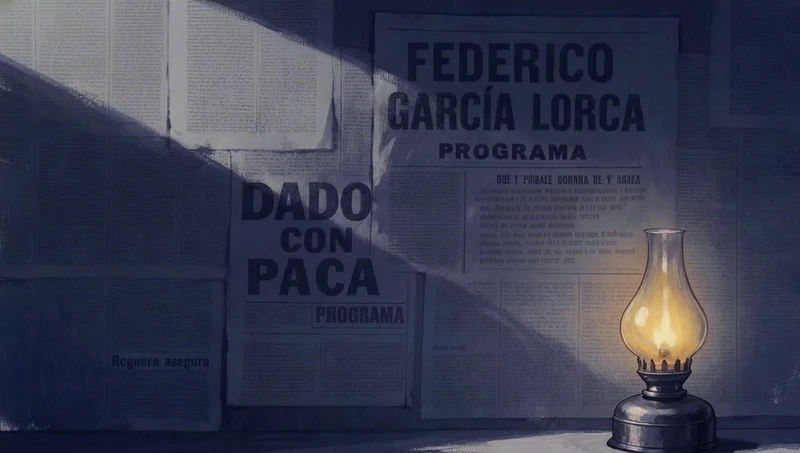
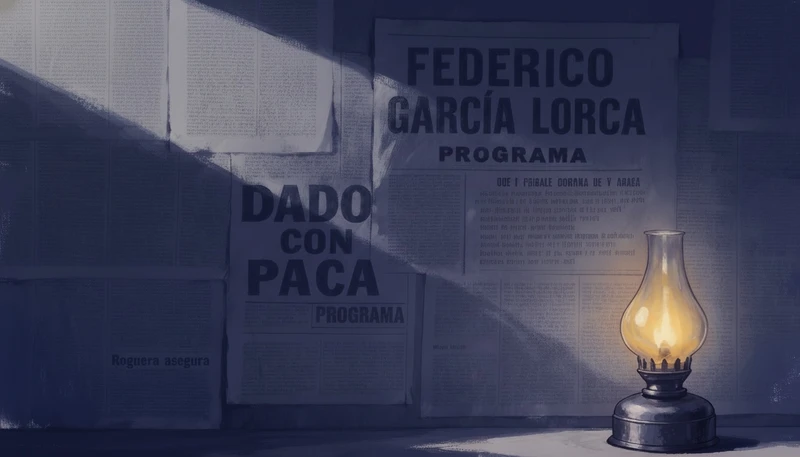
Oil lamp glowing beside an old theatre poster on a dark blue wall
Start frame: Oil lamp glowing beside an old theatre poster on a dark blue wall
Start frame
00:10

One sentence: a flickering oil lamp

The oil lamp’s flame flickers, which makes the shadow flickers accordingly.
Jaime Yao, director of In Our Time
Stone kitchen window looking out on mountains before a storm
Start frame: Stone kitchen window looking out on mountains before a storm
Start frame
00:04

Sun to storm, described in words

Pema's POV looking out through the kitchen window. What was a sunny day suddenly turns: heavy rain lashes the glass, a violent thunderstorm rolls in, wind whipping, a flash of lightning, water streaming down the windowpanes. Handheld camera settling at the window as if she has just stopped there. Anamorphic old lens distortion, muted colors, low contrast, soft focus, cinematic realism.
Raj Rishi More, director of Seasons
Extreme close-up of a woman's eyes under a black cap against a blurred prairie
Start frame: Extreme close-up of a woman's eyes under a black cap against a blurred prairie
Start frame
00:03

One glance and a blink, nothing else moves

Extreme close-up of the woman's eyes. Her eyes move to the left and slightly upward in a slow, natural glance, tracking something offscreen. Subtle single blink, faint eyelash movement, tiny shifts in the catchlight. Everything else holds steady: her skin, the cap brim, and the blurred dried-grass prairie background in warm daylight. Grounded, realistic, no camera movement.
Marius Jensen, director of Still Time

Which AI video models take an end frame in Flick?

In Flick, Seedance, Kling, Veo 3.1, MiniMax H3, Wan 3.0, FLUX 3 and Pruna Draft models take an end frame on the Image to Video node.
A selection of the Image to Video models in Flick that take an end frame, with the plan that runs each and its clip length in seconds
ModelPlan neededClip length (seconds)
Seedance 2.5Standard4 to 30
Seedance 2.0Standard4 to 15
Kling 3.0 ProStandard3 to 15
Veo 3.1Standard4 to 8
MiniMax H3 MaxFree5 to 15
Pruna DraftFree3 to 20
  • The full list today: MiniMax H3 Fast, MiniMax H3 Max, Seedance 2.5 Draft, Kling 4.0, Wan 3.0, FLUX 3, Pruna Draft, MiniMax H3, Seedance 2.5, Seedance 2.0, Seedance 2.0 Mini, Kling 3.0 4K, Kling O3 Pro, Seedance 1.5 Pro, Kling O3, Kling 3.0 Pro, Kling 3.0, Kling 2.6 Pro, Seedance Lite, Veo 3.1 and Veo 3.1 Fast.

How do you make a first and last frame video in Flick?

Make two frames of the same scene, connect them to one Image to Video node, and describe the move between them.
  1. 1Make the start frame

    Generate or upload the image the shot opens on, framed the way its first moment should look.

  2. 2Make the end frame

    Edit the start frame into the end frame with an image model, so the place, light and people stay the same.

  3. 3Connect both frames

    Connect the first image to the Start Frame input of an Image to Video node, and the second to End Frame.

  4. 4Pick a model

    Choose a model that takes an end frame, such as Seedance 2.5, or MiniMax H3 Max on the free plan.

  5. 5Describe the path

    Write the camera move and what happens on the way, not what either frame already shows.

  6. 6Generate, then adjust

    Watch the take, change one line of the prompt, and run it again until the move lands on the end frame.

How do you write a first and last frame prompt?

Say which image is which, name one camera move, and describe the path between the frames rather than the frames themselves.
  1. 1. Say which image is which

    Label the two images in the prompt, so the model never swaps the opening and the ending.

    @image1 is the first frame. @image2 is the last frame.
    Owen Doerr, director of Lifeguard
  2. 2. Name one camera move

    Name a single move that can carry the first framing into the last, such as a dolly back from a close-up to a wide.

    Create a realistic live-action cinematic shot that performs a smooth continuous dolly back from the first frame to the last frame.
    Zhelun “Jerry” Lin, director of The Perfect Proposal
  3. 3. Describe the path, not the frames

    The two images already show where the shot starts and ends, so spend the words on the journey between them.

    The shot begins wide on the open countryside of the start frame and slowly transitions to settle on the painting cottage of the end frame.
    Sandi Jerome, director of Churchill's Mum
  4. 4. Keep both frames in one world

    Repeat the place, light and look that both frames share, so the model has nothing to morph.

    Keep the same luxury rooftop restaurant at night, floor-to-ceiling window, city lights outside, warm practical lighting, and premium ARRI Alexa 35 film realism.
    Zhelun “Jerry” Lin, director of The Perfect Proposal
  5. 5. Place events along the move

    Tie each action to a point in the move, so it lands where the frame expects it.

    Near the end of the dolly back, the man in the bottom-right corner of the final wide frame cries out, “Oh my God!” and the female gangster immediately turns and shoots him.
    Zhelun “Jerry” Lin, director of The Perfect Proposal
  6. 6. Ask for one continuous take

    Ask for a single unbroken move, because a cut inside the clip breaks the path between the two frames.

    The motion is continuous and cinematic throughout, one flowing move with no cuts, never rushed.
    Sandi Jerome, director of Churchill's Mum

What do people ask about first and last frame AI video?

What is first and last frame in AI video?

It is a way to generate a video clip from two images: the frame the clip starts on and the frame it ends on. The AI model generates the motion between them, which is why it is also called keyframe or start and end frame video.

What is the difference between image to video and first and last frame?

Image to video animates one start frame and lets the model decide where the shot ends. First and last frame adds a second image, so the model has to arrive at a picture you chose.

Which AI video models support first and last frame?

In Flick, the Image to Video models that take an end frame are MiniMax H3 Fast, MiniMax H3 Max, Seedance 2.5 Draft, Kling 4.0, Wan 3.0, FLUX 3, Pruna Draft, MiniMax H3, Seedance 2.5, Seedance 2.0, Seedance 2.0 Mini, Kling 3.0 4K, Kling O3 Pro, Seedance 1.5 Pro, Kling O3, Kling 3.0 Pro, Kling 3.0, Kling 2.6 Pro, Seedance Lite, Veo 3.1 and Veo 3.1 Fast. The end frame is optional and always goes with a start frame.

Can I make first and last frame videos for free?

Yes, MiniMax H3 Max, MiniMax H3 Fast and Pruna Draft take an end frame on Flick's free plan. You get 100 credits when you sign up, and 200 more for joining the Flick Discord; Seedance, Kling and Veo 3.1 need the Standard plan ($20 a month).

How do I keep the first and last frame consistent?

Make the end frame by editing the start frame with an image model, changing the framing or the moment but keeping the place, light and people. Two unrelated images leave the model to morph one into the other.

Why does my first and last frame video morph or warp?

Usually the two frames are too far apart for one move, or the prompt does not say how to get from one to the other. Bring the frames closer, name a single camera move, and ask for one continuous take.

How long can a first and last frame video be?

It depends on the model: in Flick, Seedance 2.5 makes clips of 4 to 30 seconds and Veo 3.1 of 4 to 8 seconds. A longer clip gives a slow camera move more room between the two frames.

How do I continue an AI video from its last frame?

Save the clip's last frame as an image with Extract Frame, then use that image as the start frame of the next clip. The new shot begins where the old one ended, so the two cut together.

More on start frames and video models in Flick

Films on this page

Set the first frame. Set the last. Shoot the move.

Make both frames in Flick, connect them to one video node, and describe the path between them.

Make a first and last frame shot in Flick

Try for free, no credit card required.

Ask AI about this page:ChatGPTPerplexityClaude