Veo 3.1 Video Generator
PERCHÉ GENERARE CON FLICK?
Veo 3.1 and Veo 3.1 Fast run inside the Flick canvas, from any still you have already made, with the audio switch on or off, and the clip lands beside your Kling and Seedance shots instead of in a Gemini chat.

COME FUNZIONA
PASSAGGIO 1
START FROM A FRAME
Veo 3.1 needs a start frame, so pick any image on your canvas (at least 720 pixels on the short side) or generate one with GPT Image 2.5 or Nano Banana 2 first. Add a last frame when the shot has to end on a specific image.
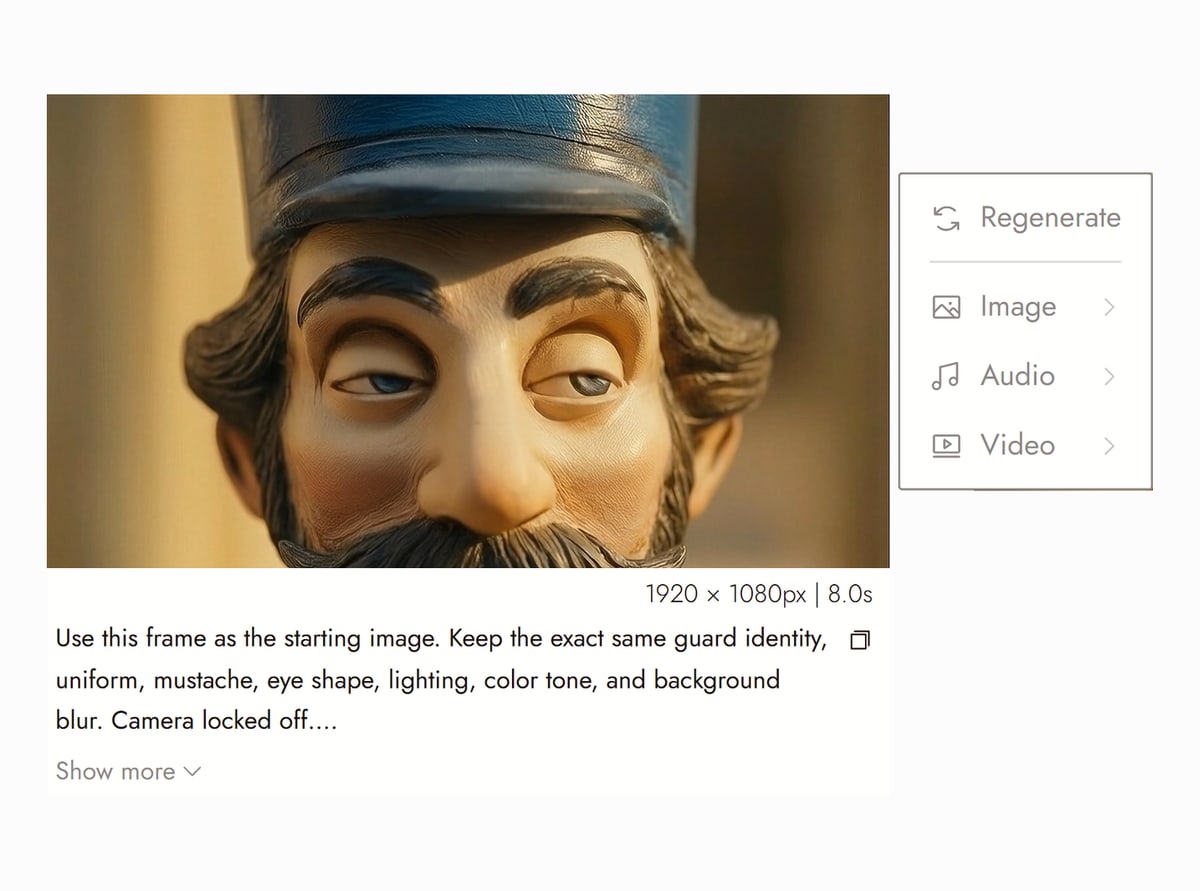
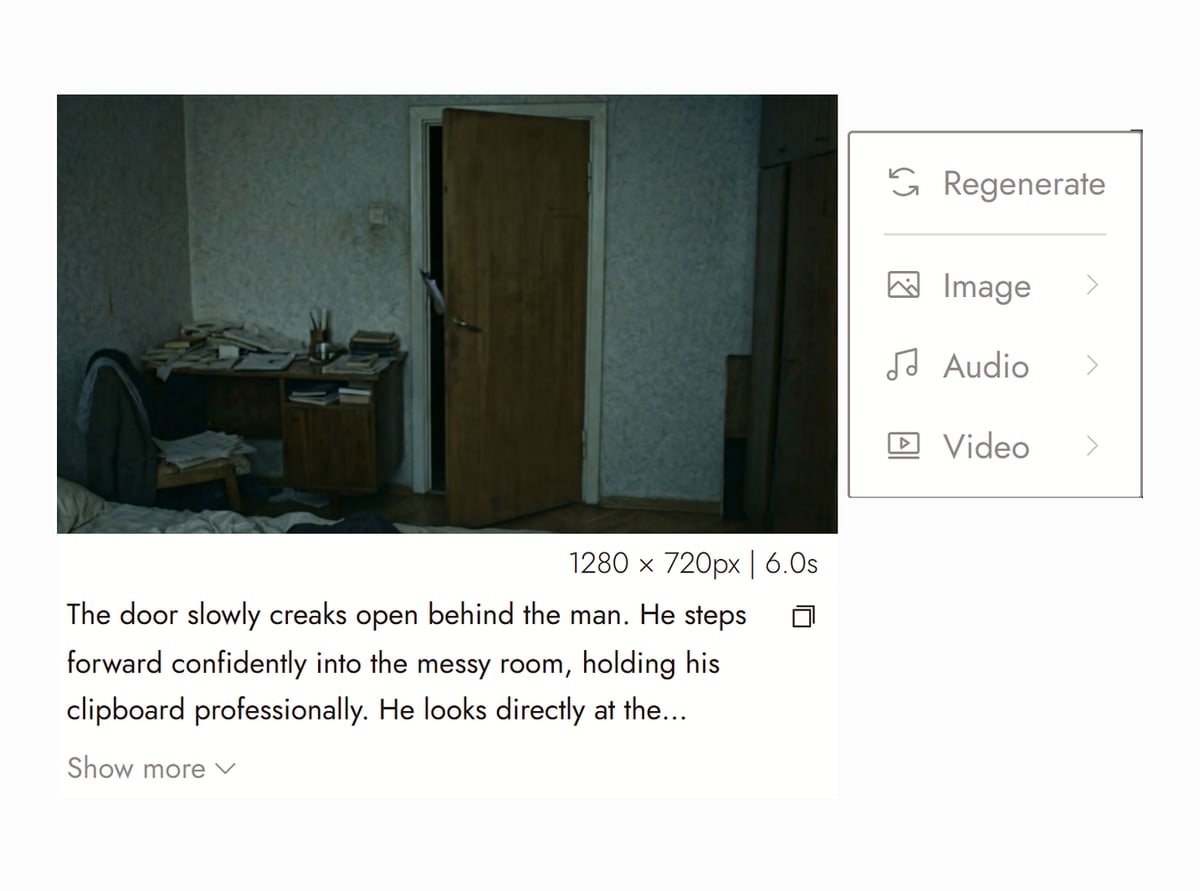
Canvas from Guard on Flick TV PASSAGGIO 2
CHOOSE VEO 3.1 OR VEO 3.1 FAST
Veo 3.1 Fast is 80 credits for 4 seconds, 120 for 6, 160 for 8 with the audio switch off, and 1.5 times that with audio. Veo 3.1 is 160, 240 and 320 without audio and double that with audio. 720p and 1080p cost the same; 4K is double on Veo 3.1 and triple on Fast. Draft on Fast, finish on 3.1.
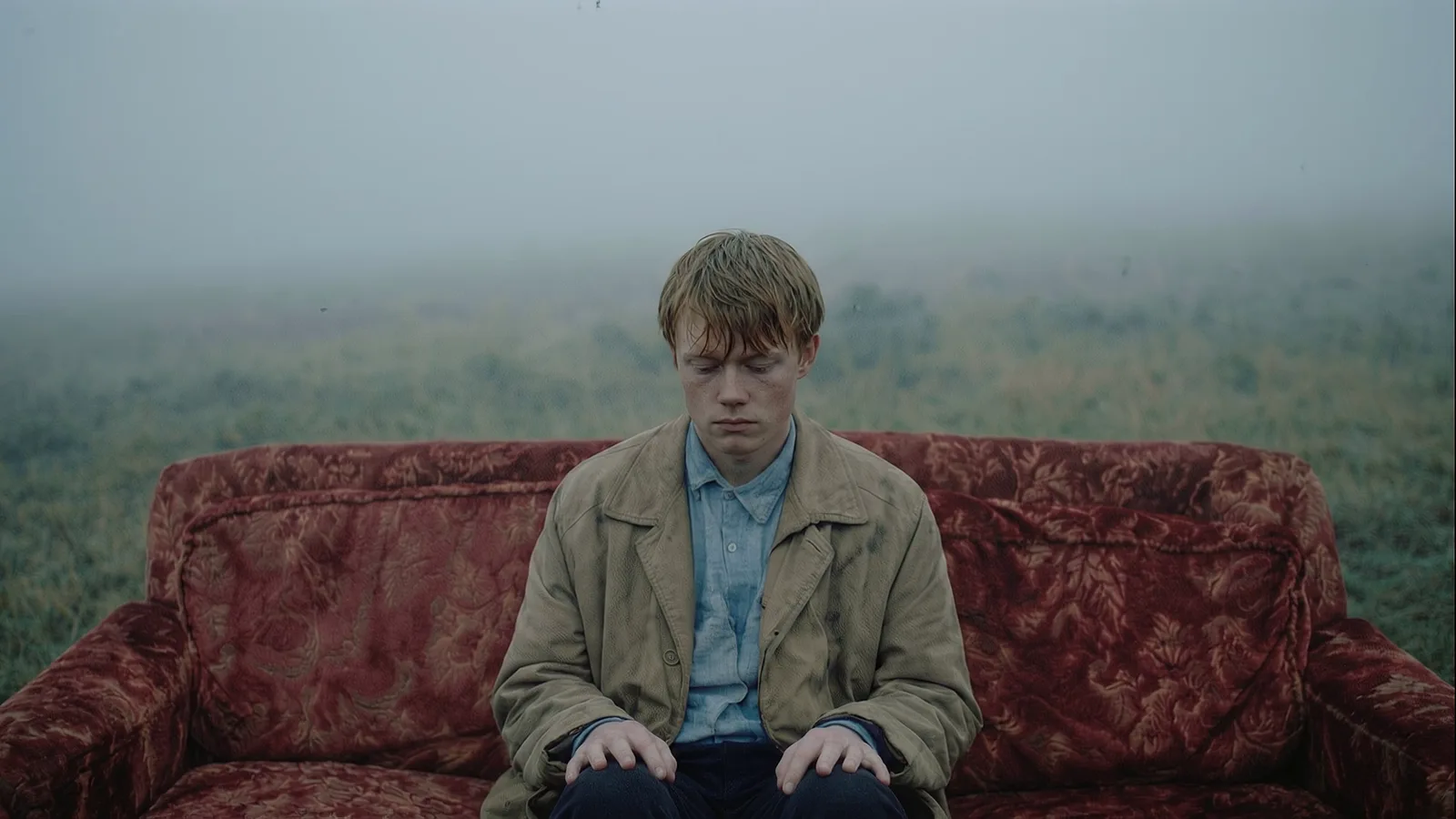
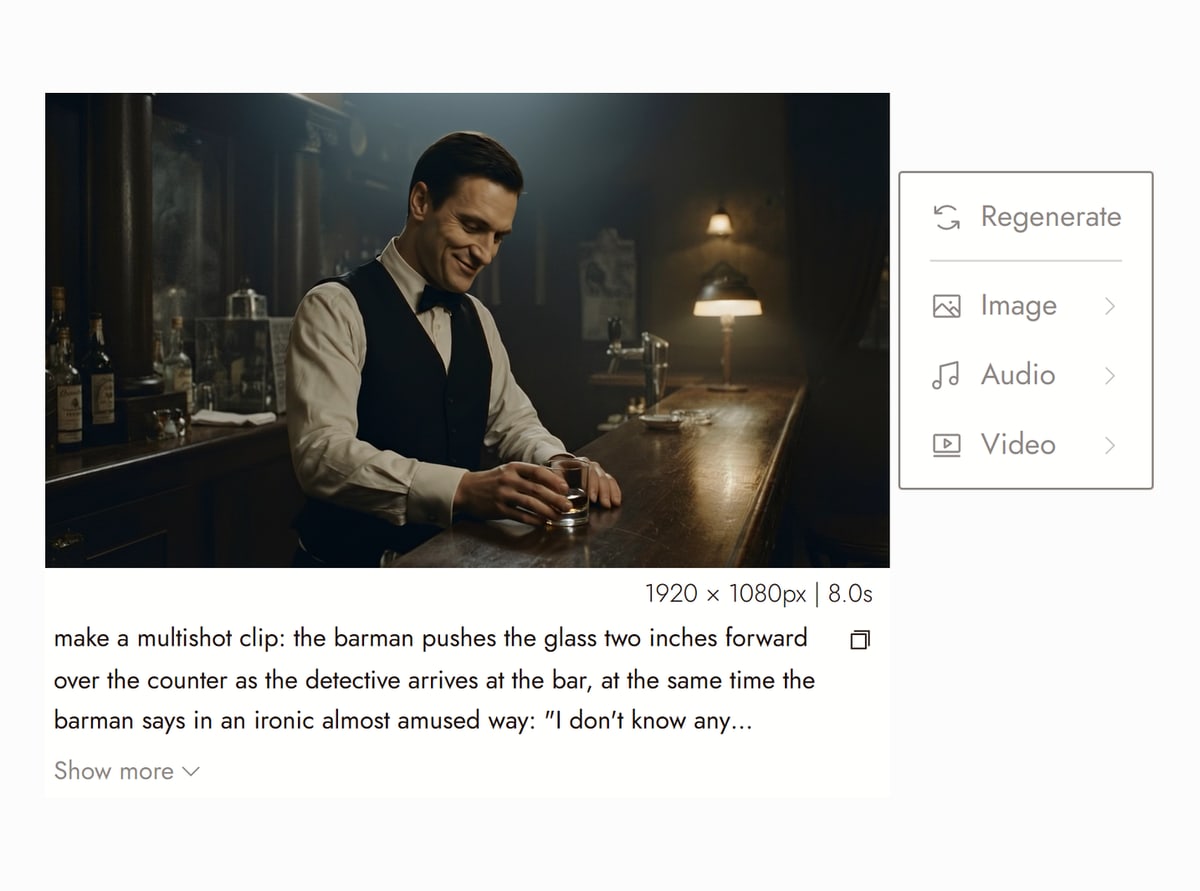
Canvas from TOMORROW ME on Flick TV PASSAGGIO 3
WRITE THE SOUND INTO THE PROMPT
With the audio switch on, Veo 3.1 generates the dialogue, effects and ambience with the picture. Put spoken lines in quotes and name the sounds you want. The clip appears as a node on the canvas; extend it, feed its last frame into the next shot, or run the same frame through Kling to compare.
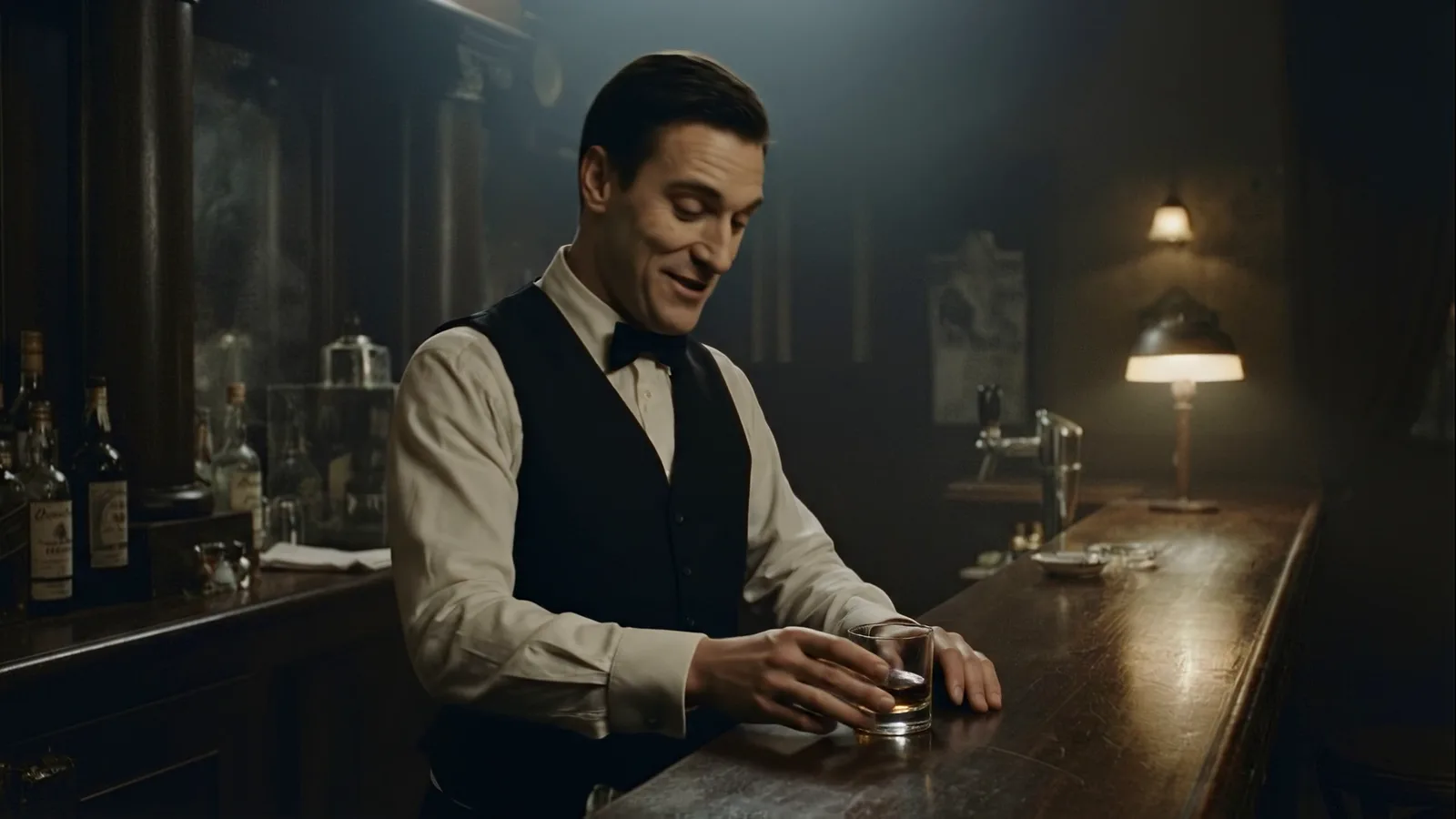
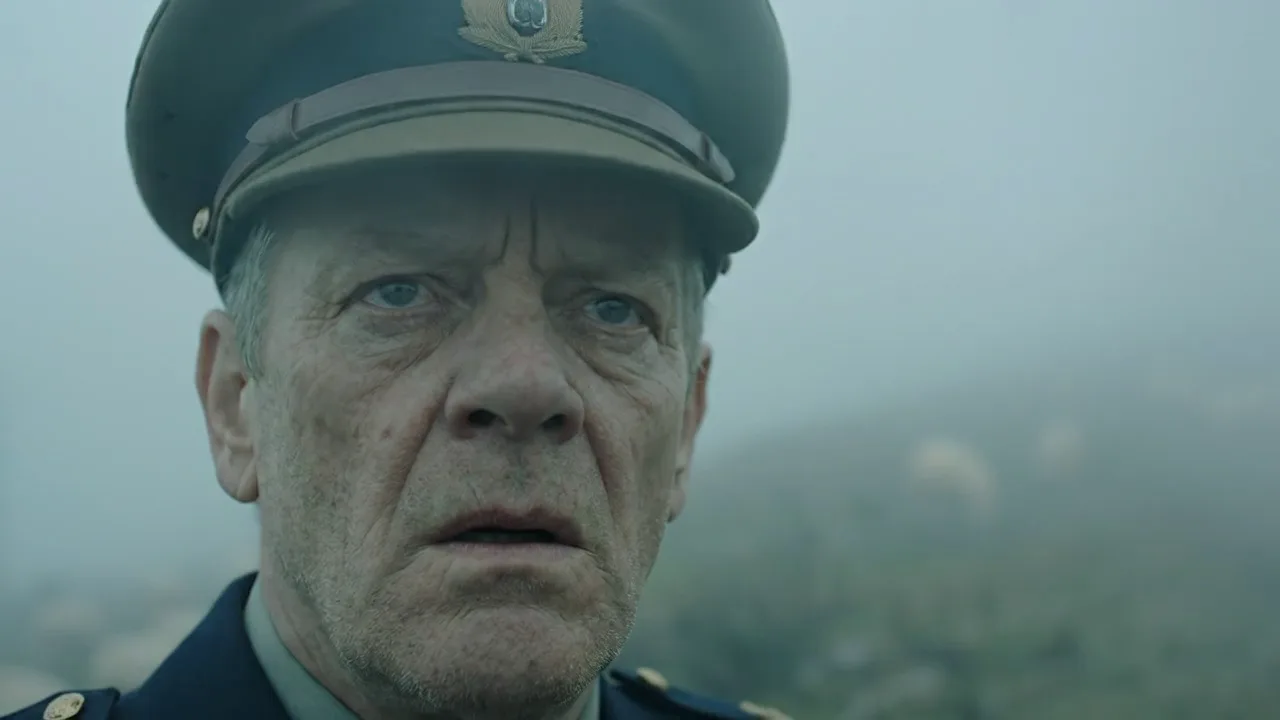
Canvas from The Last Stop on Flick TV


VEO 3.1 VIDEO GENERATOR FAQS
WHERE CAN I USE VEO 3.1?
On Flick, in the browser, as a video model on the canvas: pick Veo 3.1 or Veo 3.1 Fast in any Image to Video node. No Google AI Pro subscription, no Gemini chat, no Vertex account. Both models run in 16:9 and 9:16 at 720p, 1080p or 4K, 4 to 8 seconds, from a start frame or first and last frames.
HOW MUCH DOES VEO 3.1 COST ON FLICK?
Veo 3.1 Fast: 80 credits for a 4 second clip, 120 for 6 seconds, 160 for 8, with audio off; 120, 180 and 240 with audio on. Veo 3.1: 160, 240 and 320 with audio off; 320, 480 and 640 with audio on. 720p and 1080p are the same price. 4K doubles the Veo 3.1 price and triples the Fast price.
IS VEO 3.1 FREE?
Flick has a free tier: up to 300 free credits (100 at signup plus 200 for joining our Discord) plus 100 weekly credits, no credit card required. The free plan includes MiniMax H3 Fast, MiniMax H3 Max and Pruna Draft video and every image model. Veo 3.1 and Veo 3.1 Fast come with the Standard plan, $20/month or $16/month billed yearly, with 2,500 credits a month. Paid plans start at $5/month, or $4/month billed yearly.
HOW DO I WRITE A PROMPT FOR VEO 3.1?
One shot per prompt: subject, action, camera move, light, and the sound in words ("rain on canvas, a bus passing"). Dialogue goes in quotes and stays under about ten words for an 8 second clip. The Veo 3 prompt generator builds one from a few fields, and our Veo 3 consistent character guide covers holding a face across clips.
VEO 3.1 OR KLING 3.0?
Veo 3.1 for cinematic light, dialogue and realism in 4 to 8 seconds; Kling 3.0 for physical motion, 10 and 15 second clips and the lower price (84 credits per 5 seconds without audio). On Flick both run from the same start frame, so the usual answer is to generate both and keep one. Kling vs Veo 3 has side by side clips.
WHICH FILMS ON FLICK TV USED VEO 3.1?
TOMORROW ME by Zach Lambert (mostly Veo 3.1 Fast), The Last Stop and Not Finished Yet by Blumquist, the Fable0x music video The Art of Surviving by Joe Welch, and Merry Christmas Lofi by Zoey Z. all have Veo 3.1 shots. Their public canvases on Flick TV show the prompt and settings behind each one.
RUN VEO 3.1 ON FLICK