Kling 3.0 and O3 Video Generator
POURQUOI GÉNÉRER AVEC FLICK ?
Kling 3.0, 3.0 Pro, 3.0 4K, O3 and O3 Pro on one canvas: 3.0 for motion that obeys physics, O3 for the next-generation look, 4K when the shot is the poster. Same canvas as your Seedance, Veo and MiniMax clips, same character across all of them.

COMMENT ÇA MARCHE
ÉTAPE 1
CHOOSE THE KLING FOR THE SHOT
Kling 3.0 (84 credits per 5 seconds, 126 with audio) for weight, momentum and fluid motion. Kling O3 (84, or 112 with audio) for the newer, more cinematic look. 3.0 Pro and O3 Pro from 112 when the shot is a hero. Kling 3.0 4K at 330 per 5 seconds when it has to hold up on a big screen.
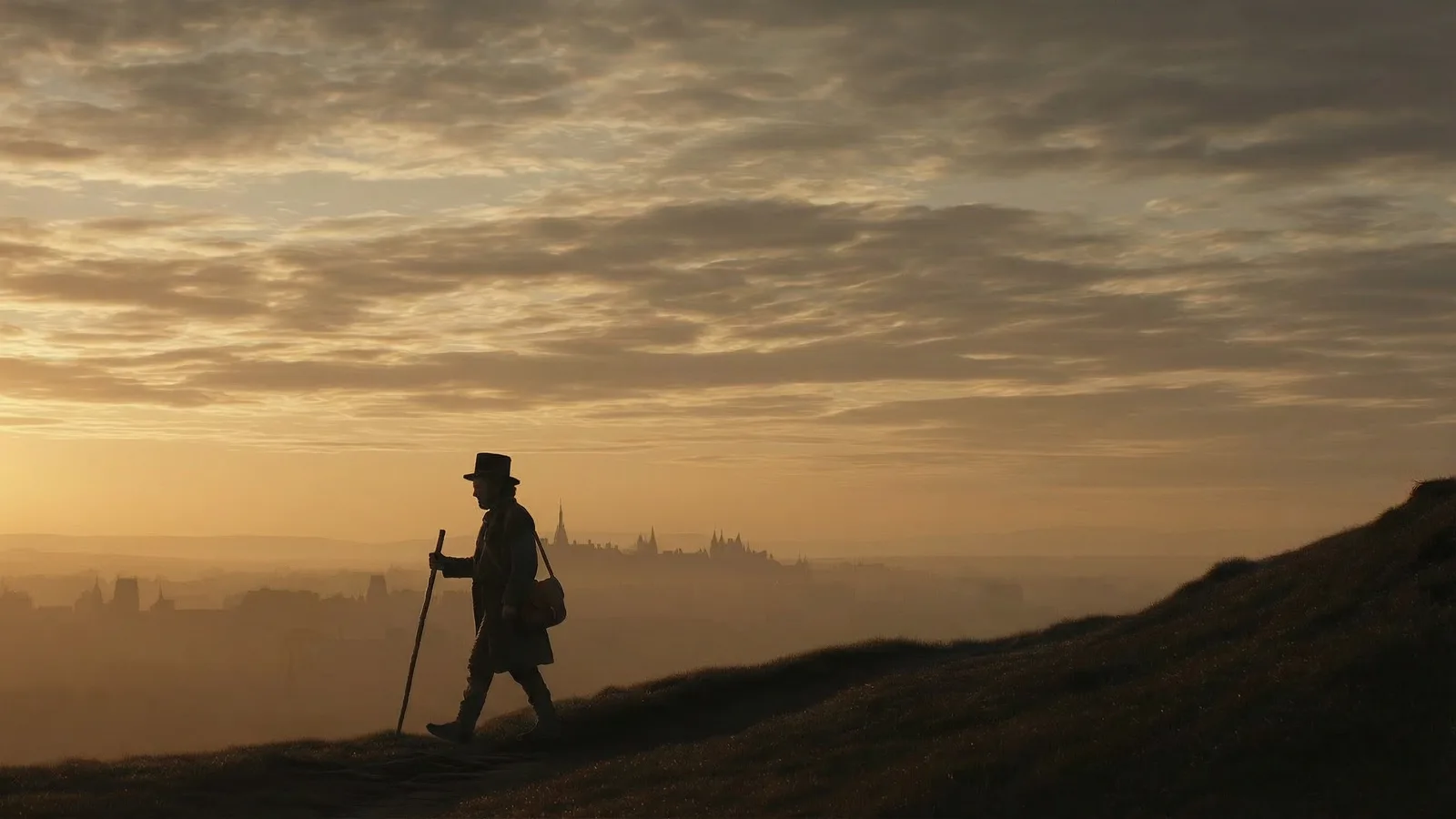
Canvas from Still Time (Flick Residency) ÉTAPE 2
DIRECT IT FROM A FRAME
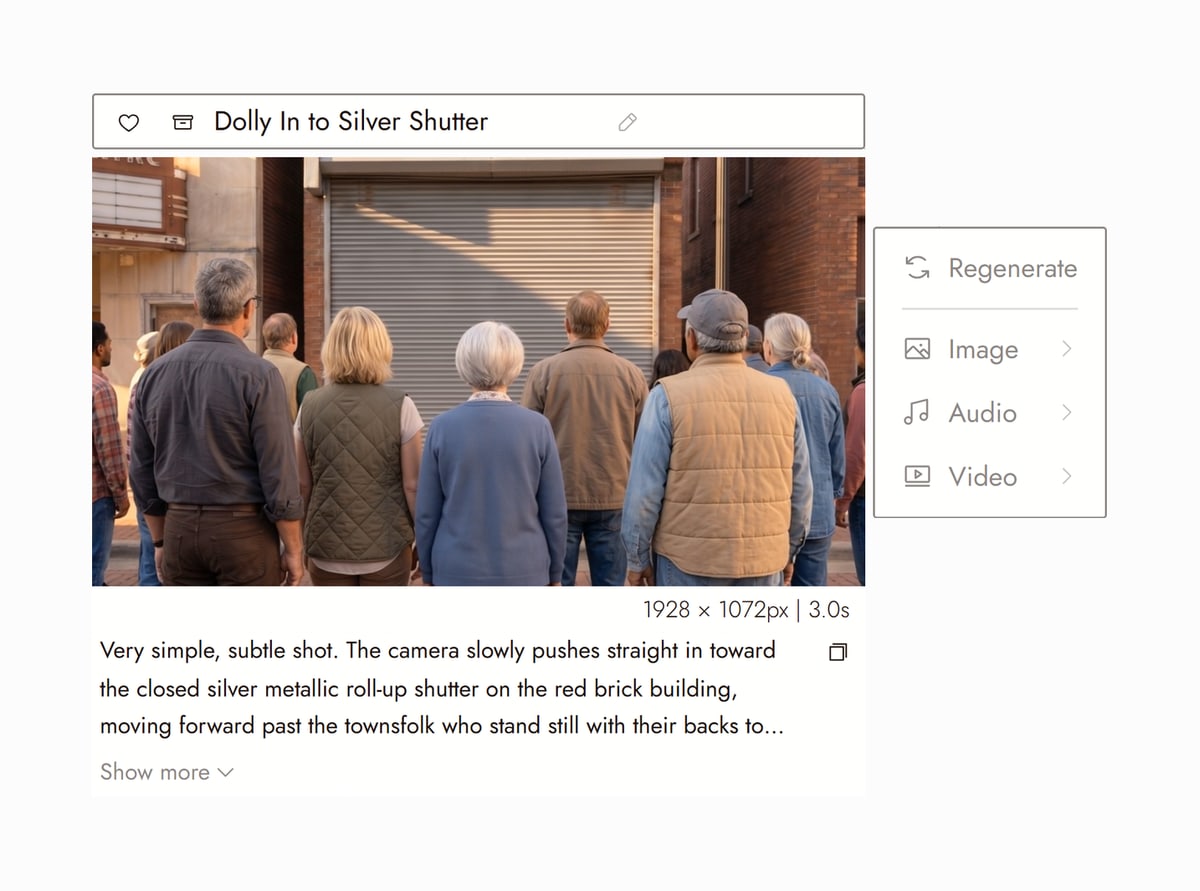
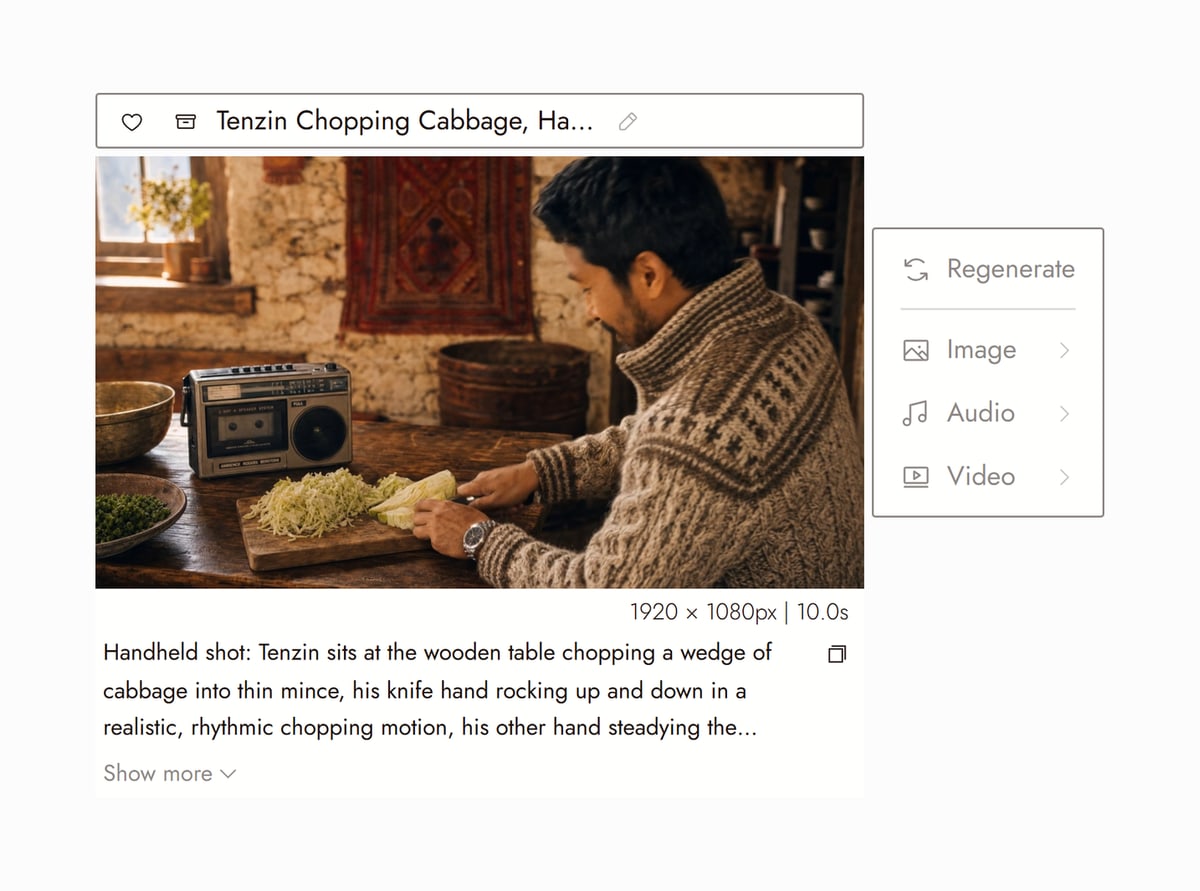
Start from a still on your canvas so the first frame is already right, add an end frame to fix where the move finishes, and write the action and the camera move in the prompt. Kling 3.0, 3.0 Pro and 3.0 4K run 3, 5, 10 or 15 seconds, O3 and O3 Pro 5, 10 or 15, Kling 2.6 Pro 5 or 10. Pick 16:9, 9:16 or 1:1 on 3.0, 3.0 Pro, O3 and O3 Pro; 3.0 4K follows the aspect ratio of your start frame, and 2.6 Pro has no aspect ratio setting.
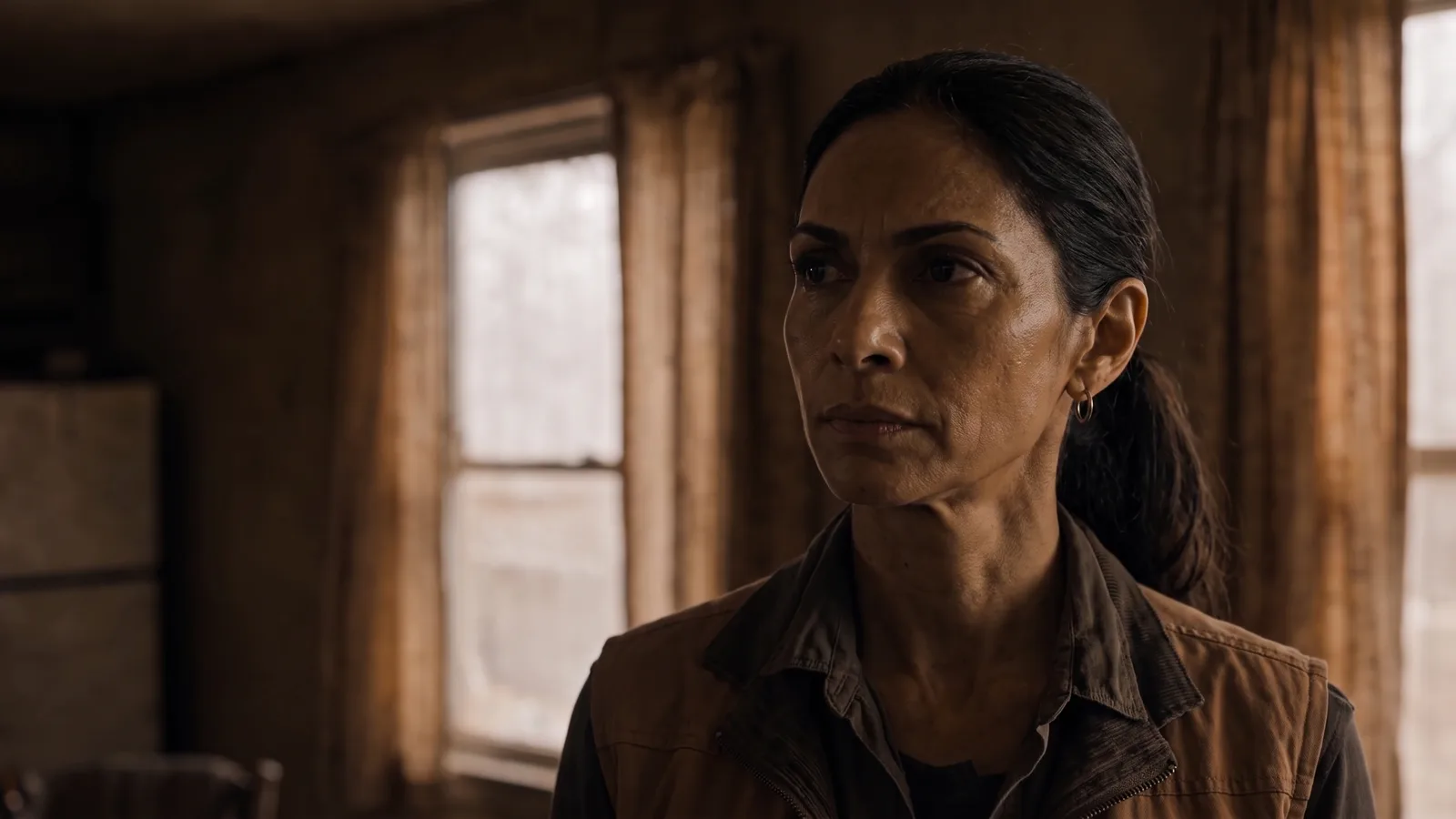
Canvas from Seasons (Flick Residency) ÉTAPE 3
HOLD THE CHARACTER, CHAIN THE SHOTS
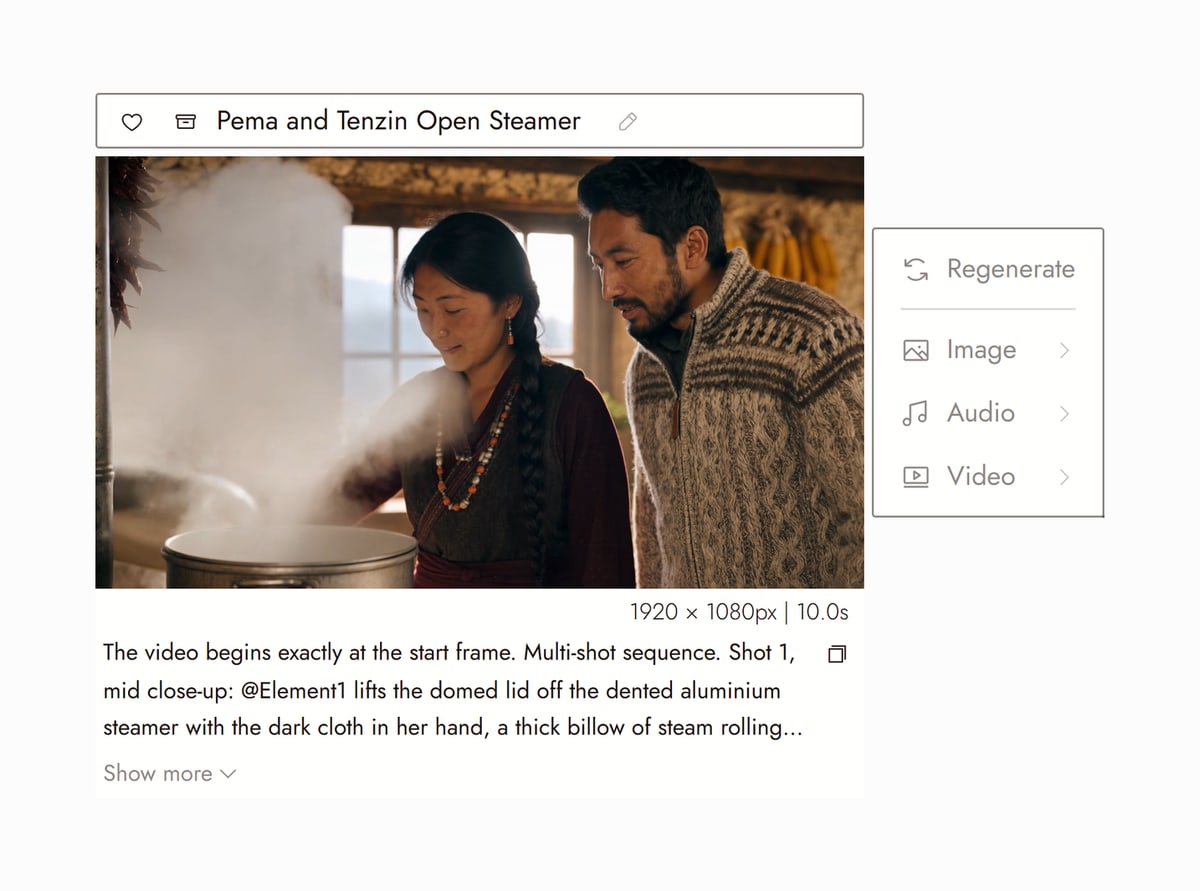
Run Character Reference once and send the same face into every Kling clip. Use Kling O3 Multishot in Omni Reference to describe up to 15 seconds as several shots, each with its own prompt and length. The clips sit in order on the canvas, ready to extend, edit with Kling O3 Pro video edit, or cut.
Canvas from Seasons (Flick Residency)


DÉCOUVREZ LES CRÉATIONS DES CRÉATEURS
KLING 3.0 AND O3 VIDEO GENERATOR FAQS
WHICH KLING MODELS ARE ON FLICK?
For video: Kling 3.0 and 3.0 Pro, Kling 3.0 4K, Kling O3 and O3 Pro, Kling 2.6 Pro, Kling O3 Multishot and O3 Pro Multishot in Omni Reference, Kling 2.6 in Motion Reference, Kling O3 Pro in Edit Video, and Kling AI Avatar v2 and v2 Pro in Character Dialogue for talking heads. For stills: Kling Image V3, up to 2K in eight aspect ratios. All of them run on the canvas, with native audio where the model supports it, and you can switch models between shots without leaving the project.
HOW MUCH DOES KLING COST ON FLICK?
Per 5 second clip at 1080p: Kling 3.0 and Kling O3 84 credits without audio, 126 for 3.0 and 112 for O3 with audio; Kling 3.0 Pro 112 (168 with audio); Kling O3 Pro 112 (140 with audio); Kling 2.6 Pro 70 (140 with audio); Kling 3.0 4K 330. 10 and 15 second clips cost two and three times that, and a 3 second Kling 3.0 clip is 0.6 times. Kling O3 Pro video edit is 67 credits per second of input video.
IS KLING FREE ON FLICK?
Flick has a free tier: up to 300 free credits (100 at signup plus 200 for joining our Discord) plus 100 weekly credits, no credit card required. The free plan includes MiniMax H3 Fast, MiniMax H3 Max and Pruna Draft video and every image model. Every Kling video model comes with the Standard plan, $20/month or $16/month billed yearly, with 2,500 credits a month; Kling Image V3 is on the free plan like every image model. Paid plans start at $5/month, or $4/month billed yearly.
HOW DO I USE KLING 3.0 FOR CHARACTER CONSISTENCY?
Generate the character once as an image (Nano Banana Pro is the usual pick), lock it with Character Reference, then use that image as the start frame of every Kling clip and describe the new action around it. For multi-shot scenes, Kling O3 Multishot in Omni Reference keeps the same reference across every shot in the prompt. The full walkthrough is in our Kling character consistency guide.
KLING OR VEO 3.1 FOR THIS SHOT?
Kling when the shot depends on physical movement: fights, vehicles, animals, crowds. Veo 3.1 when it depends on cinematic light and spoken dialogue. On Flick you can run both from the same start frame and keep the better one; the comparison page has side-by-side examples.
WHICH FILMS ON FLICK TV WERE MADE WITH KLING?
Slop! by Simon Meyer and WITCH by Olivia Qiu are built almost shot for shot on Kling O3. The Herder by Jaime Y. and The Last Stop and Not Finished Yet by Blumquist lean on Kling 3.0. A Proper Introduction by Jaime Yao mixes O3 and 3.0. Their public canvases on Flick TV show the prompt and settings behind each shot.
RUN KLING ON FLICK