AI Pixel Art Generator

Make pixel art from a prompt, from 8-bit sprites to 16-bit game scenes, then animate it into a moving clip. Free to try.

Why an AI pixel art generator?

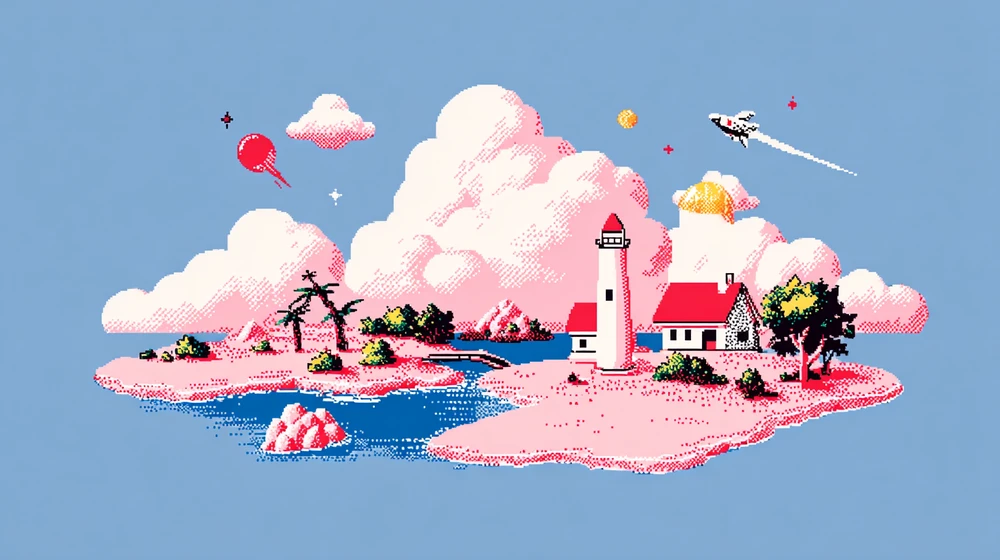
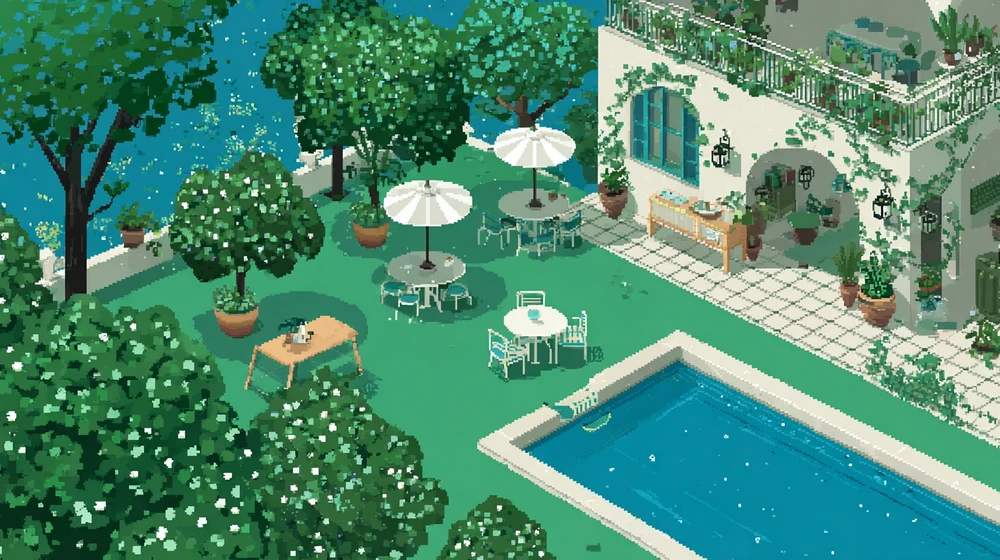
Pixel art is drawn one square pixel at a time in a small palette, the look of 1980s and 1990s video games. Drawing a scene by hand takes hours; with AI the work moves into the prompt, and the prompts below ask for hard pixels, a fixed palette and a game-screen layout, then Flick turns the result into a clip on the same canvas. Every example was made in Flick for this page with GPT Image 2.6, and the animated street with Pruna Draft, each with its exact prompt under it. For anime characters in pixels, see anime pixel art.

How do you make pixel art with AI?

In three steps: describe the scene with its pixel rules, pick a pixel art style, then animate and build the short on one canvas.
  1. Step 1

    Describe the scene.

    State the era and the pixel rules before the subject: here 16-bit, hard pixels with no anti-aliasing and a 32-colour palette, then a knight sized at about 32 pixels, so the model draws sprites rather than a blurred painting.

    16-bit pixel art knight with a red scarf on a cliff above a valley at sunset, a castle on a far hill
    16-bit pixel art scene, crisp hard pixels with no anti-aliasing and a limited 32-colour palette: a small knight with a red scarf stands at the edge of a cliff overlooking a valley at sunset, a castle on a distant hill, layered mountains in purple and blue, clouds drawn as flat bands, dithering in the sky gradient. Side-view composition like a classic console game screen, the knight about 32 pixels tall. No text, no HUD, no UI.
  2. Step 2

    Pick the style.

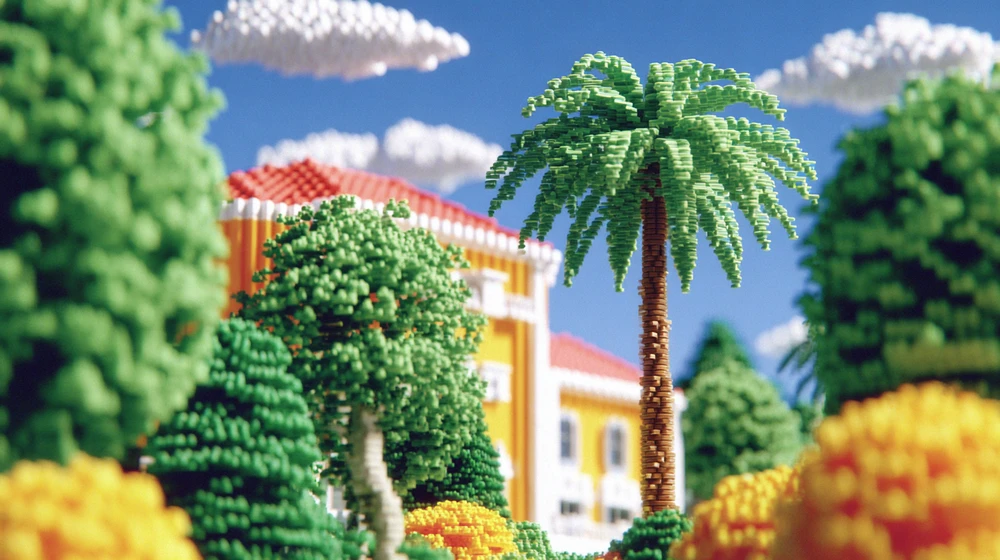
    Pick a pixel style once and every image keeps the same pixel size and palette, from flat 8-bit to isometric and voxel; each opens in Flickpedia.

  3. Step 3

    Build the whole short.

    Animate each still from its start frame and connect every shot to the character sheet it came from, so the same sprite carries through; this is part of the canvas behind Happy Souls Alive, Simay Ezer Pekcan's hand-painted 2D animated film.

    Happy Souls Alive by Simay Ezer Pekcan

    Drag to look around, scroll to zoom.

    See film and full workflow

Pixel art made with Flick

From 8-bit sprites to 16-bit scenes, an isometric room, a sprite sheet and an animated street, each made from one written prompt.
8-bit pixel art astronaut floating beside a moon base under a ringed planet on a black sky

An 8-bit astronaut on the moon

Chunky pixels, flat colours and a black sky with single-pixel stars keep it to what a 1980s home console could draw.
8-bit pixel art in the look of a 1980s home console, very low resolution with chunky square pixels and a strict palette of few colours on a black background: a tiny astronaut floats beside a pixel moon base, stars as single pixels, a ringed planet in two tones. Flat colours, no gradients, no anti-aliasing, framed like a single game screen. No text, no score, no UI.
16-bit pixel art fishing village on stilts over a turquoise lagoon with palm trees and a sailboat

A 16-bit fishing village

A top-down three-quarter view with tile-like water and decks gives the layout of a 1990s role-playing game map.
Pixel art landscape in the look of a 1990s 16-bit role-playing game: a wooden fishing village on stilts over a turquoise lagoon, palm trees, tiny villagers, a sailboat at the dock and layered pastel clouds, in a top-down three-quarter view. Limited palette, hard pixel edges, no anti-aliasing, tile-based look. No text, no UI.
Animated pixel art of a rainy neon street with a noodle stall and a figure with a pink umbrella
Start frame: Animated pixel art of a rainy neon street with a noodle stall and a figure with a pink umbrella
Start frame
00:05

A rainy neon street, animated

Animated from a still with a locked camera and a request to keep hard pixels, so the rain, the steam and the walker move while the street holds still.
Animate this pixel art scene as a seamless loop. Keep the pixel art style exactly: hard square pixels, the same limited palette of magenta, teal and deep purple, no smoothing, no blur, no new detail. Rain falls steadily in thin dithered streaks, steam curls up from the noodle bowls at the stall, the neon shapes flicker softly, ripples spread in the puddles, and the figure with the umbrella walks slowly from left to right along the railing. The camera stays completely locked, no pan, no zoom.
Pixel art sprite sheet of a traveller in a yellow hooded cloak: eight walk frames and four staff swing frames

A walk cycle sprite sheet

Every frame the same size on one baseline gives a sheet you can step through as a walk and an attack animation.
A pixel art character sprite sheet on a plain light grey background: one small traveller in a mustard yellow hooded cloak holding a wooden staff, shown in eight frames of a walk cycle in a single row, with four frames of a staff swing in a row below, every frame the same size and on the same baseline, 32 by 32 pixel sprites scaled up crisp with no smoothing. Limited 16-colour palette. No text, no labels, no grid lines.
Isometric pixel art bedroom cutaway with a glowing computer, a quilted bed and a cat at the rainy window

An isometric bedroom at night

An isometric cutaway with one-pixel outlines and warm lamp light against blue shadows draws a whole room as one game tile.
Isometric pixel art of a cosy bedroom at night, a cutaway cube floating on a dark navy background: a desk with a glowing computer, a bed with a patchwork quilt, bookshelves, a cat on the windowsill and a rain-streaked window. Clean one-pixel outlines, warm lamp light against cool blue shadows, careful dithering, crisp hard pixels. No text.
Pixel art cafe table with cocoa, strawberry cake, an open sketchbook and a lamp by a rainy window

A rainy cafe table

A low resolution scaled up with hard edges and dithered lamplight keeps a soft, cosy scene clearly pixel art.
Pixel art of a cosy cafe table by a window on a rainy afternoon: a steaming cup of cocoa, a slice of strawberry cake, an open sketchbook and a warm lamp, at a chunky low resolution scaled up with hard edges, a soft palette of browns, pinks and creams with dithered lamplight. No text.

What makes a pixel art prompt work?

Name the pixel rules as well as the subject, so the model draws hard square pixels in a fixed palette rather than a soft painting with a pixel texture.
  • Era: 8-bit for chunky sprites and few colours, 16-bit for detailed scenes and smooth gradients drawn with dithering.
  • Edges: crisp hard pixels, no anti-aliasing, no smoothing.
  • Palette: a number (limited 16-colour palette) or a list of colours.
  • Scale: how tall the character is in pixels, such as about 32 pixels tall.
  • View: side view like a console game screen, top-down three-quarter view or isometric.
  • Rule out game clutter: no text, no HUD, no UI, unless you want a score on screen.

How do you make pixel art animation with AI?

Generate the pixel art still first, then use it as the start frame of an image to video model and describe a small, looping motion, so the pixels and the palette stay intact.
  • Ask for loops a game would use: rain falling, steam rising, water rippling, a flag waving, a character's idle breathing.
  • Write keep the pixel art style, hard pixels, same palette, no smoothing, so the edges stay hard as the frames move.
  • For a sprite that walks or attacks, start from a sprite sheet: every frame the same size, on one baseline, in a single row.

AI pixel art generator FAQs

Can AI make pixel art?

Yes. Flick generates pixel art from a text description; name the era (8-bit or 16-bit), ask for hard pixels with no anti-aliasing and give a limited palette, and the image reads as real pixel art rather than a blurred one.

What is the difference between 8-bit and 16-bit pixel art?

8-bit pixel art copies 1980s consoles, with large pixels, very few colours and simple shapes, while 16-bit copies early 1990s consoles, with smaller pixels, larger palettes, shading and dithered gradients.

How do I animate pixel art with AI?

Generate the pixel art image, use it as the start frame of an image to video model in Flick, and describe one small motion such as rain or a character breathing, asking the model to keep hard pixels and the same palette. Pruna Draft runs on the free plan.

Can I make a sprite sheet with AI?

Yes. Ask for one character in several frames of a walk or attack cycle in a single row, every frame the same size and on the same baseline, on a plain background, with no labels or grid lines.

Can I use AI pixel art in my game?

Yes for prototypes and backgrounds; for sprites a game will animate frame by frame, generate at the pixel size you need and clean up the palette, since a generated image is not tied to an exact pixel grid.

Is the pixel art generator free?

Yes, it is free to start: the free plan gives 100 credits every week with no credit card, and GPT Image 2.6 runs on it. Video models such as Seedance 2.5 need the Standard plan ($20 a month).

More pixel styles in Flick

Try the pixel art style in Flick

Try for free, no credit card required.

Ask AI about this page:ChatGPTPerplexityClaude