Old Film Effect in AI Video: Prompts and Examples

An old film effect comes from five things together: grain that stays fixed over the frame, damage like scratches and dust, flicker and gate weave, an aged tone, and a named era. Write all five into the prompt.

An ink drawing of an old film projector throwing a dusty, scratched beam of light

Most guides to the old film effect lay a scratched overlay on finished footage in an editor, and on AI video that often looks pasted on, because the shot itself was made clean and modern. We searched the 9,960 prompts behind 66 team and residency films with public canvases on Flick, and four films ask for an aged, archive-film look in words, from a 1920s boxing match to a 1940s newsreel. This guide turns what those filmmakers wrote into five elements, six steps and one old film line you can paste into a prompt, with credited shots and the exact prompts that made them.

An old film effect line to copy

Paste this line at the end of a video prompt to ask for all five elements at once, then remove the ones your scene does not need.
old 1920s archive film, black and white with a faded sepia tone, coarse film grain fixed over the entire frame, light dust and scratches, gentle flicker and exposure breathing, occasional gate weave, soft focus, camera locked
Where these words come from

Every phrase is taken from the Flick prompts quoted on this page: the fixed grain overlay from Boxing at the Opera and La fille dans le parc, the scratches, gate weave and exposure breathing from The Miracle, and the faded, yellowed color from Bunnies Brunch. The line itself is ours. (Flick note)

What makes AI video look like old film?

Fixed grain, physical damage, unsteady exposure and frame, an aged tone, and a period you name, because real old film shows all five at once.
ElementWhat you seeWords that worked in Flick filmsProof
Fixed grainCoarse texture over the whole frame that never smears with the motionA static fixed film grain overlay sits on top of the entire frameSee a real grain shot
DamageScratches, dust and specks on the emulsioncoarse grain, scratchesSee a real damaged shot
Flicker and weaveBrightness pulsing from frame to frame, a slight sideways wobbleoccasional gate weave and exposure breathingSee a real flicker shot
ToneSepia or silver black and white, or faded, yellowed color20s old vintage film grain texture and look; faded color filmSee a real sepia shot
EraA decade and a kind of footage the model can pictureold 1940s style black and white film for the look like an archive filmSee a real newsreel shot

How do you add film grain that looks old, not digital?

Describe the grain as a fixed layer over the whole frame, so the video model keeps it still instead of letting it swim with the action.

23 Seedance video prompts in two Flick films end with a version of the same grain paragraph, which is how those films hold one archive texture from clip to clip.

More detail
  • Name the grain once as texture: analog film grain texture
  • Then once as a layer that holds still: A static fixed film grain overlay
  • Then the era it belongs to: an old archived film

Without the second sentence, video models tend to soften or animate the grain along with the subject, and the shot starts to look like a modern clip with a filter.

Black and white extreme close-up of a woman's eyes glancing side to side in coarse archive film grain
Start frame: Black and white extreme close-up of a woman's eyes glancing side to side in coarse archive film grain
Start frame
00:05

A grain overlay that holds still

The action takes one line, and the grain paragraph that follows asks for a vintage analog look, an archived film.

camera locked. her eyes look to the right, then to the left, then to the right again. keep the analog film grain texture.

A static fixed film grain overlay sits on top of the entire frame, moving like a natural vintage static. The grain is staticy the entire clip. Camera locked, no camera movement. the entire scene should be a vintage analog look, an archived film
Hannah L., director of La fille dans le parc

How do you get scratches, flicker and gate weave in AI video?

Name the kind of footage first, such as a 1940s newsreel, then list the defects it would really have: scratches, coarse grain, gate weave and exposure breathing.

Gate weave is the slight sideways wobble of film moving through a camera gate, and exposure breathing is the brightness pulsing that reads as flicker.

More detail
  • Ask for defects as occasional, so they read as age rather than a filter
  • Lock or steady the camera, so the weave reads as the film moving, not the operator
  • The Miracle also asks for period newsreel noise in the sound
Grainy black and white archive shot of a kneeling man on a wet rooftop platform in the rain at night00:15

A 1940s newsreel with scratches and weave

The prompt calls the shot 1940 documentary or newsreel footage, then lists silver-halide contrast, halation, coarse grain, scratches, gate weave and exposure breathing.

Make a 15second sequence in 2:39 aspect ratio and old 1940s style black and white film for the look like an archive film. The Sentinel and The Father are batling at the top of the tower on the summit. The father pushes to one knee, defeated but defiant, and looks once toward the fully open golden entrance. The Sentinel approaches from behind with deliberate steps, raises the single polearm, and executes one decisive horizontal beheading stroke. Stage the death in a distant wide black-and-white silhouette: unmistakable but not exploitative, no gore close-up and no blood spray. The father’s single head separates once and lands a short distance from the single body; never duplicate head, body, weapon, or limbs. Hold on the still wide image under rain and lightning. No music.


Location one immense uninterrupted circular platform; intact continuous outer rim; wet concentric floor rings; one central cylindrical structure; one broad, wide-and-tall rectangular golden-room entrance that remains fully open for the entire 1940 sequence. No chimney, vent, cable, bridge, drawbridge, walkway, railing, extra building, debris field, or duplicate structure.

No music in any generation. Use only storm wind, rain, boots, armor, weapon impacts, breaths, body impacts, and period newsreel noise. This is 1940 documentary/newsreel footage: monochrome silver-halide contrast, halation, coarse grain, scratches, occasional gate weave and exposure breathing. The camera can be tripod, handheld, or a rough mechanical crane; never a drone.
Sam Wasserman, director of The Miracle

How do you give AI video a sepia, 1920s film look?

Name the decade and the tone together, such as a 1920s old vintage film, so the model reaches for brown sepia highlights, soft contrast and heavy grain in one go.

Boxing at the Opera repeats its era across its edits: 20s film analog grain texture, 20s gilded old analog grain film, 20s old vintage film grain texture.

More detail
  • Sepia tone: brown and amber highlights instead of neutral grey
  • Soft contrast: crushed blacks, highlights that glow rather than clip
  • Repeating the decade in each edit keeps a whole film in one period
Sepia close-up of a boxer taking a glove to the face in a dim gilded opera hall, heavy vintage grain

A 1920s punch in sepia grain

An edit that names an earlier frame as the setting and asks for a 20s old vintage film grain texture and look.

i want a close up of him getting punched. Spotlight Brightened, Film Grain is the setting for reference. should be 20s old vintage film grain texture and look
Hannah L., director of Boxing at the Opera

How do you make AI images look like faded old color film?

Describe how the color has aged, gently yellowed with denser shadows and a little haze, rather than just writing vintage, which models often read as a clean retro set.

Bunnies Brunch ran the same prompt, byte for byte, on two image models, and both read as a faded frame from an old color film.

Mustard-yellow living room with a teal window and an old television, faded grainy color film look

Faded old color film, on Nano Banana 2

The prompt ends with its own shorthand: faded color film, fine grain, soft focus and imperfect vintage texture.

The image has the feel of a faded frame from an old color film: tactile, slightly imperfect, and warmly nostalgic.

Texture
Visible fine grain and mild softness keep edges from looking digitally sharp. The colors have a gently aged, almost yellowed quality, with a little haze in the bright window and darker, denser shadows around the television.

Color and light
Mustard-yellow wallpaper and warm cream tones contrast with the cool teal window frame and blue-green cast inside the TV. Daylight from the left feels diffused rather than crisp, giving the room a lived-in glow.

Composition
The open window and boxy television divide the frame into two strong shapes. The people appear inside the curved TV screen, which adds another layer of softness and makes the scene feel like a memory being watched.

Aesthetic
Mid-century domestic nostalgia with an archival, analog-film look—more like a found movie still than a polished retro set. For a prompt, the useful shorthand is faded color film, fine grain, soft focus, warm yellow interior, cool teal accents, diffused daylight, and imperfect vintage texture.
Hannah L., director of Bunnies Brunch
Faded yellow living room with a crochet blanket and an old television showing a family, aged film color

The same prompt, on GPT Image 2.5

The same words give a different room with the same aged, almost yellowed color, so the look survives a change of model.

The image has the feel of a faded frame from an old color film: tactile, slightly imperfect, and warmly nostalgic.

Texture
Visible fine grain and mild softness keep edges from looking digitally sharp. The colors have a gently aged, almost yellowed quality, with a little haze in the bright window and darker, denser shadows around the television.

Color and light
Mustard-yellow wallpaper and warm cream tones contrast with the cool teal window frame and blue-green cast inside the TV. Daylight from the left feels diffused rather than crisp, giving the room a lived-in glow.

Composition
The open window and boxy television divide the frame into two strong shapes. The people appear inside the curved TV screen, which adds another layer of softness and makes the scene feel like a memory being watched.

Aesthetic
Mid-century domestic nostalgia with an archival, analog-film look—more like a found movie still than a polished retro set. For a prompt, the useful shorthand is faded color film, fine grain, soft focus, warm yellow interior, cool teal accents, diffused daylight, and imperfect vintage texture.
Hannah L., director of Bunnies Brunch

How do you make an old film effect in Flick, step by step?

Start from a frame that already looks old, keep the look in every edit, then animate with the grain paragraph and a locked camera.
  1. Step 1

    Pick an era

    Choose one decade and one kind of footage, such as a 1920s film or a 1940s newsreel, because the era decides the tone, grain and damage together.

    Sepia wide shot of a gilded opera stage and orchestra seen past a dark audience, 1920s film grain
    Hannah L., director of Boxing at the Opera · GPT Image 2
  2. Step 2

    Generate the key frame

    Write the scene and the aged look in one image prompt, or attach old-looking frames as color and texture references, so the first frame already reads as film.

    Gilded opera house with a crystal chandelier and candlelit balconies in faded warm vintage film color
    Hannah L., director of Boxing at the Opera · GPT Image 2
  3. Step 3

    Keep the look in edits

    Edit the frame instead of starting over, and say keep the heavy analog film grain style each time, so new angles stay in the same period.

    Black and white park path with people walking past a lamp post in heavy analog film grain
    Hannah L., director of La fille dans le parc · GPT Image 2
  4. Step 4

    Animate with the grain

    Send the frame to Image to Video and add the fixed grain paragraph, so the model keeps the texture still while the people move.

    Sepia shot of an opera audience in evening dress clapping in their boxes, archive film grain
    Start frame: Sepia shot of an opera audience in evening dress clapping in their boxes, archive film grain
    Start frame
    00:05
    Hannah L., director of Boxing at the Opera · Seedance 2.5 · Image to video
  5. Step 5

    Lock the camera

    Write camera locked and keep the action small, because old footage rarely moves like a modern gimbal and steady frames let the grain and weave read.

    Wide black and white park with tiny figures chatting on the grass under trees, grainy archive film
    Start frame: Wide black and white park with tiny figures chatting on the grass under trees, grainy archive film
    Start frame
    00:05
    Hannah L., director of La fille dans le parc · Seedance 2.0 · Image to video
  6. Step 6

    Reuse one look line

    Keep the old film look as one paragraph and paste it into every video prompt, so a whole film stays in one era shot after shot.

    Black and white park where a giant young woman rests on her knees while tiny visitors walk around her
    Start frame: Black and white park where a giant young woman rests on her knees while tiny visitors walk around her
    Start frame
    00:10
    Hannah L., director of La fille dans le parc · Seedance 2.0 · Image to video

Which Flickpedia styles help with an old film effect?

Start with Vintage Film Grain from Flickpedia for worn photographic texture, or High Contrast Black and White for a silver archive look.
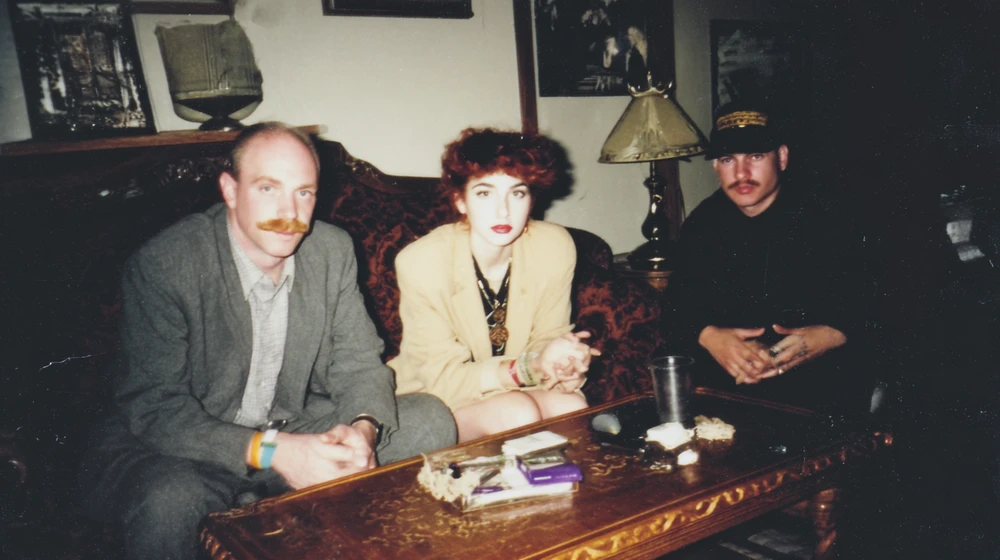
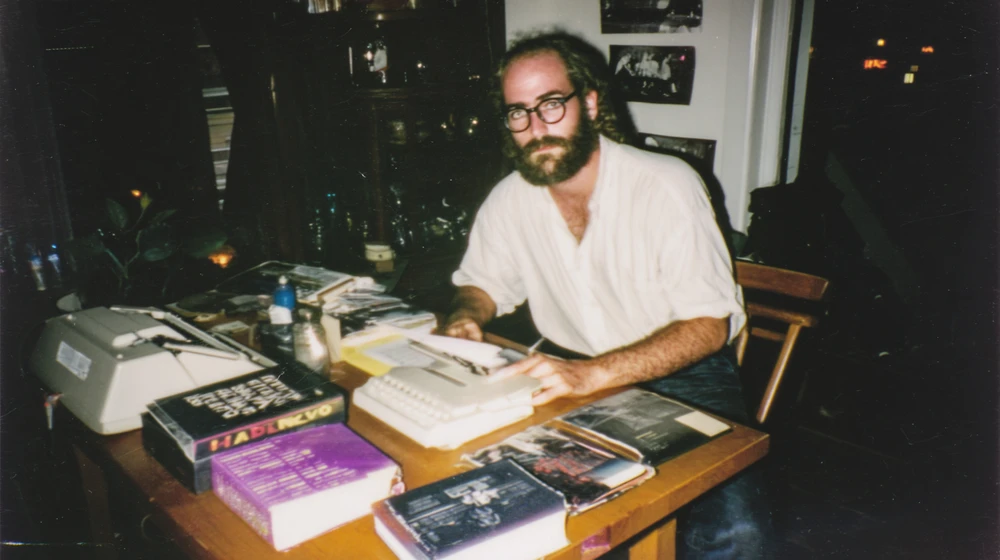
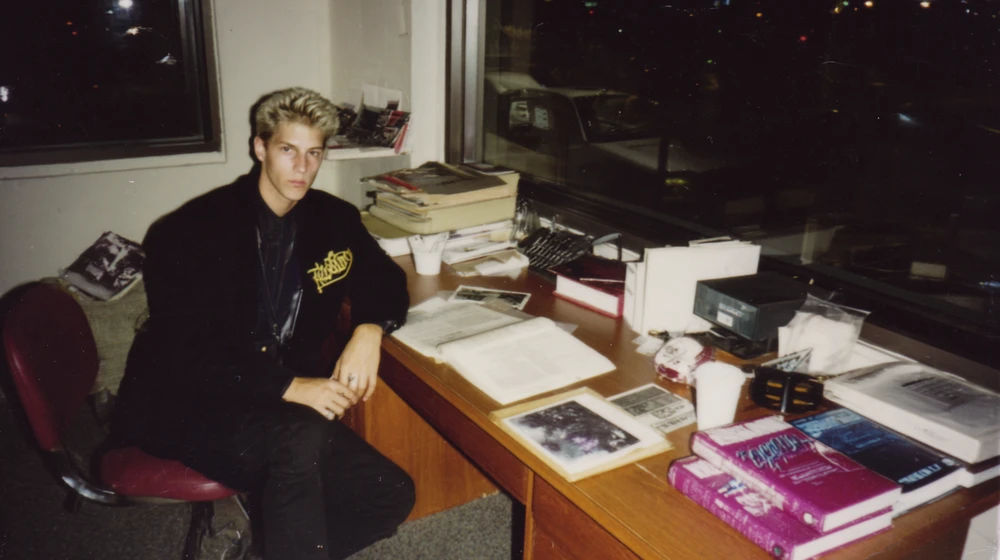
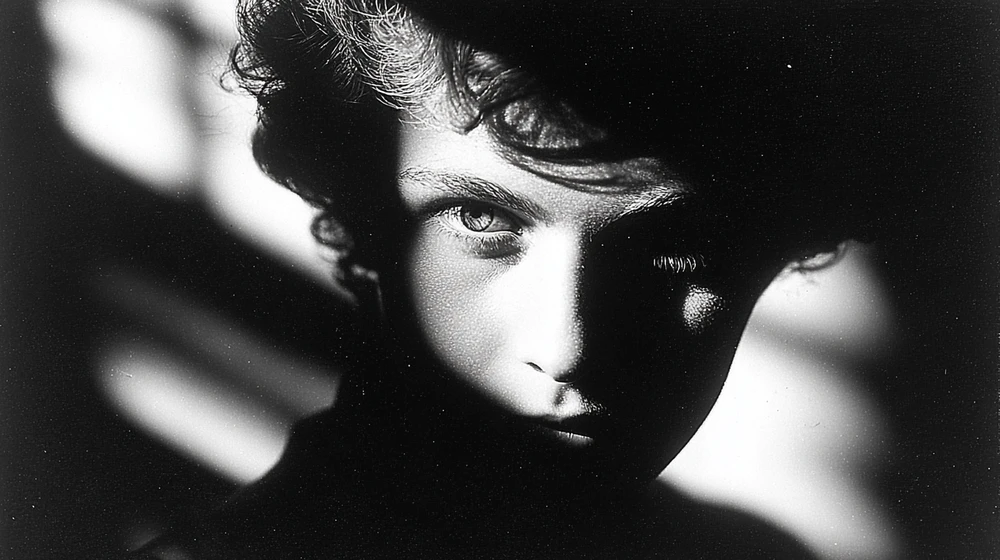
Vintage Film Grain: Three friends on a sofa in a dim living roomVintage Film Grain: Bearded man writing at a desk stacked with booksVintage Film Grain: Young man at a desk covered in papers

Vintage Film Grain

This style mimics the appearance of old film photographs, characterized by visible grain, slight color shifts, and a worn, textured quality.

More detail

The lighting appears soft and diffused, contributing to a nostalgic and atmospheric feel.

Use this style in Flick

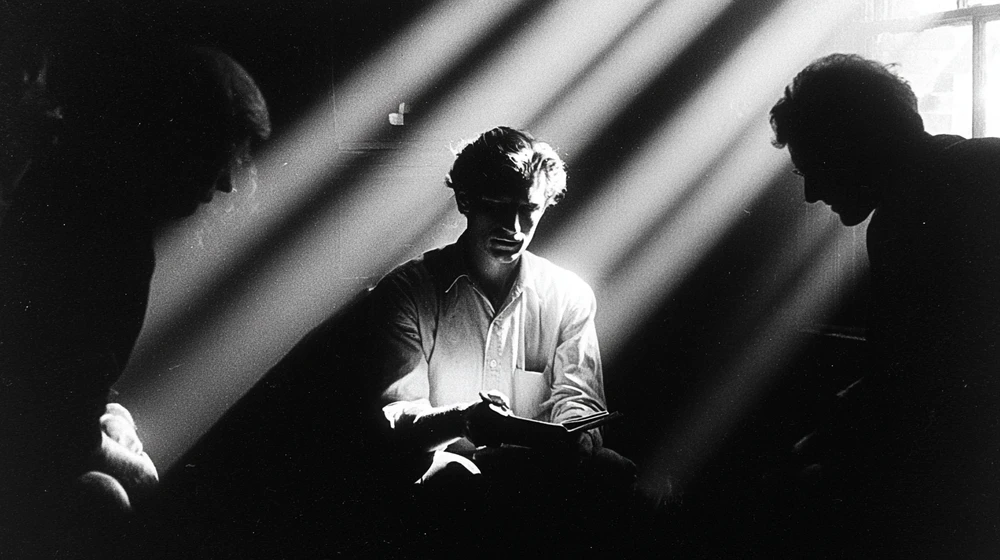
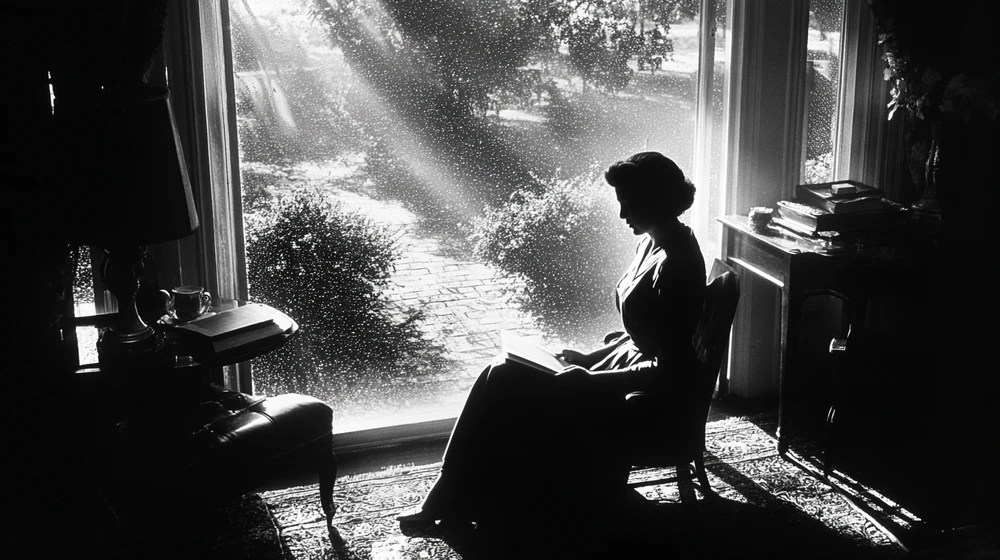
High Contrast Black and White: Face crossed by hard striped shadow in black and whiteHigh Contrast Black and White: Man reading in shafts of window lightHigh Contrast Black and White: Woman by a window in bright backlight

High Contrast Black and White

This style heavily relies on dramatic lighting, creating stark contrasts between deep shadows and bright highlights.

More detail

The limited grayscale palette emphasizes form and texture, often with a grainy or textured appearance characteristic of film photography.

Use this style in Flick

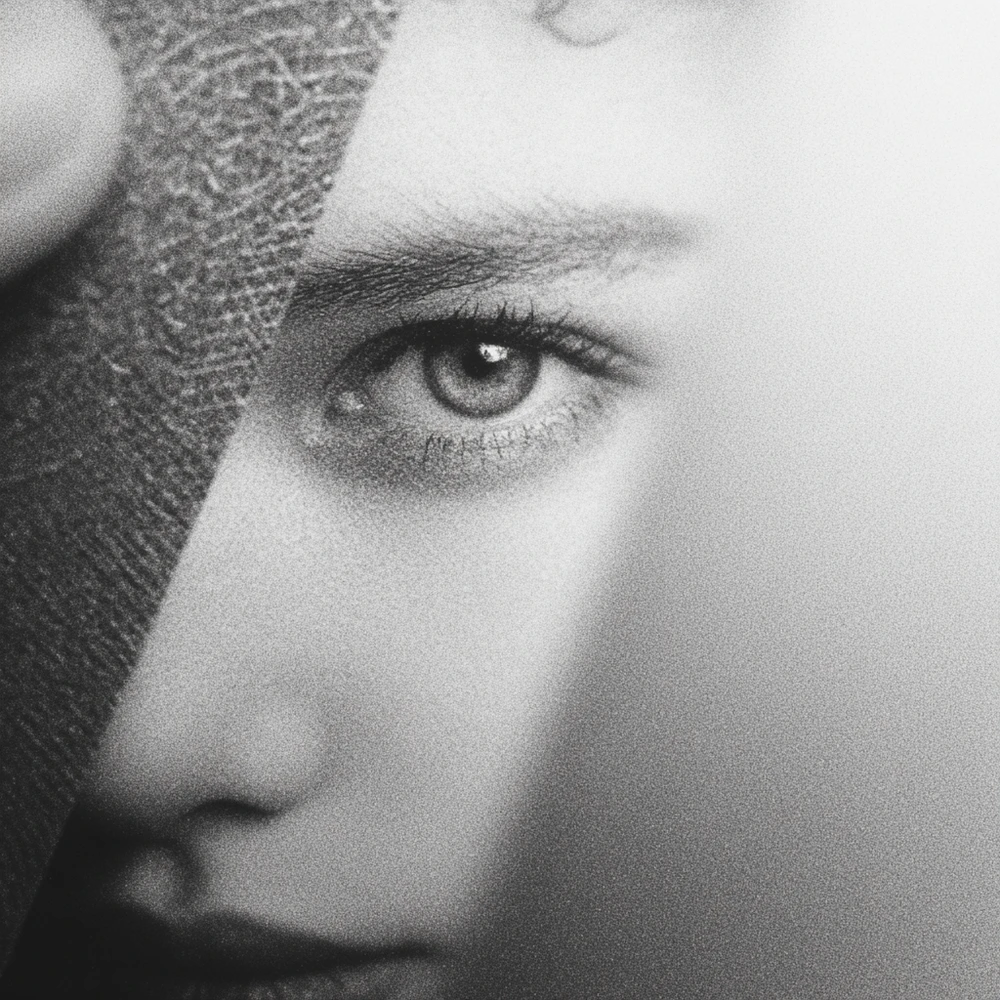
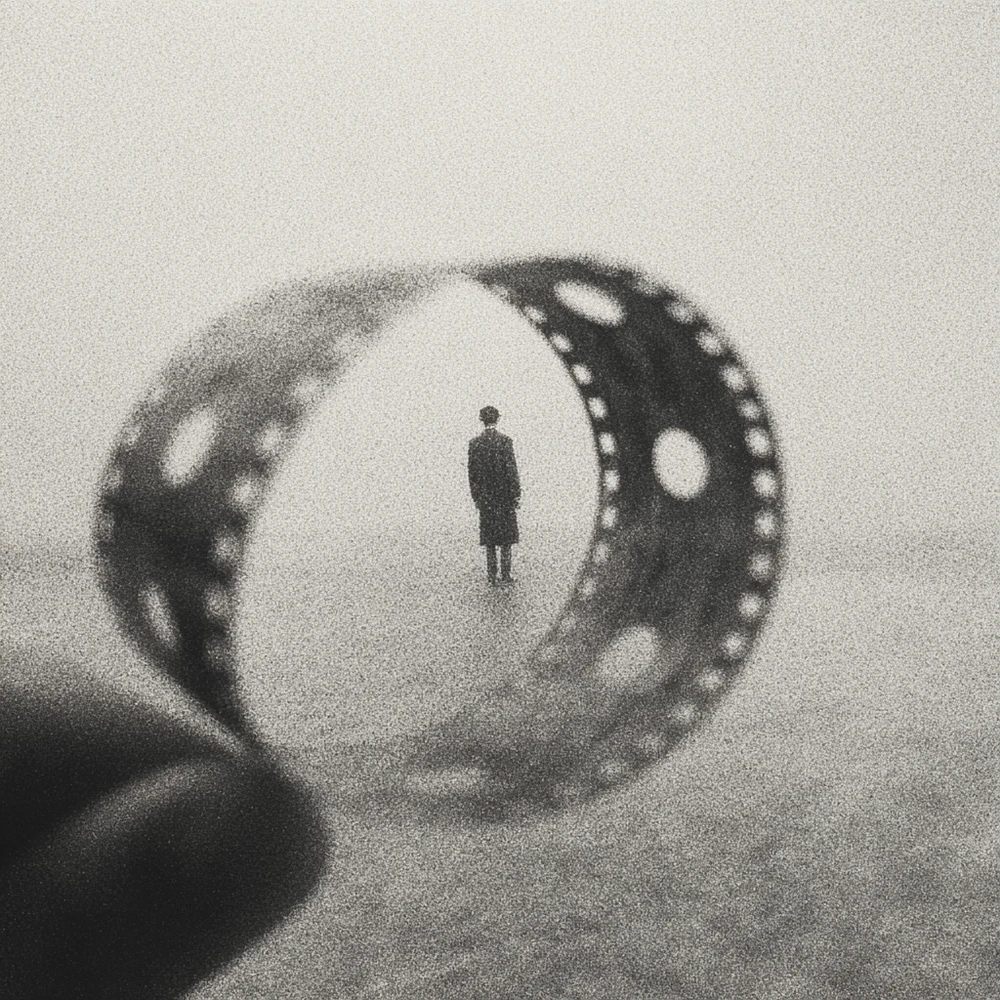
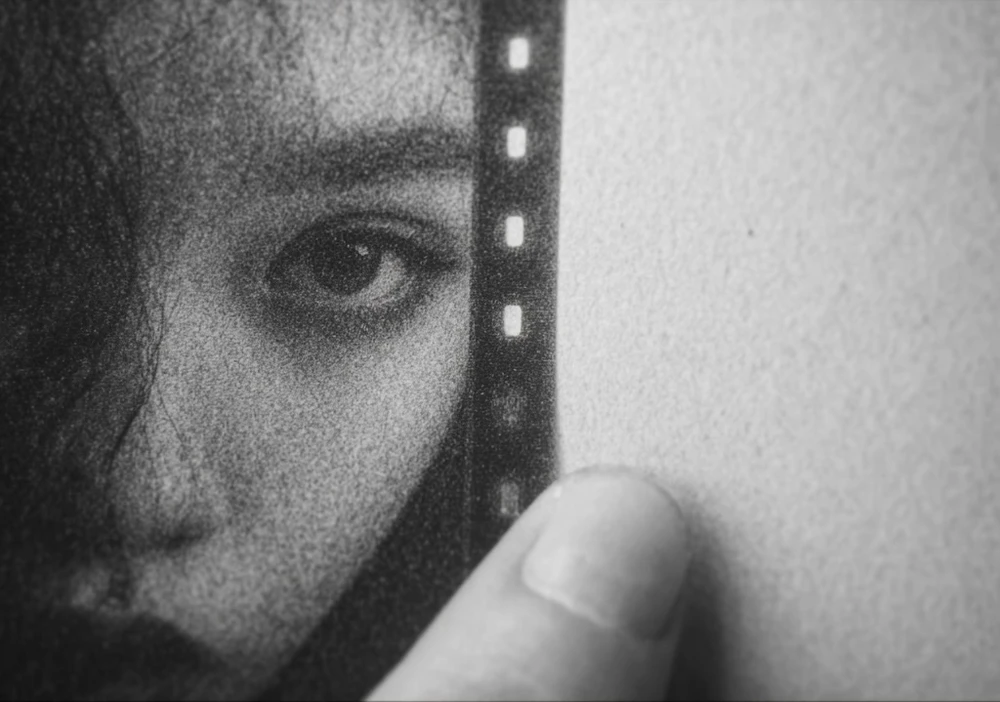
DVD 35mm film grit: Black and white close-up of an eye in heavy grainDVD 35mm film grit: Film strip curling around a tiny standing figureDVD 35mm film grit: Face peering past a strip of film

DVD 35mm film grit

Black and white close-ups with heavy, gritty grain, soft focus and film-strip motifs.

More detail

Flickpedia has no written description for this Editor's Choice style, so this line is ours. (Flick note)

Use this style in Flick

Vintage Polaroid Photo: Man at a market stall of fruit in faded instant-film colorVintage Polaroid Photo: Wet narrow street between old housesVintage Polaroid Photo: Rail crossing on a rainy evening street

Vintage Polaroid Photo

The image features the characteristic soft focus, muted colors, and subtle vignetting often associated with vintage Polaroid photographs.

More detail

A slight grain and a faded, warm color cast further enhance the analog, nostalgic feel.

Use this style in Flick

How is an old film effect different from a 35mm film look?

A 35mm film look is clean, modern cinema on film, while an old film effect adds age: damage, flicker, weave, faded or sepia tone and a period.
  • Both start from real grain, so the grain words overlap
  • A 35mm look keeps color true and the print clean; an old film effect fades it and marks it
  • For the clean version, read how to get a 35mm film look in AI video

Old film effect FAQ

What is an old film effect?

A look that makes footage seem shot on aged film decades ago: coarse grain, scratches and dust, flicker, a slight frame wobble called gate weave, and sepia, silver or faded color. It reads as old when several appear together, not from one effect.

How do I make an AI video look like old film?

Write the era and its defects into the video prompt, such as old 1940s archive film with coarse grain, scratches and gate weave, and start from a frame that already looks old. Describe the grain as a fixed overlay so it does not swim with the motion.

How do I add scratches and dust to an AI video?

Ask for them by name and as occasional, such as light dust and scratches, and tie them to a kind of footage like a newsreel. For exact control over where scratches fall, generate clean and add a scratch overlay in your editor.

Why does old film flicker?

Early cameras and projectors did not expose every frame evenly, so brightness pulses from frame to frame, and the film also shifts slightly in the gate. In an AI prompt, write gentle flicker, exposure breathing and occasional gate weave.

How do I get a sepia film look with AI?

Name the decade with the tone, such as 1920s vintage film with a sepia tone, and add heavy film grain. Repeat it in every edit so new frames keep the same brown, amber highlights.

What is the difference between 8mm, 16mm and 35mm film looks?

Smaller film frames are enlarged more, so 8mm shows the biggest grain and softest detail, 16mm sits between, and 35mm is the finest and cleanest. For a home movie feel, name 8mm or Super 8 with the grain; for archive or documentary footage, 16mm.

Can I make an old film effect with AI for free?

You can start for free. Flick gives you 100 credits when you sign up, and 200 more for joining the Flick Discord. Image generation with a Flickpedia style, including GPT Image 2 and Nano Banana Pro, is on the Free plan. Most video models, such as Seedance and Kling, need a paid plan.

More on film looks and AI video in Flick

Films in this guide

Every shot on this page comes from a public Flick film canvas and is credited to its filmmaker. Style descriptions are from Flickpedia unless marked as a Flick note.

Age your next scene in Flick

Pick an era, paste your old film line into every prompt, and keep the grain still from the first frame to the last shot.

Try the old film look in Flick

Try for free, no credit card required.

Ask AI about this page:ChatGPTPerplexityClaude