AI Linocut Generator

Make linocut prints from a prompt: bold carved shapes, visible gouge marks and one to four flat ink colours on textured paper. Free to try.

What is linocut?

Animated linocut of a red fox trotting through a snowy birch forest under a crescent moon
Start frame: Animated linocut of a red fox trotting through a snowy birch forest under a crescent moon
Start frame
00:05

A linocut is a relief print: the artist carves away a sheet of linoleum with gouges, rolls ink over what is left and presses paper onto it, so every line is a cut and every colour is a separate block. Carving and printing one design by hand takes days; in Flick you describe the subject, the colours and the cut marks, pick a linocut style and generate, then turn the print into a moving clip on the same canvas. Every still below was made in Flick for this page with GPT Image 2.6, with its exact prompt under it; the clip above and one gallery clip were animated from those stills with Seedance 2.0.

How do you make a linocut print with AI?

In three steps: describe the subject with its colours and carving marks, pick a linocut or woodcut style, then build the clips around it on one canvas.
  1. Step 1

    Describe the print.

    Name the number of colours, what is carved and what is left as bare paper, then the printing flaws: here a vermilion fox over black birches, a sky of gouge lines and a slightly misregistered layer, so the model draws a hand-pulled print rather than a flat vector.

    Two-colour linocut of a red fox crossing a snowy birch forest under a crescent moon
    Two-colour linocut print. A red fox trots through a snowy birch forest under a low crescent moon, its tail streaming behind it. Bold carved black shapes, the snow left as uncut white paper, the fox printed in one flat vermilion layer slightly out of register with the black. The night sky carved as parallel curved gouge lines, birch bark as chunky black stripes, small flecks of stray ink where the roller left the block uneven. Off-white cotton printmaking paper with a soft grain. Flat ink only, no gradients, no shading except carved hatching. No text, no signature, no logos.
  2. Step 2

    Pick the style.

    Pick a linocut or woodcut style once and every image inherits its ink colours, line weight and paper; each opens in Flickpedia.

  3. Step 3

    Build the whole short.

    Turn each print into a clip and connect every shot to the references it came from, so a palette and a carved look carry through the film; this is part of the canvas behind Happy Souls Alive, Simay Ezer Pekcan's hand-painted animation, where many shots ask for graphic folk illustration with a geometric shape language and flattened perspective.

    Happy Souls Alive by Simay Ezer Pekcan

    Drag to look around, scroll to zoom.

    See film and full workflow

Linocut prints made with Flick

Harbours, house plants, mountains, portraits, night streets and wildlife, each printed in one to four flat colours from one written prompt.
Navy and ochre linocut of a stone harbour with rowing boats, lobster pots, gulls and a lighthouse under a bare-paper sun
Start frame: Navy and ochre linocut of a stone harbour with rowing boats, lobster pots, gulls and a lighthouse under a bare-paper sun
Start frame
00:05

A fishing harbour at dawn

Three colours printed one over another, with the water carved as wavy gouge lines, give the layered look of a reduction linocut cut from one block.
The carved waves roll gently toward the quay, the rowing boats bob slowly on their ropes and two gulls glide across the ochre sky; static camera, slow and calm. Keep the three-colour linocut look in every frame: flat navy and ochre ink, carved wavy gouge lines, paper texture visible, no realistic water, no gradients. No text.
Black linocut of a monstera and a trailing pothos on a sunny windowsill with a cat asleep beside the pot

House plants on a windowsill

One black ink and bare cream paper, with leaf veins left uncut and a mottled burnished print, show how much a single-colour linocut can hold.
Single-colour black linocut of a potted monstera and a trailing pothos on a sunny windowsill, a cat asleep beside the pot. Leaves carved with their veins left white, deliberate thick and thin V-gouge cuts, the wall behind filled with cross-cut texture lines, the window frame as solid black bars. Printed by hand burnishing, so the black is slightly uneven and mottled. Cream printmaking paper. No grey tones, no gradients. No text, no signature, no logos.
Four-colour linocut of terracotta, mustard and teal mountain ridges, a winding river, black pines and a white sun

Mountain ridges at sunset

Four flat ink layers with crisp carved edges and slight misregistration turn a landscape into a bold, poster-like block print.
Four-colour linocut landscape of layered mountain ridges at sunset: terracotta, mustard yellow, teal and black, each a flat ink layer with crisp carved edges. A river winds through the valley in carved white ribbons, pine trees as notched black triangles, the sun an uncut circle of paper. Gouge marks visible in the sky as short parallel strokes, slight misregistration between colours. Textured off-white paper. No gradients. No text, no signature, no logos.
Black and white linocut portrait of an old bearded fisherman in a ribbed knitted cap smoking a short pipe

A fisherman in a knitted cap

Gouge strokes that follow the cheek, brow and beard build the face from cuts alone, the classic way a linocut portrait shows form without shading.
Black and white linocut portrait of an elderly fisherman in a knitted cap with a short pipe, three-quarter view, an invented person. His face built from bold gouge strokes that follow the form of the cheek and brow, the beard as V-cut lines, the cap as a ribbed pattern of carved bars. Background of radiating carved lines from behind his head. Strong contrast, pure black ink and white paper only, small ink flecks in the cleared areas. No text, no signature, no logos.
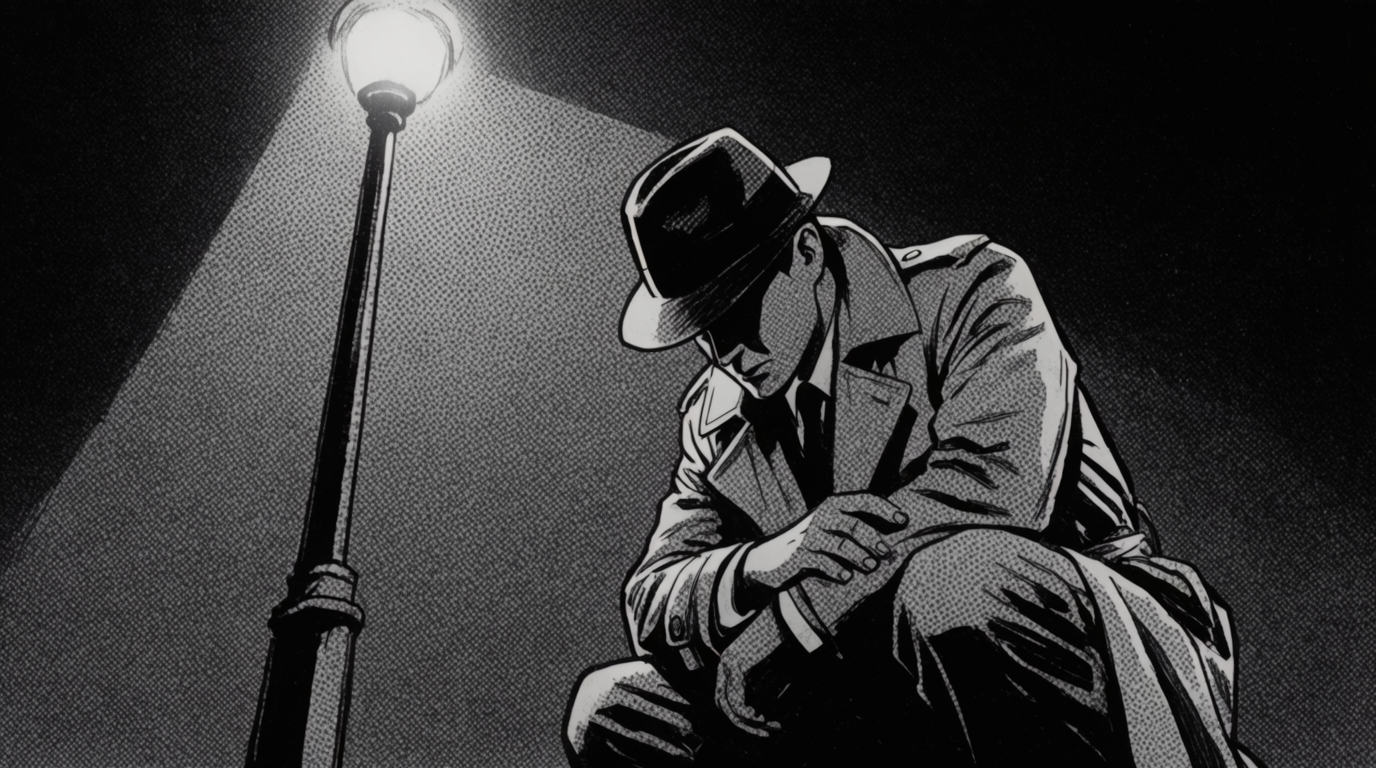
Black and yellow linocut of a cobbled street at night with lit windows and a cyclist under a streetlamp

A cobbled street at night

A second flat yellow layer for every light source makes the night scene glow while the black block carries the cobbles, tiles and sky.
Two-colour linocut of a narrow cobbled European street at night. Black ink for the buildings, the cobbles and a cyclist passing under a streetlamp, a second flat warm yellow layer for the lit windows, the lamp glow and its pool of light on the street. Cobblestones as carved arcs, roof tiles as stamped rows, the sky as dense horizontal gouge lines with stars left as nicks. Hand-printed on cream paper, slight misregistration. No gradients. No text, no signature, no logos.
Red and black linocut of a hare sitting upright among grasses, cow parsley and poppies before a pale moon

A hare in a wildflower meadow

A brick-red figure on a black ground, framed by a carved border, gives the folk-print look many linocut artists sell as cards and posters.
Red and black linocut of a hare sitting upright among wildflowers and tall grasses, ears raised. The hare in flat brick red with fur carved as short black flick marks, the grasses as tall tapering black blades, cow parsley as clusters of carved white dots, a large pale moon behind. Bold folk-print composition with a carved black border. Off-white handmade paper, ink slightly mottled from burnishing. No gradients. No text, no signature, no logos.

What makes a linocut prompt work?

Describe the print as a printmaker would: how many colours, which areas are carved away, which marks the gouge leaves and what the paper looks like.
  • Colours: say single-colour black linocut or three-colour reduction linocut and name each ink, since a real linocut has a few flat colours, never a gradient.
  • Carving: ask for V-gouge lines, parallel gouge marks in the sky or fur as short carved flicks, so texture comes from cuts rather than shading.
  • Printing: slightly out of register, ink mottled from hand burnishing and off-white cotton paper make it look pulled from a block.
  • Rule out what breaks the look: no gradients, no text, no signature, since soft shading and generated lettering read as digital.

What is the difference between linocut, woodcut and block print?

All three are relief prints carved by hand; a linocut is cut from soft linoleum, giving smooth curves and bold solid areas, while a woodcut is cut along the grain of a wooden plank, giving splintered edges and visible wood grain.
  • For a linocut, ask for clean rounded cuts, large solid blacks and flat colour layers.
  • For a woodcut, ask for wood grain texture in the inked areas and sharper, more angular cuts.
  • Block print is the umbrella word for both, and also for Japanese woodblock prints, which layer many soft colours from separate blocks.

AI linocut generator FAQs

How do I make linocut art with AI?

Describe the subject, the number of ink colours, the carved textures and the paper, such as a two-colour linocut of a fox in a snowy forest with gouge lines in the sky, then pick a linocut style and generate. In Flick you can then animate the print into a clip.

Can AI turn a photo into a linocut?

Yes. Add the photo as a reference image and ask for it redrawn as a linocut, naming the colours and the carving marks you want; keep the composition words, such as "keep the same pose and framing", so the print follows the photo.

Can I use an AI linocut as a design to carve?

Yes. Ask for a single-colour black linocut with no gradients, so every area is either ink or paper, then print it at the size of your block and transfer it; the generated cut marks show where to carve.

Can I make a linocut style video?

Yes. Generate the print first, then use it as the start frame of an image to video model in Flick and describe a small motion, such as the fox walking or snow falling, while asking to keep the carved texture and flat colours.

Is the linocut generator free?

Yes, it is free to start: the free plan gives 100 credits every week with no credit card, and GPT Image 2.6 runs on it. Video models such as Seedance 2.5 need the Standard plan ($20 a month).

More linocut styles in Flick

Try the linocut style in Flick

Try for free, no credit card required.

Ask AI about this page:ChatGPTPerplexityClaude