FLUX 3 Video Generator
POR QUE GERAR COM O FLICK?
FLUX 3 does not need a start frame: type the scene and it comes back as a clip of up to 20 seconds with the sound generated alongside the picture, sitting beside your Kling and Seedance shots on the Flick canvas.

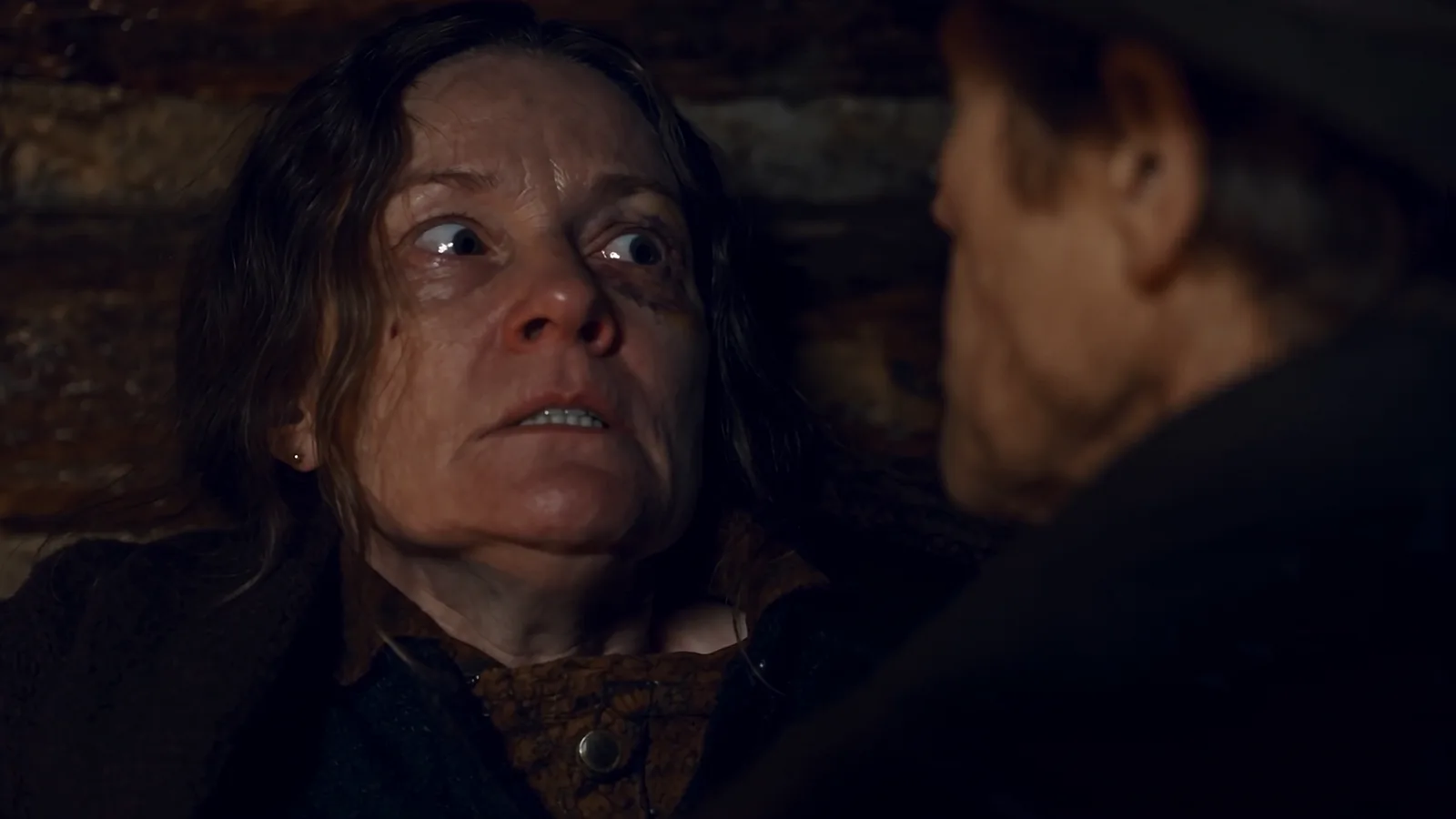
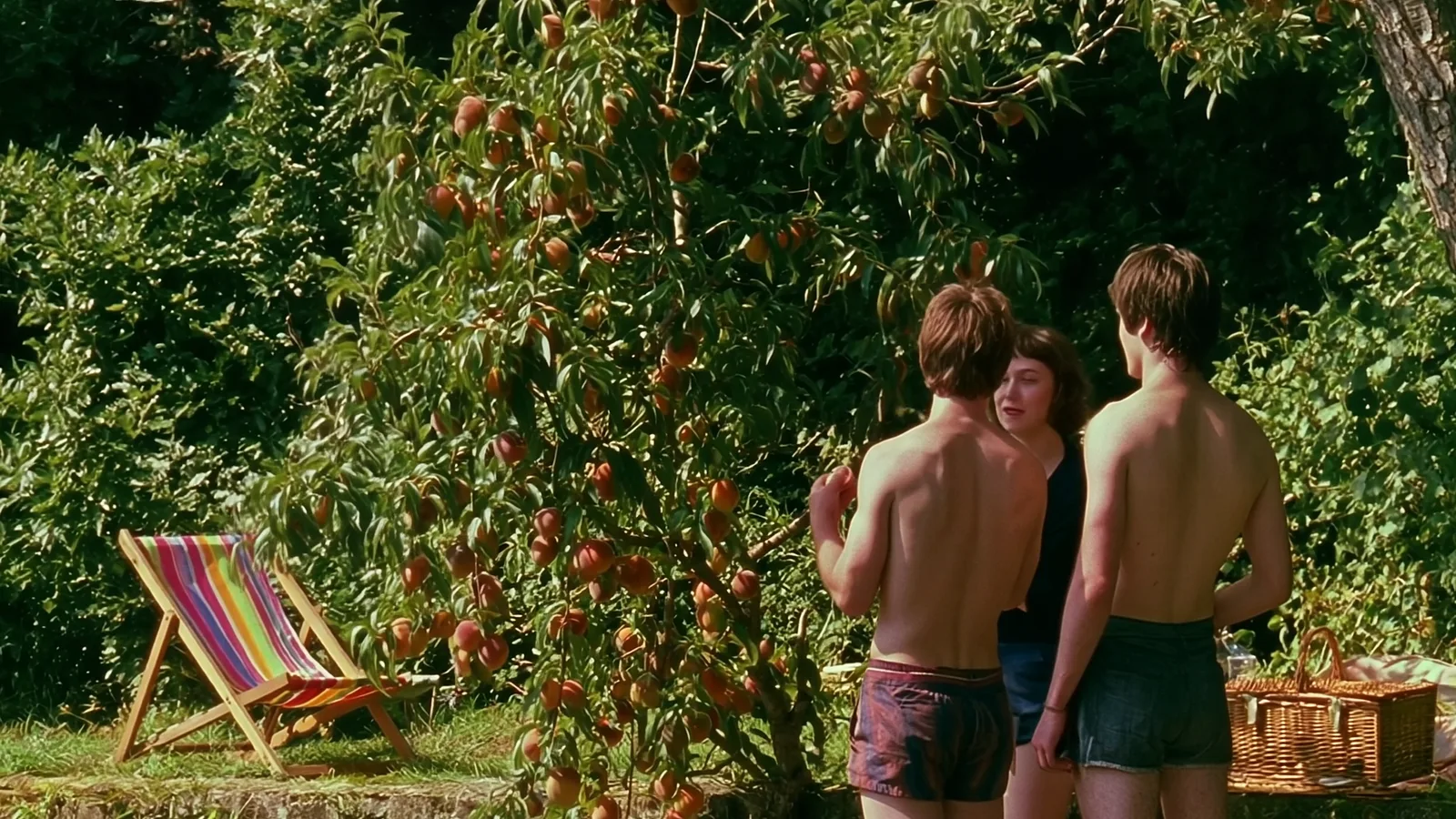
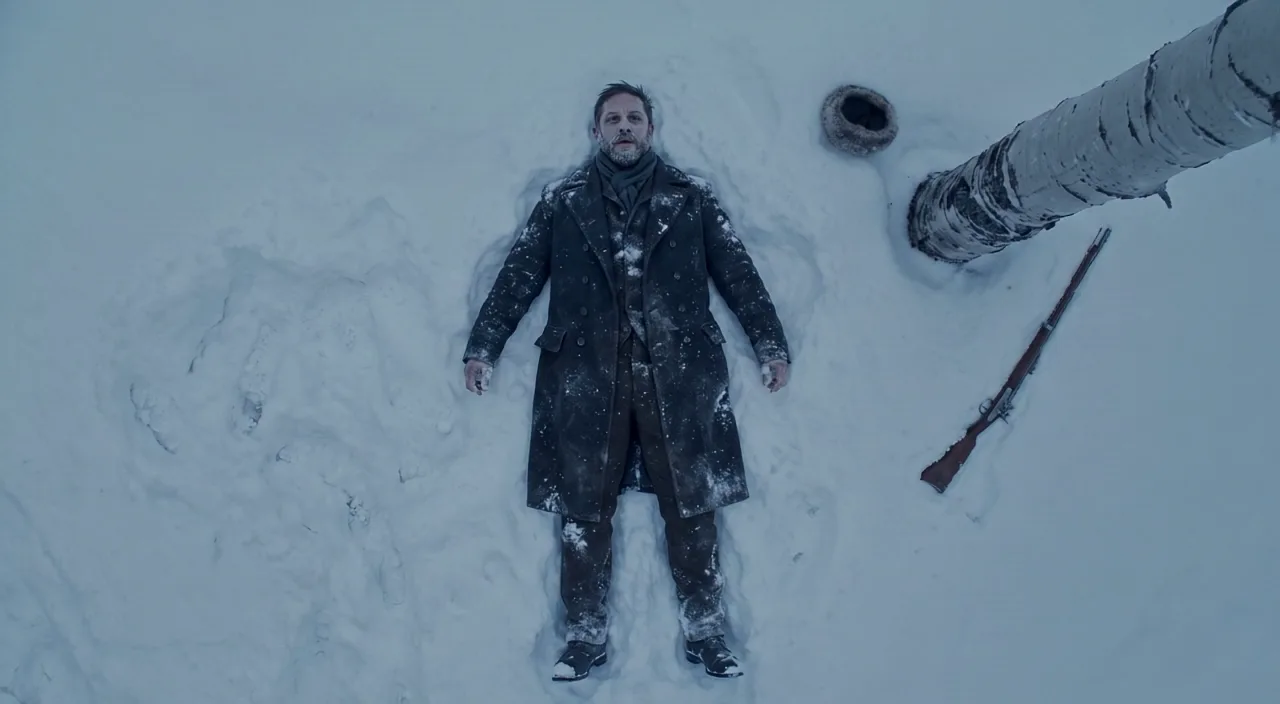
COMO FUNCIONA
ETAPA 1
TYPE THE SCENE, SKIP THE STILL
FLUX 3 runs as text to video, so an empty node and a prompt are enough. Give it the place, the action, the camera and the sound you expect to hear. Add a start frame, or a first and last frame, when the shot has to begin or end on a specific image.
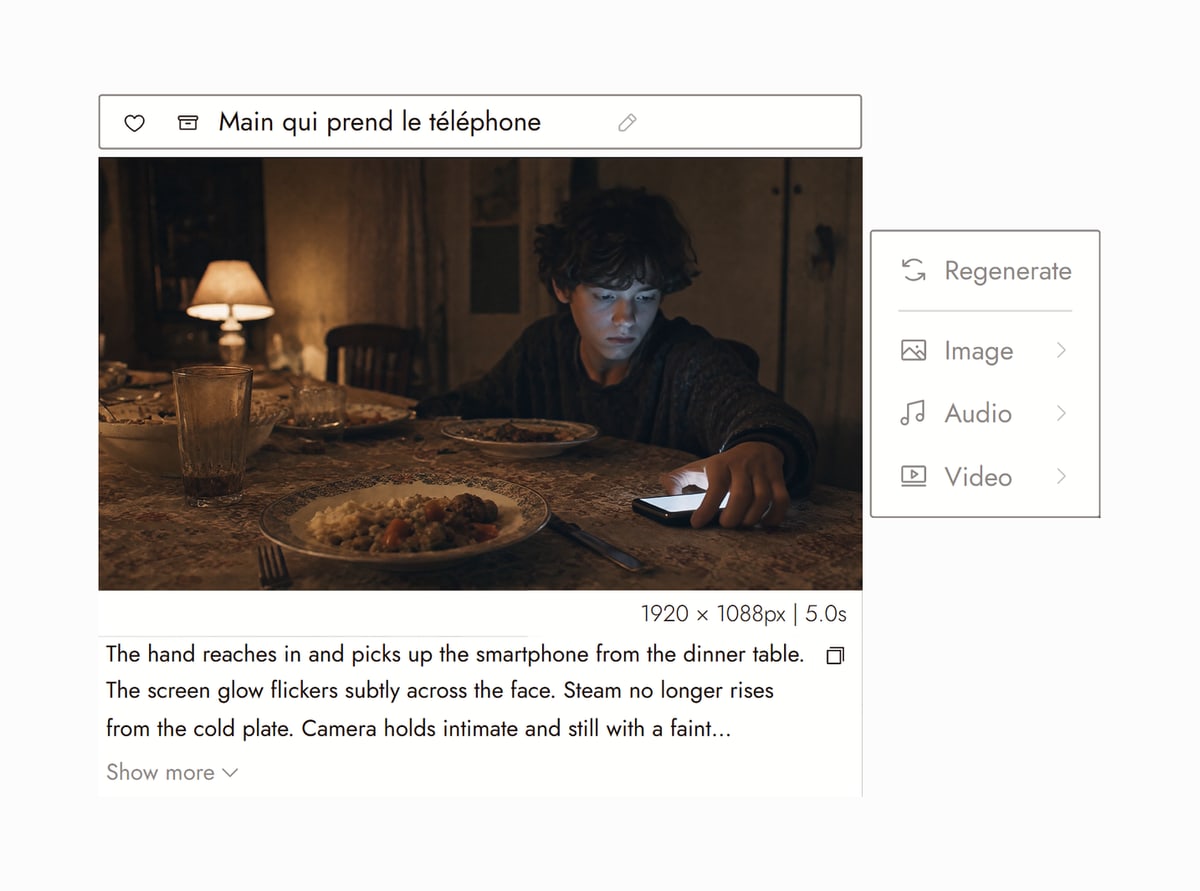
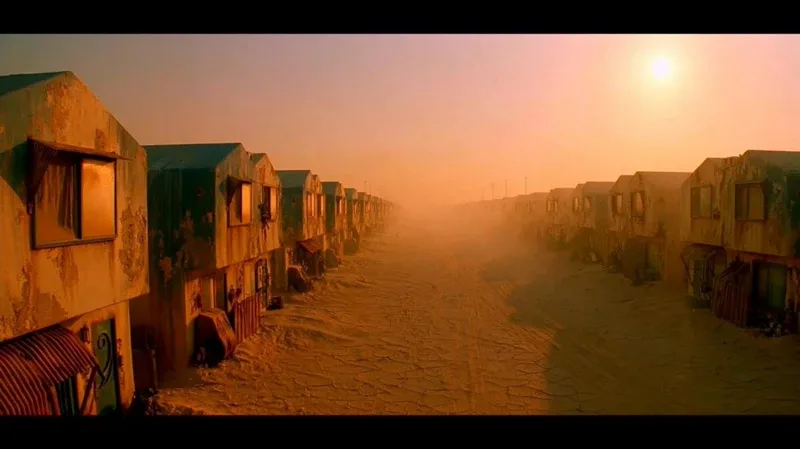
Canvas from The future worth living in. on Flick TV ETAPA 2
SET LENGTH AND FORMAT
5 to 20 seconds at 720p or 1080p, in 16:9, 9:16, 1:1, 21:9, 4:3 or 3:4. The audio is generated in the same pass, not added afterwards. At 720p, 170 credits for 5 seconds, 340 for 10 and 510 for 15; 1080p is 290 per 5 seconds.
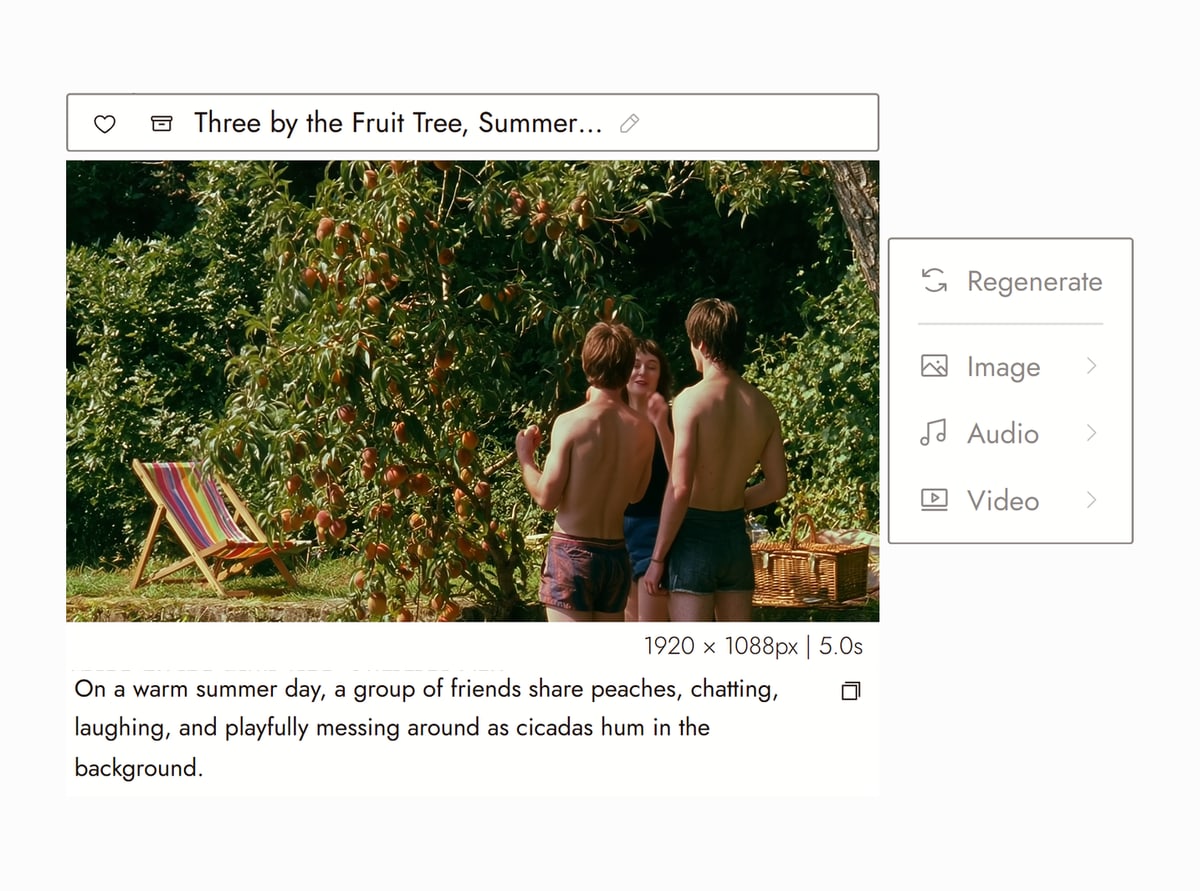
Canvas from Summer time on Flick TV ETAPA 3
BUILD ON IT
The clip is a node on the canvas. Feed its last frame into Kling or Seedance for the next shot, run Character Reference so the same actor carries across models, and arrange the sequence in order. Prompt patterns that work are in the FLUX 3 guide linked below.
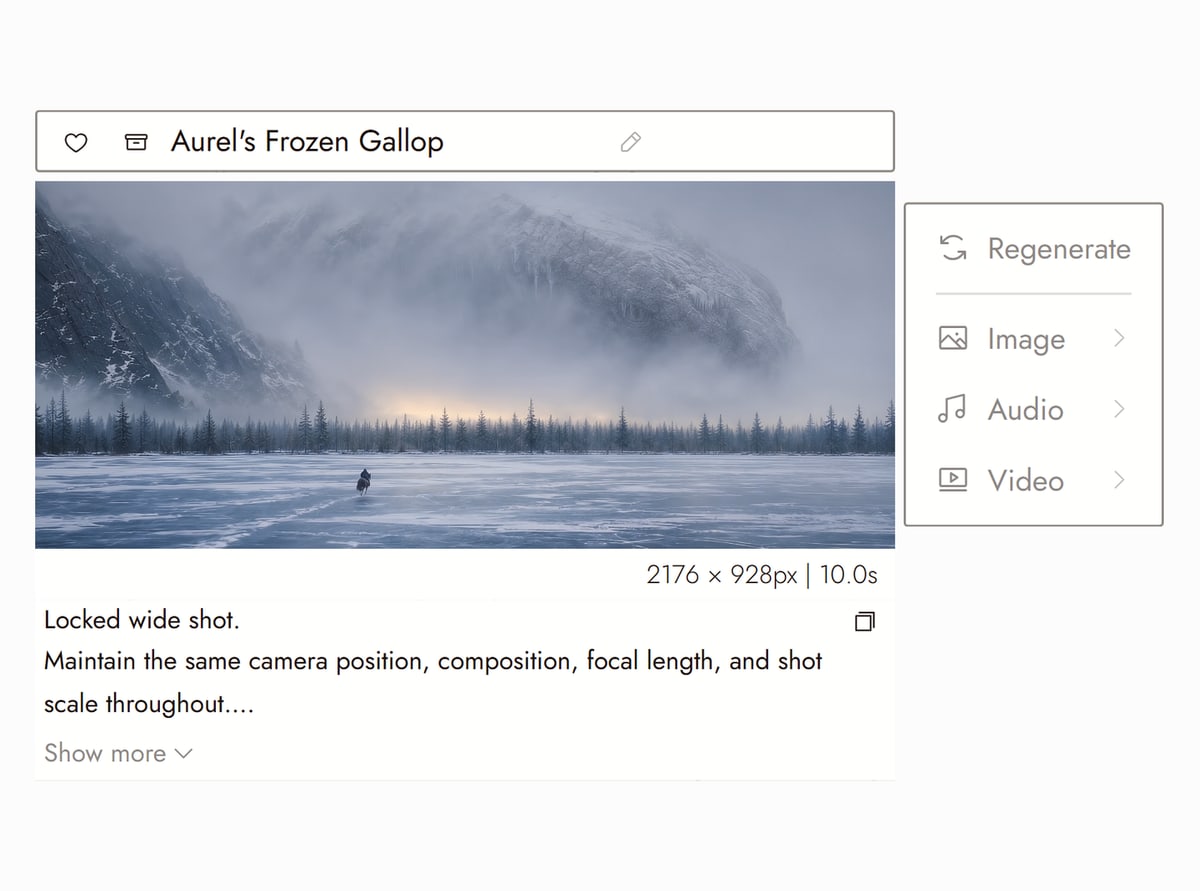
Canvas from In ’twixt Vows (Flick Residency)


FLUX 3 VIDEO GENERATOR FAQS
WHERE CAN I USE FLUX 3?
On Flick, in the browser, as a video model on the canvas: pick FLUX 3 in any Image to Video node, with or without a start frame. No Black Forest Labs account, API key or GPU. The FLUX 3 guide walks through the settings and prompt structure.
HOW MUCH DOES FLUX 3 COST ON FLICK?
At 720p, 170 credits for a 5 second clip, 340 for 10 seconds, 510 for 15 and 680 for the 20 second maximum, about 34 credits a second. 1080p is 290 per 5 seconds. The audio is included in that price.
IS FLUX 3 FREE?
Flick has a free tier: up to 300 free credits (100 at signup plus 200 for joining our Discord) plus 100 weekly credits, no credit card required. The free plan includes MiniMax H3 Fast, MiniMax H3 Max and Pruna Draft video and every image model. FLUX 3 comes with the Standard plan, $20/month or $16/month billed yearly, with 2,500 credits a month. Paid plans start at $5/month, or $4/month billed yearly.
DOES FLUX 3 DO TEXT TO VIDEO OR IMAGE TO VIDEO?
Both, and first-and-last-frame. Leave the start frame empty and FLUX 3 generates from the prompt alone; add a start frame and it follows the image; add an end frame and it bridges the two. Most video models on Flick need a still to begin; FLUX 3 does not.
DOES FLUX 3 GENERATE SOUND?
Yes. FLUX 3 writes the audio with the video in one pass: ambience, effects and voices described in the prompt. Describe the sound the way you describe the picture ("rain on a tin roof, distant thunder") and it lands in the clip. For a specific spoken line, keep it short and put it in quotes.
WHICH FILMS ON FLICK TV USED FLUX 3?
Summer time and Sonny's worth by Zoey Z., and A very unusual story by gcwalther, run FLUX 3 shots; their public canvases on Flick TV show the prompts. FLUX 3 is used far less than Kling and Seedance on Flick so far, so the list is short.


RELATED
RUN FLUX 3 ON FLICK