Grok Imagine 1.5 Video Generator
WARUM MIT FLICK GENERIEREN?
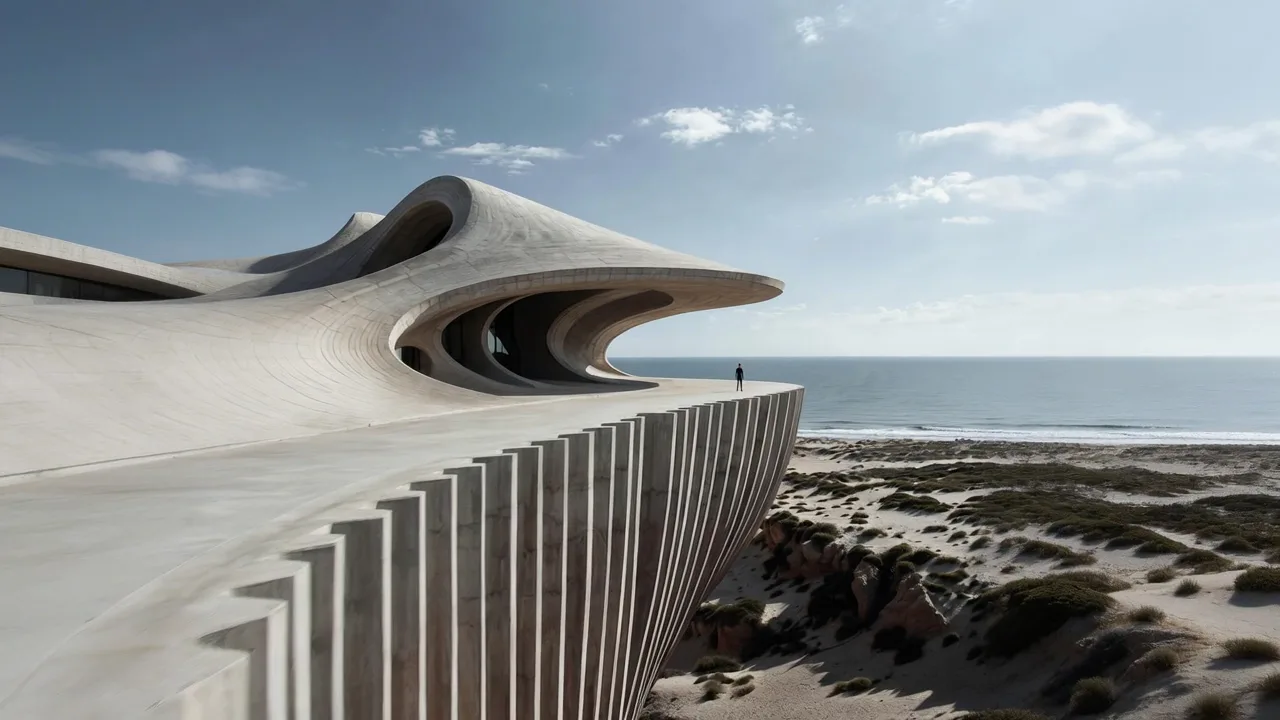
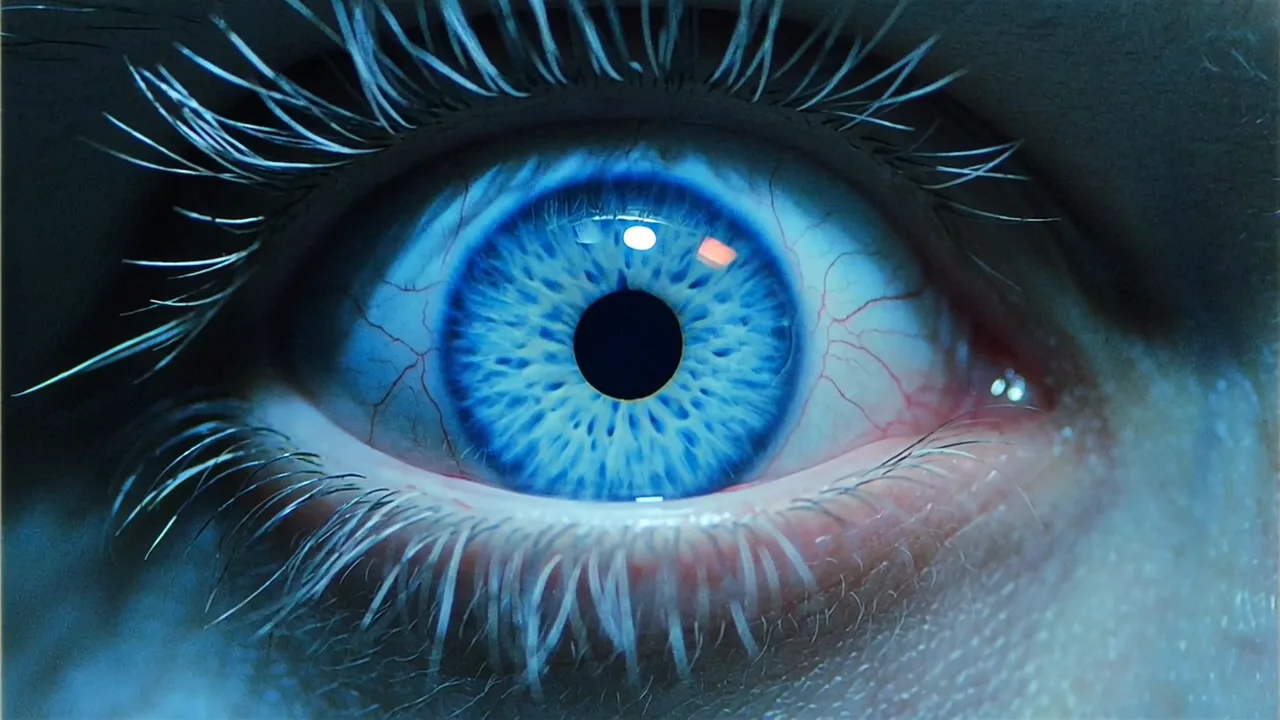
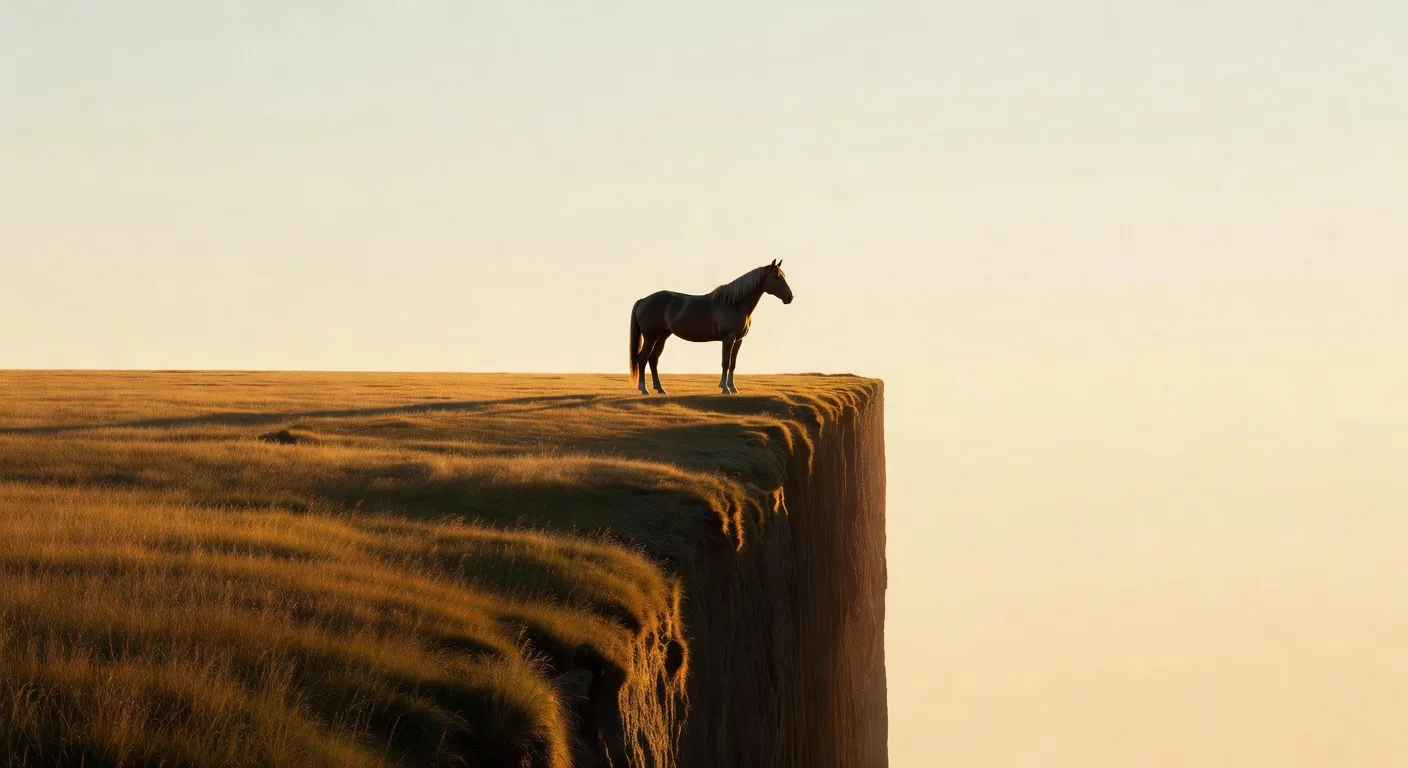
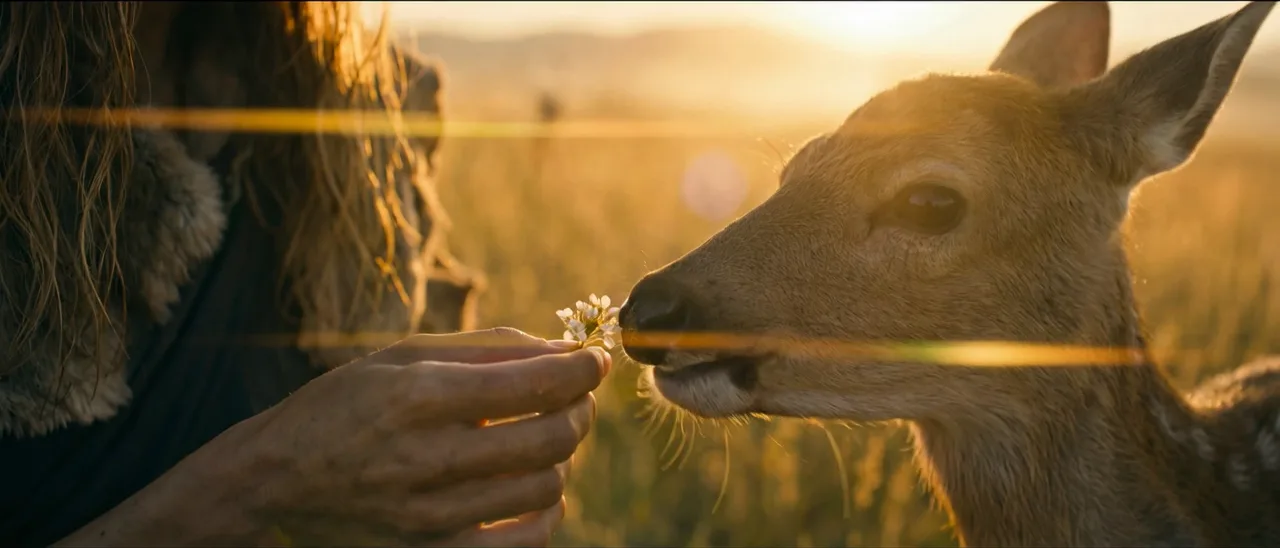
Grok Imagine 1.5 animates any still on your Flick canvas with synchronized sound in under a minute, and Grok Imagine stills are on the free plan, so the whole shot, image and motion, can start and end on the same canvas as your Kling and Seedance work.
SO FUNKTIONIERT ES
SCHRITT 1
MAKE THE STILL, FREE
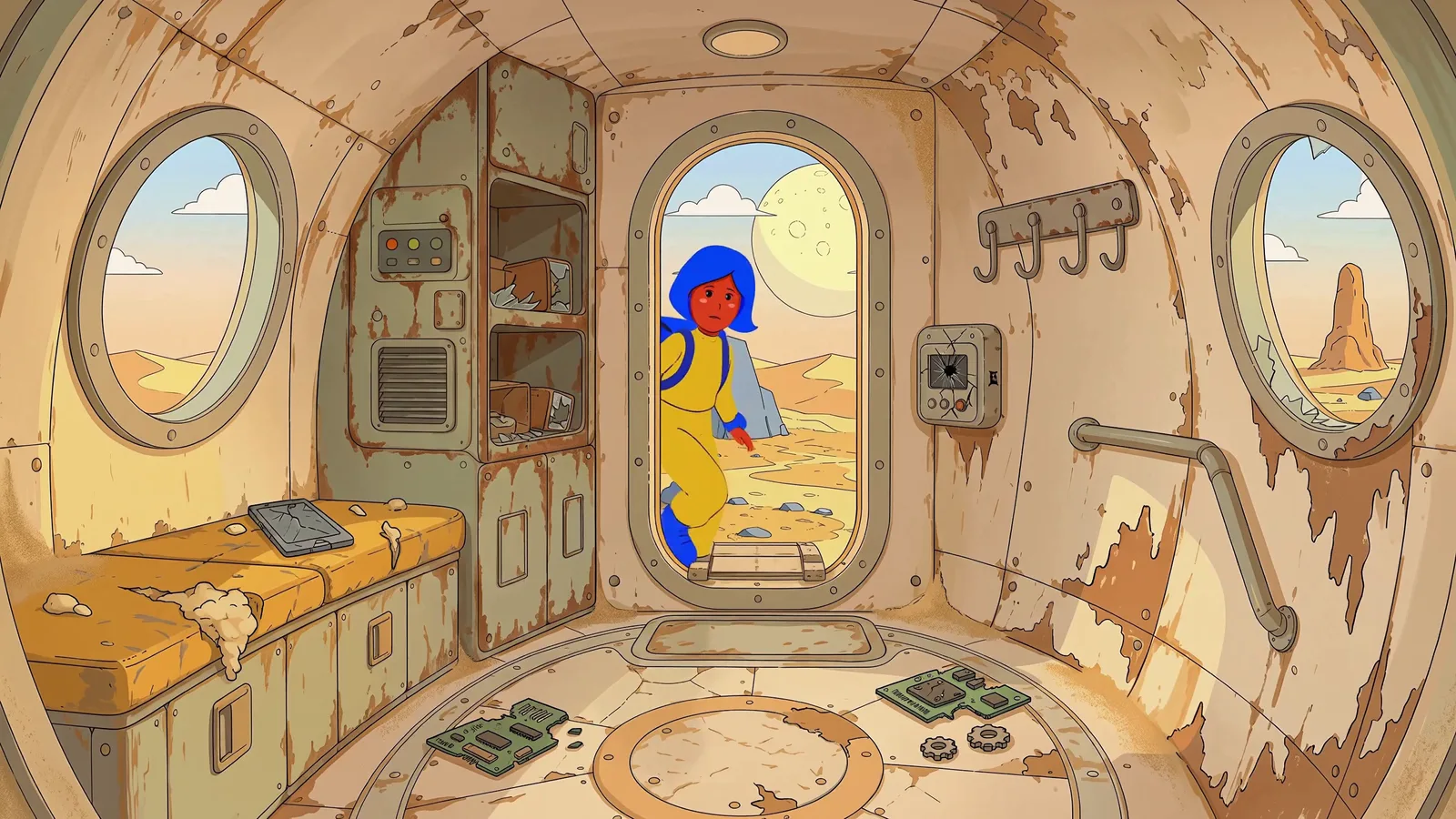
Type the image prompt and pick Grok Imagine in any image node: 4 credits, about seven seconds, 13 aspect ratios, strong at cinematic, anime and photoreal looks. Or start from an image you already have on the canvas, from GPT Image 2.5 or Nano Banana 2.
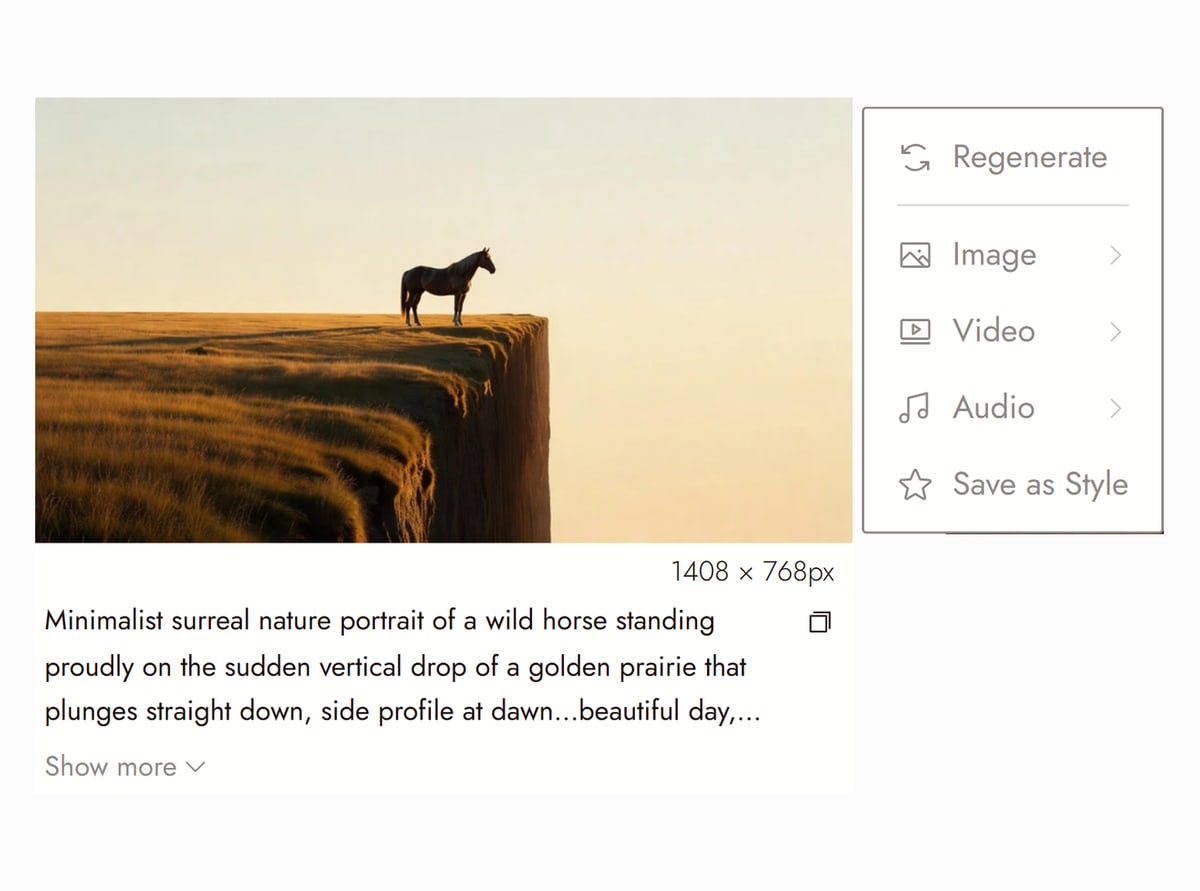
Canvas from Dreamland on Flick TV SCHRITT 2
ANIMATE IT WITH SOUND
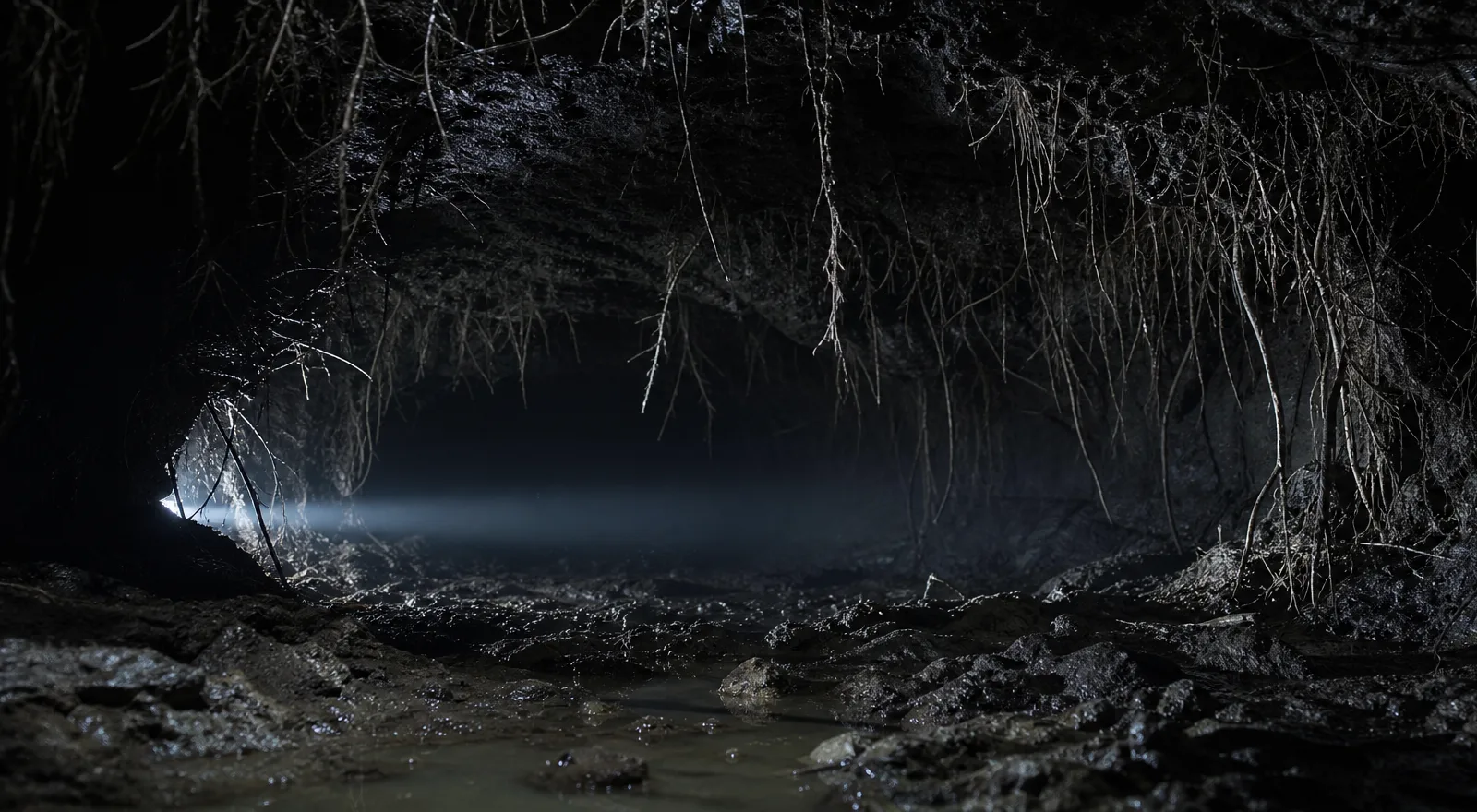
Send the still into an Image to Video node and pick Grok Imagine 1.5: 96 credits for 6 seconds at 720p, 64 for 4 seconds, 128 for 8, up to 15 seconds at 240. 1080p is double. The audio is generated with the picture, in about 55 seconds.
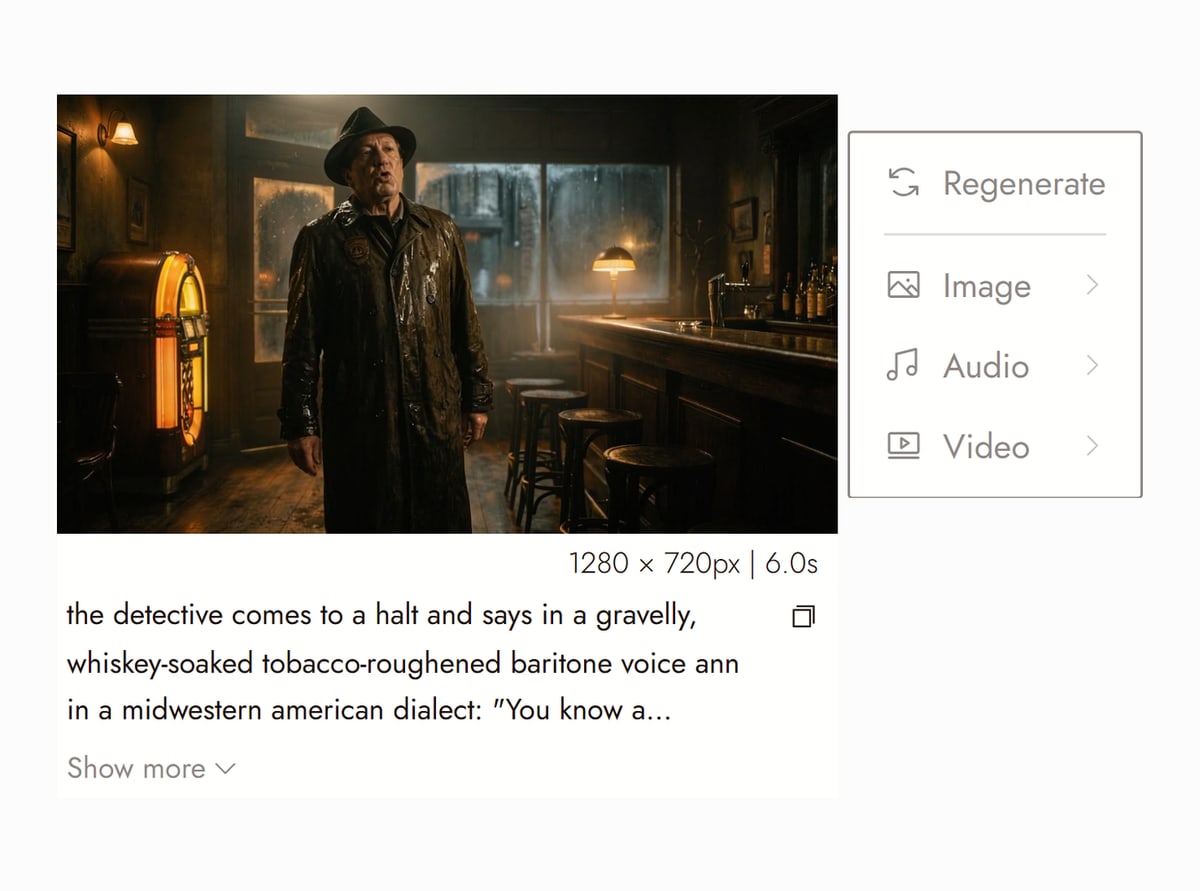
Canvas from The Last Stop on Flick TV SCHRITT 3
MERGE REFERENCES, THEN CUT
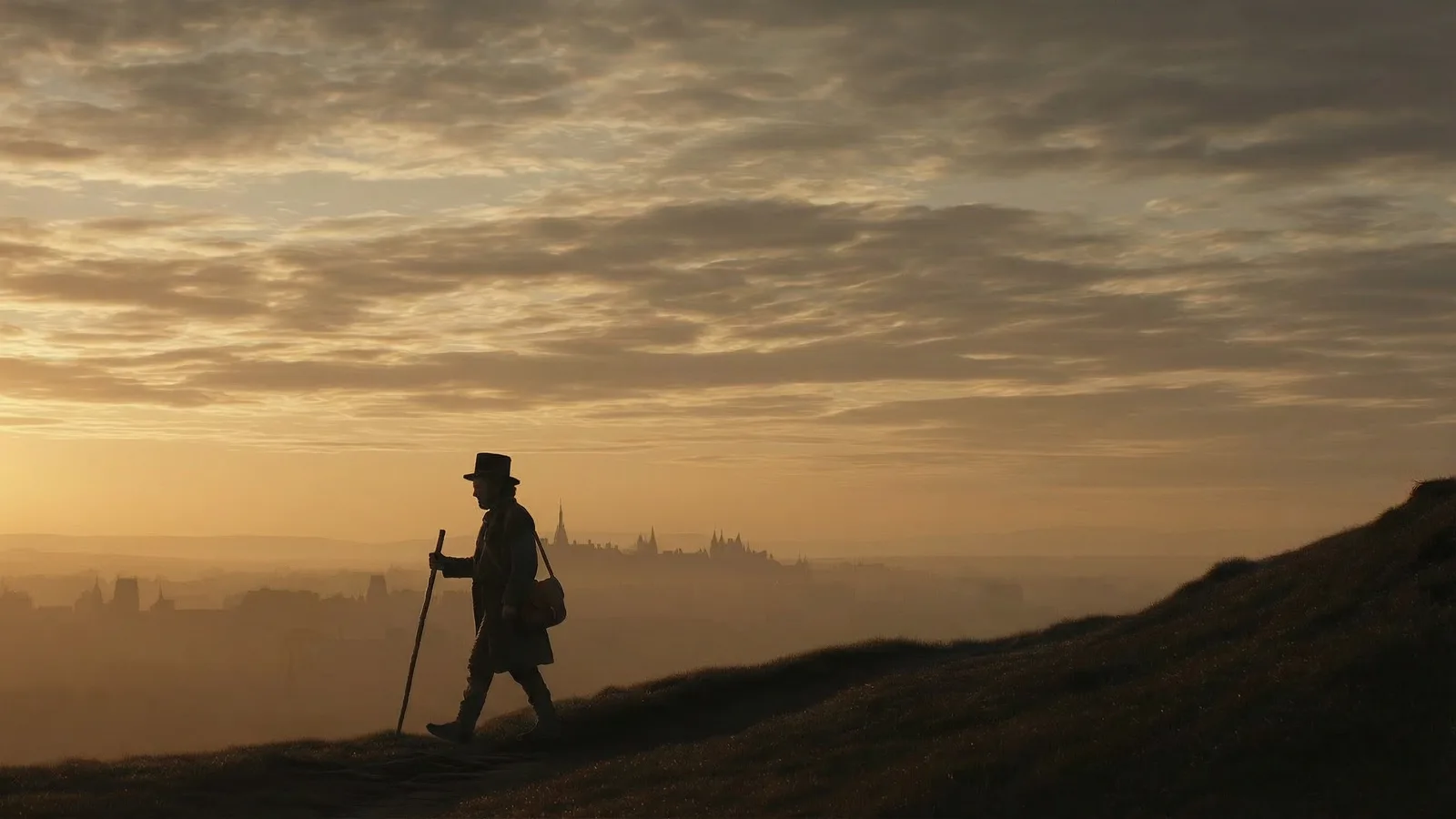
Grok Imagine 1.5 Multi takes up to 7 reference images, cited in the prompt as @Image1, @Image2 and so on, so a character and a location from different stills meet in one clip: 224 credits for 8 seconds at 720p. The clip is a node on the canvas, ready to extend, upscale or chain into the next shot.
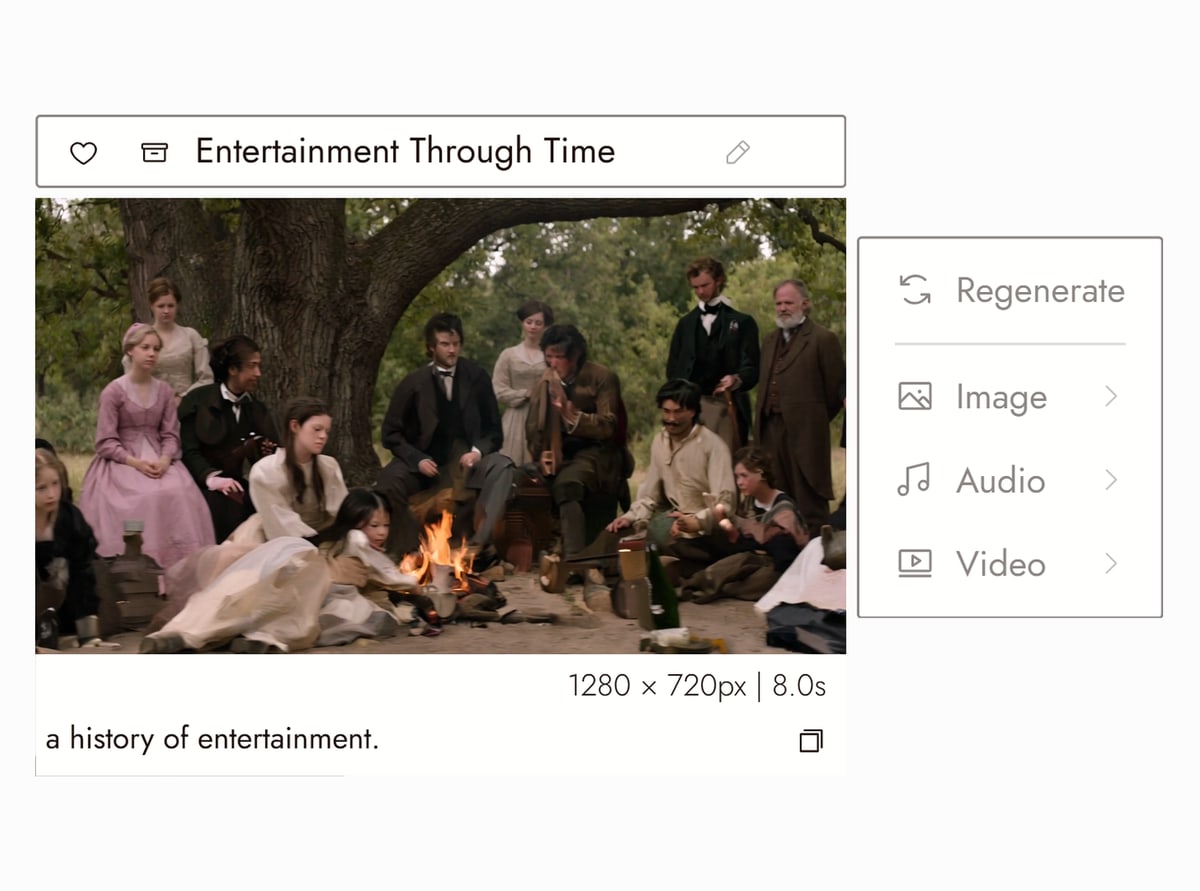
Canvas from Summer time on Flick TV


SIEH, WAS CREATORS ERSTELLT HABEN
GROK IMAGINE 1.5 VIDEO GENERATOR FAQS
WHERE CAN I USE GROK IMAGINE?
On Flick, in the browser: Grok Imagine for stills and edits in any image node, Grok Imagine 1.5 and Grok Imagine 1.5 Multi in any Image to Video node. No X Premium subscription and no xAI API key. Our post on whether Grok generates video explains how the xAI models relate to each other.
HOW MUCH DOES GROK IMAGINE COST ON FLICK?
Grok Imagine stills: 4 credits each. Grok Imagine 1.5 video: 96 credits for 6 seconds at 480p or 720p, 64 for 4 seconds, 128 for 8, 160 for 10, 192 for 12 and 240 for 15; 1080p doubles the price. Grok Imagine 1.5 Multi: 224 credits for 8 seconds at 720p, 112 for 4 seconds, 420 for 15; 480p is about half.
IS GROK IMAGINE FREE?
Flick has a free tier: up to 300 free credits (100 at signup plus 200 for joining our Discord) plus 100 weekly credits, no credit card required. The free plan includes MiniMax H3 Fast, MiniMax H3 Max and Pruna Draft video and every image model, so Grok Imagine stills and edits are free to run. Grok Imagine 1.5 video comes with the Standard plan, $20/month or $16/month billed yearly. Paid plans start at $5/month, or $4/month billed yearly.
DOES GROK IMAGINE 1.5 GENERATE SOUND?
Yes. The audio is generated with the video in one pass: ambience, effects and voices described in the prompt. Name the sounds the way you name the shot ("rain hissing on neon, a bus passing") and they land in the clip.
GROK IMAGINE 1.5 OR KLING 3.0?
Grok Imagine 1.5 for speed and price: 96 credits for 6 seconds, back in under a minute, with sound. Kling 3.0 when the shot depends on complex physical motion: fights, vehicles, crowds. On Flick both start from the same still, so the usual answer is to draft on Grok and rerun the keepers on Kling.
WHICH FILMS ON FLICK TV USED GROK IMAGINE?
Dreamland by Zoey Z. is built almost entirely on Grok Imagine 1.5 (89 clips). TOMORROW ME by Zach Lambert, SUBmission by Oona Ode, The Last Stop by Blumquist and Tired Eyes by Alejandro Alarcón mix Grok Imagine 1.5 shots with Kling, Veo and Pruna. Each film page on Flick TV links to its public canvas, with the Grok Imagine prompt and settings next to every clip.
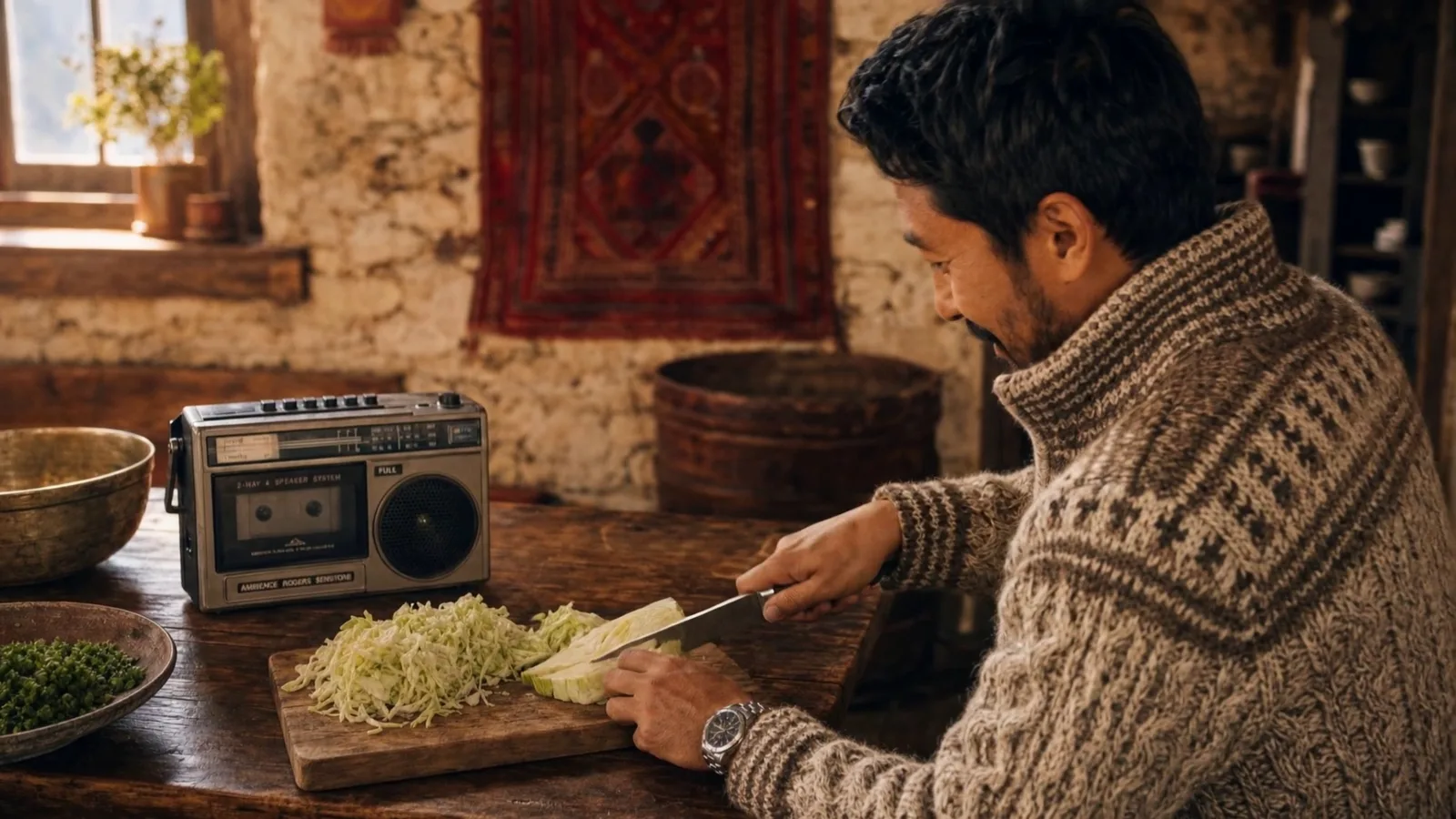

RUN GROK IMAGINE 1.5 ON FLICK